
whatsapp_field 1.0.9  whatsapp_field: ^1.0.9 copied to clipboard
A customizable WhatsApp-style text form field for Flutter.
🟢 WhatsAppTextField #
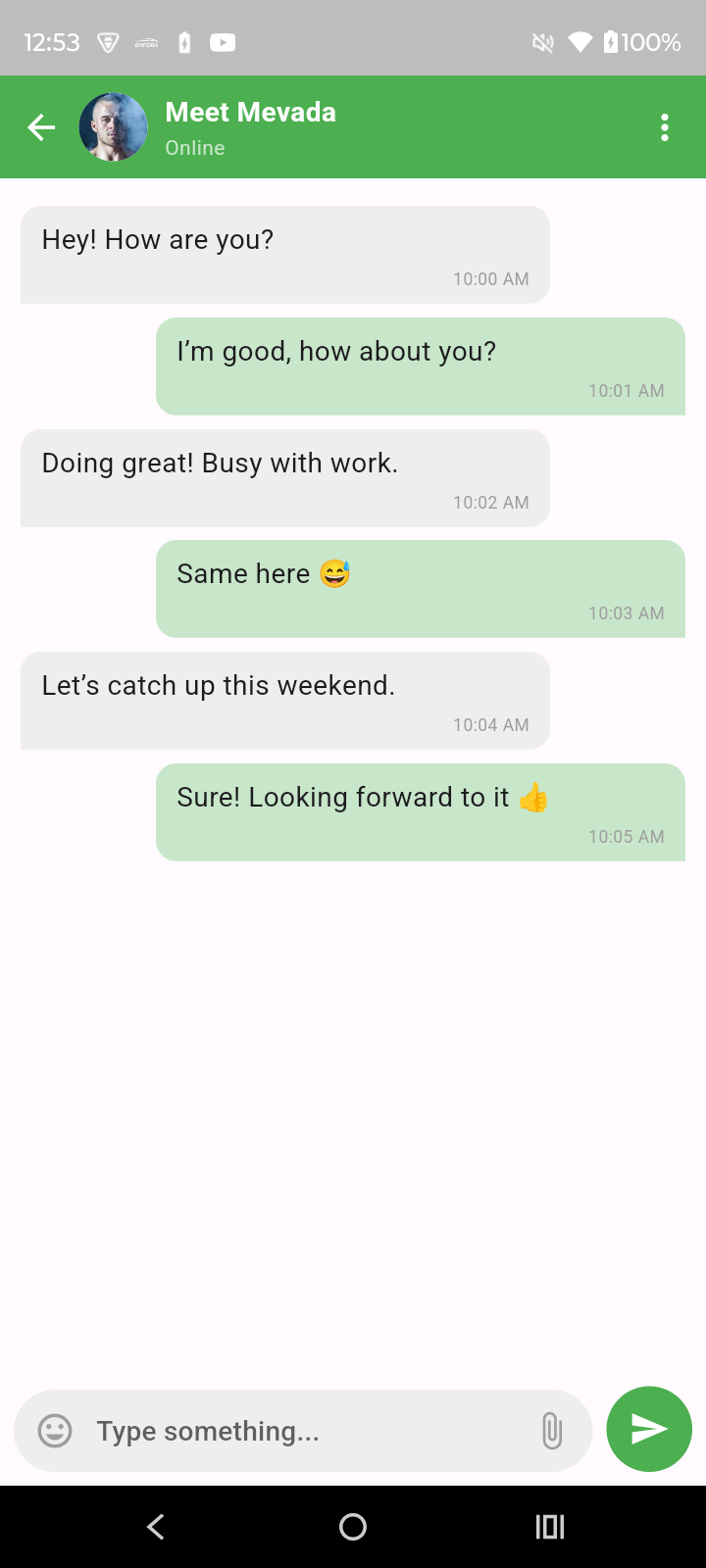
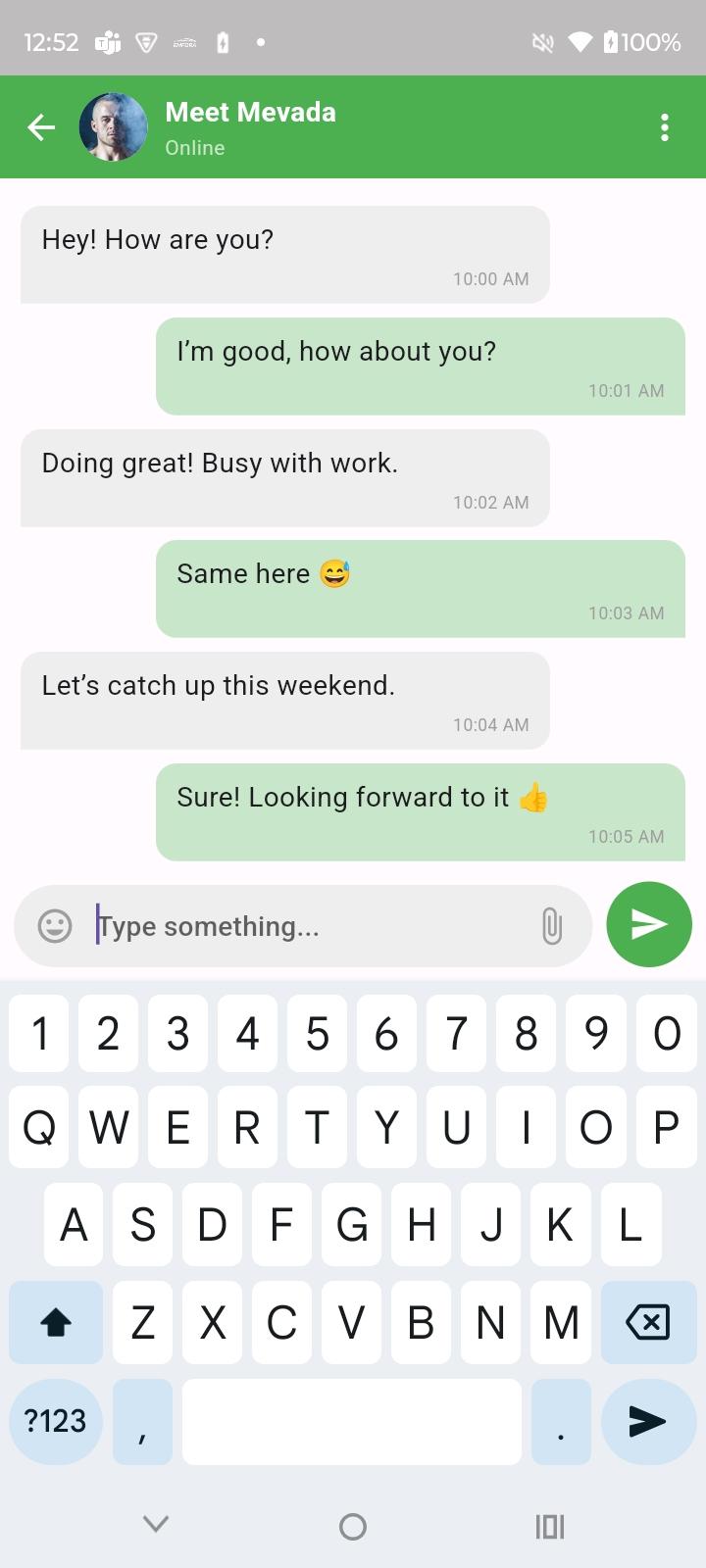
A fully customizable WhatsApp-style chat input field for Flutter with emoji picker, dynamic resizing, attachment options, and sleek modern UX.


🚀 Features #
| 🌟 Feature | 💬 Description |
|---|---|
| 💬 WhatsApp-style UI | A clean, responsive, chat input field inspired by WhatsApp |
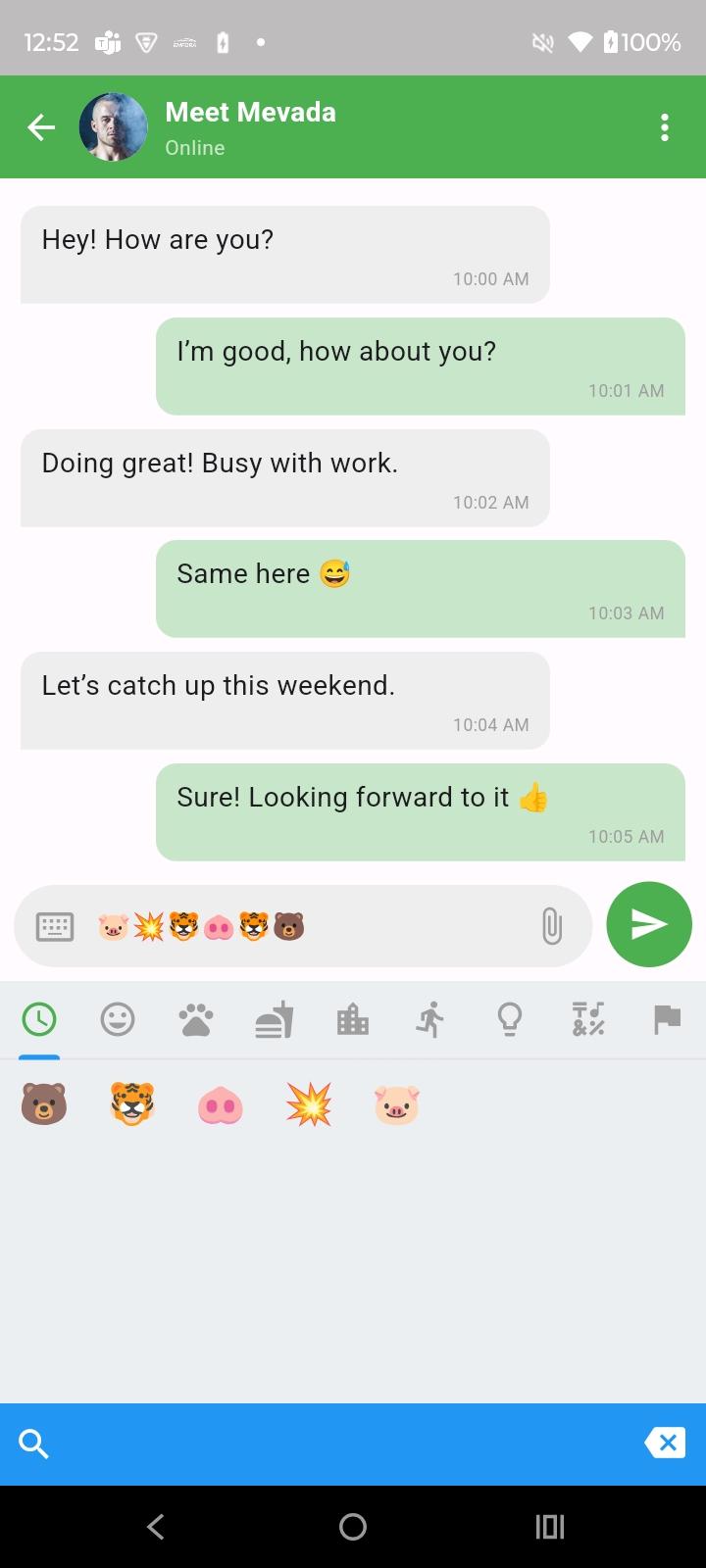
| 😀 Emoji Picker | Built-in emoji picker toggle or plug in your own |
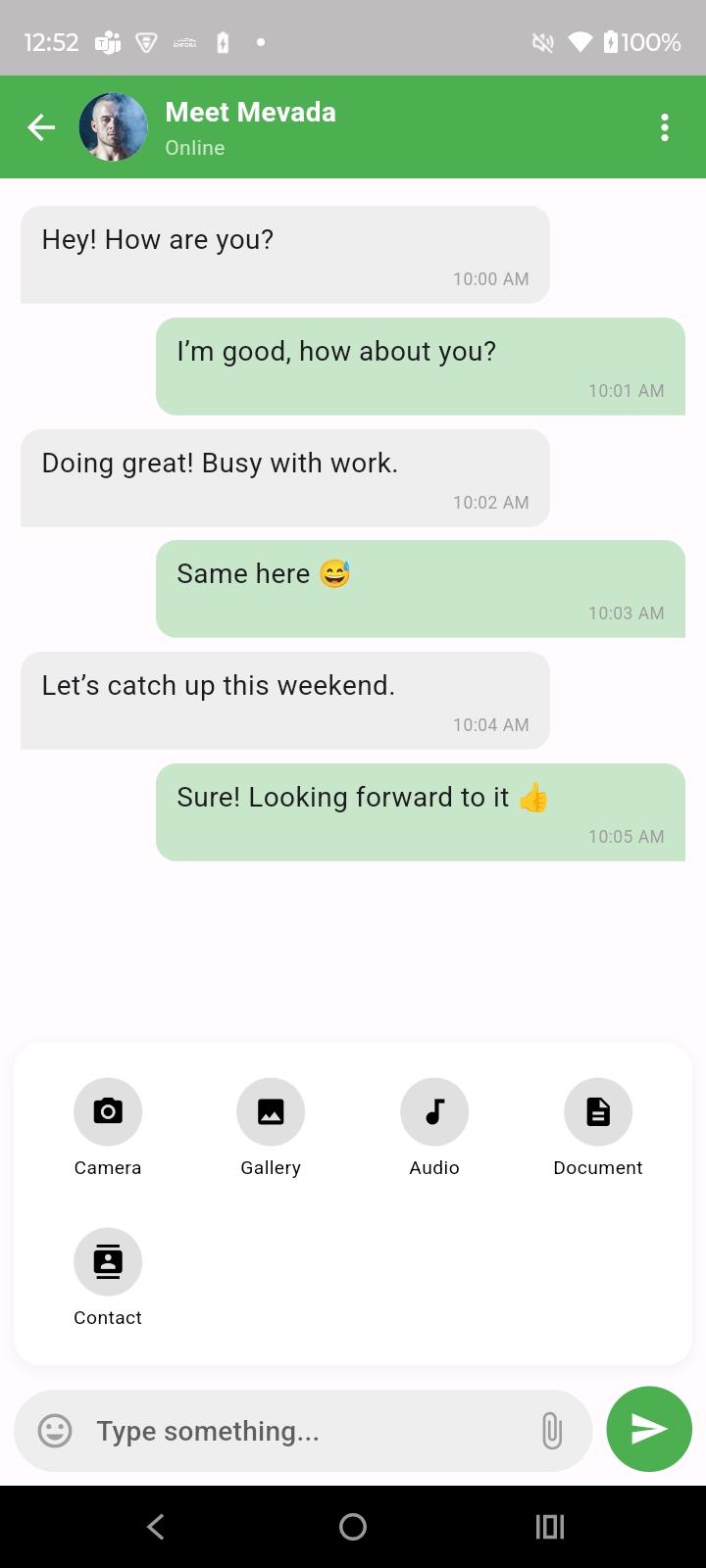
| 📎 Attachment Sheet | Camera, gallery, audio, documents, contacts — fully customizable |
| 🎯 Custom Send Button | Icon, radius, and color can be tailored to your app's branding |
| ⚙️ Configurable Input | Autofocus, keyboard type, max lines, suggestions, capitalization, etc. |
| 📱 Responsive Layout | Adapts seamlessly with keyboard and overlays |
| 🔌 Callback Support | onSendTap, onChanged, emoji tap, and attachment hooks |
📦 Installation #
Add the package to your pubspec.yaml:
dependencies:
  whatsapp_field: ^1.0.9
Then run:
flutter pub get
🔧 Parameters #
| Parameter | Type | Default | Description |
|---|---|---|---|
hintText |
String |
"Type a message" |
Placeholder text |
onSendTap |
Function(String) |
required |
Callback when the send button is tapped |
showEmojiPicker |
bool |
true |
Toggle to display emoji picker |
backgroundColor |
Color |
Colors.white |
Background color of the input field |
sendButtonColor |
Color |
Colors.green |
Color of the send button |
sendButtonIcon |
IconData |
Icons.send |
Icon used for the send button |
maxLines |
int |
5 |
Maximum number of lines allowed |
attachmentIcons |
List<Widget> |
[] |
Custom attachment icons to show in sheet |
onAttachmentTap |
Function(List<File>)? |
null |
Callback for selected attachments |
controller |
TextEditingController? |
null |
Optional controller for the field |
focusNode |
FocusNode? |
null |
Custom focus node for managing focus |
🧪 Example #
WhatsAppTextField(
  hintText: "Send a message...",
  onSendTap: (text) {
    print("Message sent: $text");
  },
  onAttachmentTap: (files) {
    print("Files selected: $files");
  },
)

WhatsAppTextField(
  controller: _controller,
  hintText: "Type something...",
  sendIcon: Icons.send,
  sendButtonColor: Colors.green,
  emojiIcon: Icons.insert_emoticon,
  attachmentIcon: Icons.attach_file,
  showEmogyIcon: true,
  showAttachmentIcon: true,
  maxLines: 1,
  autoFocus: false,
  readOnly: false,
  enabled: true,
  onSendTap: () => _sendMessage(_controller.text),
  onChanged: (value) {
    print("Input changed: $value");
  },
  attachmentConfig: AttachmentConfig(
    showCamera: true,
    showGallery: true,
    showAudio: true,
    showDoc: true,
    showContact: true,
    onCameraFilesPicked: (files) {
      print("Camera files picked: $files");
    },
    onGalleryFilesPicked: (files) {
      print("Gallery files picked: $files");
    },
    onAudioFilesPicked: (files) {
      print("Audio files picked: $files");
    },
    onDocFilerPicked: (files) {
      print("Documents picked: $files");
    },
    onContactPicked: (contacts) {
      print("Contacts picked: $contacts");
    },
  ),
)
📸 Screenshots #
Already provided above for visual preview.
👨💻 Contributing #
Feel free to fork the repo and submit PRs! For major changes, please open an issue first.
📄 License #
Metadata
0
likes
130
points
21
downloads
Documentation
Publisher
unverified uploader
Weekly Downloads
Metadata
A customizable WhatsApp-style text form field for Flutter.
Repository (GitHub)
View/report issues
License
 MIT (license)
Dependencies
collection, contacts_service, cupertino_icons, emoji_picker_flutter, file_picker, flutter, permission_handler, whatsapp_camera

