
editor_ant 0.3.0  editor_ant: ^0.3.0 copied to clipboard
Simple rich text editor with easy to use API.
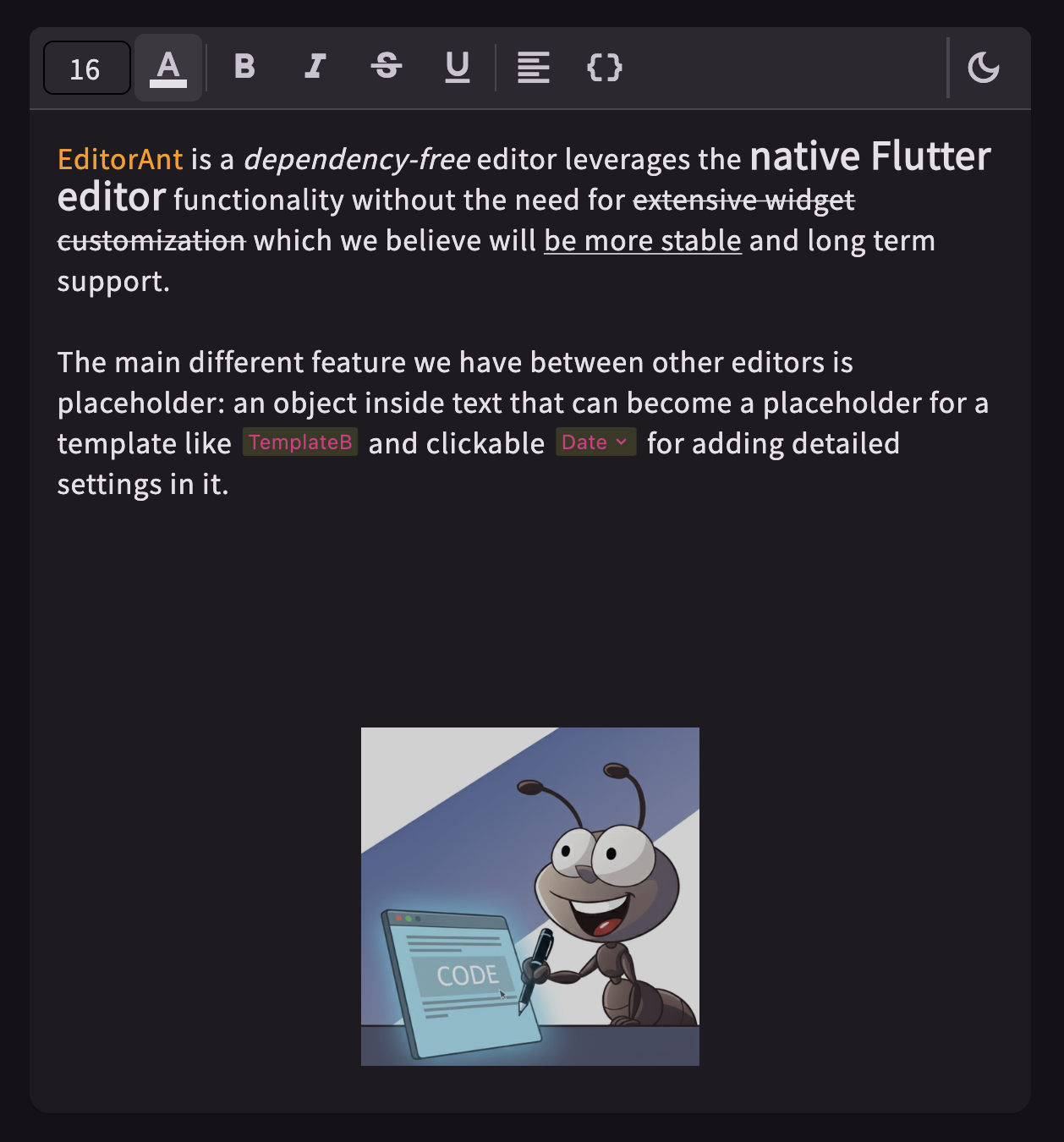


EditorAnt simplifies rich text editing by providing a clean interface and essential pre-built widgets.
This package is separated from my project POS-System.
Play it yourself by visiting the online demo page!
See more details in example.
Why Another Rich Text Editor #
Known Packages
Only for rich text, not coding or markdown:
This dependency-free editor leverages the native Flutter editor functionality without the need for extensive widget customization. Our goal is to keep it lightweight and developer-friendly.
The core components include:
- Controller: An extension of
TextEditingControllerthat can be passed directly to aTextField. - Wrapper: Facilitates button styling (e.g., bold, italic) and shortcut support with minimal code.
- Abstract Classes: Provides styling interfaces such as
StyledRange. - Demo Implementation: Includes pre-built support for
StyledTextfeatures like bold, italic, underline, font size, and colors.
Installation #
flutter pub add editor_ant
Usage #
The main widget StyledEditingController that can be pass directly to a TextField.
_controller = StyledEditingController<StyledText>();
TextField(
  controller: _controller,
  decoration: const InputDecoration.collapsed(hintText: 'Start typing...'),
);
Above StyledText is a built-in styling instructor,
below simplified its implementation:
class StyledText extends StyledRange<StyledText> {
  final bool isBold;

  StyledText({
    required super.range,
    this.isBold = false,
  });

  @override
  StyledText copyWith({int? start, int? end, bool isBold = false}) => StyledText(
      range: TextRange(start: start ?? range.start, end: end ?? range.end),
      isBold: isBold ? true : this.isBold,
    );

  @override
  StyledText toggleWith(StyledText other, {int? start, int? end, bool toggle = true}) => StyledText(
      range: TextRange(start: start ?? range.start, end: end ?? range.end),
      isBold: other.isBold ? !isBold || !toggle : isBold,
    );

  @override
  StyledText combine(StyledText other) => StyledText(
      range: TextRange(start: range.start, end: other.range.end),
      isBold: isBold && other.isBold,
    );

  @override
  bool hasSameToggleState(StyledText other) {
    if (other.isBold) {
      return isBold;
    }
    return false;
  }

  @override
  // use for change notifier
  bool operator ==(Object other) => other is StyledText &&
        isBold == other.isBold;

  @override
  TextStyle toTextStyle() => TextStyle(
      fontWeight: isBold ? FontWeight.bold : null,
    );

  @override
  int get hashCode => Object.hash(range, isBold);
}
And now you can use the method addStyle to toggled bold style in the menu bar.
IconButton(
  icon: const Icon(Icons.format_bold),
  onPressed: () {
    _controller.addStyle(StyledText(range: _controller.selection, isBold: true));
  },
)
Known Issues #
- Not support undo/redo, see issue #3
Metadata
Documentation
Publisher
unverified uploader
Weekly Downloads
Metadata
Simple rich text editor with easy to use API.
Repository (GitHub)
View/report issues
License
 BSD-3-Clause (license)

