
simple_date_picker 0.0.3  simple_date_picker: ^0.0.3 copied to clipboard
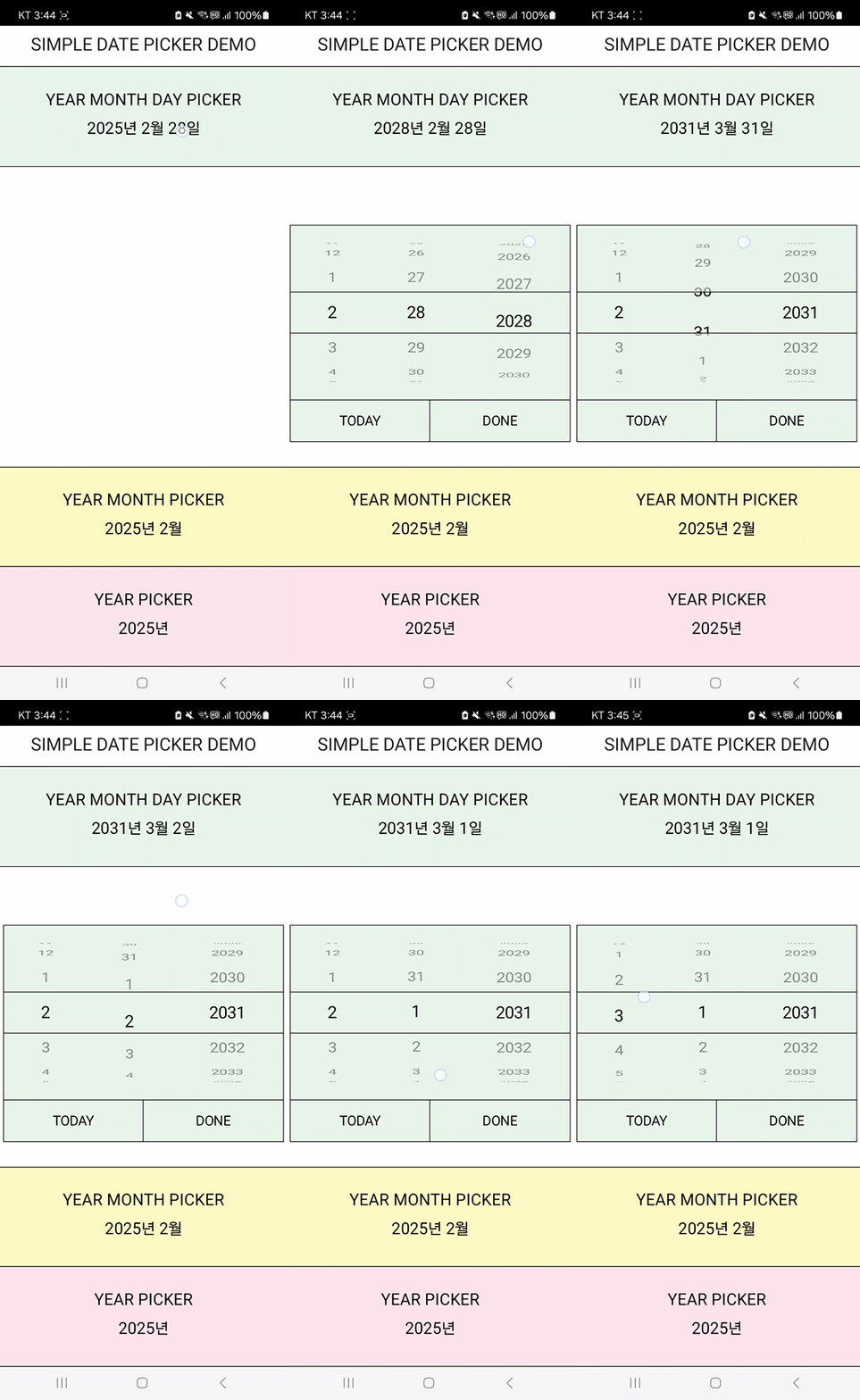
THREE types of Cupertino styled date pickers
Simple Date Picker #
SHOWCASE
GETTING STARTED
Run the following command in your terminal to get started
$ flutter pub add simple_date_picker
USAGE
COMPLETE EXAMPLE is here
SET UP
Create an instance of SimpleDatePicker and Records for each picker
SimpleDatePicker simpleDatePicker = SimpleDatePicker();
(Function, Stream)? yearMonthDayRecord;
(Function, Stream)? yearMonthRecord;
(Function, Stream)? yearRecord;
Define each Records by using the method from the simpleDatePicker instance
yearMonthDayRecord = simpleDatePicker.yearMonthDayPicker(
      context: context, // required argument
      firstYear: 1950, // initial value: 1900
      lastYear: 2050, // initial value: 2100
      barrierColor: Colors.transparent,
      todayButtonTextStyle: TextStyle(
        color: Colors.black,
      ),
    );
EXAMPLE
GestureDetector(
              onTap: () {
                yearMonthDayRecord?.$1.call(); // Call the picker using Function
              },
              child: StreamBuilder(
                stream: yearMonthDayRecord?.$2, // The stream of the picker
                builder: (context, snapshot) {
                  return Align(
                    alignment: Alignment.center,
                    child: Text(
                      yearMonthDayDateFormat(snapshot.data ?? DateTime.now()),
                      style: TextStyle(fontSize: 20),
                    ),
                  );
                },
              ),
            ),
Metadata
9
likes
130
points
34
downloads
Publisher
unverified uploader
Weekly Downloads
Metadata
THREE types of Cupertino styled date pickers
Repository (GitHub)
View/report issues
Documentation
License
 MIT (license)

