
netify 2.0.0  netify: ^2.0.0 copied to clipboard
A lightweight, debug-only network inspector for Flutter apps using Dio HTTP client. Features a modern UI, request grouping, favorites, dark mode, and share as image.
🔍 Netify #
A lightweight, debug-only network inspector for Flutter apps using Dio HTTP client. Features a modern UI with draggable floating bubble, dark mode, and share as image. Built with clean architecture principles and zero impact on release builds.


✨ Features #
- 📡 Network Inspection - Capture and inspect all HTTP requests/responses via Dio interceptor
- 🫧 Floating Bubble - Draggable floating bubble with request count badge
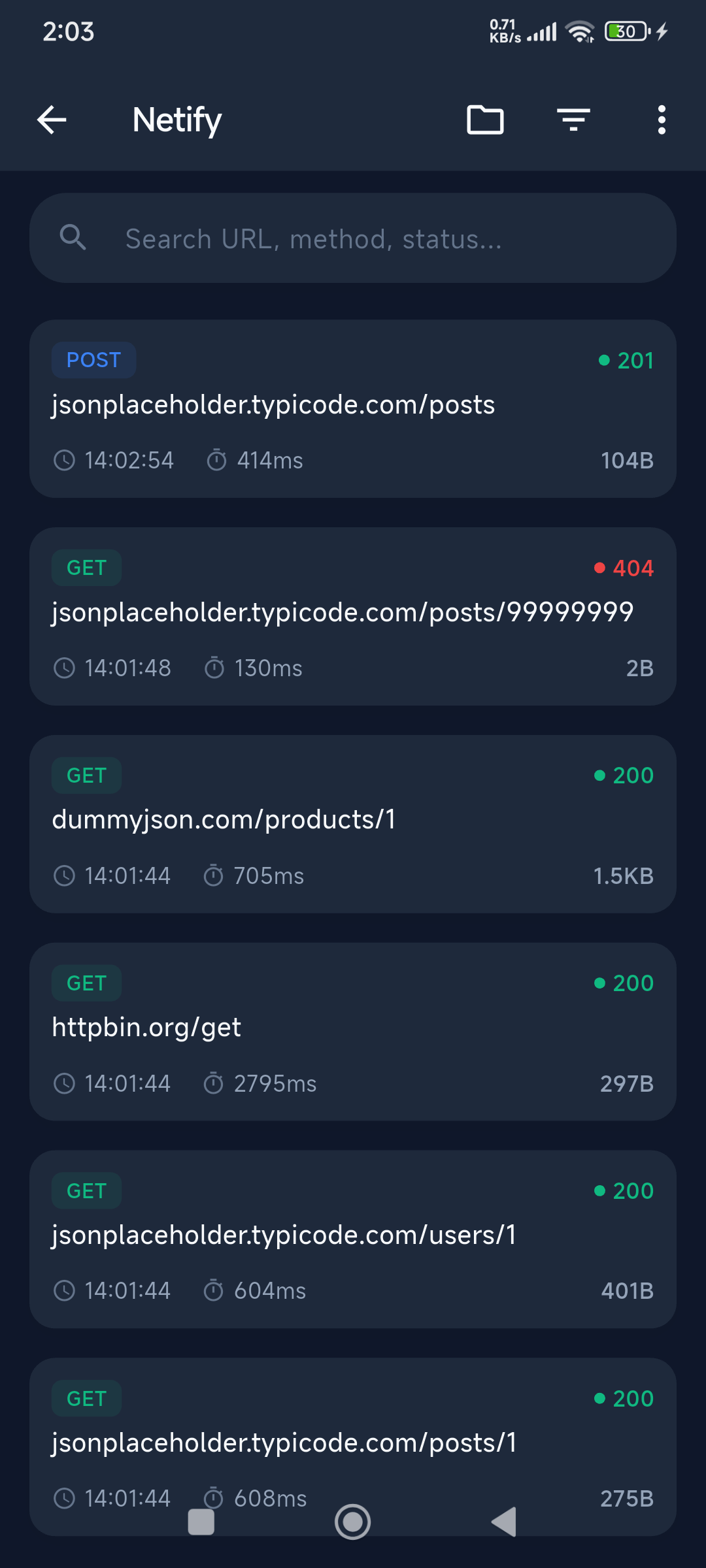
- 🌙 Dark Mode - Toggle between light and dark themes
- 📁 Request Grouping - Group requests by domain for better organization
- ⭐ Favorites - Bookmark important requests for quick access
- 📸 Share as Image - Export request details as shareable images
- 🔍 Search & Filter - Filter by status, method, and search by URL
- 📤 Export Options - Copy as JSON/HAR or save to file
- 🔄 cURL Generation - Generate cURL commands for any request
- 🔁 Replay Requests - Re-send any captured request
- 🌲 Tree-Shakable - Zero footprint in release builds
- 📊 Detailed Metrics - Request time, response size, duration with color-coded indicators
- 🪶 Lightweight - Native Android/iOS implementation, only 2 dependencies (Dio + screenshot)
📸 Screenshots #
| Logs List | Log Detail | Dark Mode | Share as Image |
|---|---|---|---|
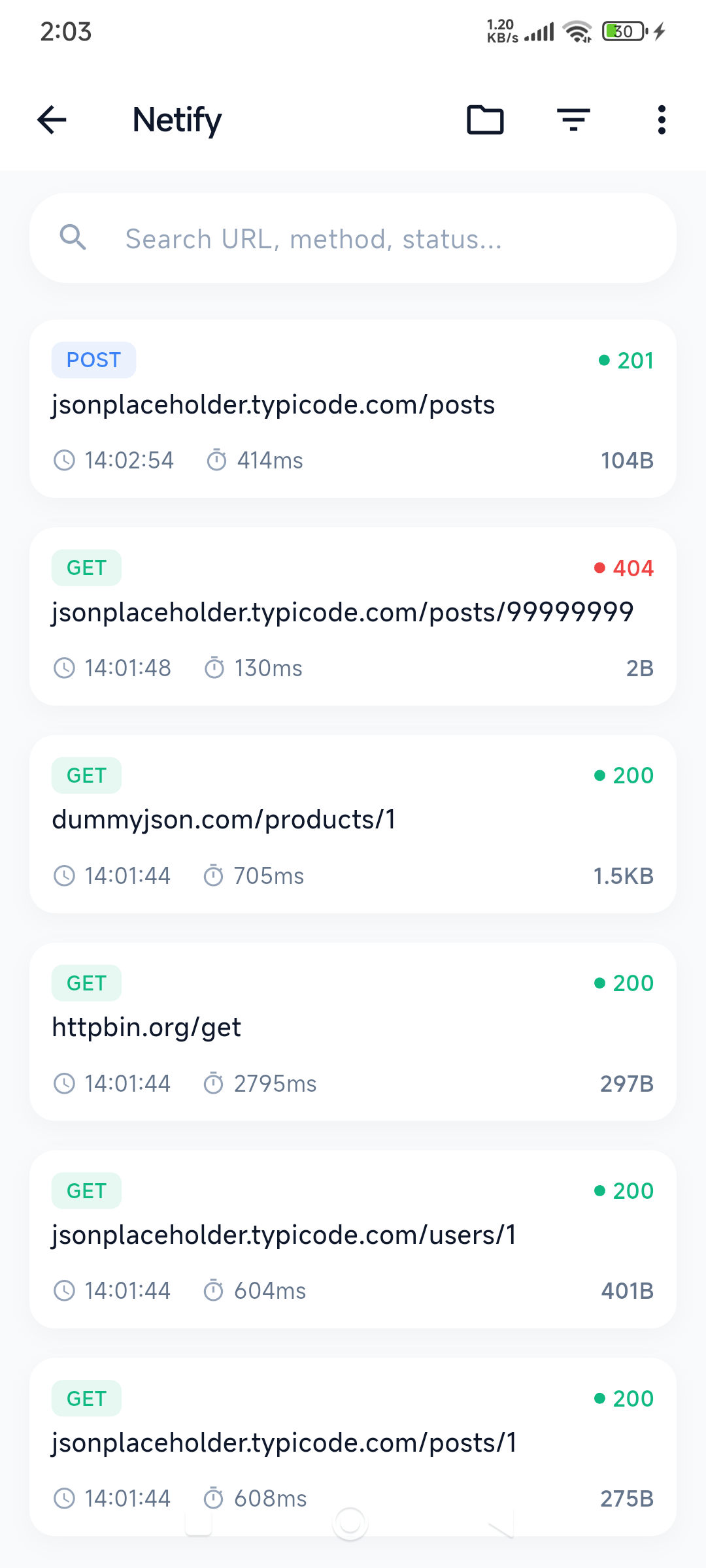 |
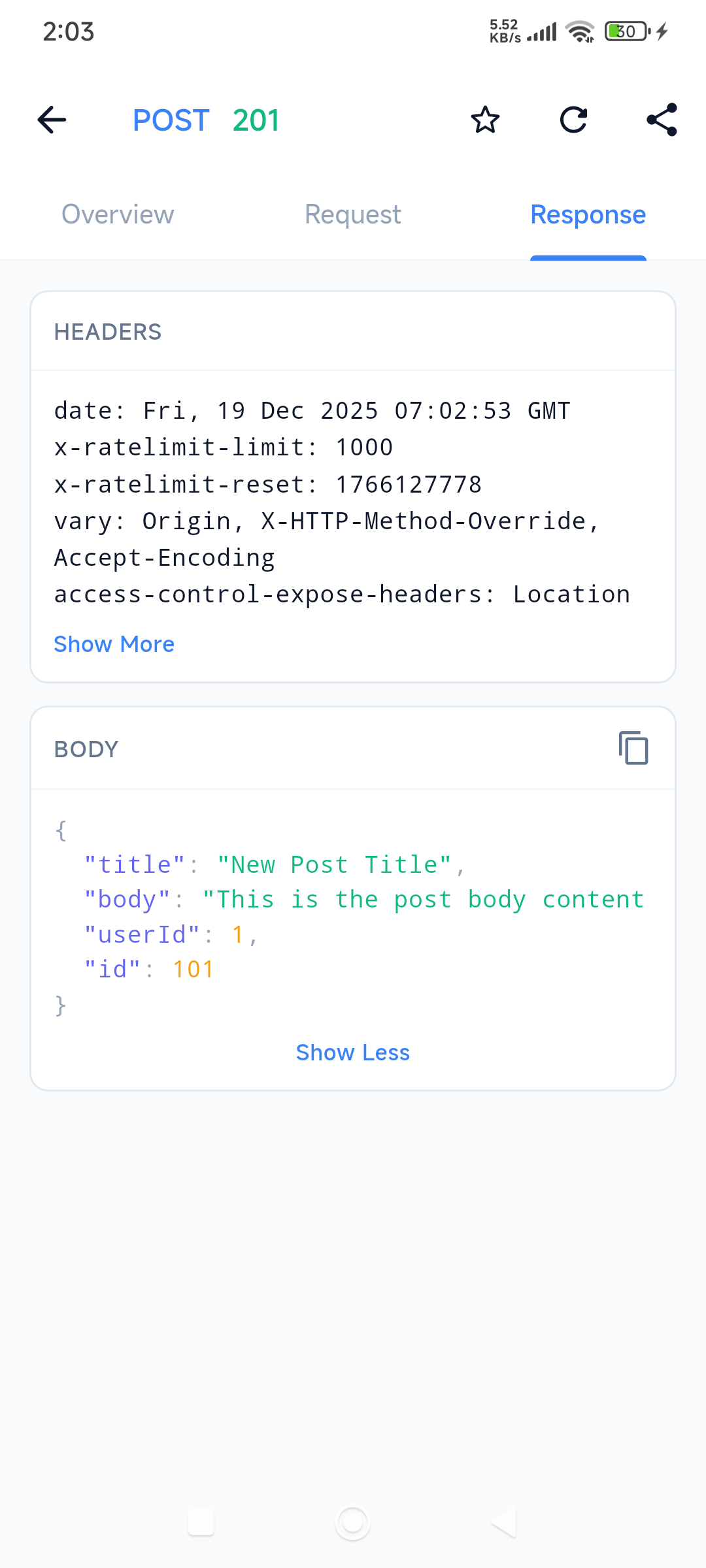 |
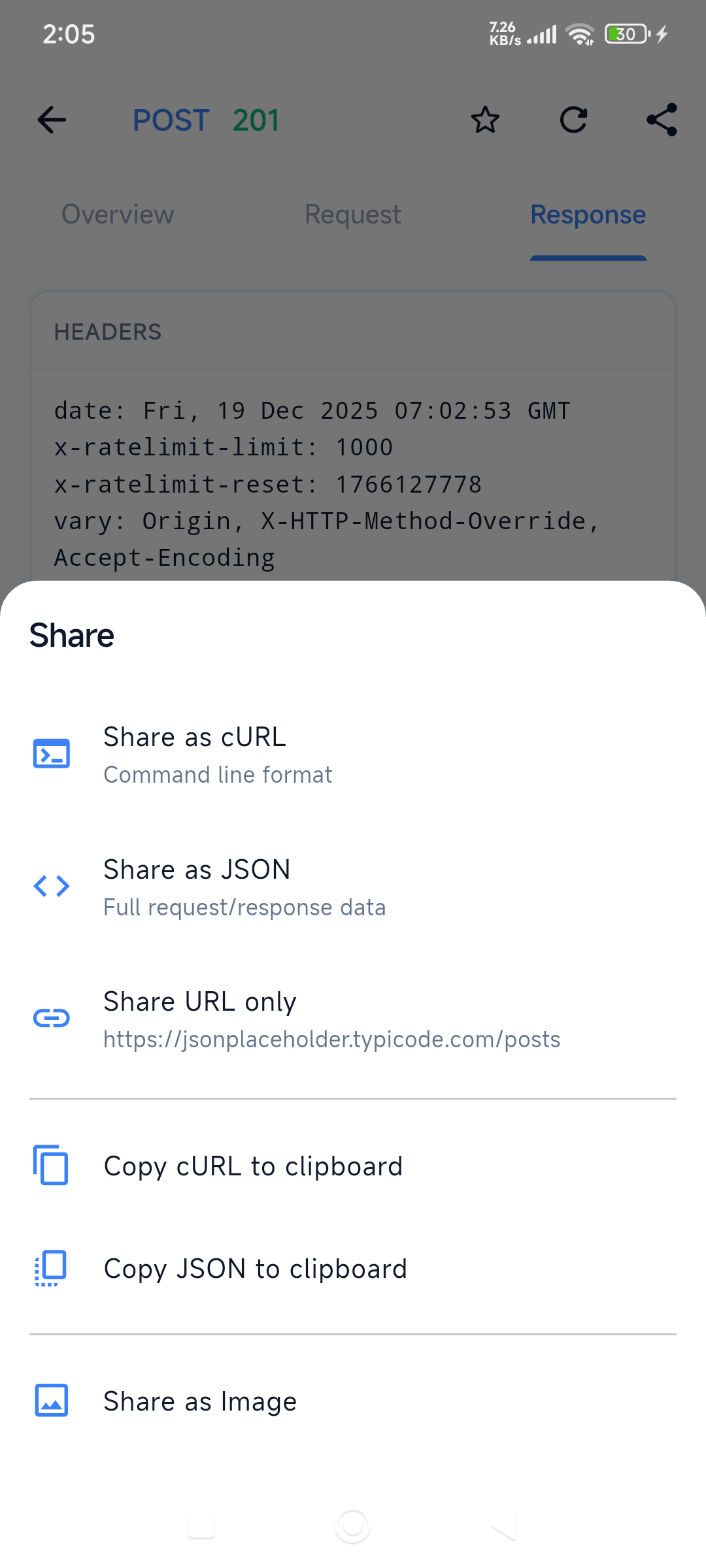 |
 |
📦 Installation #
Add to your pubspec.yaml:
dependencies:
  netify: ^2.0.0
  dio: ^5.4.0 # Required peer dependency
Then run:
flutter pub get
🚀 Quick Start #
import 'package:dio/dio.dart';
import 'package:netify/netify.dart';

void main() async {
  WidgetsFlutterBinding.ensureInitialized();

  final dio = Dio();
  await Netify.init(dio: dio);

  runApp(const MyApp());
}

class MyApp extends StatelessWidget {
  @override
  Widget build(BuildContext context) {
    return MaterialApp(
      navigatorKey: Netify.navigatorKey, // ← Add this line
      home: HomePage(),
    );
  }
}
That's it! 🎉 The floating bubble will appear automatically.
📖 API Reference #
Initialize #
// Basic initialization
await Netify.init(dio: dio);

// With custom configuration
await Netify.init(
  dio: dio,
  enable: kDebugMode, // Only enable in debug mode
  config: const NetifyConfig(
    maxLogs: 1000,
    entryMode: NetifyEntryMode.bubble,
  ),
);
Access Logs #
// Get logs stream
Stream<List<NetworkLog>> stream = Netify.logsStream;

// Get current logs
List<NetworkLog> logs = Netify.logs;

// Get log count
int count = Netify.logCount;
Search & Filter #
// Search logs by URL, method, or status
List<NetworkLog> results = Netify.searchLogs('api/users');
Export Logs #
// Export as JSON
String json = Netify.exportAsJson();

// Export as HAR format (for Chrome DevTools, Postman, etc.)
String har = Netify.exportAsHar();
Generate cURL #
// Generate cURL command for a request
String curl = Netify.generateCurl(log);
Clear Logs #
// Clear all logs
Netify.clearLogs();
Dispose #
// Dispose resources
await Netify.dispose();
📱 UI Components #
NetifyPanel #
The main UI for viewing all captured network requests:
Navigator.push(
  context,
  MaterialPageRoute(builder: (_) => const NetifyPanel()),
);
LogDetailPage #
Detailed view of a single request (automatically opened from NetifyPanel):
Navigator.push(
  context,
  MaterialPageRoute(builder: (_) => LogDetailPage(log: networkLog)),
);
⚙️ Configuration Options #
| Option | Type | Default | Description |
|---|---|---|---|
maxLogs |
int |
500 |
Maximum number of logs to keep in memory |
showOnlyInDebug |
bool |
true |
Only initialize in debug mode |
entryMode |
NetifyEntryMode |
NetifyEntryMode.bubble |
Entry point mode (bubble or none) |
🏗️ Architecture #
Netify follows Clean Architecture principles:
lib/
├── netify.dart              # Public API
└── src/
    ├── core/                # Domain layer (pure Dart)
    │   ├── entities/        # Domain models
    │   └── repositories/    # Abstract contracts
    ├── data/                # Data layer
    │   ├── interceptor/     # Dio interceptor
    │   ├── repositories/    # Concrete implementations
    │   └── services/        # External services
    └── presentation/        # Presentation layer
        ├── pages/           # UI screens
        ├── widgets/         # Reusable widgets
        └── theme/           # Design tokens
🔒 Privacy & Security #
- All data is stored in-memory only - nothing persists to disk
- Automatically disabled in release builds (when
showOnlyInDebug: true) - No data is sent to external servers
- Logs are cleared when the app is closed
🤝 Contributing #
Contributions are welcome! Please feel free to submit a Pull Request.
📝 License #
This project is licensed under the MIT License - see the LICENSE file for details.
Metadata


Documentation
Publisher
unverified uploader
Weekly Downloads
Metadata
A lightweight, debug-only network inspector for Flutter apps using Dio HTTP client. Features a modern UI, request grouping, favorites, dark mode, and share as image.
Repository (GitHub)
View/report issues
Topics
#network #debugging #dio #http #inspector
License
 MIT (license)
Dependencies
More
Packages that depend on netify
Packages that implement netify

