
flutter_svga 0.0.11  flutter_svga: ^0.0.11 copied to clipboard
 msarweb.com
A Flutter package for rendering SVGA animations with dynamic customization, smooth playback, and high performance. Actively maintained SVGA player for Flutter with intelligent caching, audio support, [...]
flutter_svga #
A Flutter package for parsing and rendering SVGA animations efficiently.
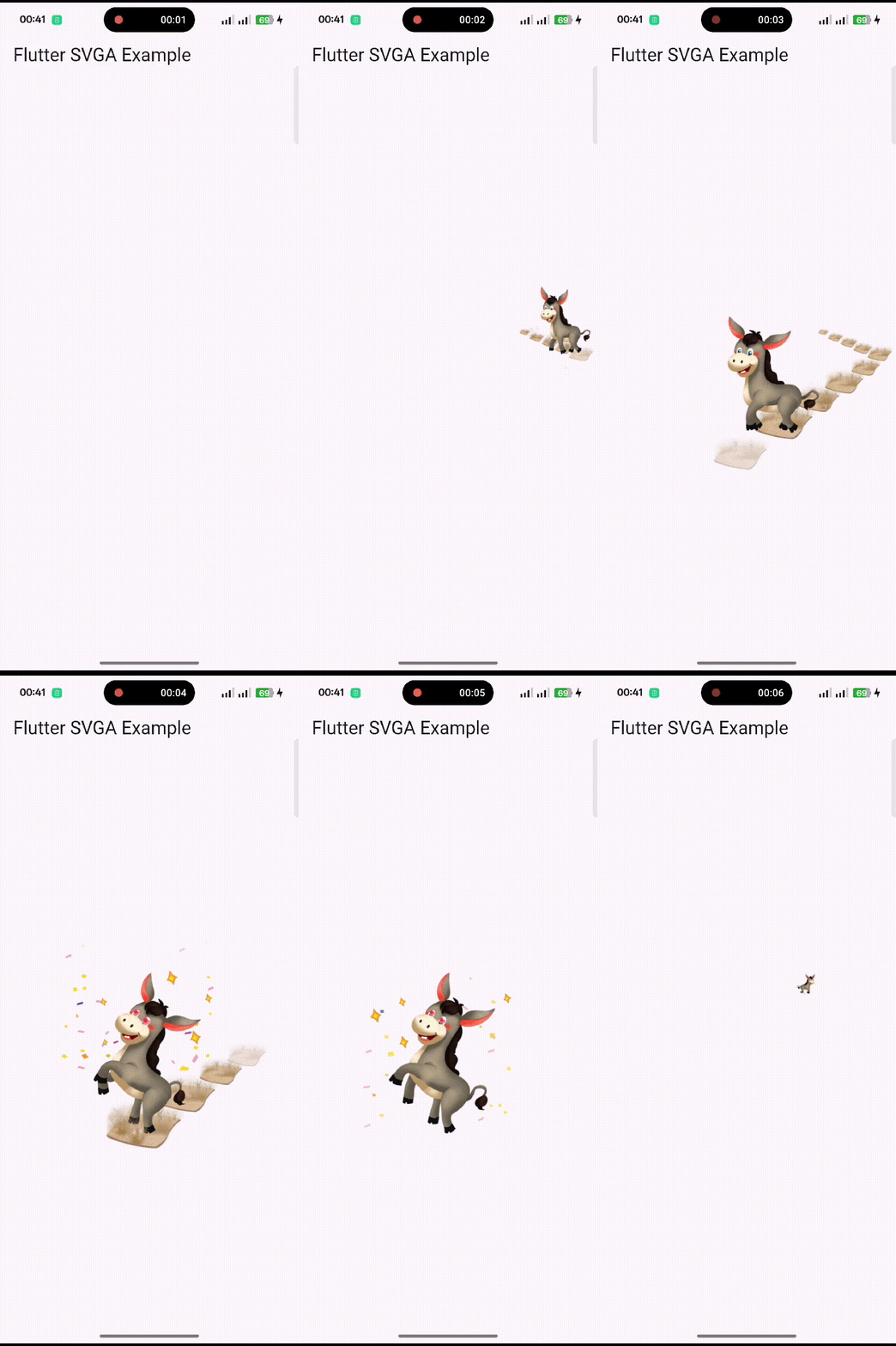
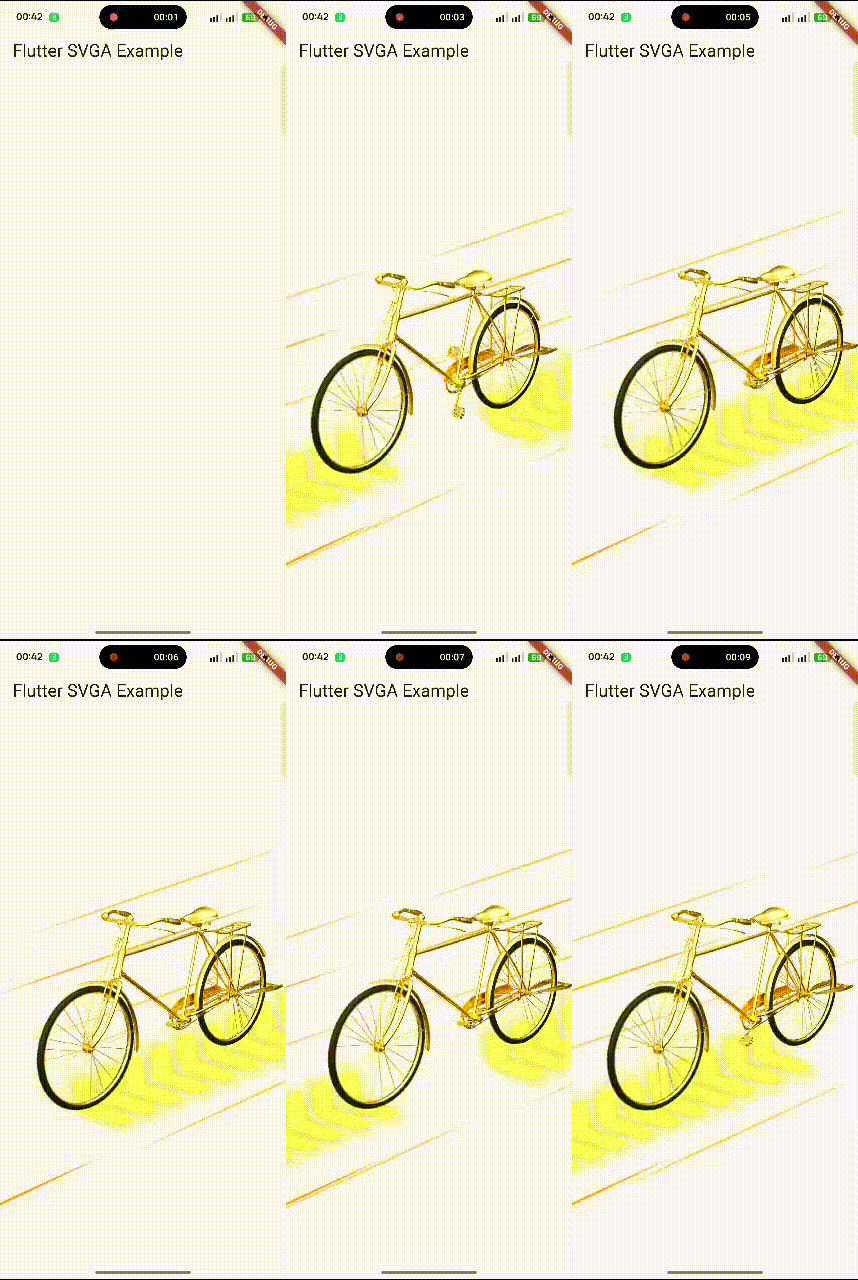
SVGA is a lightweight and powerful animation format used for dynamic UI effects in mobile applications.
🎯 Why flutter_svga? #
✅ Actively Maintained #
Unlike svgaplayer_flutter (archived since Feb 2023), flutter_svga is actively maintained with regular updates, bug fixes, and community support.
⚡ High Performance #
- Intelligent caching system reduces network usage and load times
- Binary format smaller than JSON-based Lottie files
- Optimized rendering for smooth 60 FPS animations
🎨 Feature-Rich #
- Audio playback integrated directly in animations
- Dynamic elements (replace text, images, colors at runtime)
- Full platform support (Android, iOS, Web, macOS, Linux, Windows)
📦 Comparison #
| Feature | flutter_svga | svgaplayer_flutter | Lottie |
|---|---|---|---|
| Status | ✅ Active | ❌ Archived (Feb 2023) | ✅ Active |
| Caching | ✅ Built-in intelligent cache | ❌ No | ⚠️ Manual |
| Audio Support | ✅ Integrated | ❌ No | ✅ Yes |
| File Size | 🟢 Small (binary) | 🟢 Small (binary) | 🟡 Larger (JSON) |
| Dynamic Elements | ✅ Text, Images, Drawers | ⚠️ Limited | ✅ Yes |
| Platform Support | ✅ All 6 platforms | ⚠️ Mobile only | ✅ All platforms |
| Performance | ⚡ Optimized | ⚡ Good | ⚡ Good |
🔄 Migrating from svgaplayer_flutter #
Switching from the archived svgaplayer_flutter is simple:
1. Update Dependencies #
dependencies:
  # svgaplayer_flutter: ^2.2.0  # Remove old package
  flutter_svga: ^0.0.11   # Add new package
2. Update Imports #
// Old
// import 'package:svgaplayer_flutter/svgaplayer_flutter.dart';

// New
import 'package:flutter_svga/flutter_svga.dart';
3. API Usage (mostly compatible) #
The API is similar, with some enhancements:
// Both packages use similar controller patterns
SVGAAnimationController controller = SVGAAnimationController(vsync: this);

// Loading remains the same
final videoItem = await SVGAParser.shared.decodeFromAssets("assets/animation.svga");
controller.videoItem = videoItem;
controller.repeat();
🎉 Bonus: You now get automatic caching, audio support, and better performance with zero code changes!
🚀 Features #
✔️ Parse and render SVGA animations in Flutter.
✔️ Load SVGA files from assets and network URLs.
✔️ Intelligent caching system for faster loading and reduced network usage.
✔️ Supports custom dynamic elements (text, images, animations).
✔️ Optimized playback performance with animation controllers.
✔️ Integrated audio playback within SVGA animations.
✔️ Works on Android & iOS (Web & Desktop support coming soon).
✔️ Easy loop, stop, and seek functions.
📌 Installation #
Add flutter_svga to your pubspec.yaml:
dependencies:
  flutter_svga: ^0.0.11
Then, install dependencies:
flutter pub get
🎬 Basic Usage #
✅ Playing an SVGA Animation from Assets #
import 'package:flutter/material.dart';
import 'package:flutter_svga/flutter_svga.dart';

void main() {
  runApp(MyApp());
}

class MyApp extends StatelessWidget {
  @override
  Widget build(BuildContext context) {
    return MaterialApp(
      home: Scaffold(
        appBar: AppBar(title: Text("Flutter SVGA Example")),
        body: Center(
          child: SVGAEasyPlayer(
            assetsName: "assets/sample_with_audio.svga",
            fit: BoxFit.contain,
          ),
        ),
      ),
    );
  }
}
🌍 Playing SVGA from a Network URL #
SVGAEasyPlayer(
  resUrl: "https://example.com/sample.svga",
  fit: BoxFit.cover,
);
🎭 Advanced Usage: Using SVGAAnimationController #
✅ Controlling Animation Playback #
class MySVGAWidget extends StatefulWidget {
  @override
  _MySVGAWidgetState createState() => _MySVGAWidgetState();
}

class _MySVGAWidgetState extends State<MySVGAWidget>
    with SingleTickerProviderStateMixin {
  late SVGAAnimationController _controller;

  @override
  void initState() {
    super.initState();
    _controller = SVGAAnimationController(vsync: this);
    SVGAParser.shared.decodeFromAssets("assets/sample.svga").then((video) {
      _controller.videoItem = video;
      _controller.repeat();
    });
  }

  @override
  void dispose() {
    _controller.dispose();
    super.dispose();
  }

  @override
  Widget build(BuildContext context) {
    return SVGAImage(_controller);
  }
}
🎨 Customization & Dynamic Elements #
✅ Adding Dynamic Text #
controller.videoItem!.dynamicItem.setText(
  TextPainter(
    text: TextSpan(
      text: "Hello SVGA!",
      style: TextStyle(color: Colors.red, fontSize: 18),
    ),
    textDirection: TextDirection.ltr,
  ),
  "text_layer",
);
✅ Replacing an Image Dynamically #
controller.videoItem!.dynamicItem.setImageWithUrl(
  "https://example.com/new_image.png",
  "image_layer",
);
✅ Hiding a Layer #
controller.videoItem!.dynamicItem.setHidden(true, "layer_to_hide");
🗄️ Caching (New!) #
Automatic performance optimization with zero breaking changes:
// Caching works automatically - no code changes needed!
final animation = await SVGAParser.shared.decodeFromURL(
  "https://example.com/animation.svga"
);

// Optional: Configure cache settings
SVGACache.shared.setMaxCacheSize(50 * 1024 * 1024); // 50MB
SVGACache.shared.setMaxAge(const Duration(days: 3)); // 3 days

// Optional: Manage cache
await SVGACache.shared.clear(); // Clear all cache
final stats = await SVGACache.shared.getStats(); // Get cache info
📋 See CACHE.md for complete caching documentation and examples.
🎯 Playback Controls #
controller.forward();  // Play once
controller.repeat();   // Loop playback
controller.stop();     // Stop animation
controller.value = 0;  // Reset to first frame
🛠 Common Issues & Solutions #
❌ Black Screen when Loading SVGA #
✅ Solution: Ensure your svga files are correctly placed inside assets/ and registered in pubspec.yaml.
flutter:
  assets:
    - assets/sample.svga
❌ SVGA Not Loading from Network #
✅ Solution: Ensure the SVGA file is accessible via HTTPS. Test the URL in a browser.
SVGAEasyPlayer(
  resUrl: "https://example.com/sample.svga",
  fit: BoxFit.cover,
);
❌ Animation Freezes or Doesn't Play #
✅ Solution: Use setState after loading SVGA to rebuild the widget.
setState(() {
  _controller.videoItem = video;
});
📱 Supported Platforms #
| Platform | Supported | Audio Support |
|---|---|---|
| ✅ Android | ✔️ Yes | ✔️ Yes |
| ✅ iOS | ✔️ Yes | ✔️ Yes |
| ✅ Linux | ✔️ Yes | ✔️ Yes |
| ✅ Web | ✔️ Yes | ❌ No |
| ✅ macOS | ✔️ Yes | ✔️ Yes |
| ✅ Desktop | ✔️ Yes | ✔️ Yes |
🔄 Changelog #
See the latest changes in CHANGELOG.md.
📜 License #
This package is licensed under the MIT License. See LICENSE for details.
🤝 Contributing #
- If you find a bug, report it here.
- Pull requests are welcome! See
CONTRIBUTING.mdfor guidelines.
👨💻 Authors & Contributors #
🏗 Core Author #
- 5alafawyyy — Lead Developer, Maintainer, and Flutter Integration Engineer.
🤝 Contributors #
Special thanks to the amazing contributors who improved flutter_svga:
| Contributor | Contribution | GitHub |
|---|---|---|
| wonderkidshihab | Fixed repeated music playback bug (#3) | 🧩 |
| Sansuihe | Identified and proposed MD5-based fix for audio cache collision (#6) | 🎵 |
| tungpham6195 | Reported protobuf dependency compatibility issue (#7) | 📦 |
Want to contribute? Read CONTRIBUTING.md and submit your PR — we’d love your help!
🚀 Enjoy using SVGA animations in your Flutter app! 🚀
Metadata
Publisher
Weekly Downloads
Metadata
A Flutter package for rendering SVGA animations with dynamic customization, smooth playback, and high performance. Actively maintained SVGA player for Flutter with intelligent caching, audio support, and dynamic elements. Modern replacement for archived svgaplayer_flutter.
Repository (GitHub)
View/report issues
Contributing
Topics
#animation #svga #vector-graphics #lottie-alternative #ui-effects
Documentation
License
 MIT (license)
Dependencies
archive, audioplayers, crypto, flutter, http, path_drawing, path_provider, protobuf

