
flutter_custom_animations 1.0.1  flutter_custom_animations: ^1.0.1 copied to clipboard
 sureshbabum.in
A reusable Flutter animation framework providing customizable animation effects, animated widgets, page transitions, builders, and widget extensions.
flutter_custom_animations #


A reusable, production-ready Flutter animation framework providing customizable animation effects, animated widgets, page transitions, complex builders, and extremely convenient widget extensions.
🎬 Live Animation Showcase #
| Effects | Widgets | Transitions | Builders |
|---|---|---|---|
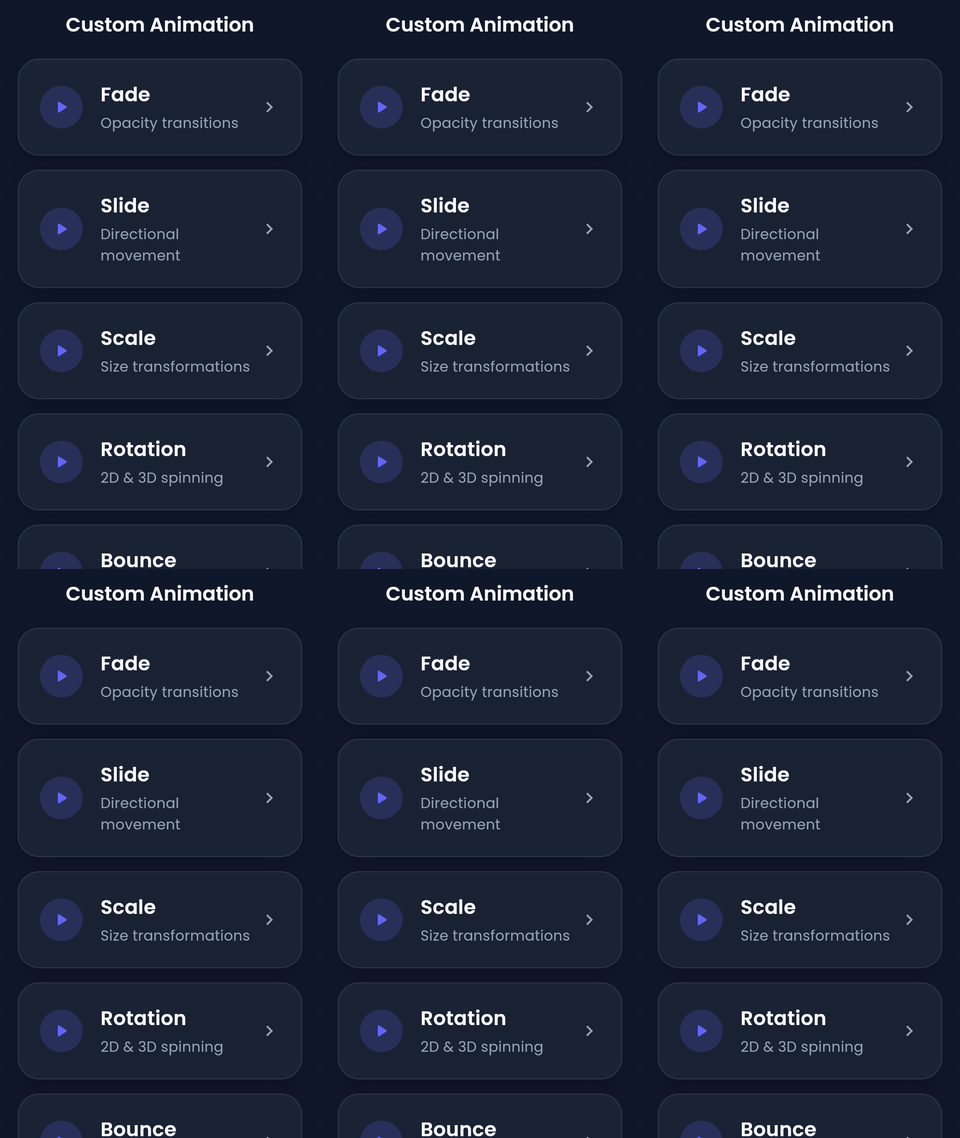 |
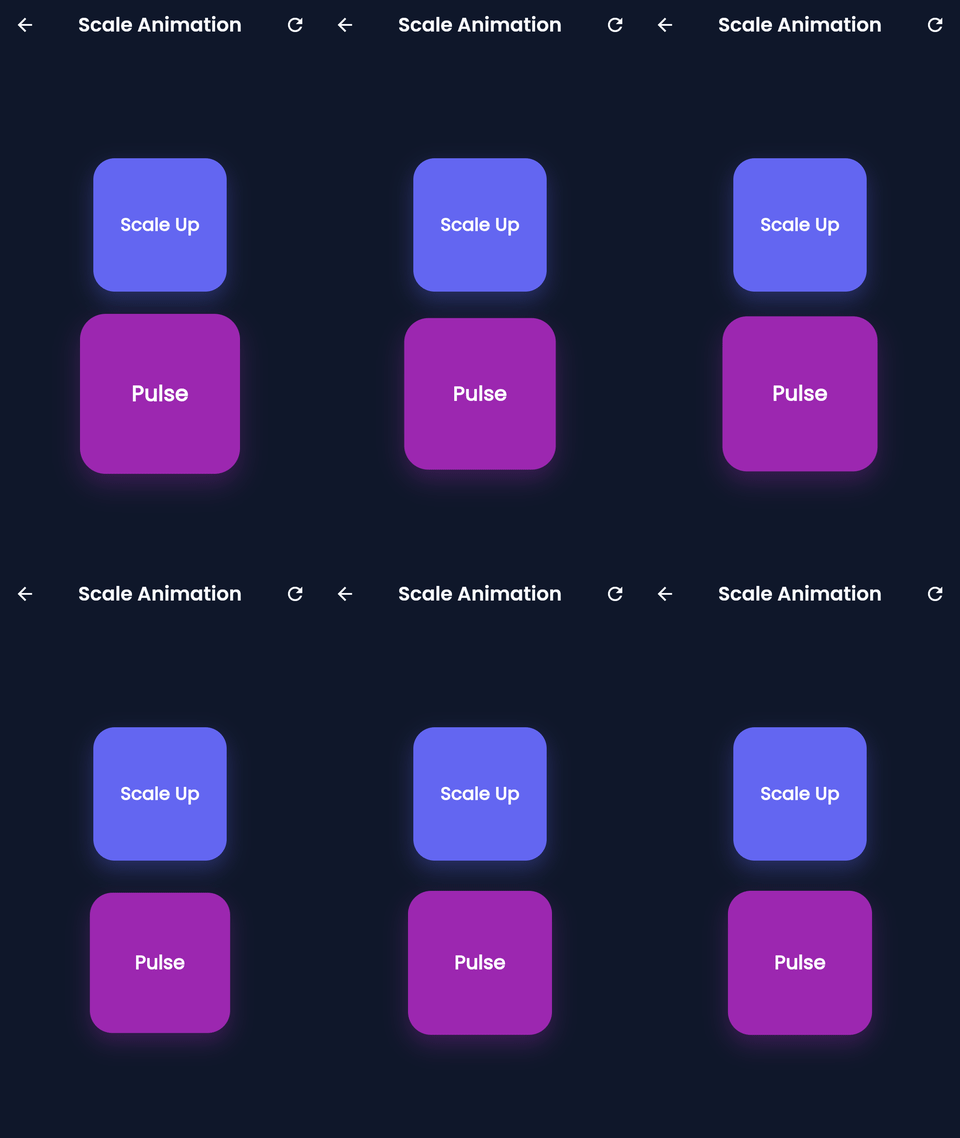 |
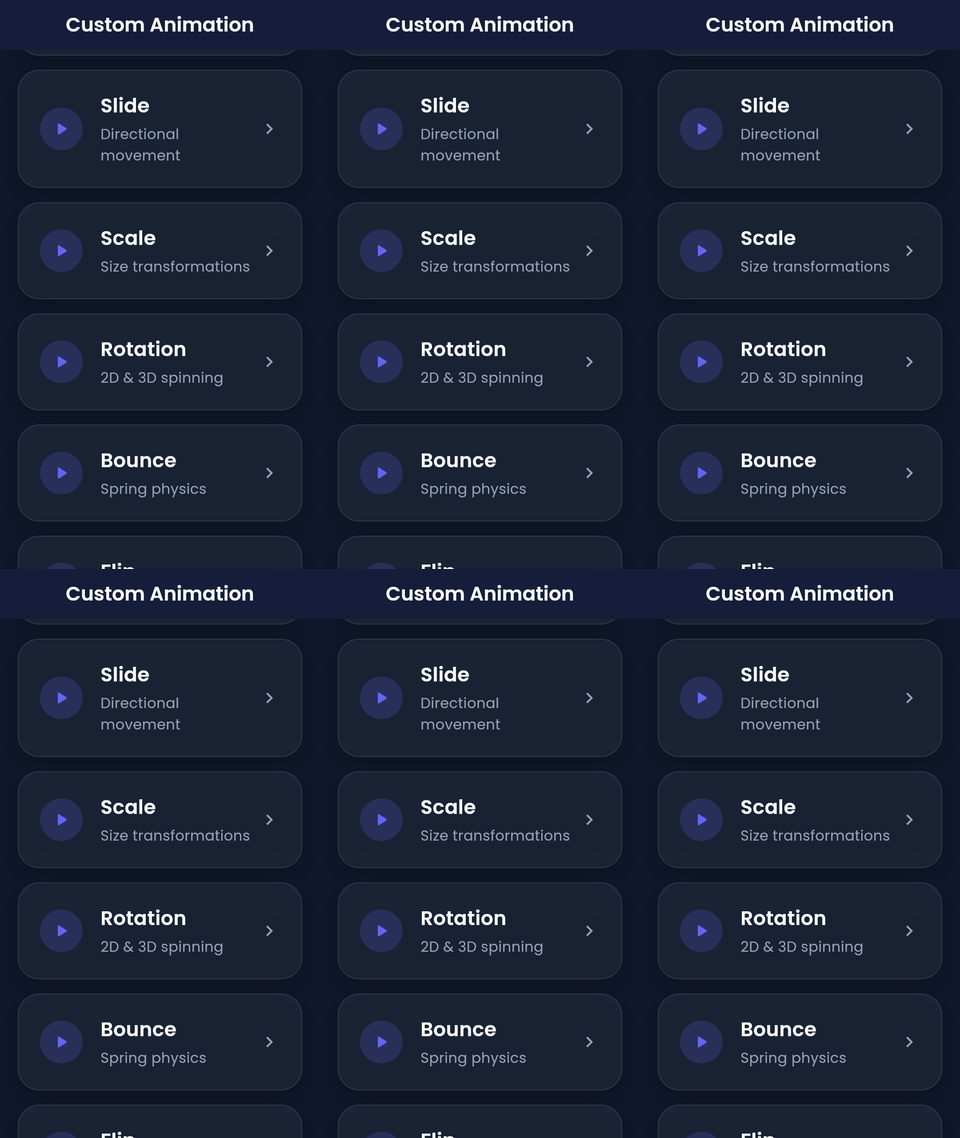 |
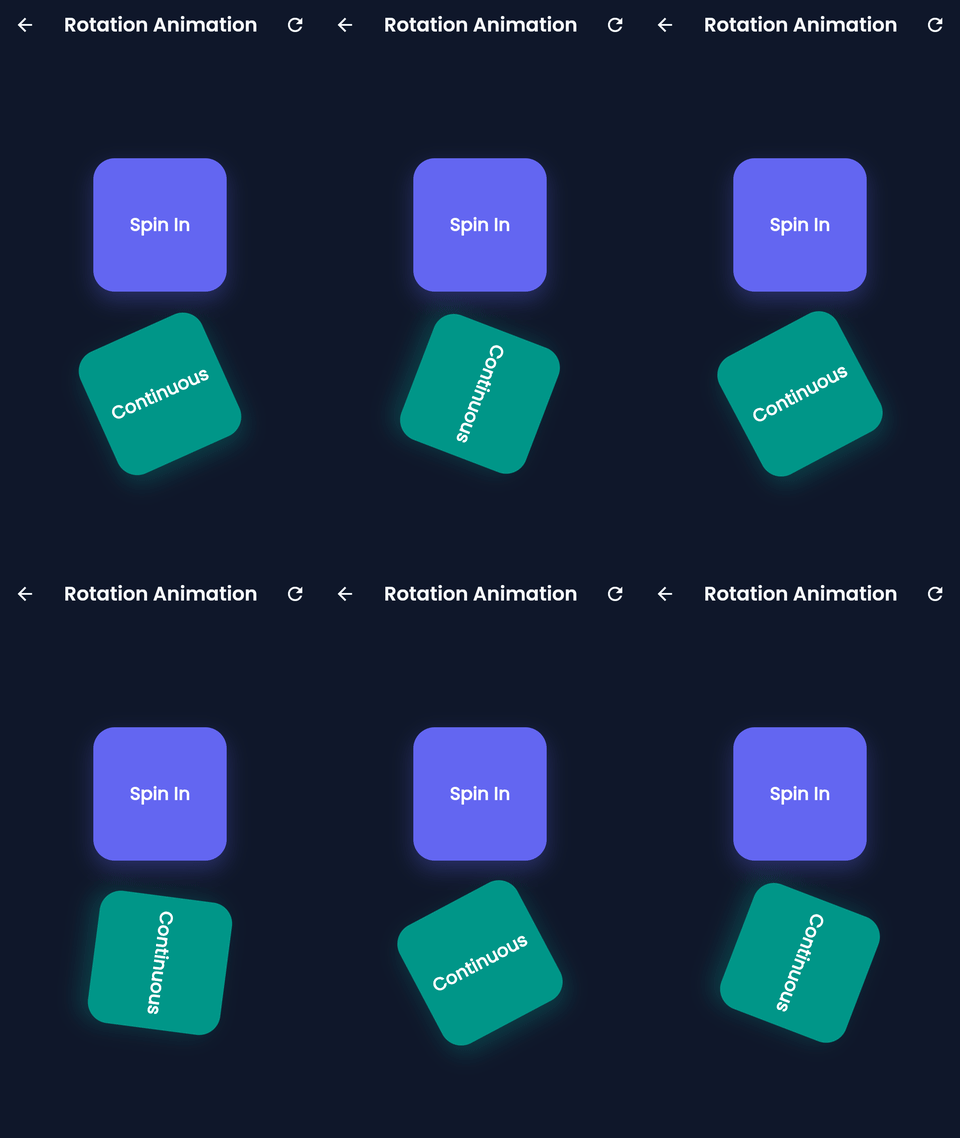 |
| Fade · Slide · Scale · Rotation · Bounce · Shake · Pulse · Flip | AnimatedButton · AnimatedCard · AnimatedList · AnimatedDialog | FadeRoute · SlideRoute · SharedAxisRoute · HeroRoute | StaggerBuilder · SequenceBuilder · ChainBuilder · ParallelBuilder |
Preview #
Core Effects #
| Fade | Slide | Scale | Rotation |
|---|---|---|---|
 |
 |
 |
 |
| Bounce | Shake | Pulse | Flip |
|---|---|---|---|
 |
 |
 |
 |
Animated Widgets #
| AnimatedButton | AnimatedCard | AnimatedList | AnimatedDialog |
|---|---|---|---|
 |
 |
 |
 |
Page Transitions #
| FadeRoute | SlideRoute | SharedAxisRoute | HeroRoute |
|---|---|---|---|
 |
 |
 |
 |
Animation Builders #
| StaggerBuilder | SequenceBuilder | ChainBuilder | ParallelBuilder |
|---|---|---|---|
 |
 |
 |
 |
Overview #
flutter_custom_animations removes the boilerplate from Flutter animations. Instead of manually managing AnimationControllers, Tweens, and SingleTickerProviderStateMixins, you can add high-quality, performant animations to your apps using dead-simple widget extensions and pre-built animated widgets.
Features #
- Animation Core: Built on a highly optimized internal core handling controllers and lifecycles automatically.
- Animation Effects: Fade, Slide, Scale, Rotation, Bounce, Shake, Pulse, Flip, Blur, Zoom.
- Animated Widgets: Pre-built
AnimatedButton,AnimatedCard,AnimatedDialog,AnimatedContainer,AnimatedList,CustomAnimatedGrid, and more. - Navigation Transitions: Beautiful page transitions like
FadeRoute,SlideRoute,HeroRoute,SharedAxisRoute, and more. - Animation Builders:
SequenceBuilder,StaggerBuilder,ChainBuilder, andParallelBuilderto create incredibly complex chained animations with ease. - Widget Extensions: Simply add
.animate(),.fadeIn(), or.slideIn()to ANY Flutter widget to instantly animate it!
Feature Comparison Matrix #
| Component | Category | Zero Boilerplate | Auto Lifecycle | Chainable | Stagger / Sequence | Customizable |
|---|---|---|---|---|---|---|
FadeEffect |
Effect | ✅ | ✅ | ✅ | ✅ | ✅ |
ScaleEffect |
Effect | ✅ | ✅ | ✅ | ✅ | ✅ |
AnimatedButton |
Widget | ✅ | ✅ | — | — | ✅ |
CustomAnimatedList |
Layout Widget | ✅ | ✅ | — | ✅ | ✅ |
SharedAxisRoute |
Transition | ✅ | ✅ | — | — | ✅ |
Architecture #
The framework is cleanly modularized into:
core: Internal handlers and lifecycle management forAnimationControllers.effects: Definitions for different animation types (Fade, Slide, Scale).widgets: Smart widgets that automatically consume effects.transitions: Ready-to-use page route transitions.builders: Orchestrators for staggering and sequencing animations.extensions: Syntactic sugar for rapid development without nesting.
Installation #
Add the following to your pubspec.yaml:
dependencies:
  flutter_custom_animations: ^1.0.0
Then run:
flutter pub get
Import #
import 'package:flutter_custom_animations/flutter_custom_animations.dart';
Quick Start #
One import is all you need:
import 'package:flutter_custom_animations/flutter_custom_animations.dart';
Widget Extensions — .fadeIn() & .slideIn() #
The fastest path to animation: call extension methods directly on any widget. No controllers, no StatefulWidget.
// Fade in a Text widget
Text('Hello World').fadeIn(
  duration: const Duration(milliseconds: 600),
  curve: Curves.easeOut,
);

// Slide in from the bottom
Card(child: const Text('Card')).slideIn(
  begin: const Offset(0, 0.3),
  duration: const Duration(milliseconds: 500),
  curve: Curves.easeOutCubic,
);

// Chain multiple effects — they compose left-to-right
Container(width: 80, height: 80, color: Colors.deepPurple)
  .fadeIn(delay: const Duration(milliseconds: 100))
  .slideIn(begin: const Offset(-0.2, 0))
  .scaleIn(duration: const Duration(milliseconds: 400));
AnimatedButton #
A press-reactive button with a built-in scale-down feedback animation:
AnimatedButton(
  onPressed: () {
    // handle tap
  },
  pressedScale: 0.94,
  duration: const Duration(milliseconds: 120),
  curve: Curves.easeInOut,
  child: const Text('Tap Me'),
);
CustomAnimatedList #
Drop-in replacement for ListView that staggers entrance animations across all items automatically:
CustomAnimatedList(
  itemCount: items.length,
  itemBuilder: (context, index) {
    return ListTile(title: Text(items[index]));
  },
  duration: const Duration(milliseconds: 350),
  staggerDuration: const Duration(milliseconds: 60),
  effects: const [
    FadeEffect(),
    SlideEffect(begin: Offset(0, 40)),
  ],
);
SharedAxisRoute #
Replace MaterialPageRoute with a shared-axis transition in a single line:
Navigator.push(
  context,
  SharedAxisRoute(
    page: const DetailScreen(),
    transitionType: SharedAxisTransitionType.horizontal,
  ),
);
All route types — FadeRoute, SlideRoute, ScaleRoute, ZoomRoute, HeroRoute, CupertinoRoute, MaterialMotionRoute — share the same one-line API.
StaggerBuilder #
Orchestrate complex, multi-step entrance sequences with full timing control:
StaggerBuilder(
  totalDuration: const Duration(milliseconds: 900),
  children: [
    StaggerItem(
      startAt: 0.0,
      endAt: 0.4,
      child: const HeaderWidget(),
    ),
    StaggerItem(
      startAt: 0.25,
      endAt: 0.7,
      effects: const [FadeEffect(), ScaleEffect(begin: 0.8)],
      child: const BodyWidget(),
    ),
    StaggerItem(
      startAt: 0.55,
      endAt: 1.0,
      child: const FooterWidget(),
    ),
  ],
);
For linear pipelines use SequenceBuilder; for concurrent tracks use ParallelBuilder; for dynamic branching use ChainBuilder.
API Overview #
The flutter_custom_animations framework exports highly modular components:
- Core Widgets:
CustomAnimatedContainer,AnimatedText,AnimatedImage,AnimatedCard,AnimatedDialog. - Form & Input:
AnimatedButton,AnimatedTextField,AnimatedSearchBar,AnimatedFab. - Layouts:
CustomAnimatedList,CustomAnimatedGrid,AnimatedBottomNavigationBar,AnimatedDrawer. - Transitions:
FadeRoute,SlideRoute,ScaleRoute,ZoomRoute,SharedAxisRoute,HeroRoute,CupertinoRoute,MaterialMotionRoute.
Example Application #
Check out the example/ folder in the repository for a comprehensive showcase of every single feature, effect, and widget available in the framework.
Run it locally to see the animations in action!
Static Component Breakdowns #


Folder Structure #
lib/
├── src/
│   ├── builders/     # Complex animation sequencers
│   ├── core/         # State & lifecycle management
│   ├── effects/      # Atomic animation behaviors
│   ├── extensions/   # Syntactic sugar for standard widgets
│   ├── mixins/       # Reusable logic
│   ├── transitions/  # Page route definitions
│   ├── utils/        # Utilities
│   └── widgets/      # Pre-built animated components
└── flutter_custom_animations.dart
Performance Best Practices #
Controller & Lifecycle #
- Never create
AnimationControllers manually when using this library. The internal core manages attach, detach, and dispose automatically — creating your own leads to double-ticking and memory leaks. - Avoid calling
.animate()insidebuild()on every rebuild. Attach animations at the widget configuration level (e.g., insideinitStateor as a direct child of aStatefulWidget) so controllers are not recreated on every frame.
Widget Tree Efficiency #
- Use
constconstructors on all effect instances (const FadeEffect(),const SlideEffect(...)) so they are canonicalized and never trigger unnecessary re-renders. - Prefer Widget Extensions (
.fadeIn(),.slideIn()) over wrapping in effect containers for simple, one-off entrance animations — they produce a shallower widget tree. - Do not nest
StaggerBuilderinsideListView.builderwithout aRepaintBoundary. Add one around the stagger root to isolate its repaint region.
Animation Duration Guidelines #
| Interaction Type | Recommended Duration |
|---|---|
| Button press / micro-interaction | 80 – 150 ms |
| Card / list item entrance | 250 – 400 ms |
| Page transition | 300 – 450 ms |
| Hero / shared-element | 350 – 500 ms |
| Showcase / onboarding stagger | 600 – 1 000 ms total |
Stagger & Builder Performance #
- Cap stagger item count at ~40 in a single
StaggerBuilderorCustomAnimatedList. Beyond that, use lazy loading withCustomAnimatedList's built-in virtualization support. - Use
ParallelBuilderover nestedSequenceBuilders when effects are independent — parallel execution is more GPU-friendly. - Set
curve: Curves.easeOutCubic(oreaseOutQuart) as a default for entrance animations; it front-loads motion so the UI feels fast even at 400 ms durations.
General #
- Run
flutter analyzebefore every commit — this library's lints will catch misused effects and unclosed controllers. - Profile on a real device using
flutter run --profile. The Flutter DevTools "Frames" tab will immediately surface jank caused by over-animated lists or excessive rebuilds.
Contributing #
Contributions are completely welcome! Please read our CONTRIBUTING.md and CODE_OF_CONDUCT.md for guidelines on how to get started.
Make sure to run flutter analyze and flutter test before submitting a pull request.
License #
This project is licensed under the MIT License - see the LICENSE file for details.
Roadmap #
- Add 3D card flipping widgets.
- Support for implicit layout animations.
- Integration with Rive animations.
Metadata
Documentation
Publisher
Weekly Downloads
Metadata
A reusable Flutter animation framework providing customizable animation effects, animated widgets, page transitions, builders, and widget extensions.
Repository (GitHub)
View/report issues
Contributing
Topics
#flutter #animation #ui #transitions #widget
License
 MIT (license)