
fluent_navigation 0.0.2  fluent_navigation: ^0.0.2 copied to clipboard
Package that provides a simple way to navigate within your app
fluent_navigation #
Package that provides a simple way to navigate within your app
Getting Started #
Add dependencies #
fluent_navigation: ^0.0.2
Create pages #
// Page one (initial)
class PageOne extends StatelessWidget {
  const PageOne({super.key});

  @override
  Widget build(BuildContext context) {
    return Scaffold(
      appBar: AppBar(title: const Text("Page one")),
      body: Center(
        child: ElevatedButton(
          onPressed: () {
            // Push to registered route two
            Fluent.get<NavigationApi>().pushTo("two");
          },
          child: const Text("Navigate to second page"),
        ),
      ),
    );
  }
}

// Page two
class PageTwo extends StatelessWidget {
  const PageTwo({super.key});

  @override
  Widget build(BuildContext context) {
    return Scaffold(
      appBar: AppBar(title: const Text("Page two")),
      body: const Center(
        child: Text("Hello from page two"),
      ),
    );
  }
}
Create module and register routes #
class ExampleModule extends Module {

  @override
  void build(Registry registry) {
    registry
        // Initial route
        ..registerRoute(const Route(
            "one",
            "/one",
            initial: true,
            page: PageOne(),
        ))
        // Second route
        ..registerRoute(const Route(
            "two",
            "/two",
            page: PageTwo(),
        ));
  }
}
Build module #
Fluent.build([
    NavigationModule(),
    ExampleModule(),
]);
Use it #
class App extends StatelessWidget {
    const App({super.key});

    @override
    Widget build(BuildContext context) {
        // Get router config
        final config = Fluent.get<NavigationApi>().getConfig();

        return MaterialApp.router(
            title: "Fluent Navigation Demo",
            routerConfig: config,
        );
    }
}
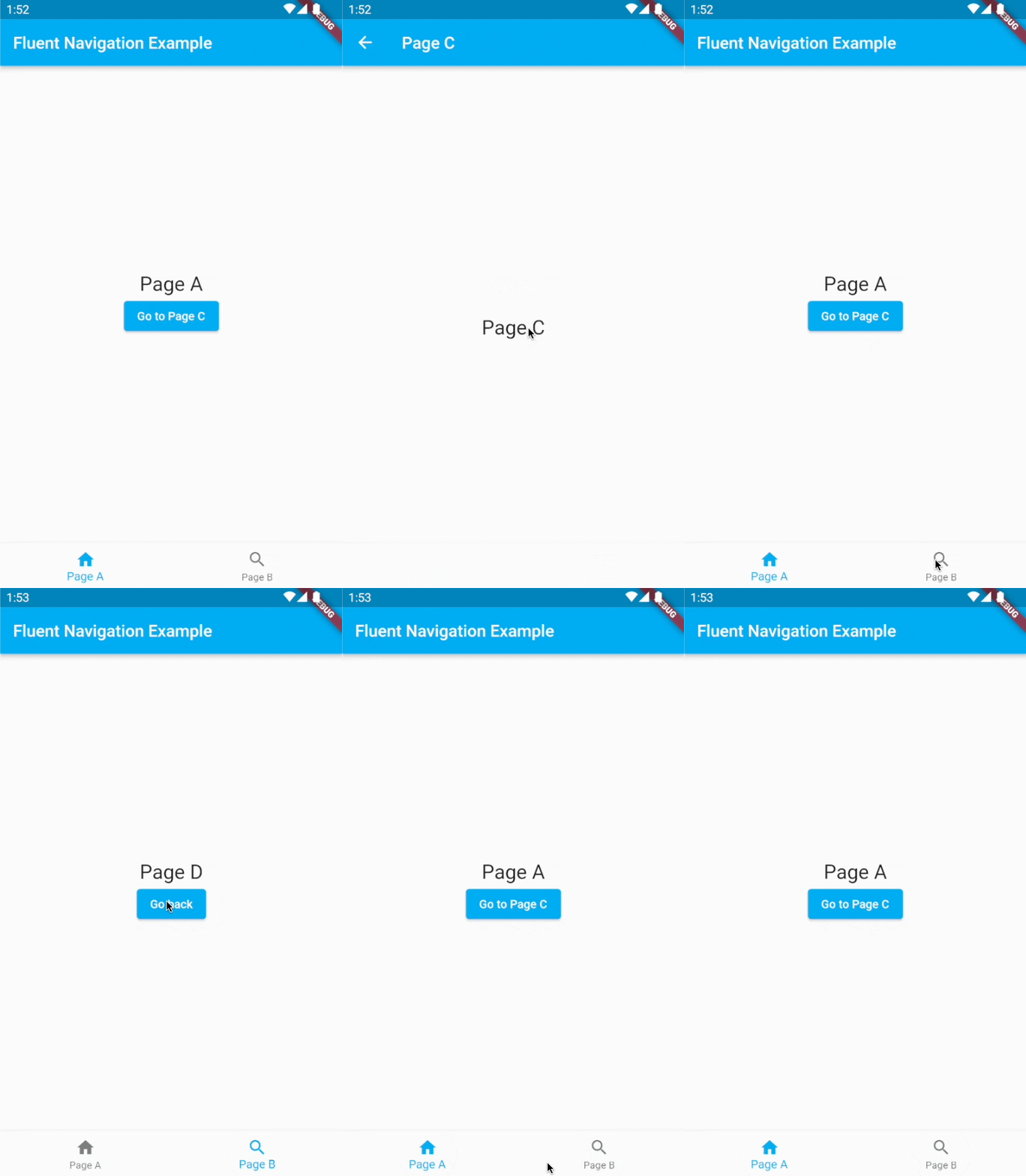
Example #
Metadata
1
likes
0
points
205
downloads
Publisher
unverified uploader
Weekly Downloads
Metadata
Package that provides a simple way to navigate within your app
Repository (GitHub)
View/report issues
License
 unknown (license)
Dependencies
collection, fluent_navigation_api, flutter, go_router, mocktail

