
emoji_mart_flutter 0.1.0  emoji_mart_flutter: ^0.1.0 copied to clipboard
An emoji picker for Flutter
🏪 Emoji Mart #
✨ A highly customizable Emoji picker widget for Flutter. ✨ (Port of emoji-mart)
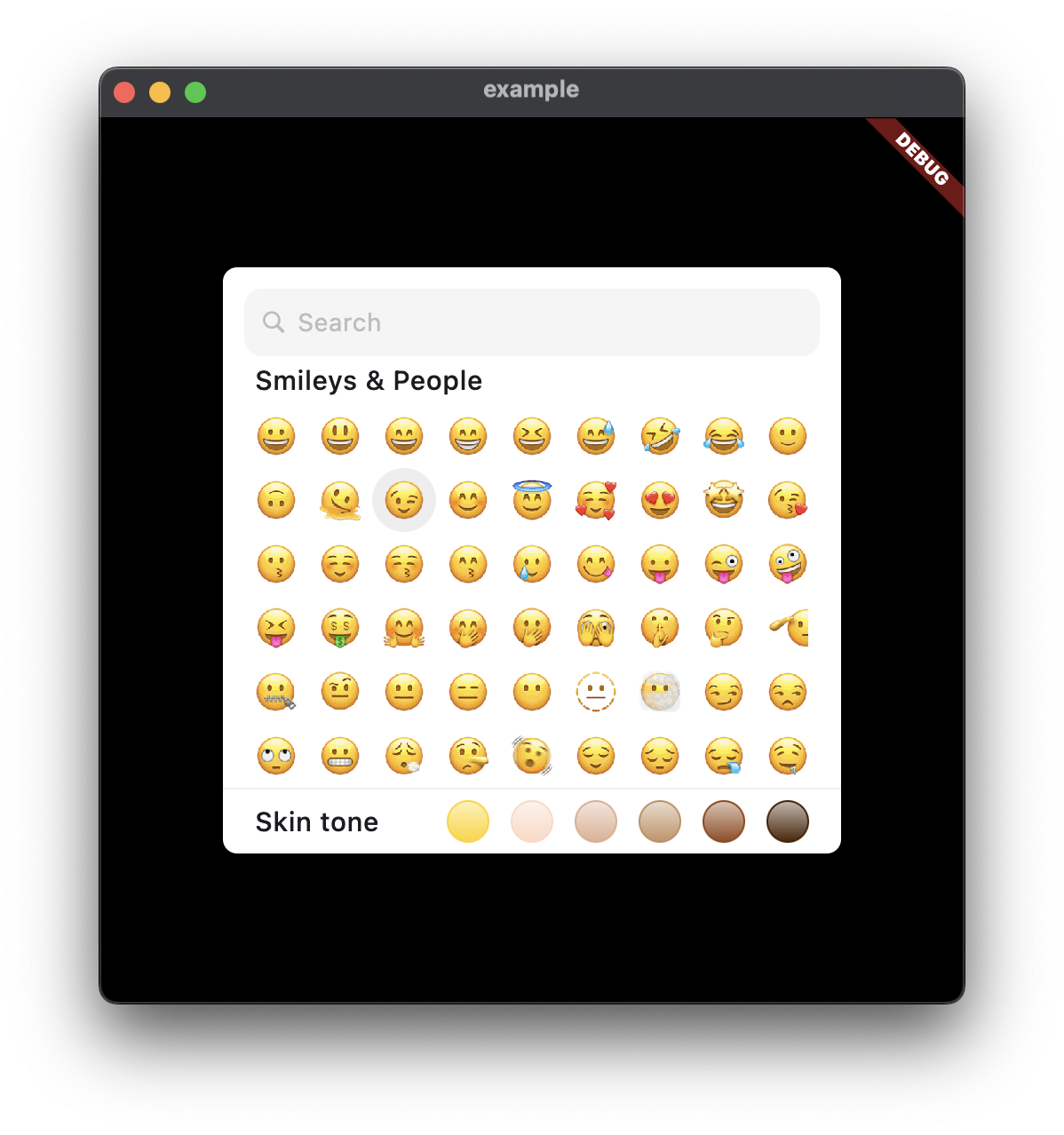 |
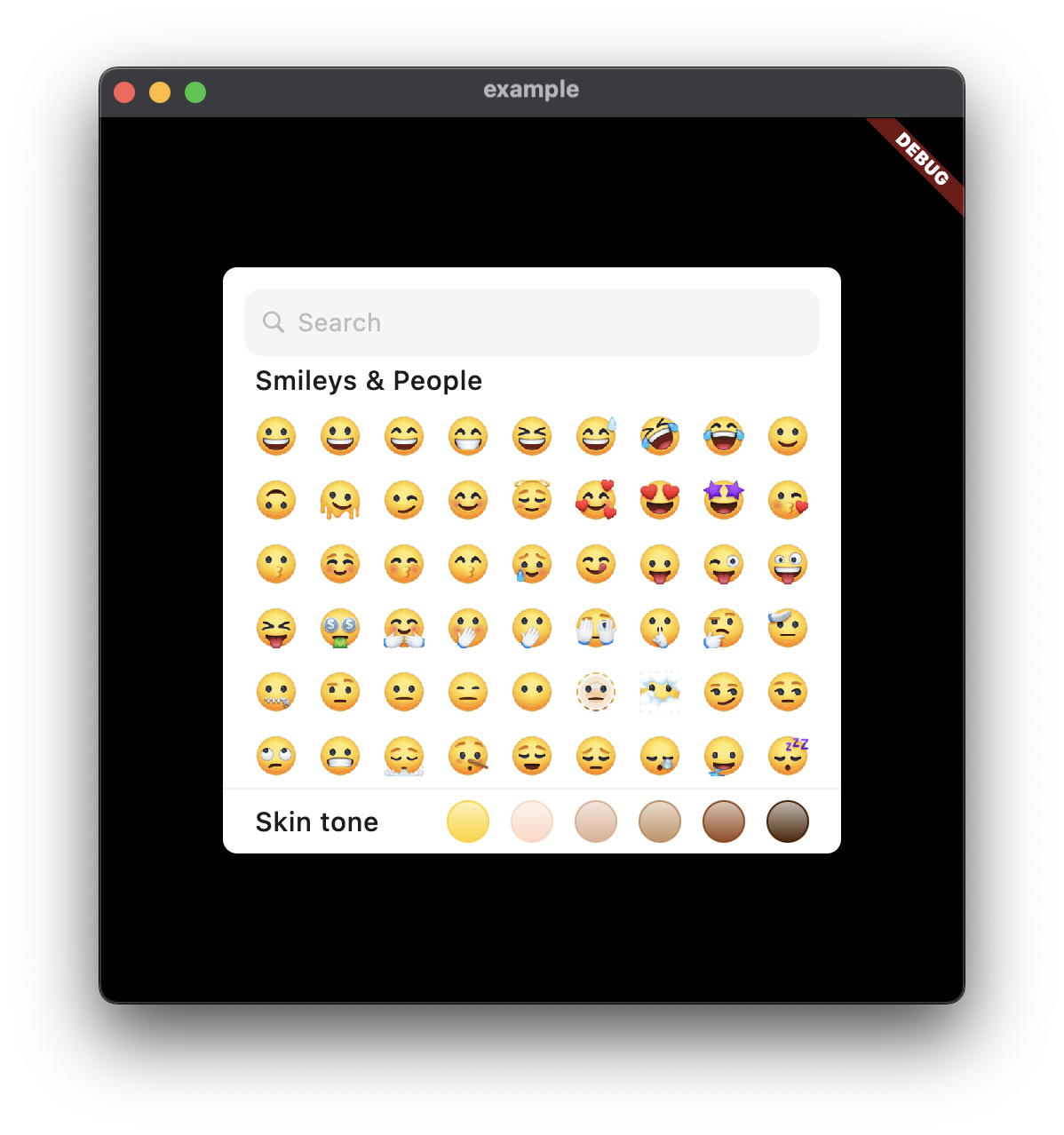 |
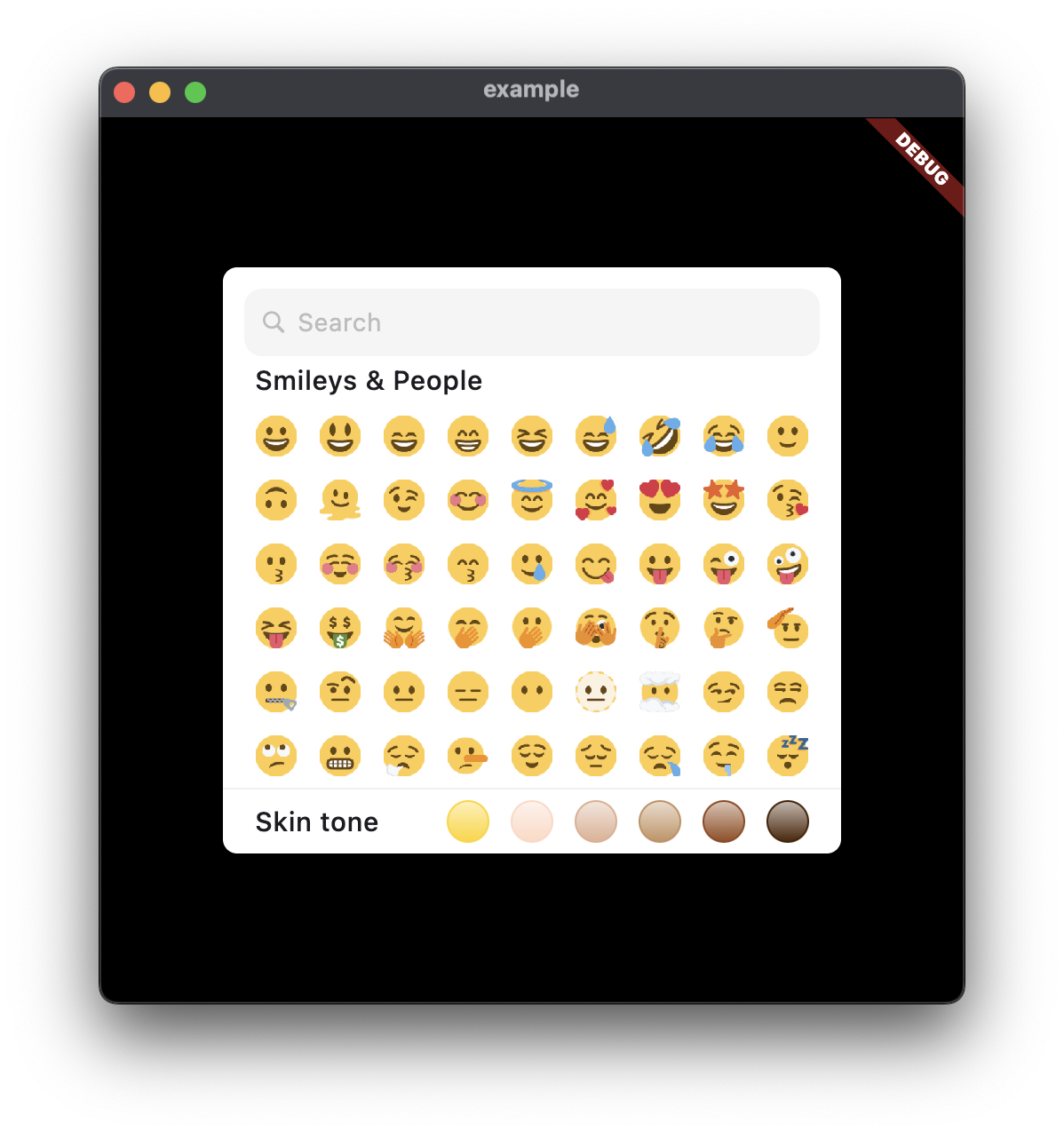 |
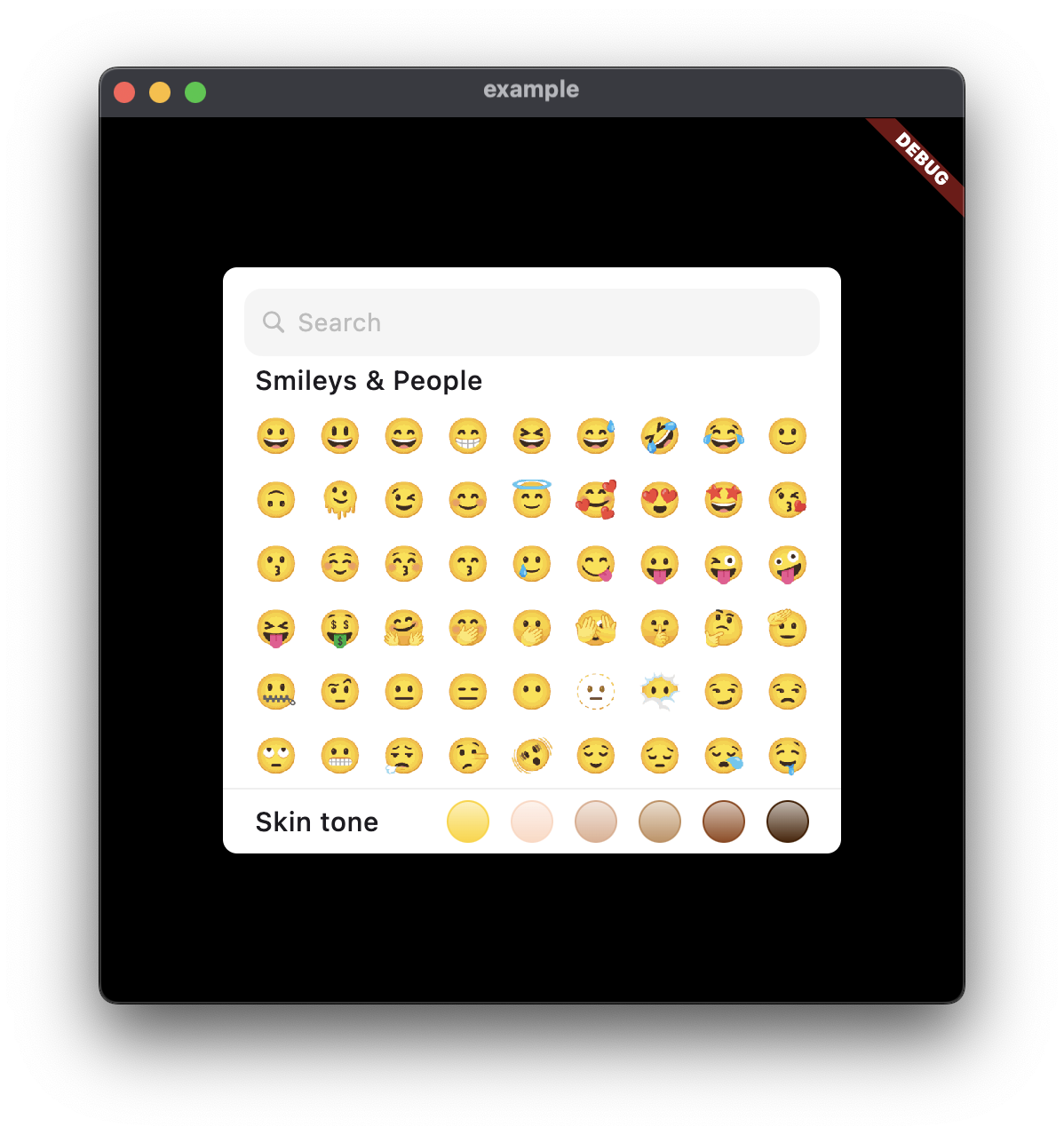 |
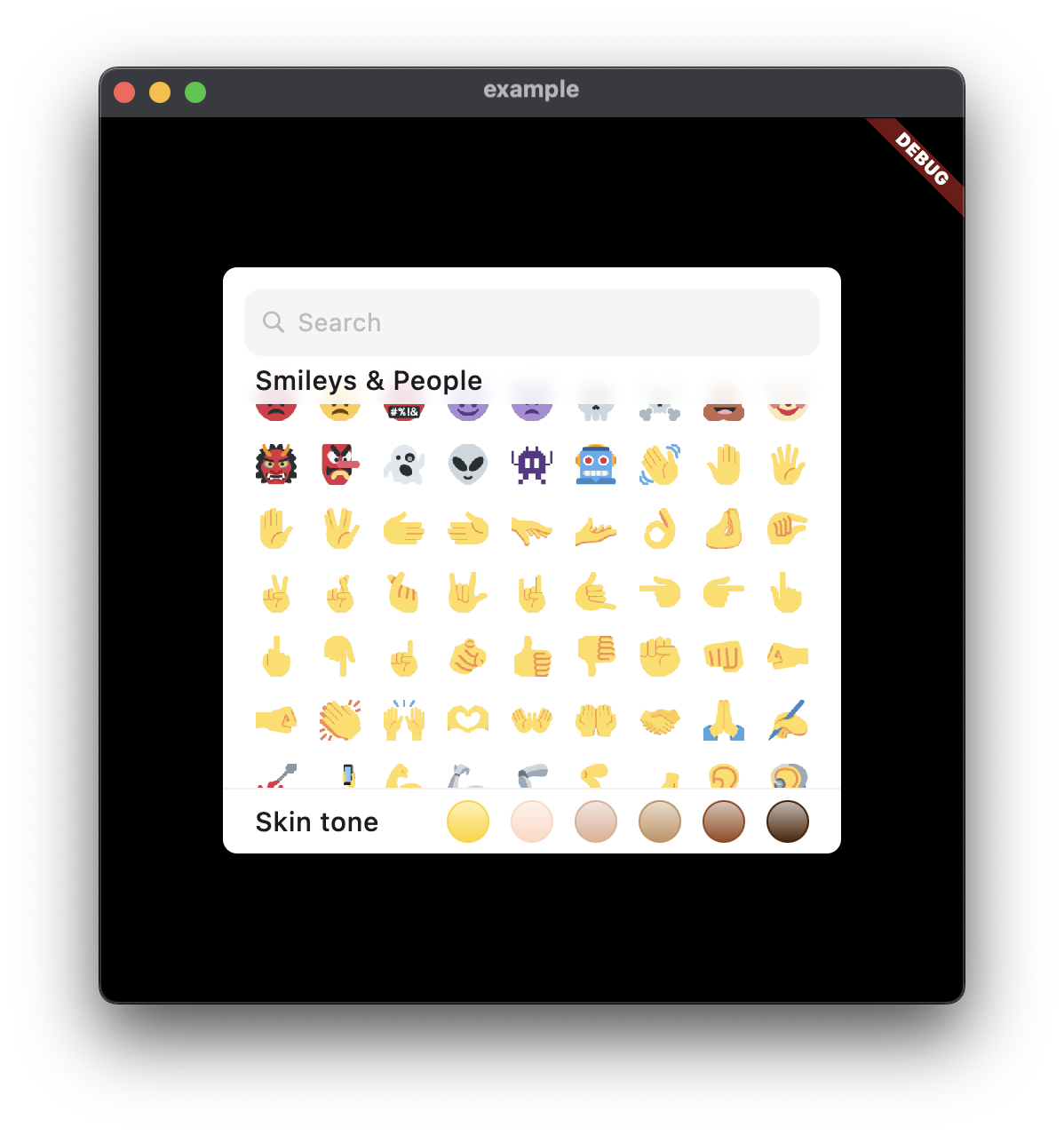 |
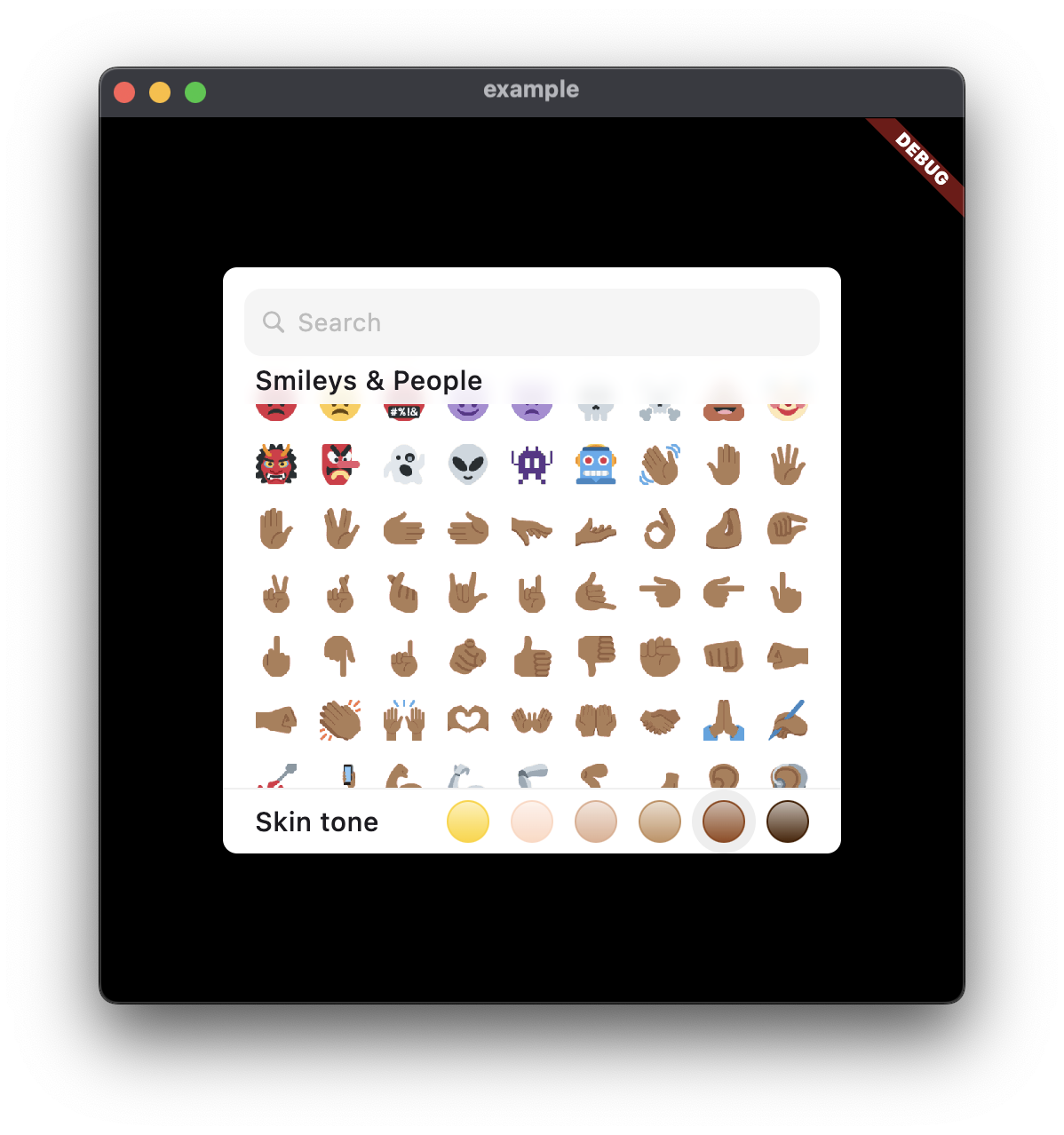 |
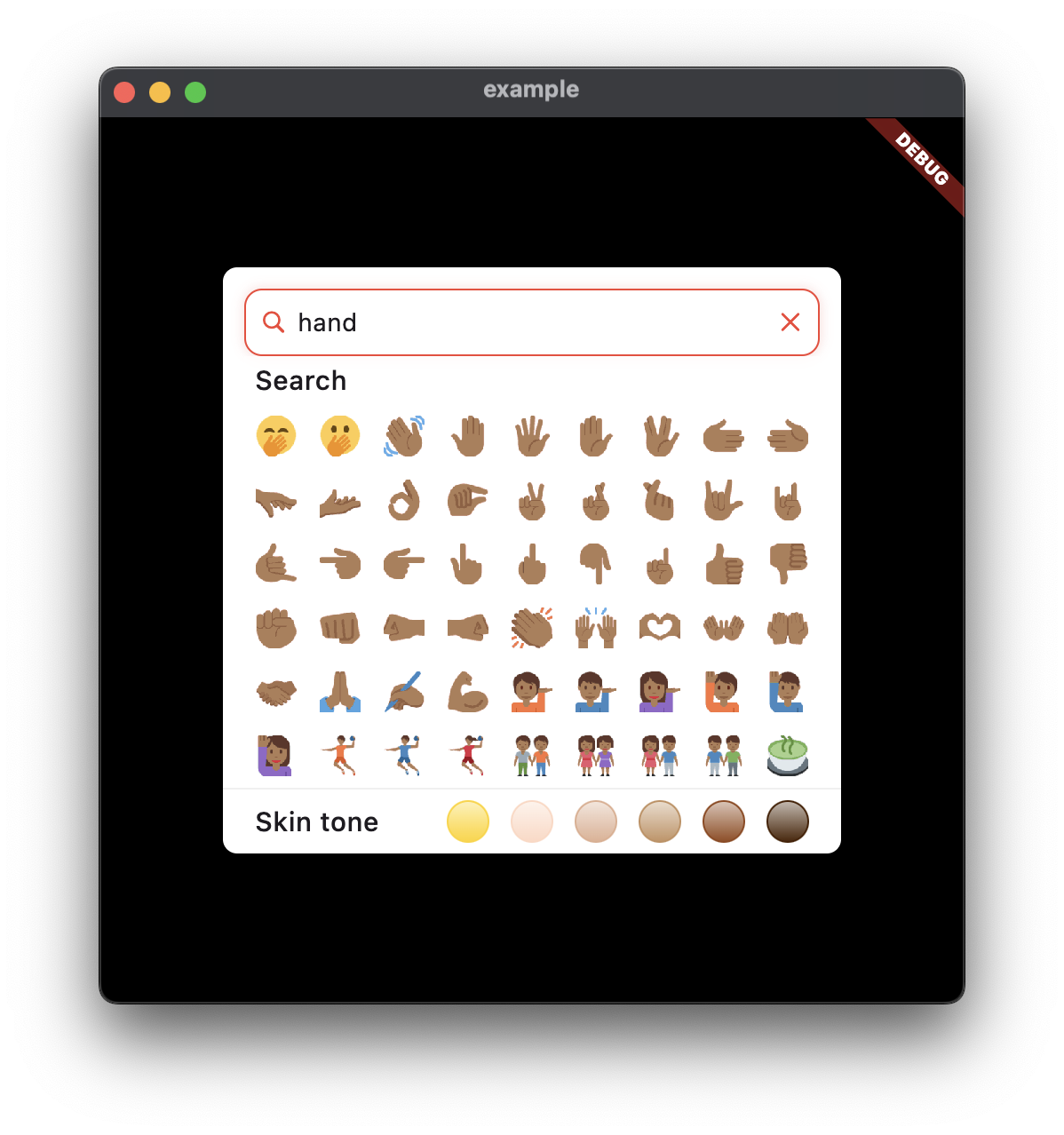 |
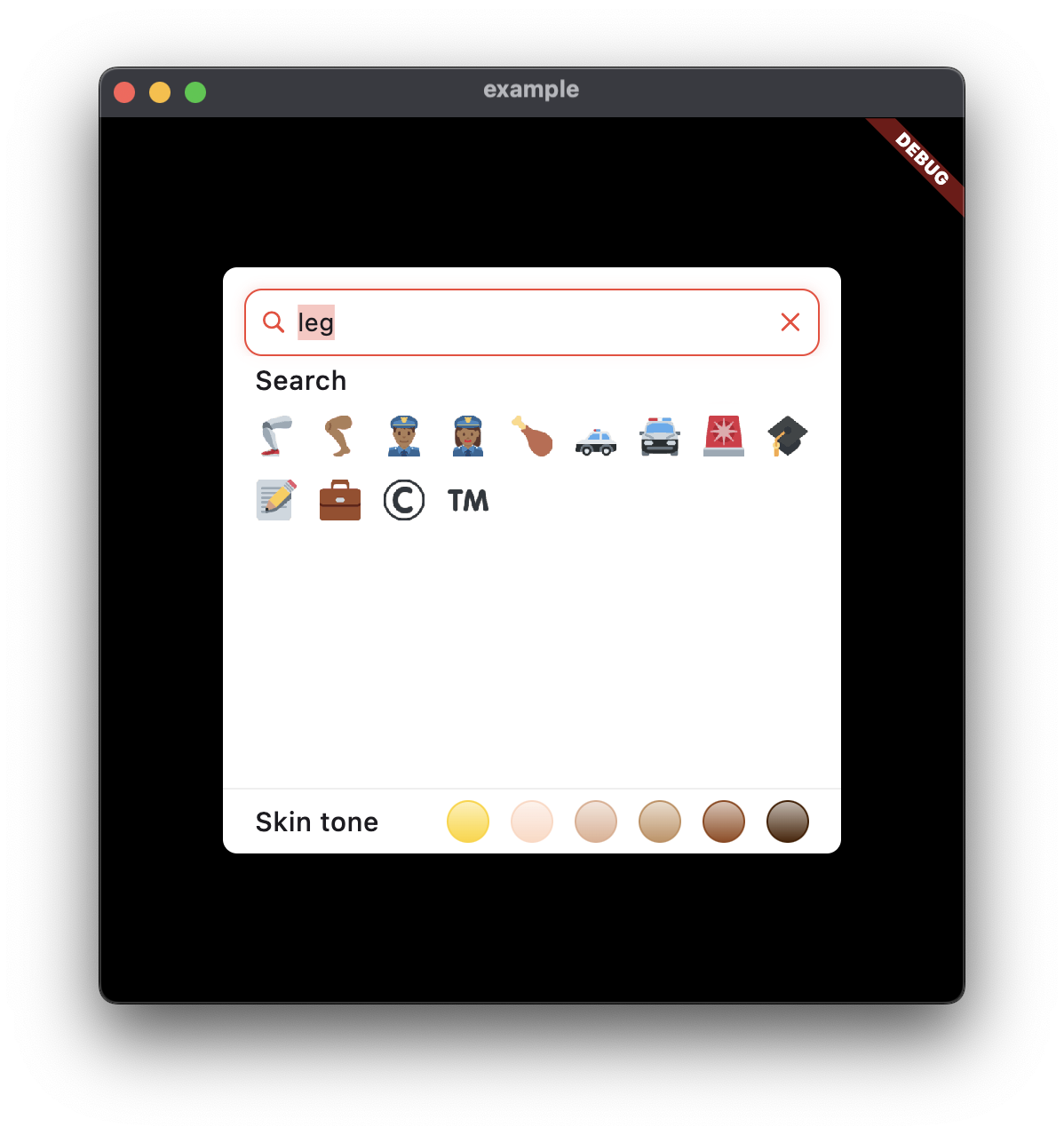 |
📖 Table of Contents #
- Installation ⬇️
- Usage 🧑💻
- Configuration ⚙️
- Customization 🎨
- Localization 🌍
Installation ⬇️ #
To add emoji_mart_flutter to your Flutter project, run:
flutter pub add emoji_mart_flutter
Usage 🧑💻 #
The EmojiPicker widget provides a user-friendly interface for selecting emojis. Here’s a basic example of how to implement it:
EmojiPicker(
    set: EmojiPreset.google.preset,
    emojiVersion: '15',
    /// Callback triggered when an emoji is selected
    onEmojiSelected: (Emoji emoji) {
      // Handle the selected emoji
    },
    size: 24,
    columns: 9,
    rows: 6,
    spacing: 6,
)
Configuration ⚙️ #
EmojiPicker supports five distinct emoji presets, each with unique stylistic characteristics: native, facebook, apple, google, and twitter. 🖼️
Each preset includes multiple versions corresponding to different Unicode specifications. These versions include: 1, 2, 3, 4, 5, 11, 12, 12.1, 13, 13.1, 14, and 15. 🔢
The onEmojiSelected callback function is invoked when a user selects an emoji, providing you with an Emoji object containing relevant data. 👆
The Emoji data structure contains the following key properties:
  final String id;
  final String name;
  final List<String> keywords;
  final List<Skin> skins;
  final double version;
| Name | Description |
|---|---|
id |
A unique identifier for the emoji. |
name |
The common name of the emoji (e.g., "grinning face"). |
keywords |
A list of keywords associated with the emoji, facilitating search functionality. |
skins |
A list of Skin objects representing various visual variations (e.g., skin tones). |
version |
The Unicode version in which this emoji was introduced. |
The Skin object provides the specific visual details:
  final String unified;
  final String native;
  final int? x;
  final int? y;
| Name | Description |
|---|---|
unified |
The unified Unicode code point representation for this skin variation. |
native |
The actual character(s) representing the emoji. |
x |
The X-coordinate of the emoji within the spritesheet. |
y |
The Y-coordinate of the emoji within the spritesheet. |
Customization 🎨 #
You can customize EmojiPicker by provide your own EmojiPickerTheme through Flutter theme extension API.
The visual appearance of the EmojiPicker is highly customizable through the following properties:
| Name | Description | Default value |
|---|---|---|
emojiSize |
The size, in pixels, of a single emoji. 📏 | 24.0 |
spacing |
The space, in pixels, between individual emoji elements. ↔️ | 6.0 |
textStyle |
Default text style for all text elements in the picker. | null (inherits from DefaultTextStyle) |
backgroundColor |
The background color of the picker. 🎨 | See default |
onBackgroundColor |
The color used for text and icons on the background. 🎨 | See default |
dimColor |
The color used to dim elements in the picker, such as disabled states. | See default` |
inactiveColor |
The color used for inactive or unselected items. | See default |
boxShadow |
The list of box shadows to apply to the picker container. 🖼️ | See default |
Let me know if you need any further modifications or additional details!
Further text styling can be applied by overriding the DefaultTextStyle widget. ✍️
Localization 🌍 #
emoji_mart_flutter leverages the slang package for comprehensive localization. Refer to the slang documentation for detailed instructions on setting up and managing translations. 🌐
To set the locale programmatically, use:
import 'package:emoji_mart_flutter/emoji_mart_flutter.dart' as emoji_mart;

...
emoji_mart.LocaleSettings.setLocaleRaw('vi'); // Use 'en' for English, 'es' for Spanish, etc.
Metadata
Publisher
unverified uploader
Weekly Downloads
Metadata
An emoji picker for Flutter
Repository (GitHub)
View/report issues
License
 unknown (license)
Dependencies
cached_network_image, collection, cupertino_icons, emoji_mart_data, flutter, http, sliver_tools, theme_tailor_annotation

