
userorient_flutter 1.7.1  userorient_flutter: ^1.7.1 copied to clipboard
 userorient.com
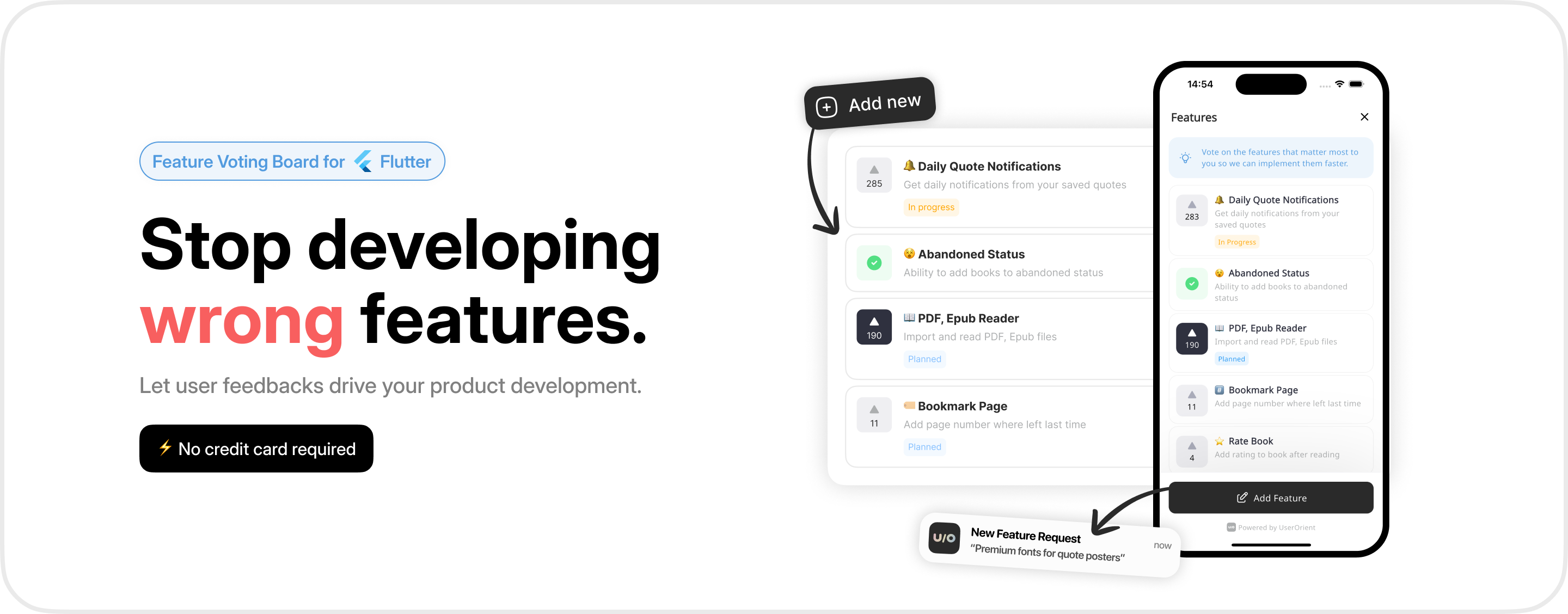
Feature Voting Board for Flutter. Collect feedback from your users and prioritize your development roadmap.
UserOrient.com #
Feature Voting Board for Flutter
UserOrient is a feature voting board that helps you collect feedback from your users and prioritize your development roadmap in your Flutter projects.
🎯 Getting Started #
Considering that you have already created a project on UserOrient.com and received an API key, follow these steps to integrate the SDK into your Flutter app.
📦 Add the dependency #
Add the following to your pubspec.yaml file:
dependencies:
  userorient_flutter: <latest-version>
⚙️ Initialize the SDK #
Initialize the SDK with your project's API key and preferred language:
import 'package:userorient_flutter/userorient_flutter.dart';

void main() {
  UserOrient.configure(
    apiKey: 'YOUR_API_KEY',
    languageCode: 'en',
  );
🎨 Display the board #
Before displaying the board, set user information using UserOrient.setUser(). Ideally you should pass a unique identifier (uniqueIdentifier) for the user so that their votes can persist across app installs. This can be an email address, phone number, or custom ID. If not provided, UserOrient will generate a random identifier.
UserOrient.setUser(
  uniqueIdentifier: '123456',
  fullName: 'Kamran Bekirov',
  email: 'kamran@userorient.com',
  phoneNumber: '+1234567890',
  language: 'en',
  isPaying: true,
  extra: {
    'age': 27,
    'gender': 'male',
  }
);
Then, to show the board, call UserOrient.openBoard(context).
UserOrient.openBoard(context);
That's it.
Note: It's recommended to call
UserOrient.setUserbefore each board launch to ensure up-to-date user information.
💰 Paying Users #
Set the isPaying property to true for users who have a paid subscription or are paying customers. This enables powerful filtering in your UserOrient dashboard:
- Filter by paying users: Toggle "filter by paying users" in the dashboard to see votes specifically from paying customers
- Prioritize features: Understand which features matter most to your revenue-generating users
- Better decision-making: Make data-driven decisions by focusing on feedback from your most valuable users
See the isPaying property in the User Identification example above.
Customize appearance #
Customize the appearance to match your app's design:
UserOrient.setTheme(
  light: UserOrientColors(
    backgroundColor: Colors.white,
    accentColor: Colors.blue,
  ),
  dark: UserOrientColors(
    backgroundColor: Color(0xff1D1D1D),
    accentColor: Colors.blue,
  ),
);
backgroundColor: SDK's background coloraccentColor: Primary button, active tab and voted state color (text color adjusts automatically)
Font family is inherited from your app's ThemeData.
👋 Logging Out #
When a user logs out of your app, call UserOrient.clearCache() to prevent potential issues:
await UserOrient.clearCache();
💬 Contact #
For any questions or support, please reach out to us:
- Email: kamran@userorient.com
- Twitter: @userorient
Metadata
Publisher
Weekly Downloads
Metadata
Feature Voting Board for Flutter. Collect feedback from your users and prioritize your development roadmap.
Homepage
Repository (GitHub)
View/report issues
Topics
#feature-request #feedback #user-experience #board #upvote
Documentation
License
 BSD-3-Clause (license)
Dependencies
flutter, flutter_localizations, flutter_svg, flutter_svg_provider, http, shared_preferences, url_launcher, url_launcher_ios

