
smart_splash_kit 1.0.1  smart_splash_kit: ^1.0.1 copied to clipboard
A powerful, customizable Flutter splash screen package with smart routing, beautiful animations, API loading, theme support, and seamless native-to-Flutter transitions.
Smart Splash Kit #
A powerful, customizable Flutter splash screen package that supports smart navigation routing, beautiful animations, API/data loading, theme-based UI, and seamless native → Flutter transitions.
🖼 Showcase #
Simple Logo
|
Loader Splash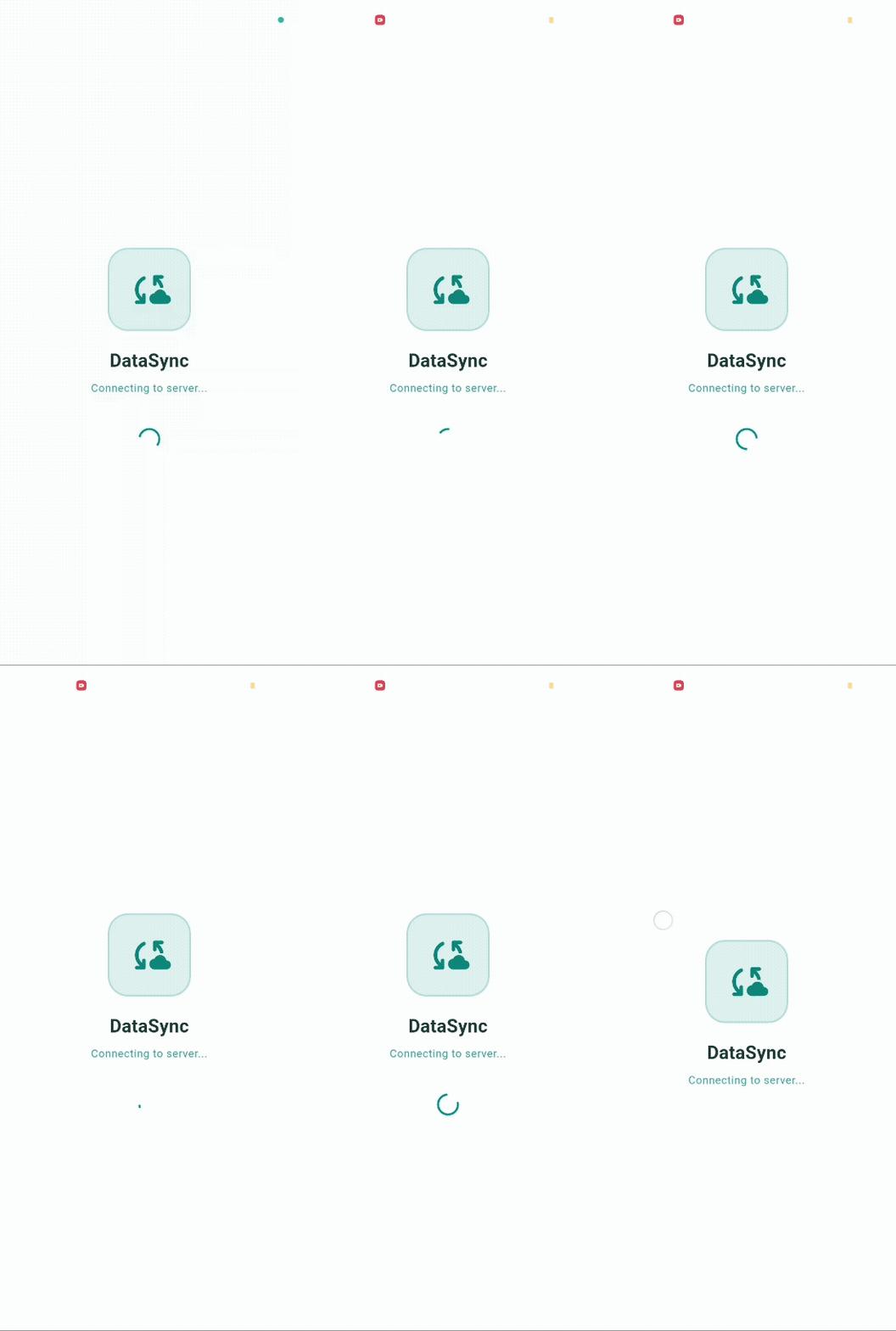
|
Animated Logo
|
Branding Splash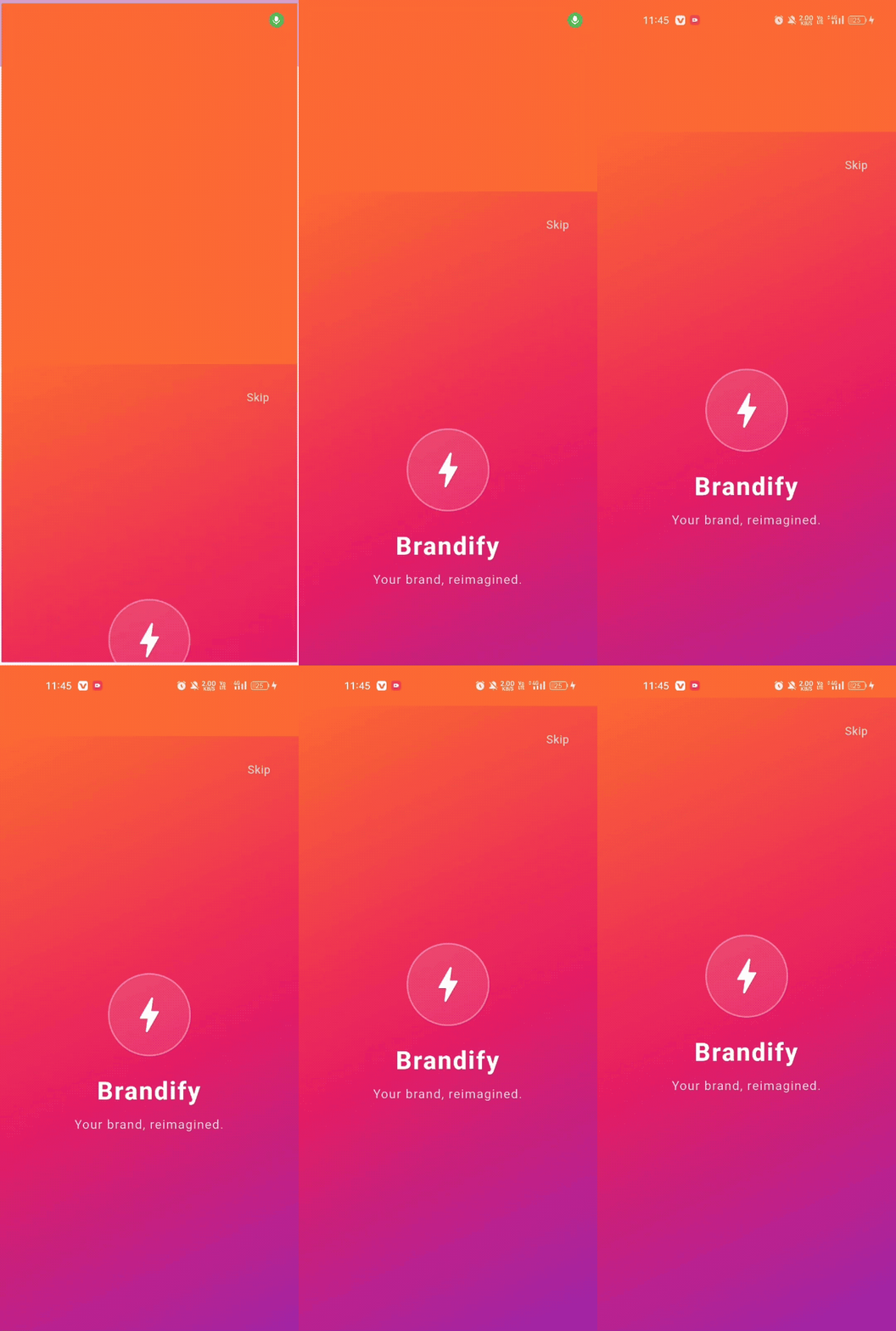
|
Config Based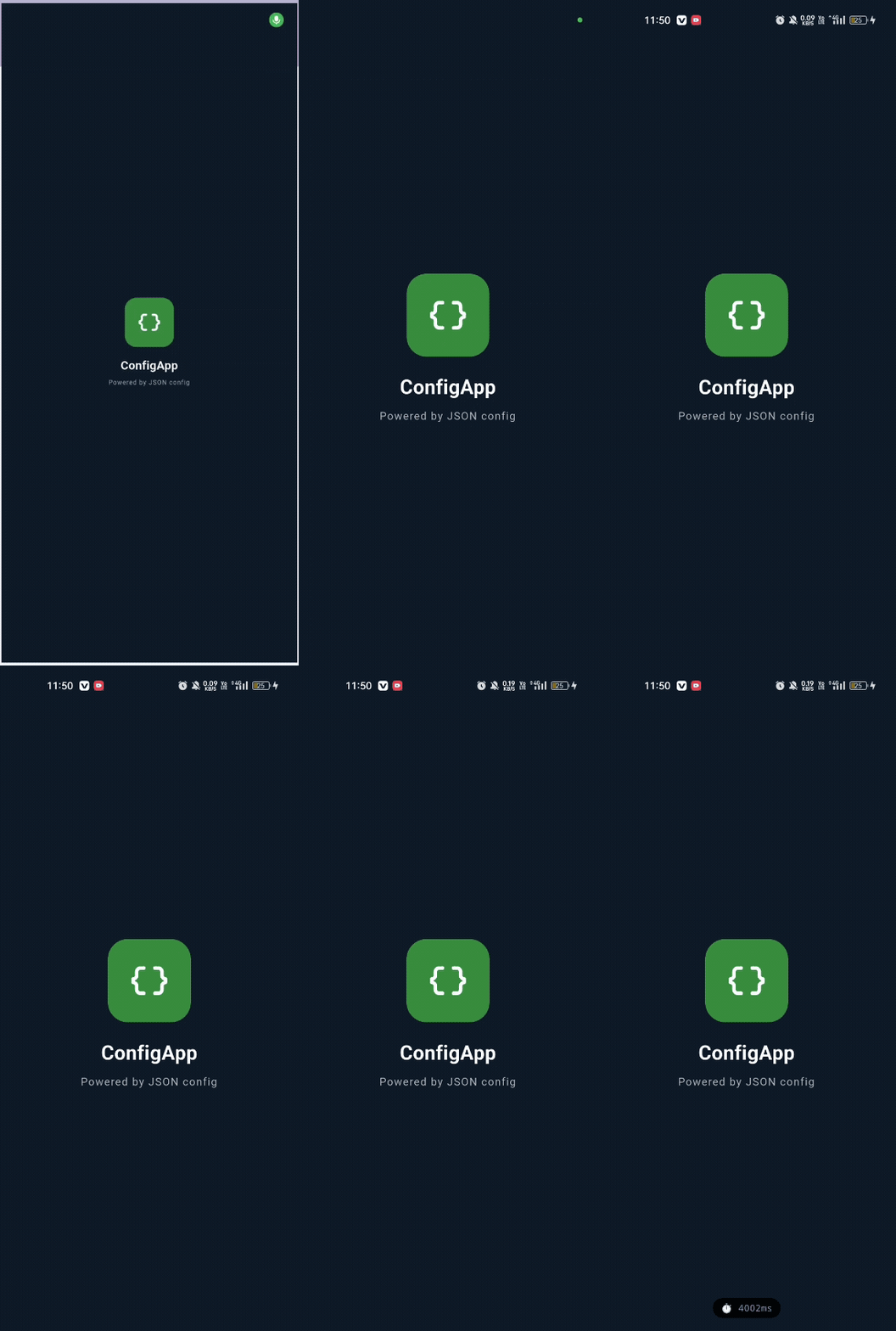
|
✨ Features #
| Feature | Details |
|---|---|
| 🧠 Smart Routing | onInit async callback returns SplashRoute (home / login / onboarding / custom) |
| 🎞 Animations | 9 built-in types: fadeIn, scaleUp, slideUp, rotate, fadeScale, sequence & more |
| 🎨 UI Builder | 4 layouts: logoCenter, logoWithText, fullBackground, custom widget |
| 🌗 Theme Support | Light, dark, auto (system), and fully custom color themes |
| ⏳ API Loader | Timeout, retry, concurrent loading via ApiLoader |
| ⚙️ Config-Based | JSON/Map-driven splash via SplashConfigParser |
| 👆 Interactive | Tap-to-continue, skip button |
| 📊 Performance | Debug startup timing via enablePerformanceMonitoring |
| 🔗 Native Bridge | keepSplashVisible / removeSplash hooks for native transition |
| 🔁 Error Handling | Built-in retry UI + fallback route |
📱 Supported Platforms #
| Platform | Support |
|---|---|
| Android | ✅ |
| iOS | ✅ |
| Web | ✅ |
| macOS | ✅ |
| Windows | ✅ |
| Linux | ✅ |
🚀 Getting Started #
Add to your pubspec.yaml:
dependencies:
  smart_splash_kit: ^1.0.0
Then run:
flutter pub get
📖 Basic Usage #
import 'package:smart_splash_kit/smart_splash_kit.dart';

class SplashPage extends StatelessWidget {
  const SplashPage({super.key});

  @override
  Widget build(BuildContext context) {
    return SmartSplash(
      config: SplashConfig(
        durationMs: 2500,
        animation: SplashAnimation.fadeIn(),
        backgroundColor: Colors.white,
        layoutType: SplashLayoutType.logoWithText,
        logo: Image.asset('assets/logo.png', width: 120),
        appName: 'My App',
        tagline: 'Something amazing.',
      ),
      onInit: () async {
        // Your routing logic here
        final isLoggedIn = await AuthService.checkToken();
        if (isLoggedIn) return SplashRoute.home();
        return SplashRoute.login();
      },
    );
  }
}
Register the route in your MaterialApp:
MaterialApp(
  initialRoute: '/splash',
  routes: {
    '/splash': (_) => const SplashPage(),
    '/home':   (_) => const HomePage(),
    '/login':  (_) => const LoginPage(),
    '/onboarding': (_) => const OnboardingPage(),
  },
)
🧠 Smart Routing #
The onInit callback is where all your app startup logic lives. Return a SplashRoute to control navigation:
onInit: () async {
  // First-time user detection
  final isFirstTime = await Prefs.isFirstLaunch();
  if (isFirstTime) return SplashRoute.onboarding();

  // Token validation
  final token = await SecureStorage.getToken();
  if (token == null) return SplashRoute.login();

  // Deep link handling
  final deepLink = await DeepLinkService.getInitialLink();
  if (deepLink != null) return SplashRoute.custom(deepLink);

  return SplashRoute.home();
},
errorFallbackRoute: SplashRoute.login(), // fallback on any exception
SplashRoute factories #
SplashRoute.home()              // navigates to '/home'
SplashRoute.login()             // navigates to '/login'
SplashRoute.onboarding()        // navigates to '/onboarding'
SplashRoute.custom('/profile')  // navigates to any named route

// With arguments
SplashRoute.home(arguments: {'userId': 42})
🎞 Animations #
SplashAnimation.fadeIn(durationMs: 800, curve: Curves.easeIn)
SplashAnimation.scaleUp(durationMs: 900, curve: Curves.elasticOut)
SplashAnimation.scaleDown(durationMs: 800)
SplashAnimation.slideUp(durationMs: 700)
SplashAnimation.slideDown(durationMs: 700)
SplashAnimation.slideLeft(durationMs: 700)
SplashAnimation.slideRight(durationMs: 700)
SplashAnimation.rotate(durationMs: 1000)
SplashAnimation.fadeScale(durationMs: 900)
SplashAnimation.none()

// Sequence: multiple animations one after another
SplashAnimation.sequence([
  SplashAnimation.fadeIn(durationMs: 600),
  SplashAnimation.scaleUp(durationMs: 500, delayMs: 200),
])
All animations support:
durationMs— animation lengthcurve— FlutterCurve(e.g.Curves.easeOut,Curves.elasticOut)delayMs— delay before starting
🎨 UI Layouts #
Logo Center #
SplashConfig(
  layoutType: SplashLayoutType.logoCenter,
  logo: Image.asset('assets/logo.png', width: 120),
)
Logo + Text #
SplashConfig(
  layoutType: SplashLayoutType.logoWithText,
  logo: Image.asset('assets/logo.png', width: 100),
  appName: 'My App',
  tagline: 'Your tagline here',
  appNameStyle: const TextStyle(fontSize: 28, fontWeight: FontWeight.bold),
)
Full Background #
SplashConfig(
  layoutType: SplashLayoutType.fullBackground,
  backgroundGradient: const LinearGradient(
    colors: [Color(0xFF6200EE), Color(0xFF0336FF)],
    begin: Alignment.topLeft,
    end: Alignment.bottomRight,
  ),
  appName: 'My App',
)
Custom Widget #
SplashConfig(
  layoutType: SplashLayoutType.custom,
  customContent: MyCustomSplashWidget(),
)
🌗 Themes #
// Light theme (default)
SplashTheme.light()

// Dark theme
SplashTheme.dark()

// Auto-detect from system
SplashTheme.auto(context)

// Fully custom
SplashTheme.custom(
  backgroundColor: const Color(0xFF1A1A2E),
  loaderColor: const Color(0xFFE94560),
  textColor: Colors.white,
)
⏳ API Loader #
Show a loader while performing async work during the splash:
SmartSplash(
  config: SplashConfig(
    showLoader: true,
    durationMs: 0, // wait for onInit to complete
  ),
  onInit: () async {
    final result = await ApiLoader.run<UserData>(
      () => api.fetchUser(),
      timeout: const Duration(seconds: 10),
      maxRetries: 2,
      retryDelay: const Duration(seconds: 1),
    );

    if (result.success) {
      AppState.user = result.data;
      return SplashRoute.home();
    }
    return SplashRoute.login();
  },
)
Concurrent loading #
final results = await ApiLoader.runAll([
  () => api.fetchConfig(),
  () => api.fetchUser(),
  () => api.fetchTheme(),
]);
⚙️ Config-Based Splash (JSON) #
Drive your splash entirely from a JSON config — ideal for remote config or A/B testing:
const json = '''
{
  "type": "logo_with_text",
  "animation": "fade_scale",
  "duration": 2500,
  "background_color": "#1A1035",
  "app_name": "My App",
  "tagline": "Version 2.0",
  "show_loader": false
}
''';

final config = SplashConfigParser.fromJson(json)!.copyWith(
  logo: Image.asset('assets/logo.png'),
);
Supported JSON fields:
| Field | Values |
|---|---|
type |
logo_center, logo_with_text, full_background |
animation |
fade, scale_up, scale_down, slide_up, slide_down, slide_left, slide_right, rotate, fade_scale |
duration |
Integer (milliseconds) |
background_color |
Hex string e.g. "#FFFFFF" |
app_name |
String |
tagline |
String |
show_loader |
Boolean |
👆 Interactive Splash #
SplashConfig(
  tapToContinue: true,   // user taps to navigate
  showSkipButton: true,  // show "Skip" button top-right
  skipButtonLabel: 'Skip',
)
📊 Performance Monitoring #
SplashConfig(
  enablePerformanceMonitoring: true, // debug builds only
)
This logs startup time to the Flutter debug console and overlays the time on screen during development.
🔗 Native → Flutter Transition #
Use SmartSplashKitPlatform to coordinate with a native splash (e.g. flutter_native_splash):
import 'package:smart_splash_kit/smart_splash_kit_platform_interface.dart';

// Keep native splash visible until Flutter is ready
await SmartSplashKitPlatform.instance.keepSplashVisible();

// Dismiss native splash when Flutter UI is ready
await SmartSplashKitPlatform.instance.removeSplash();
🔁 Error Handling #
SmartSplash(
  // Automatic fallback on exception in onInit
  errorFallbackRoute: SplashRoute.login(),

  // Or fully custom error UI
  errorBuilder: (retry, theme) => Center(
    child: Column(
      mainAxisSize: MainAxisSize.min,
      children: [
        const Icon(Icons.wifi_off, size: 48, color: Colors.grey),
        const SizedBox(height: 16),
        const Text('No connection'),
        const SizedBox(height: 12),
        ElevatedButton(onPressed: retry, child: const Text('Retry')),
      ],
    ),
  ),

  onInit: () async { /* ... */ },
)
🖼 5 Built-In Templates (Example App) #
| # | Template | Animation | Use Case |
|---|---|---|---|
| 1 | Simple Logo Splash | fadeIn | Minimal, clean branding |
| 2 | Animated Logo Splash | fadeScale | Premium app feel |
| 3 | Loader Splash | fadeIn + loader | API-driven apps |
| 4 | Branding Splash | slideUp + gradient | Marketing / consumer apps |
| 5 | Config-Based Splash | scaleUp (JSON) | Remote config / A/B testing |
🔧 Full Configuration Reference #
SmartSplash(
  config: SplashConfig(
    durationMs: 2500,                           // minimum splash duration
    animation: SplashAnimation.fadeIn(),        // animation type
    backgroundColor: Colors.white,              // solid background
    backgroundGradient: null,                   // gradient (overrides backgroundColor)
    layoutType: SplashLayoutType.logoWithText,  // layout
    logo: Image.asset('assets/logo.png'),       // logo widget
    appName: 'My App',                          // app name text
    tagline: 'Your tagline',                    // tagline text
    appNameStyle: null,                         // custom TextStyle for app name
    taglineStyle: null,                         // custom TextStyle for tagline
    customContent: null,                        // custom widget (layoutType.custom)
    showLoader: true,                           // show loading indicator
    customLoader: null,                         // custom loader widget
    tapToContinue: false,                       // tap anywhere to navigate
    showSkipButton: false,                      // show skip button
    skipButtonLabel: 'Skip',                    // skip button label
    enablePerformanceMonitoring: false,         // debug timing overlay
  ),
  theme: SplashTheme.light(),                   // or .dark() / .auto(context)
  errorFallbackRoute: SplashRoute.login(),      // fallback on onInit error
  errorBuilder: null,                           // custom error UI builder
  onInit: () async {
    // Your startup logic
    return SplashRoute.home();
  },
)
📦 Dependencies #
This package has zero third-party dependencies. It only uses:
flutterSDKflutter_web_pluginsSDK (for web support)plugin_platform_interface(for federated plugin architecture)
👤 Author #
Manoj Patadiya 📧 Email: patadiyamanoj4@gmail.com
📄 License #
MIT License — see LICENSE for details.
Metadata
Documentation
Publisher
unverified uploader
Weekly Downloads
Metadata
A powerful, customizable Flutter splash screen package with smart routing, beautiful animations, API loading, theme support, and seamless native-to-Flutter transitions.
Repository (GitHub)
View/report issues
License
 MIT (license)
Dependencies
flutter, flutter_web_plugins, plugin_platform_interface
More
Packages that depend on smart_splash_kit
Packages that implement smart_splash_kit

