
secure_window 1.0.1  secure_window: ^1.0.1 copied to clipboard
 jezequel.org
Secure app content visibility when user leave app. It will hide content in the app switcher and display a frost barrier above locked content when the user get backs
secure_window #
This plugin allow you to protect your application content from view on demand
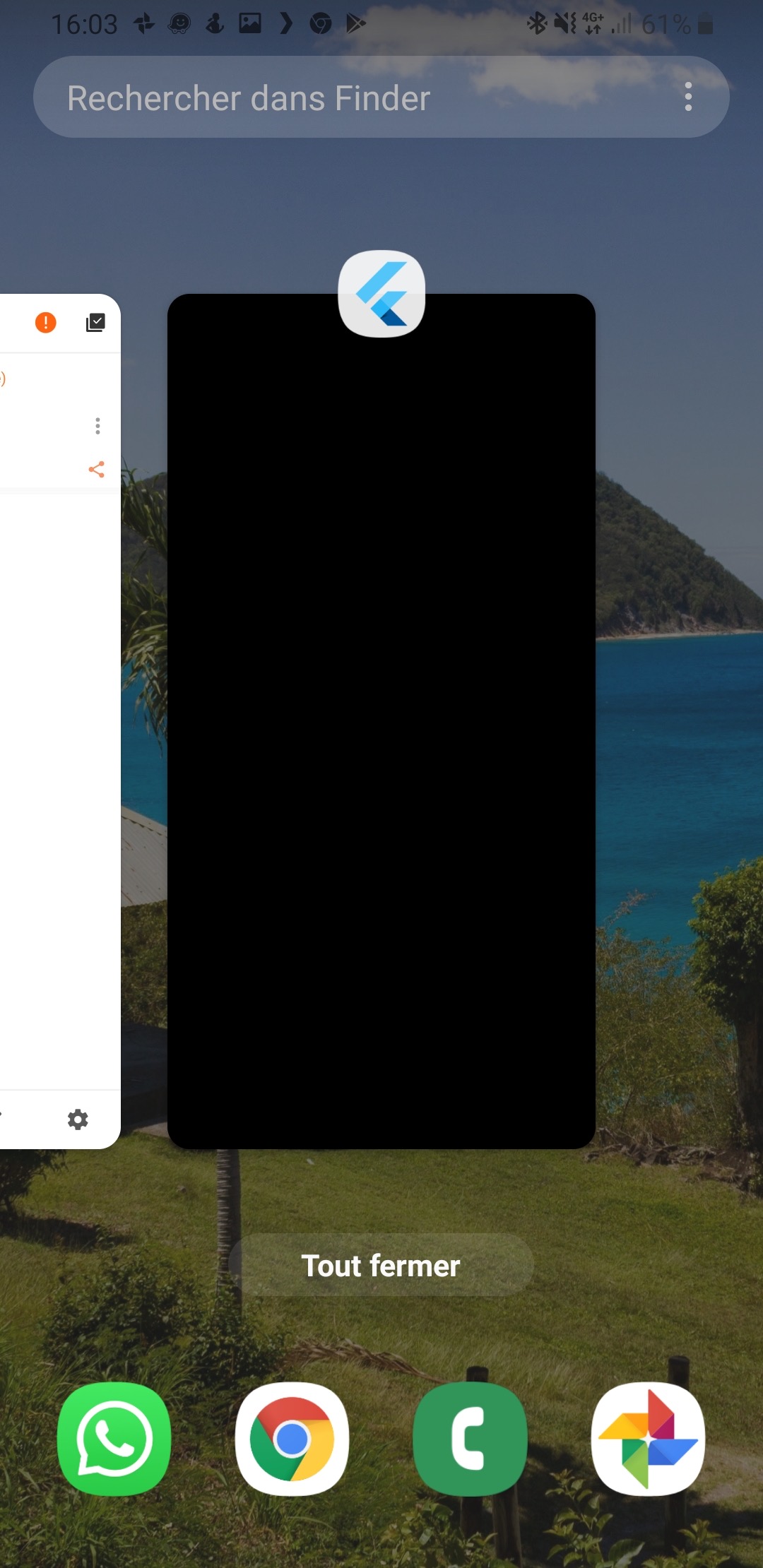
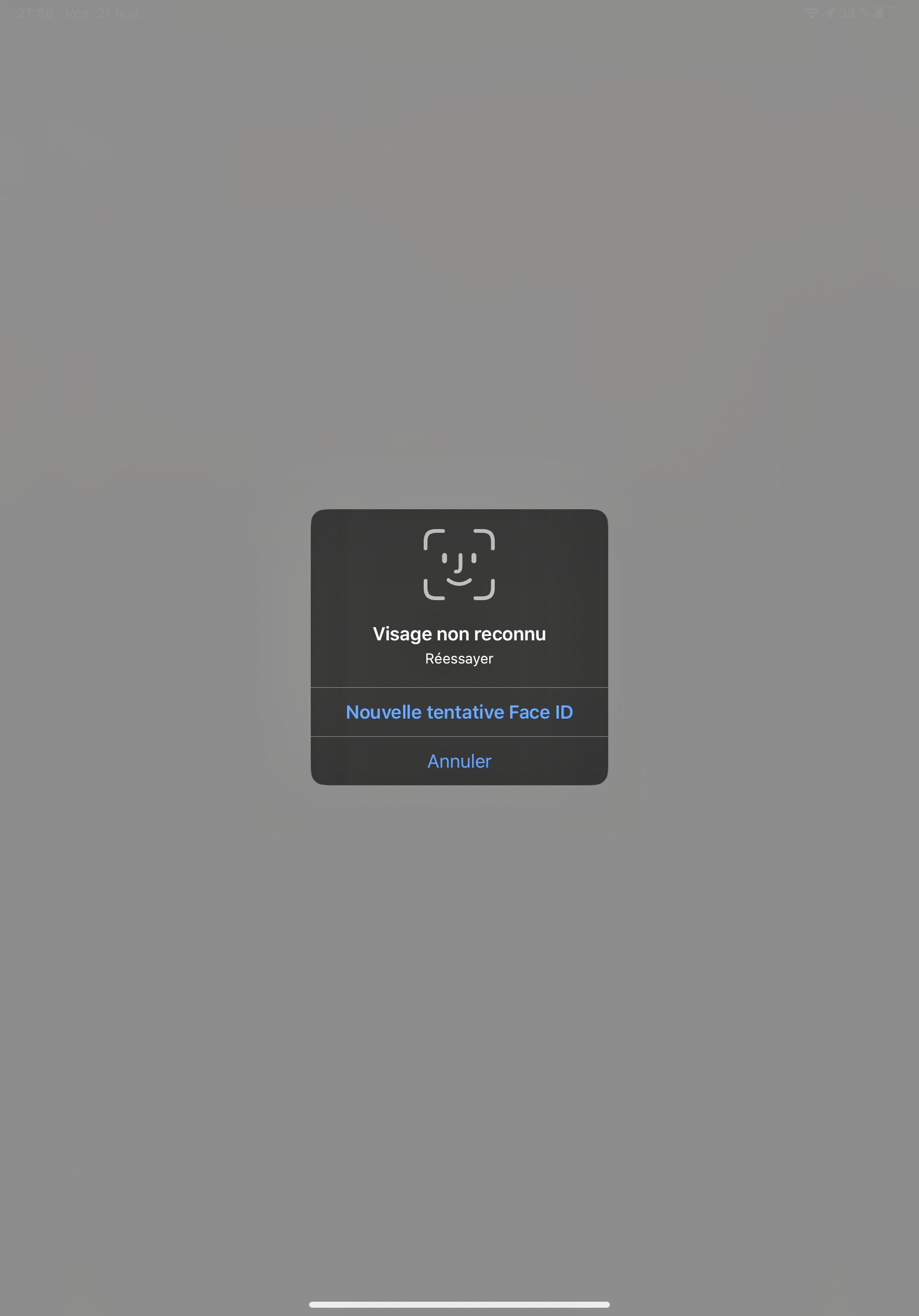
Pluggin in iOS is in swift
Pluggin in Android is in Kotlin / AndroidX libraries
Usage #
Installation #
Add secure_window as a dependency in your pubspec.yaml file (what?).
Import #
Import secure_window:
import 'package:secure_window/secure_window.dart';
Add a top level SecureWindow
SecureApplication(
        onNeedUnlock: (secure) => print(
            'need unlock maybe use biometric to confirm and then use sercure.unlock()'),
        child: MyAppContent(),
)
Put the content you want to protect in a SecureGate (could be the whole app)
SecureGate(
          blurr: 5,
          lockedBuilder: (context, secureNotifier) => Center(
              child: RaisedButton(
            child: Text('test'),
            onPressed: () => secureNotifier.unlock(),
          )),
          child: YouProtectedWidget(),
)
API Docs #
Basic understanding #
The library is mainly controller via the SecureWindowController which can be
open #
like we were not even here!
secured #
if the user switch app or leave app the content will not be visible in the app switcher and when it goes back to the app it will lock it
locked #
the child of the SecureGates will be hidden bellow the blurry barrier
unlocked #
child is visible
Example #
Look at example app to see a use case
Authentication #
This tool does not impose a way to authenticate the user to give them back access to their content
You are free to use your own Widget/Workflow to allow user to see their content once locked (cf SecureWindow widget argument onNeedUnlock)
Therefore you can use any method you like:
- Your own Widget for code Authentication
- biometrics with the local_auth package
- ...
Android #
On Android as soon as you secure the application the user will not be able to capture the screen in the app (even if unlocked) We might give an option to allow screenshot as an option if need arise
iOS #
Contrary to Android we create a native frosted view over your app content so that content is not visible in the app switcher. When the user gets back to the app we wait for ~500ms to remove this view to allow time for the app to woke and flutter gate to draw
Widgets #
SecureApplication #
Api Doc this widget is required and need to be a parent of any Gate it provides to its descendant a SecureWindowProvider that allow you to secure or open the application
You can pass you own initialized SecureWindowController if you want to set default values
SecureGate #
Api Doc The child of this widget will be below a blurry barrier (control the amount of blurr and opacity with its arguments) if the provided SecureWindowController is locked
Native workings #
Android #
When locked we set the secure flag to true
activity?.window?.addFlags(LayoutParams.FLAG_SECURE)
When opened we remove the secure flag
activity?.window?.clearFlags(LayoutParams.FLAG_SECURE)
iOS #
When app will become inactive we add a top view with a blurr filter We remove this app 500ms after the app become active to avoid your content form being breifly visible
Because we all want to see code in a Readme #
Widget build(BuildContext context) {
    return MaterialApp(
      home: SecureApplication(
        onNeedUnlock: (secure) => print(
            'need unlock maybe use biometric to confirm and then sercure.unlock()'),
        child: SecureGate(
          blurr: 5,
          lockedBuilder: (context, secureNotifier) => Center(
              child: RaisedButton(
            child: Text('test'),
            onPressed: () => secureNotifier.unlock(),
          )),
          child: Scaffold(
            appBar: AppBar(
              title: const Text('Plugin example app'),
            ),
            body: Center(
              child: Builder(builder: (context) {
                var valueNotifier = SecureWindowProvider.of(context);
                return Column(
                  children: <Widget>[
                    Text('This is secure content'),
                    MaterialButton(
                      onPressed: () => valueNotifier.secure(),
                      child: Text('secure'),
                    ),
                    MaterialButton(
                      onPressed: () => valueNotifier.open(),
                      child: Text('open'),
                    )
                  ],
                );
              }),
            ),
          ),
        ),
      ),
    );
  }
Metadata
Publisher
Weekly Downloads
Metadata
Secure app content visibility when user leave app. It will hide content in the app switcher and display a frost barrier above locked content when the user get backs
License
 unknown (license)
Dependencies
flutter, flutter_plugin_android_lifecycle
More
Packages that depend on secure_window
Packages that implement secure_window

