
save_points_chart 1.3.1  save_points_chart: ^1.3.1 copied to clipboard
Modern Flutter charting library with 7 chart types, Material 3 design, smooth animations, and zero dependencies.
Save Points Chart 📊 #
A modern, high-performance Flutter charting library with full theme support, featuring 7 chart types, Material 3 design, smooth animations, and interactive context menus.


🌐 Live Demo #
Try it out in your browser: Live Demo →
🎯 Features #
- 7 Chart Types: Line, Bar, Area, Pie, Donut, Radial, and Sparkline charts
- Zero Dependencies: No external packages required - uses only Flutter SDK
- Modern Design: Material 3, Neumorphism, and Glassmorphism effects
- Full Theme Support: Automatic light/dark theme adaptation with InheritedWidget
- Interactive Context Menus: Awesome context menus on tap with actions
- Haptic Feedback: Tactile feedback on all chart interactions for better UX
- Hover Support: Mouse hover effects on Line, Bar, and Radial charts
- High Performance: Optimized rendering with cached calculations and minimal rebuilds
- Smooth Animations: Beautiful entrance animations for all chart types
- Clean Architecture: Modular, reusable, and maintainable code
- Highly Customizable: Extensive configuration options
📦 Installation #
Add this to your package's pubspec.yaml file:
dependencies:
  save_points_chart: ^1.2.0
Then run:
flutter pub get
Note: This package has zero external dependencies! Charts work perfectly without any state management - just pass a
ChartThemedirectly. The includedThemeProvideruses Flutter's built-inInheritedWidgetfor theme management.
🚀 Quick Start #
import 'package:save_points_chart/save_points_chart.dart';

LineChartWidget(
  dataSets: [
    ChartDataSet(
      label: 'Sales',
      color: Colors.blue,
      dataPoints: [
        ChartDataPoint(x: 0, y: 10),
        ChartDataPoint(x: 1, y: 20),
        ChartDataPoint(x: 2, y: 15),
      ],
    ),
  ],
  theme: ChartTheme.light(),
  title: 'Sales Trend',
  subtitle: 'Last 3 months',
)
📸 Screenshots #
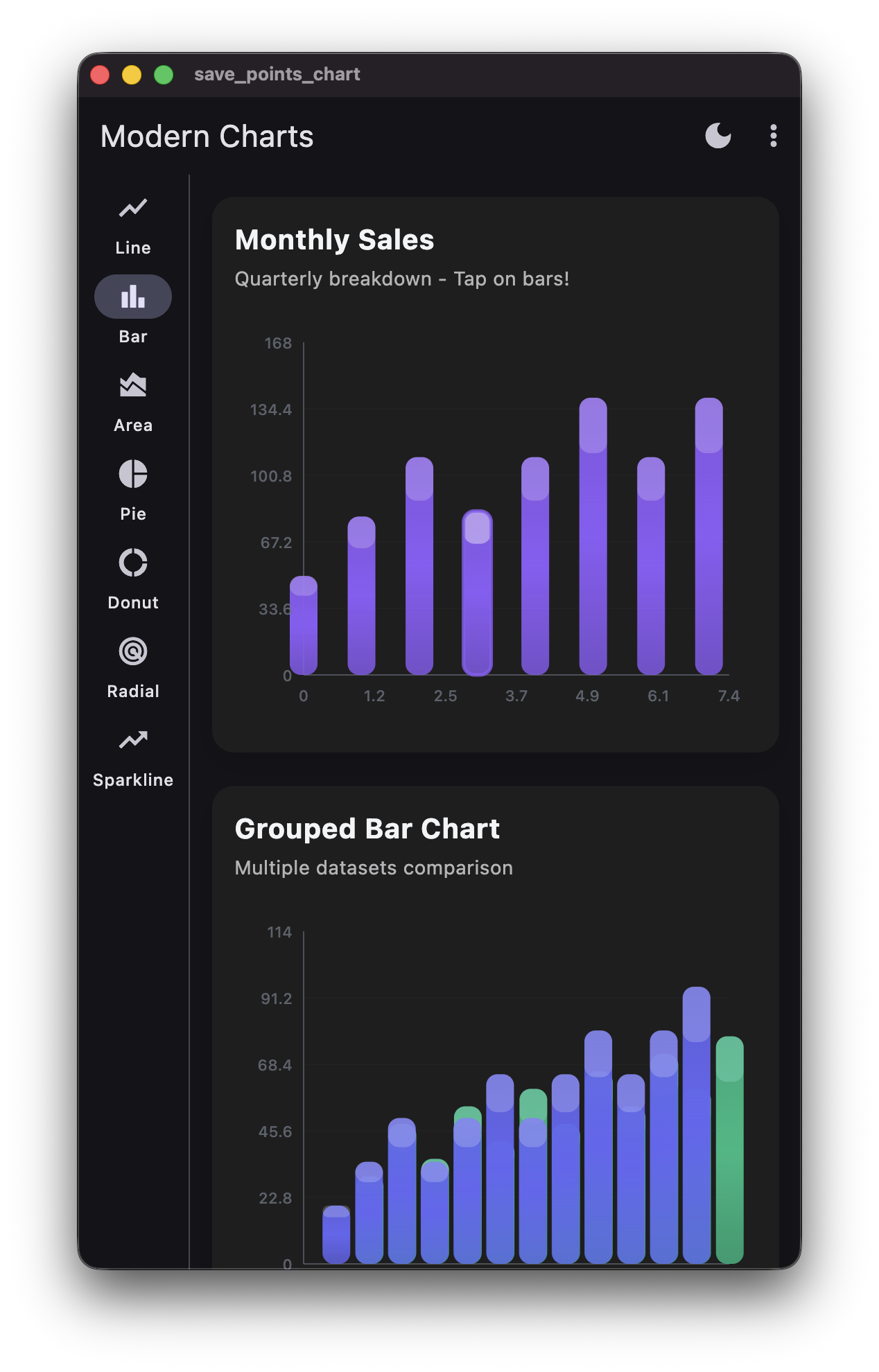
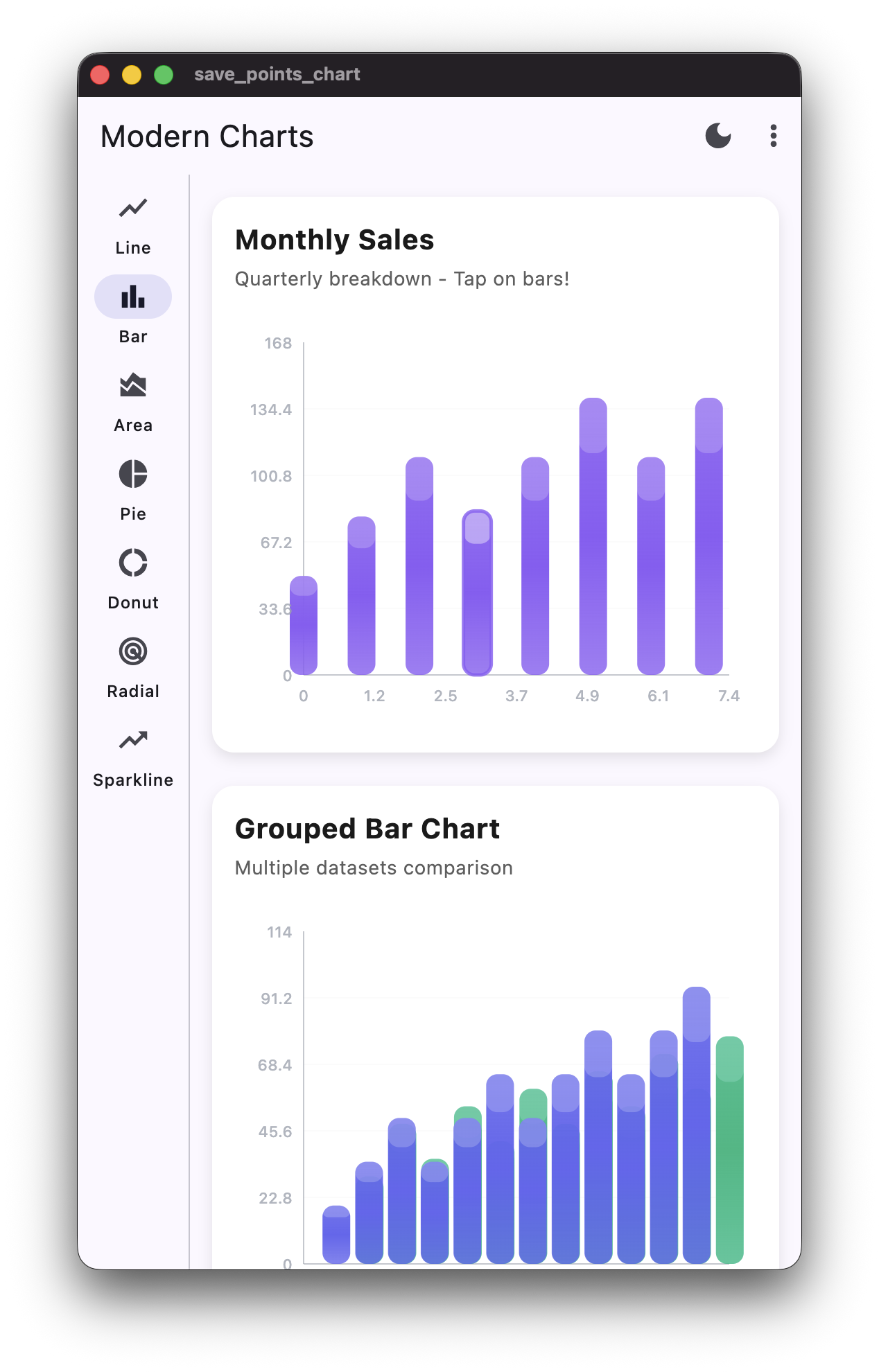
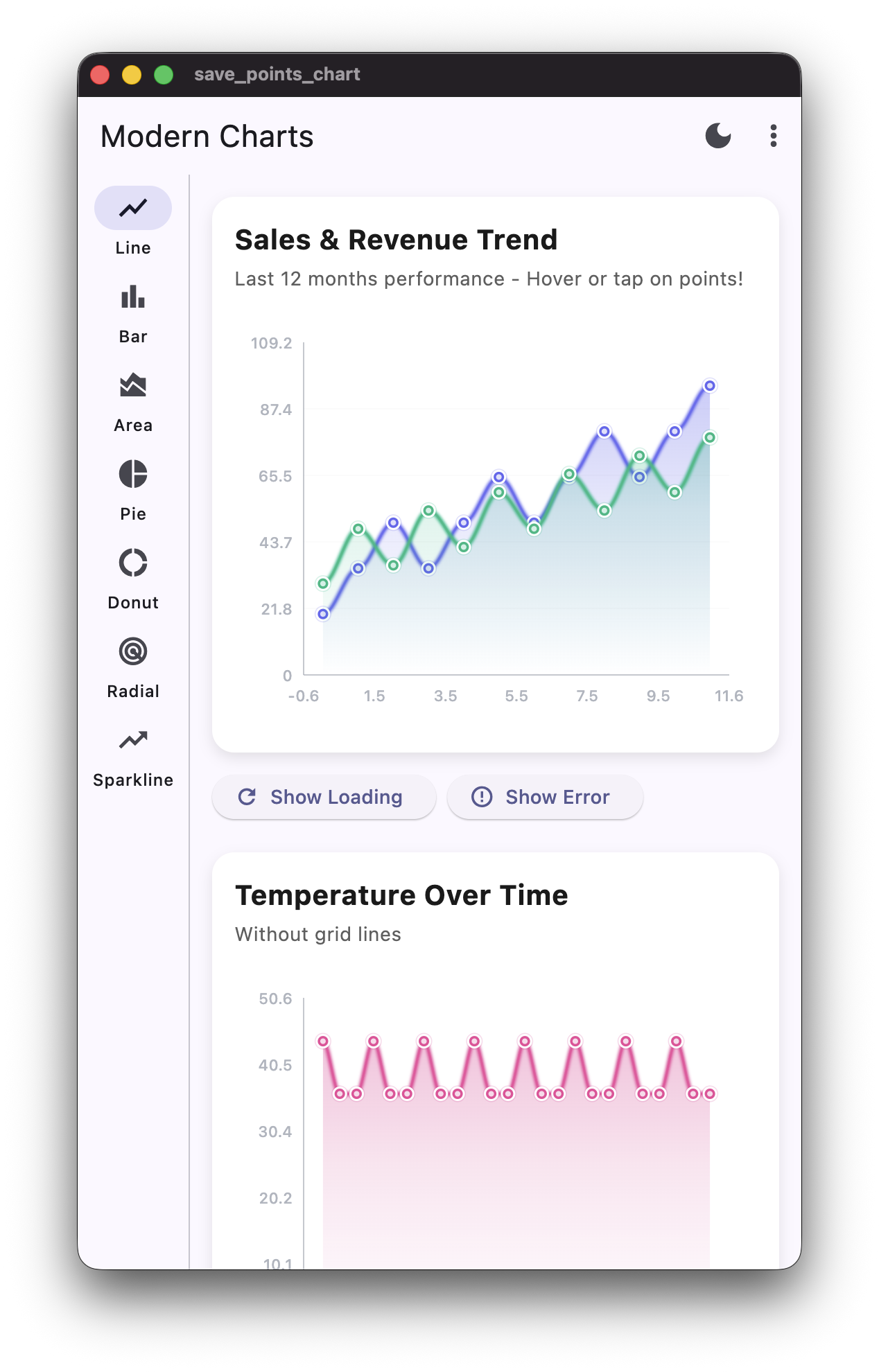
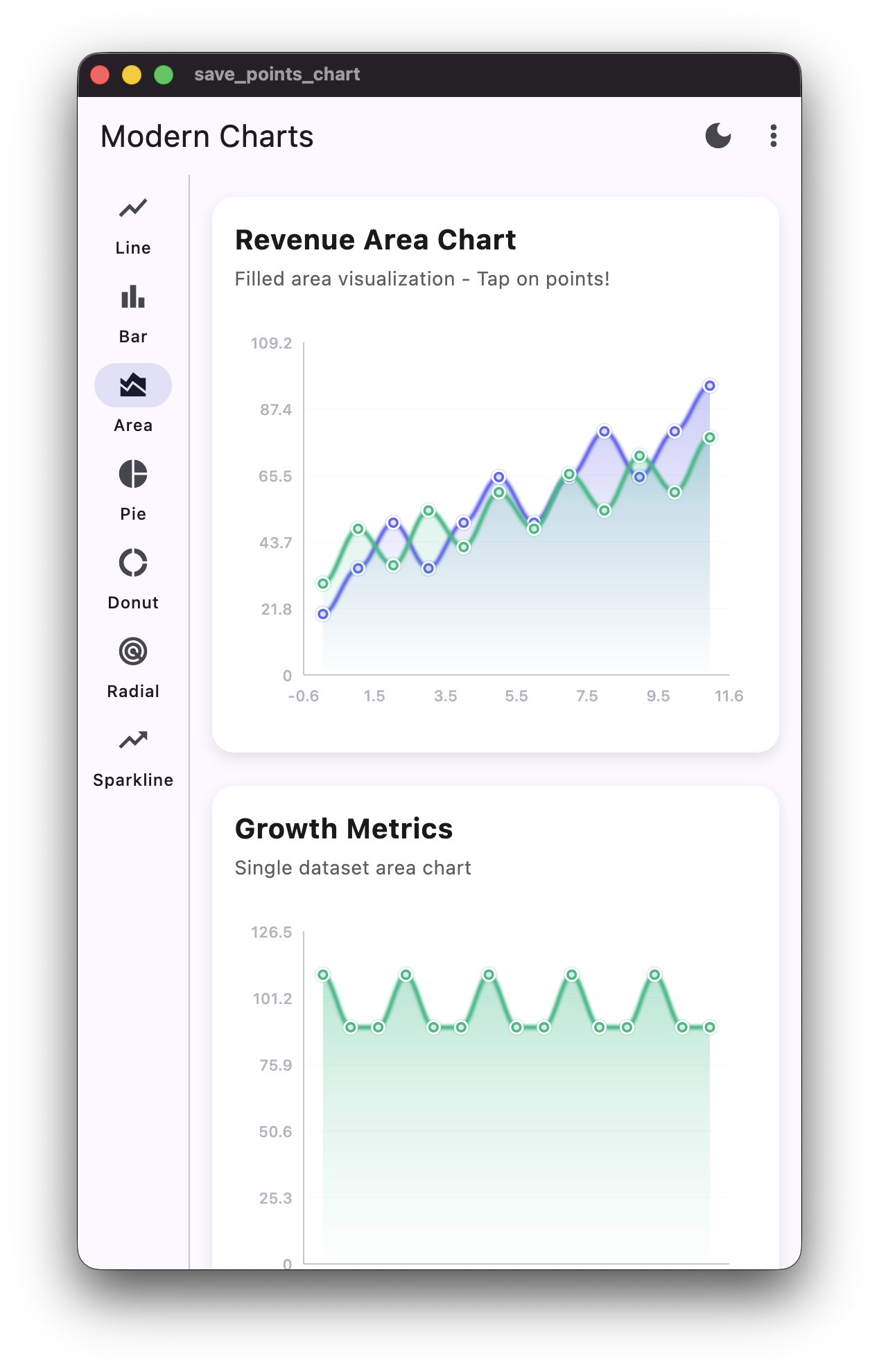
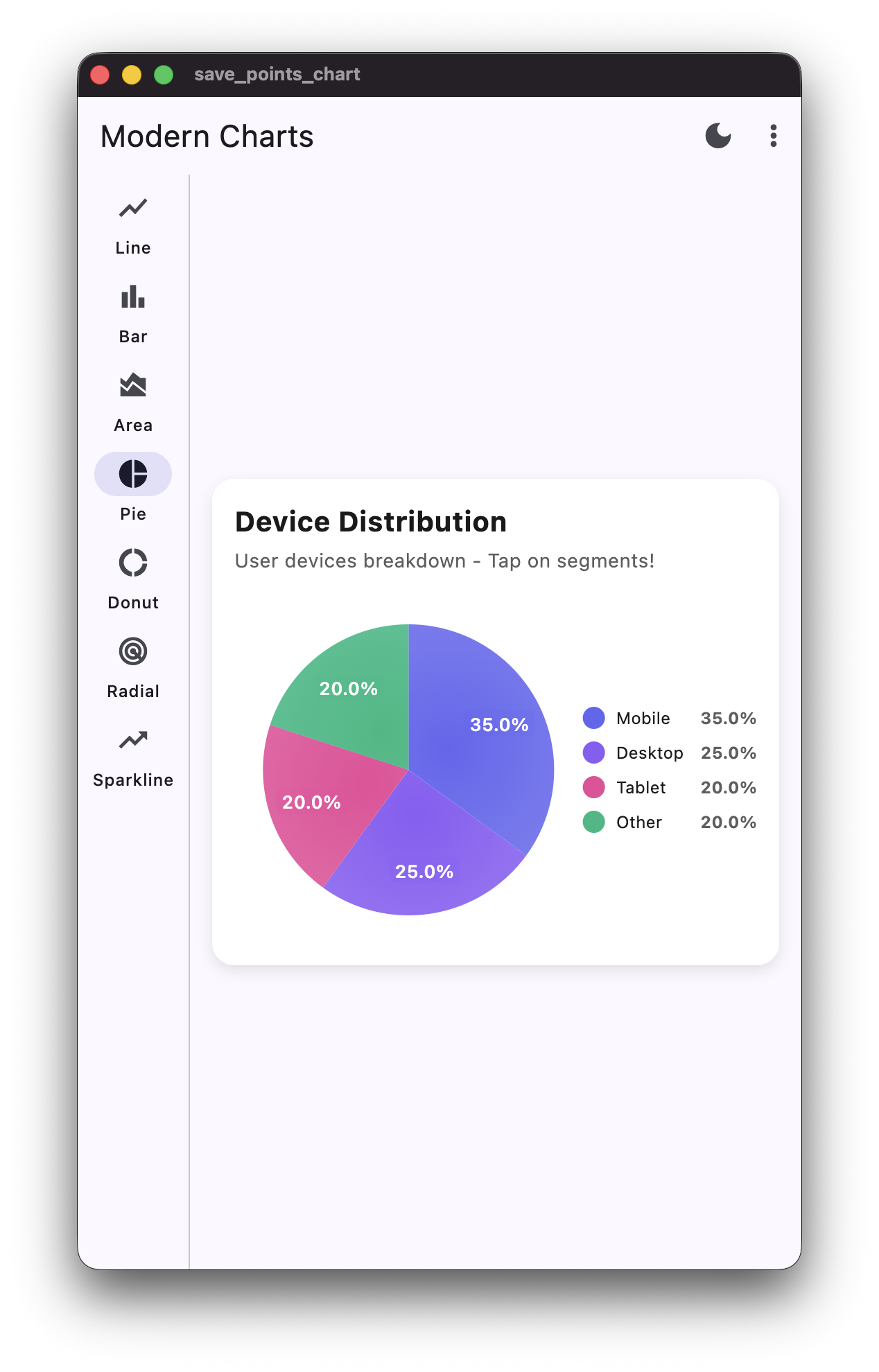
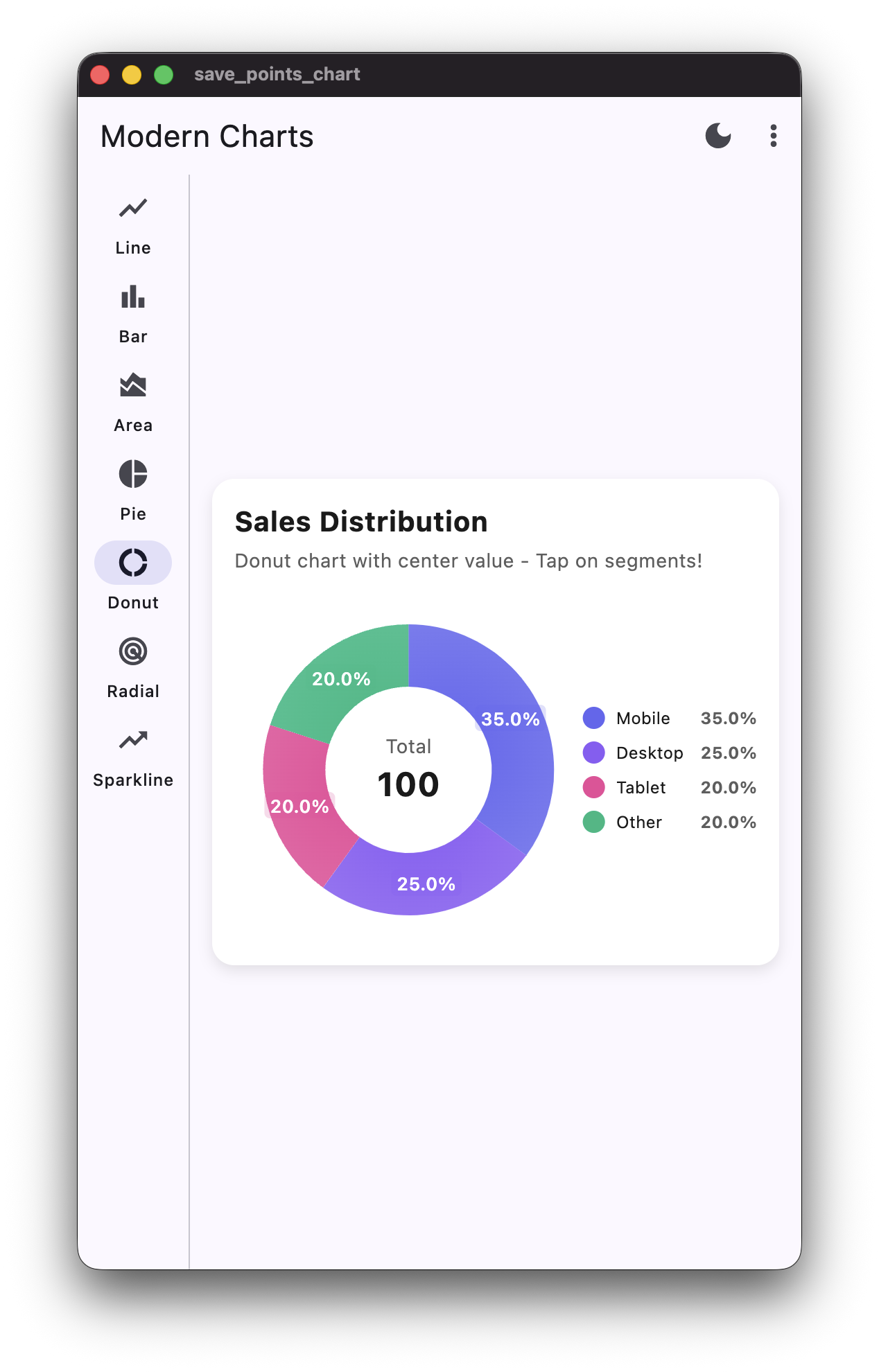
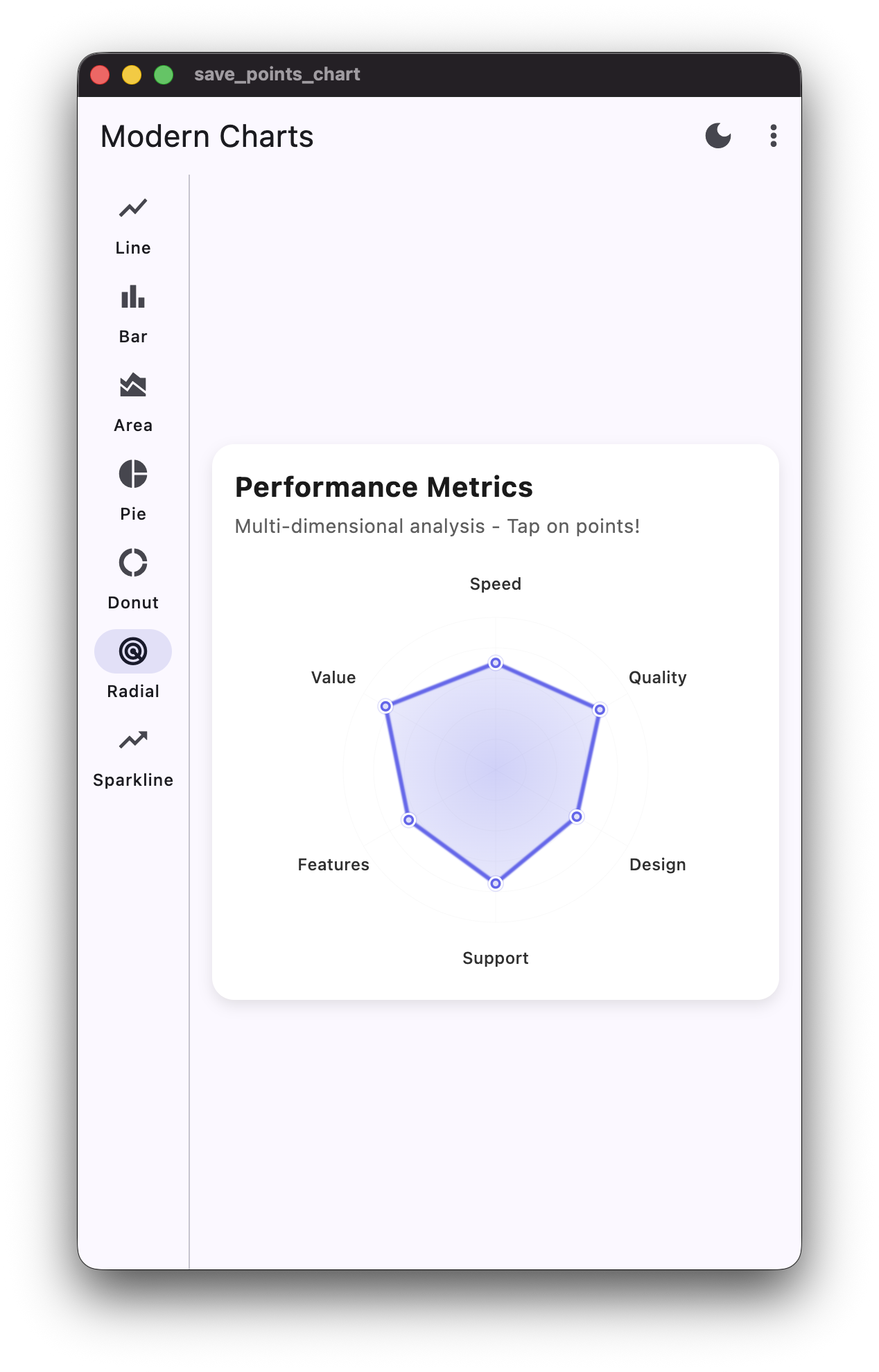
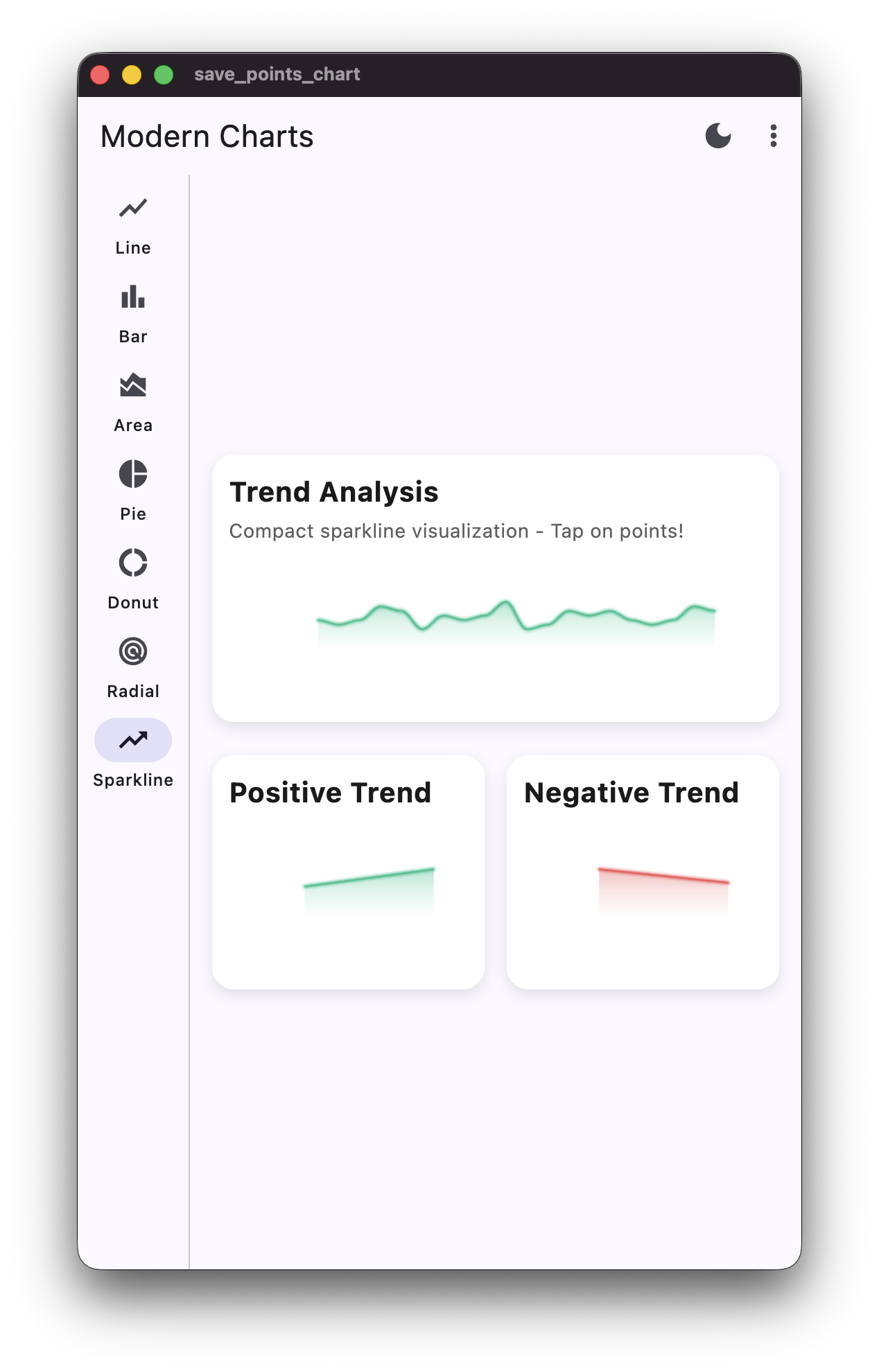
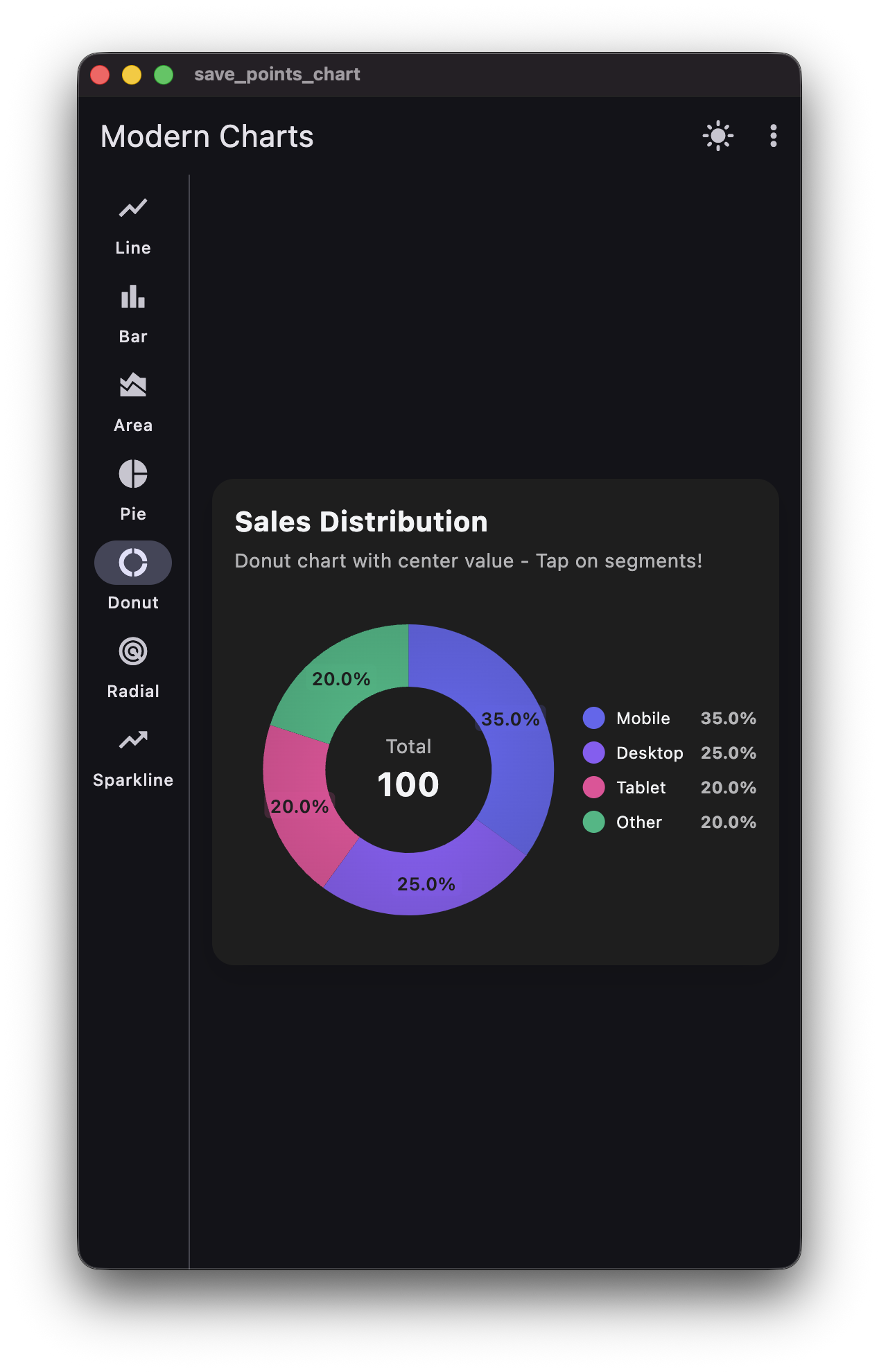
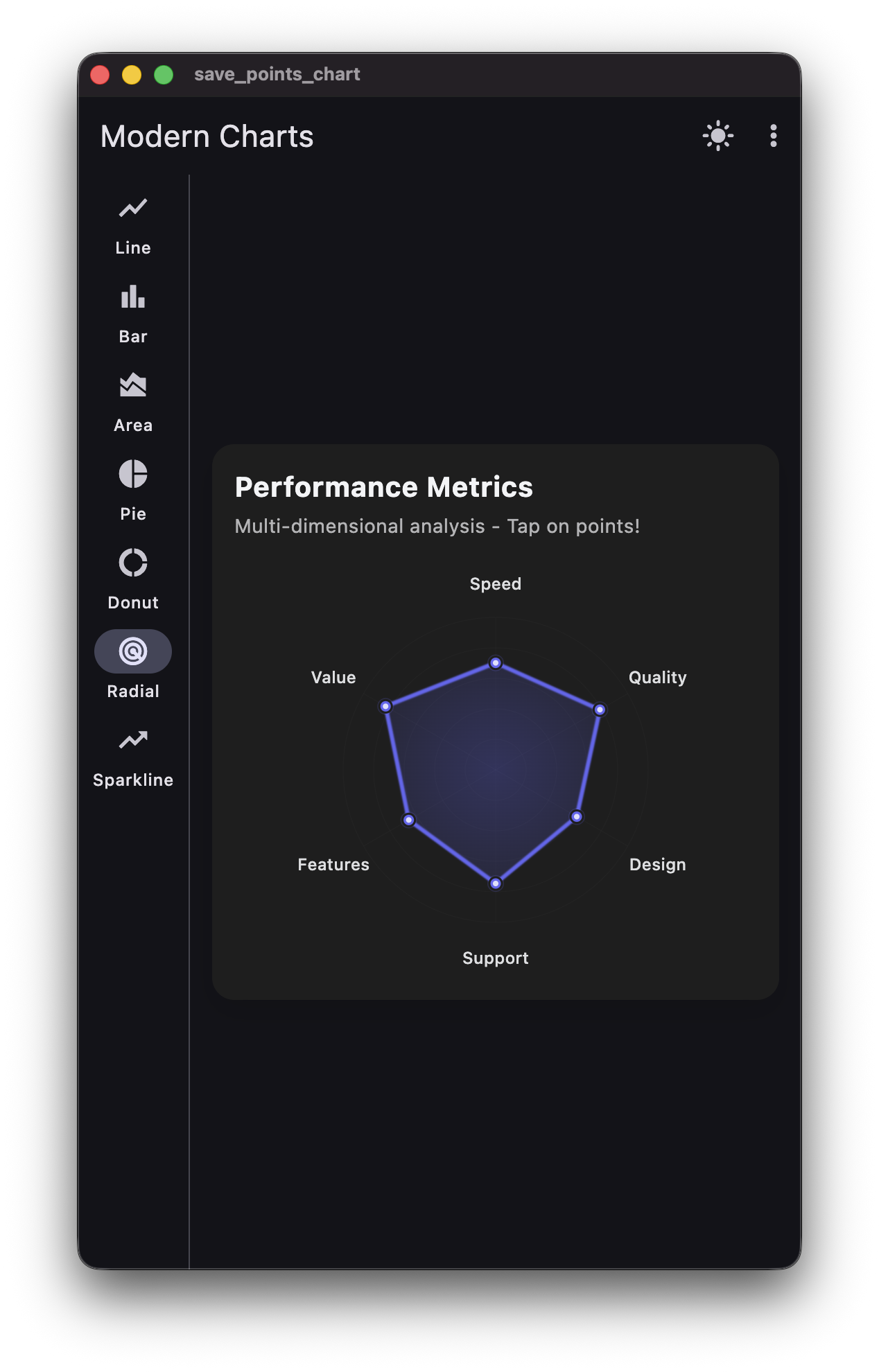
📦 Dependencies #
- Zero external dependencies! - Uses only Flutter SDK
- No external charting library - Uses custom
CustomPainterimplementations for full control - Built-in state management -
ThemeProvideruses Flutter'sInheritedWidget(no provider package needed)
🏗️ Architecture #
lib/
├── models/          # Data models (ChartDataPoint, PieData, ChartDataSet)
├── theme/           # Theme configuration (ChartTheme)
├── painters/        # Custom painters (BaseChartPainter, LineChartPainter, etc.)
├── widgets/          # Chart widgets (Line, Bar, Area, Pie, Donut, Radial, Sparkline)
├── providers/        # Theme provider for state management
├── data/            # Sample data generators
└── screens/         # Demo screens
🎨 Design Decisions #
Chart Implementation: Custom CustomPainter #
Why Custom Implementation?
- ✅ Zero external dependencies - No charting library required
- ✅ Full control - Complete customization of every aspect
- ✅ Lightweight - No unnecessary features or bloat
- ✅ High performance - Optimized rendering with direct canvas access
- ✅ Theme-aware - Built from the ground up with theme support
- ✅ Maintainable - Simple, understandable code structure
Architecture:
BaseChartPainter- Common utilities (grid, axes, labels)- Specialized painters for each chart type
- Efficient rendering with minimal repaints
- Smooth animations through Flutter's animation system
Theme System #
- Adaptive Colors: Automatically adjusts based on light/dark mode
- Material 3: Uses Material Design 3 principles
- Gradient Support: Modern gradient fills for visual appeal
- Shadow System: Configurable elevation and shadows
- Glassmorphism: Optional frosted glass effect
- Neumorphism: Optional soft shadow effect
🚀 Usage #
Basic Example #
import 'package:flutter/material.dart';
import 'package:save_points_chart/save_points_chart.dart';

LineChartWidget(
  dataSets: [
    ChartDataSet(
      label: 'Sales',
      color: Colors.blue,
      dataPoints: [
        ChartDataPoint(x: 0, y: 10),
        ChartDataPoint(x: 1, y: 20),
        ChartDataPoint(x: 2, y: 15),
      ],
    ),
  ],
  theme: ChartTheme.light(),
  title: 'Sales Trend',
  subtitle: 'Last 3 months',
)
With Theme Provider (Optional) #
If you want to use the included ThemeProvider for automatic theme switching, wrap your app with it:
Complete App Setup:
import 'package:flutter/material.dart';
import 'package:save_points_chart/save_points_chart.dart';

void main() {
  runApp(const MyApp());
}

class MyApp extends StatelessWidget {
  const MyApp({super.key});

  @override
  Widget build(BuildContext context) {
    return ThemeProvider(
      child: _MaterialAppWithTheme(),
    );
  }
}

class _MaterialAppWithTheme extends StatelessWidget {
  const _MaterialAppWithTheme();

  @override
  Widget build(BuildContext context) {
    final themeProvider = ThemeProvider.of(context);

    return MaterialApp(
      theme: ThemeData.light(),
      darkTheme: ThemeData.dark(),
      themeMode: themeProvider.themeMode,
      home: MyHomePage(),
    );
  }
}
Using ThemeProvider in Widgets:
// Get theme provider anywhere in your widget tree
final themeProvider = ThemeProvider.of(context);

// Access chart theme
LineChartWidget(
  dataSets: dataSets,
  theme: themeProvider.chartTheme,
  useGlassmorphism: true,
)

// Toggle theme
IconButton(
  icon: Icon(themeProvider.isDarkMode ? Icons.light_mode : Icons.dark_mode),
  onPressed: () => themeProvider.toggleTheme(),
)
Note: ThemeProvider uses Flutter's built-in InheritedWidget, so no external dependencies are required! The widget automatically rebuilds when the theme changes.
Interactive Context Menu #
All charts support interactive context menus on tap with haptic feedback:
LineChartWidget(
  dataSets: dataSets,
  theme: chartTheme,
  onPointTap: (point, datasetIndex, pointIndex, position) {
    ChartContextMenuHelper.show(
      context,
      point: point,
      position: position,
      datasetIndex: datasetIndex,
      elementIndex: pointIndex,
      datasetLabel: 'Sales',
      theme: chartTheme,
      onViewDetails: () {
        // Handle view details
      },
      onExport: () {
        // Handle export
      },
      onShare: () {
        // Handle share
      },
    );
  },
)
Hover Support #
Line, Bar, and Radial charts support mouse hover with visual feedback:
LineChartWidget(
  dataSets: dataSets,
  theme: chartTheme,
  onPointHover: (point, datasetIndex, pointIndex) {
    // Handle hover - point is null when mouse exits
    if (point != null) {
      print('Hovering over: ${point.y}');
    }
  },
)

BarChartWidget(
  dataSets: dataSets,
  theme: chartTheme,
  onBarHover: (point, datasetIndex, barIndex) {
    // Handle bar hover
    if (point != null) {
      print('Hovering over bar: ${point.y}');
    }
  },
)
🎛️ Customization Options #
All charts support extensive customization:
- Colors: Theme-aware adaptive colors
- Gradients: Linear gradients for fills and backgrounds
- Line Thickness: Configurable stroke width
- Border Radius: Rounded corners
- Shadows: Elevation and shadow effects
- Axis Styling: Customizable axis appearance
- Grid Lines: Toggle grid visibility
- Legends: Show/hide legends
- Tooltips: Interactive tooltips
- Padding & Spacing: Configurable spacing
⚡ Performance Optimizations #
- Minimal Rebuilds: Charts only rebuild when data changes
- Cached Styling: Theme objects are cached and reused
- Efficient Rendering: Optimized paint operations
- Lightweight Animations: Smooth 60fps animations
- Lazy Loading: Data processed only when needed
🌓 Theme Switching #
The ThemeProvider supports automatic theme switching between:
- Light mode - Always use light theme
- Dark mode - Always use dark theme
- System mode - Follows device system settings
The theme automatically updates all charts and widgets that use ThemeProvider.of(context).chartTheme.
📱 Example App #
Try the live demo: https://startling-concha-05444f.netlify.app/
Or check out the example app in the repository to see all chart types in action.
📊 Chart Types #
Line Chart #
- Smooth curves
- Gradient area fills
- Interactive tooltips with haptic feedback
- Mouse hover support with visual feedback
- Multiple datasets
Bar Chart #
- Grouped or stacked bars
- Rounded corners
- Gradient fills
- Customizable spacing
- Mouse hover support with elevation effects
- Haptic feedback on tap
Area Chart #
- Filled areas with gradients
- Smooth curves
- Multiple datasets overlay
Pie Chart #
- Percentage labels
- Customizable colors
- Legend support
- Smooth animations
Donut Chart #
- Center value display
- Similar to pie with center space
- Modern donut design
Radial Chart #
- Multi-dimensional data
- Radar/spider chart
- Performance metrics visualization
- Mouse hover support with glow effects
- Haptic feedback on tap
Sparkline Chart #
- Compact inline charts
- Positive/negative color coding
- Trend visualization
🎨 Design Effects #
Glassmorphism #
Enable with useGlassmorphism: true for a frosted glass effect with backdrop blur.
Neumorphism #
Enable with useNeumorphism: true for soft shadows and embossed appearance.
📝 Example Screens #
The demo screen includes:
- Navigation rail for chart type selection
- Theme toggle button
- Design effect selector (Glassmorphism/Neumorphism)
- Multiple chart examples per type
- Responsive layout
🔧 Extending #
To add new chart types:
- Create a new widget in
lib/widgets/ - Follow the existing pattern
- Use
ChartContainerfor consistent styling - Support
ChartThemefor theme awareness
📄 License #
This project is open source and available for use.
🤝 Contributing #
Contributions are welcome! Please feel free to submit a Pull Request.
📧 Support #
For issues, questions, or suggestions, please open an issue on GitHub.
Metadata
Publisher
unverified uploader
Weekly Downloads
Metadata
Modern Flutter charting library with 7 chart types, Material 3 design, smooth animations, and zero dependencies.
Homepage
Repository (GitHub)
View/report issues
License
 unknown (license)

