
om_console 0.0.5  om_console: ^0.0.5 copied to clipboard
A flutter console widget showing in the ui like vscode console
Om Console #
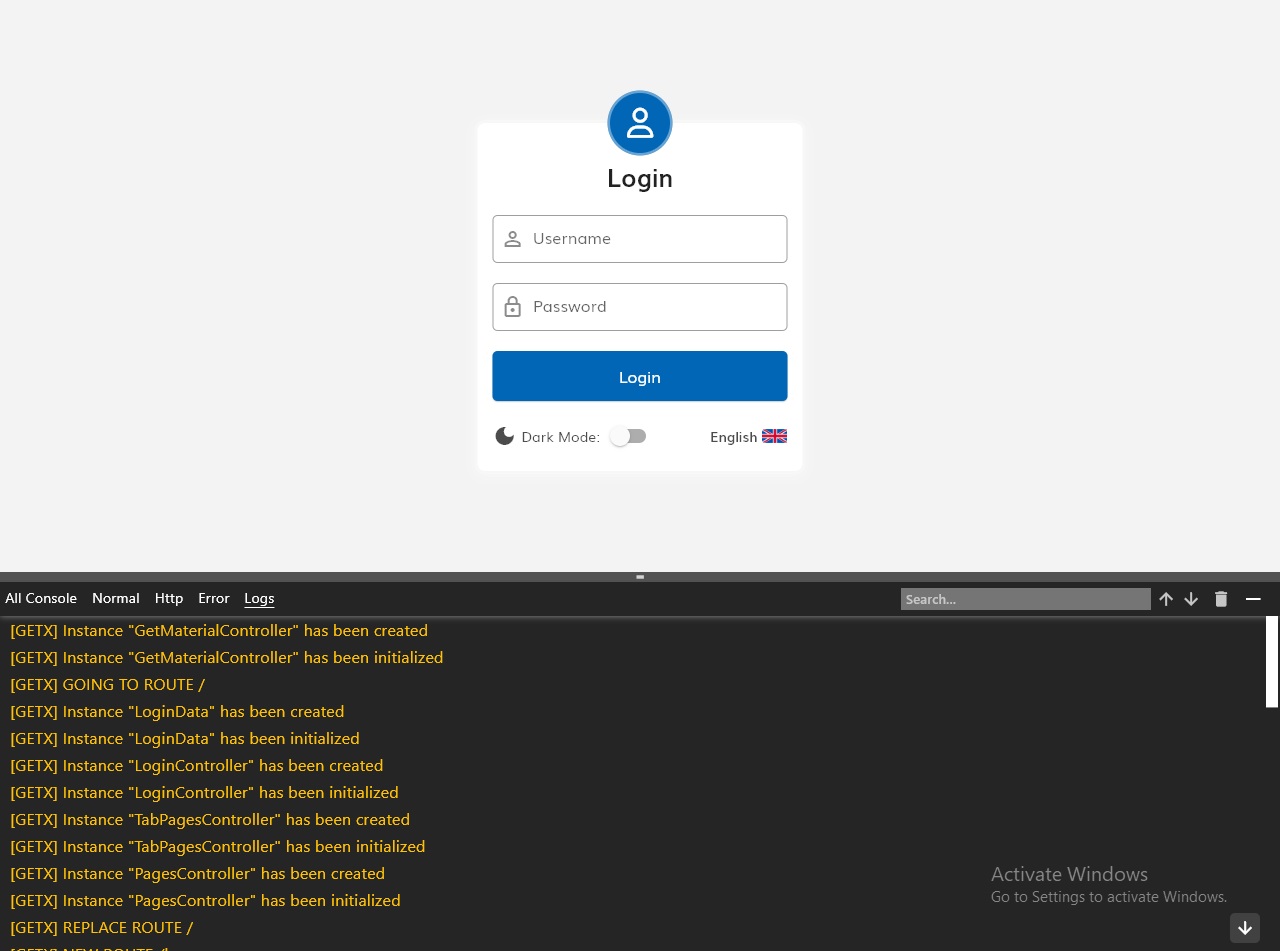
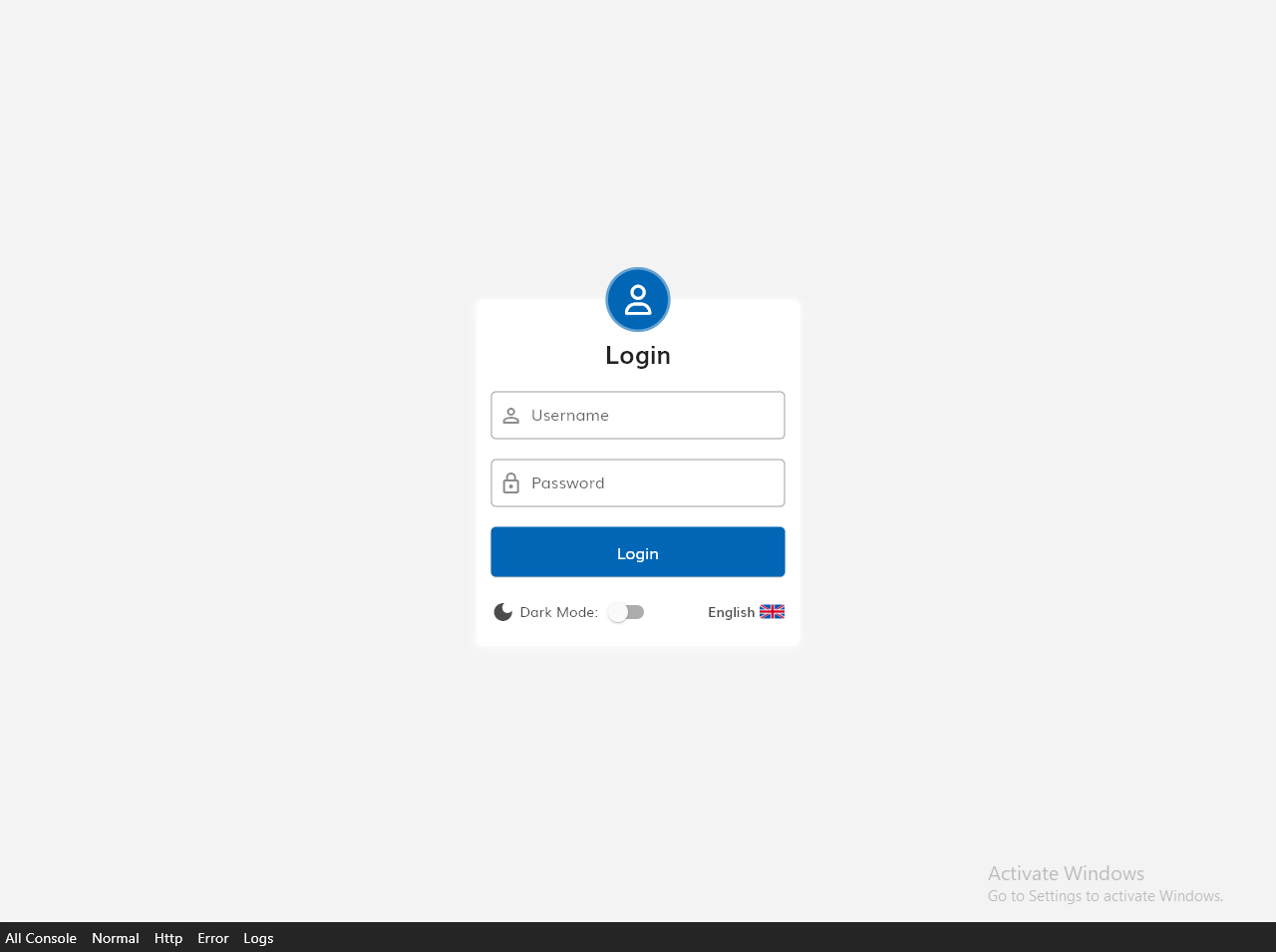
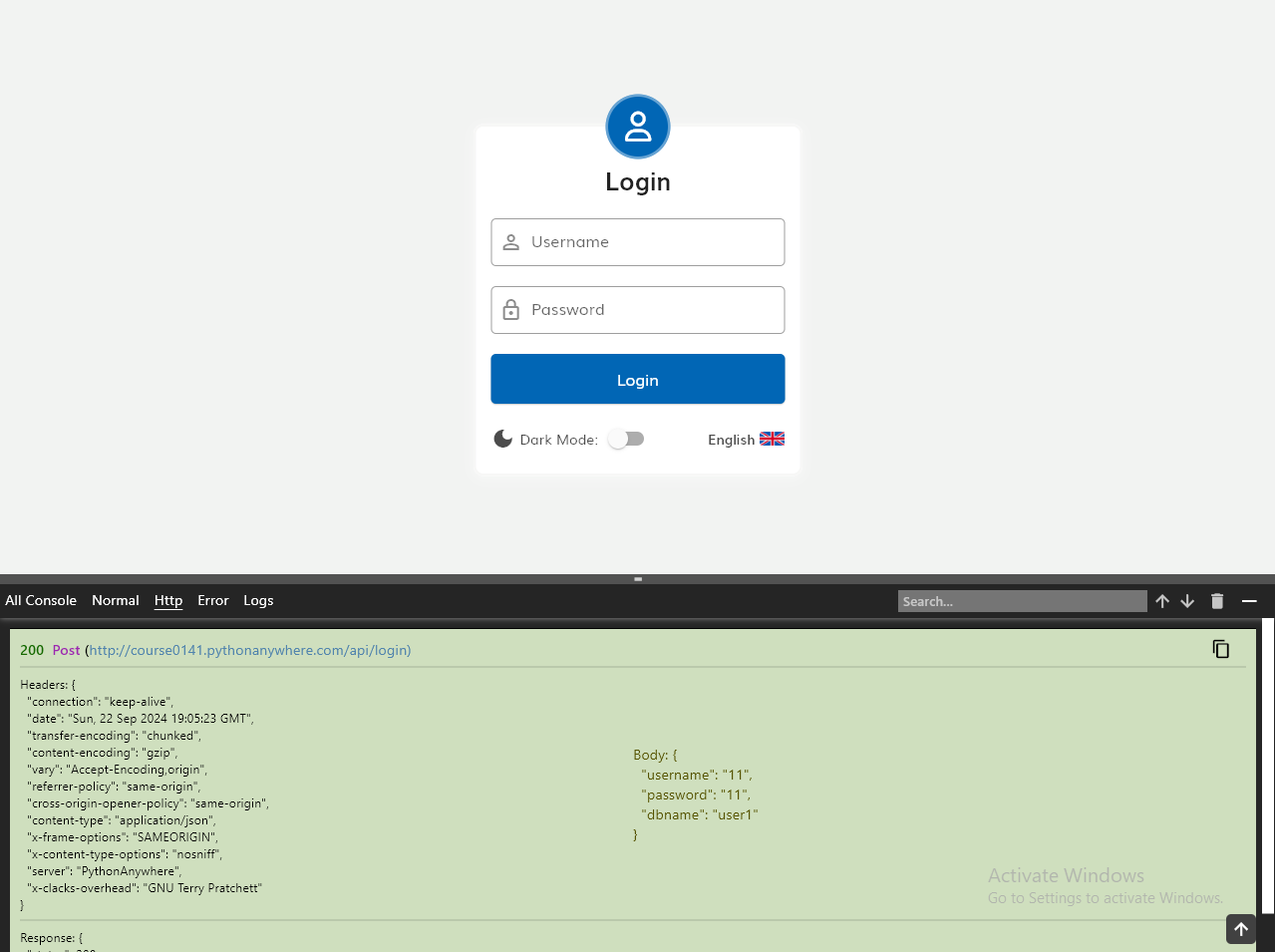
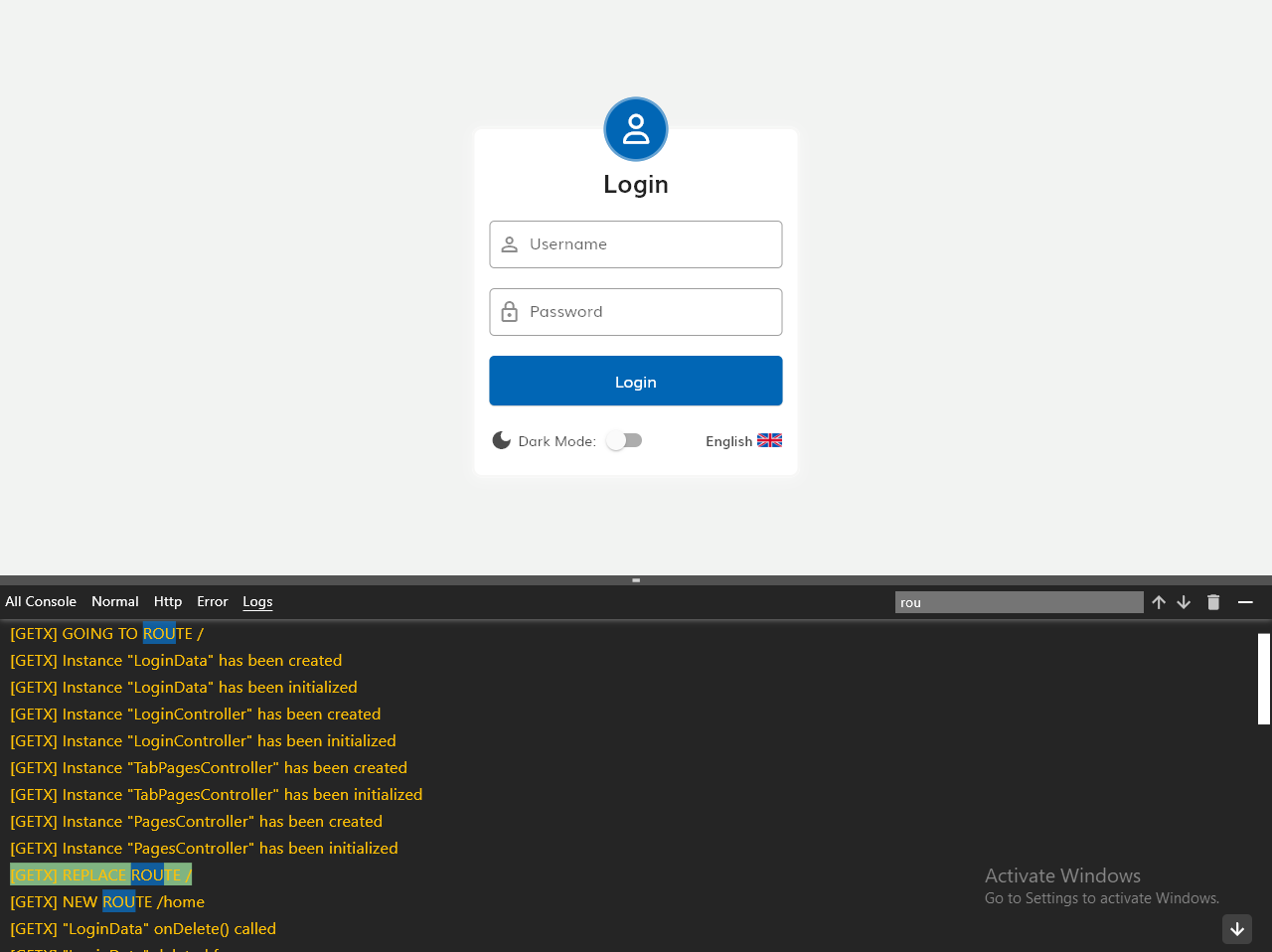
Om Console is a live console for Flutter that enables viewing UI prints and HTTP requests. It integrates with Postman via curl for enhanced debugging capabilities.
Note: This package is currently in beta. While it functions well on wide screens, mobile support and the ability to copy HTTP requests as form data are still under development.
Screenshots #
Installation #
Add this to your package's pubspec.yaml file:
dependencies:
  om_console: ^latest_version
Usage #
1. Configure the main function #
In your main.dart file:
import 'package:om_console/om_console.dart';

void main() async {
  OmConsole.consoleLisitener(() {
    // Your app initialization code here
    runApp(MyApp());
  });
}
2. Wrap your MaterialApp or root widget #
In your app's root widget:
import 'package:om_console/console_wrapper.dart';

@override
Widget build(BuildContext context) {
  return ConsoleWrapper(
    showConsole: true,
    maxLines: 200,
    child: MaterialApp(
      home: HomePage(),
      // Other MaterialApp properties
    ),
  );
}
3. Logging with tags and colors #
Use the Console.log method for custom logging:
Console.log("Your Message or Your object", type: LogType.logs, color: Colors.amber)
Note: You don't need to replace all your prints to make them show in the console. Any app prints or logs will go by default under the normal type tab in the console. Use Console.log only when you want to customize the logs.
Available LogTypes:
- normal
- error
- logs
- http
4. Logging HTTP requests #
For HTTP logging, use the Console.logHttp method:
Console.logHttp(
  url: url,
  method: "Post",
  headers: response.headers ?? {},
  body: data,
  statusCode: responseBody["status"] ?? 500,
  response: responseBody,
  textColor: Colors.black,
  backgroundColor: responseBody["status"] == 200
      ? const Color.fromARGB(255, 207, 223, 190)
      : Color.fromARGB(255, 223, 190, 190)
);
Configuration #
The ConsoleWrapper widget supports the following properties:
showConsole: Boolean to toggle console visibility.maxLines: Integer to set the maximum number of rendered console lines, optimizing performance for large logs.
Limitations and Future Improvements #
- The console is currently optimized for wide screens. Mobile screen support is in development.
- HTTP requests can only be copied as raw data. Support for copying as form data is planned for future releases.
- Search functionality in HTTP requests is still under development.
Contributing #
We welcome contributions to Om Console! Please submit issues and pull requests on our GitHub repository.
Metadata
Publisher
unverified uploader
Weekly Downloads
Metadata
A flutter console widget showing in the ui like vscode console
Repository (GitHub)
View/report issues
License
 unknown (license)
Dependencies
flutter, flutter_localizations, localization, scrollable_positioned_list

