
mapchart 0.2.0  mapchart: ^0.2.0 copied to clipboard
 caduandrade.net
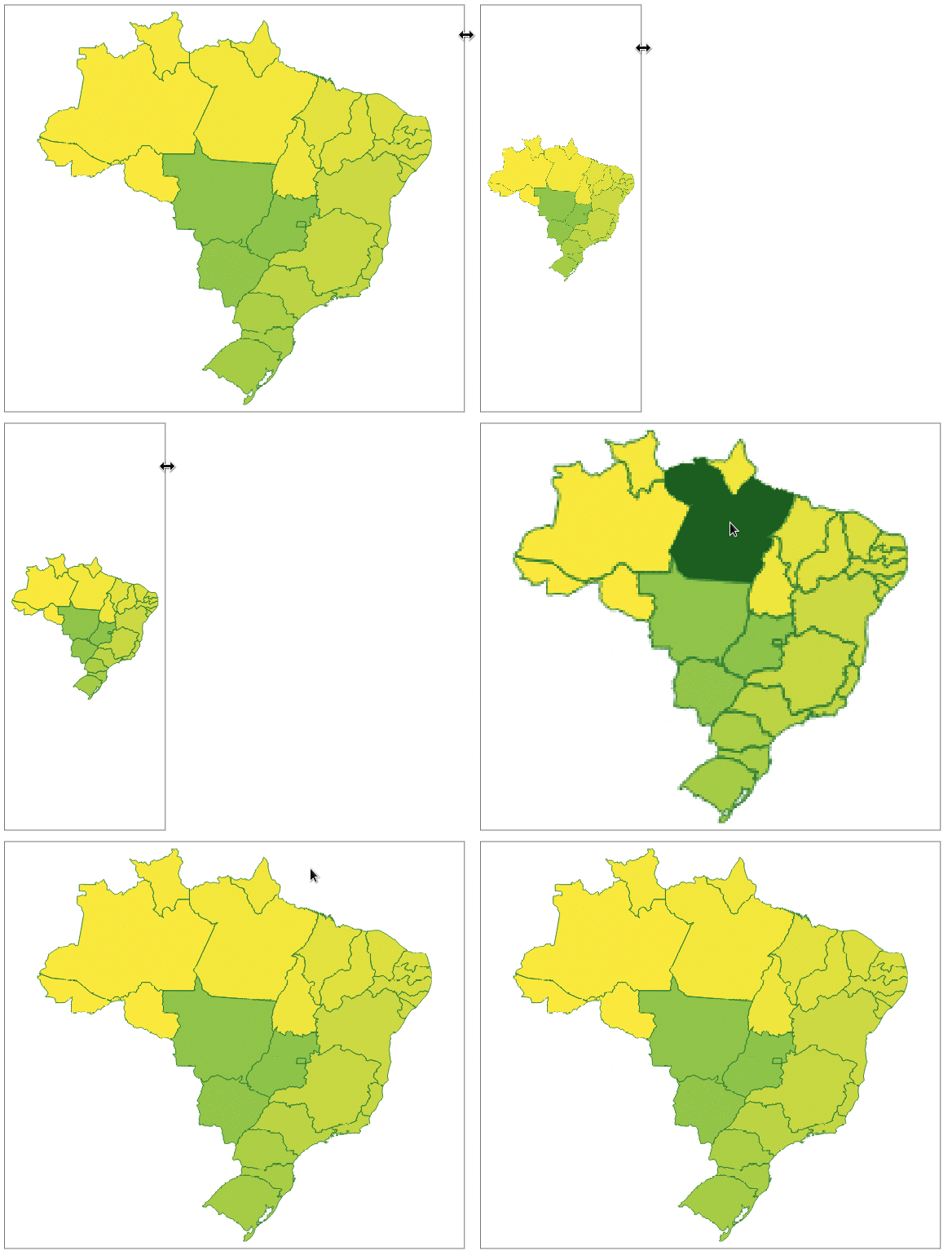
Vector map chart for Flutter. Highly customizable. Compatible with GeoJSON. Pure Flutter.


Map Chart #
- Displays GeoJSON geometries
- Multi resolution with geometry simplification
- Highly customizable
- Interactable
- Pure Flutter (no WebView/JavaScript)
Get started #
A simplified GeoJSON will be used in the examples to demonstrate the different possibilities of themes. This GeoJSON has only 4 features with the following properties:
| Id | Name | Satellites | Distance |
|---|---|---|---|
| venus | Venus | 108200000 | |
| earth | Earth | Moon | 149600000 |
| mars | Mars | Phobos, Deimos | 227900000 |
| mercury | Mercury | 57910000 |
To view the full content, use this link.
The following examples will assume that GeoJSON has already been loaded into a String.
Reading GeoJSON from String
    MapChartDataSource dataSource =
        await MapChartDataSource.geoJSON(geojson: geojson);
Creating the Widget
MapChart map = MapChart(dataSource: dataSource);
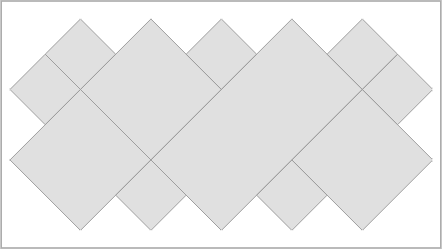
Changing the default colors #
    MapChart map = MapChart(
        dataSource: dataSource,
        theme: MapChartTheme(
            color: Colors.yellow,
            contourColor: Colors.red,
            hoverColor: Colors.orange));

Color by identifier property value #
Sets a color for each identifier in GeoJSON. If a color is not set for an identifier, the default color is used.
Mapping the identifier property key
    MapChartDataSource dataSource =
        await MapChartDataSource.geoJSON(geojson: geojson, identifierKey: 'Id');
Setting the colors for the identifiers
    MapChartTheme theme =
        MapChartTheme.identifier(contourColor: Colors.white, colors: {
      'earth': Colors.green,
      'mars': Colors.red,
      'venus': Colors.orange
    }, hoverColors: {
      'earth': Colors.green[900]!,
      'mars': Colors.red[900]!,
      'venus': Colors.orange[900]!
    });

    MapChart map = MapChart(dataSource: dataSource, theme: theme);

Contour #
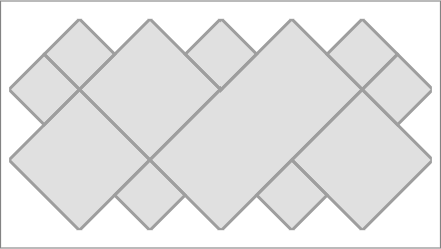
Thickness
    MapChart map = MapChart(
        dataSource: dataSource, theme: MapChartTheme(contourThickness: 3));
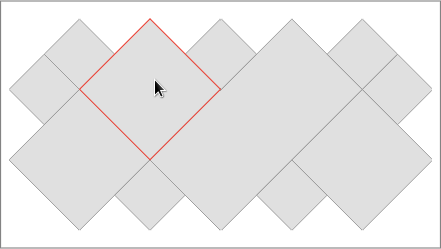
Hover contour color
    MapChart map = MapChart(
        dataSource: dataSource,
        theme: MapChartTheme(hoverContourColor: Colors.red, hoverColor: null));
Hover #
Listener
    MapChart map = MapChart(
        dataSource: dataSource,
        theme: MapChartTheme(hoverColor: Colors.grey[700]),
        hoverListener: (MapFeature? feature) {
          if (feature != null) {
            int id = feature.id;
            print('Hover - Feature id: $id');
          }
        });
Rule
Enabling hover by identifier
    MapChartDataSource dataSource =
        await MapChartDataSource.geoJSON(geojson: geojson, identifierKey: 'Id');
    MapChartTheme theme = MapChartTheme.identifier(
        colors: {'earth': Colors.green}, hoverColor: Colors.green[900]!);

    MapChart map = MapChart(
      dataSource: dataSource,
      theme: theme,
      hoverRule: (feature) {
        return feature.properties?.identifier == 'earth';
      },
    );

Agenda for the next few days #
- More theming features.
- Legend.
- Release the final version (1.0.0). The API may have some small changes.
Metadata
5
likes
0
points
9
downloads
Publisher
Weekly Downloads
Metadata
Vector map chart for Flutter. Highly customizable. Compatible with GeoJSON. Pure Flutter.
Repository (GitHub)
View/report issues
License
 unknown (license)

