
kterm 1.1.0  kterm: ^1.1.0 copied to clipboard
kterm is a fast and fully-featured terminal emulator for Flutter applications, with support for mobile and desktop platforms.
kterm #





kterm is a high-performance terminal emulator engine for Flutter applications, with support for mobile and desktop platforms.
This package requires Flutter version >=3.0.0
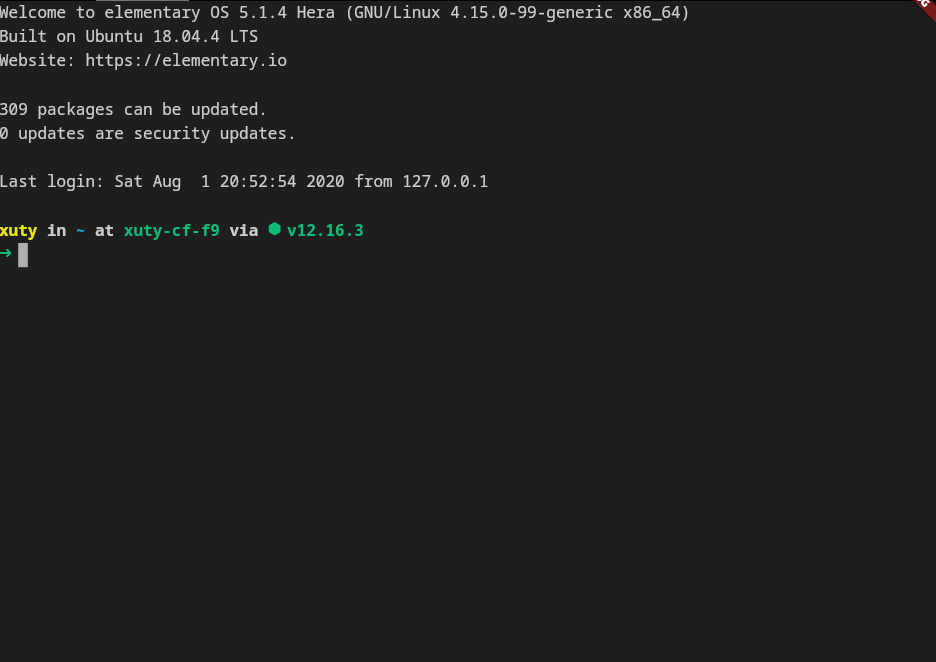
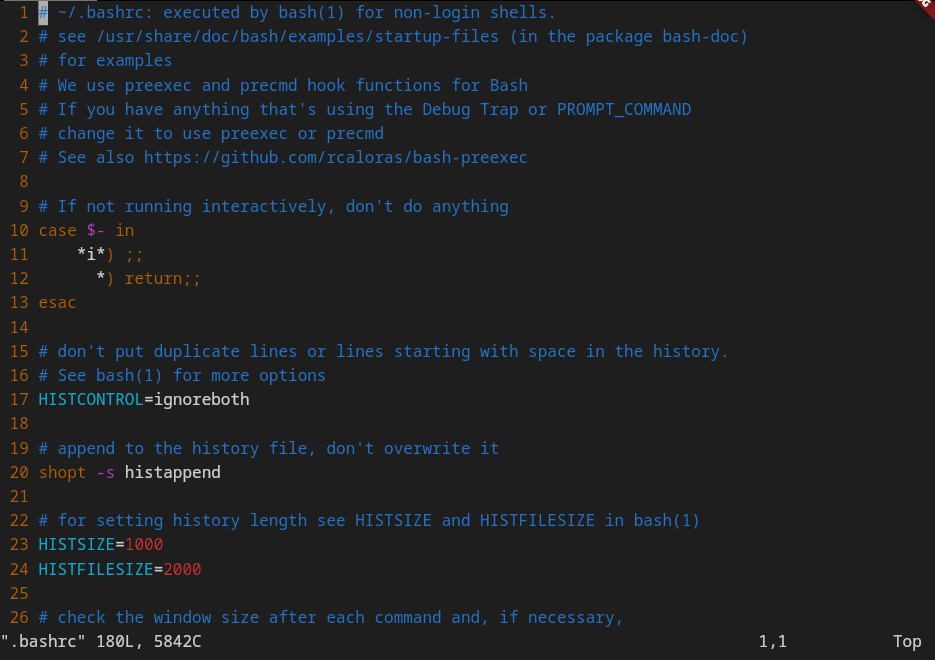
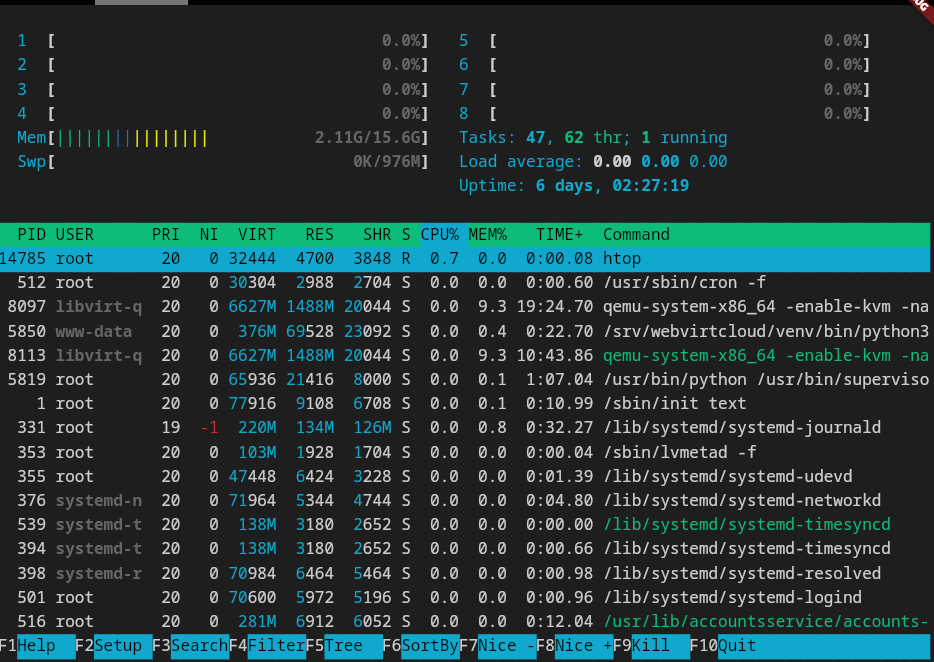
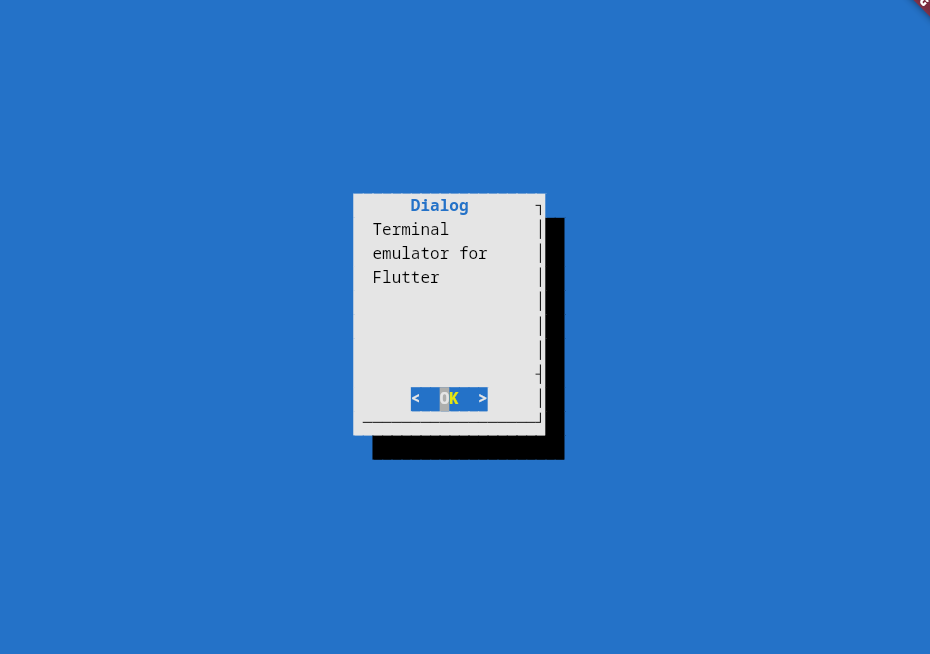
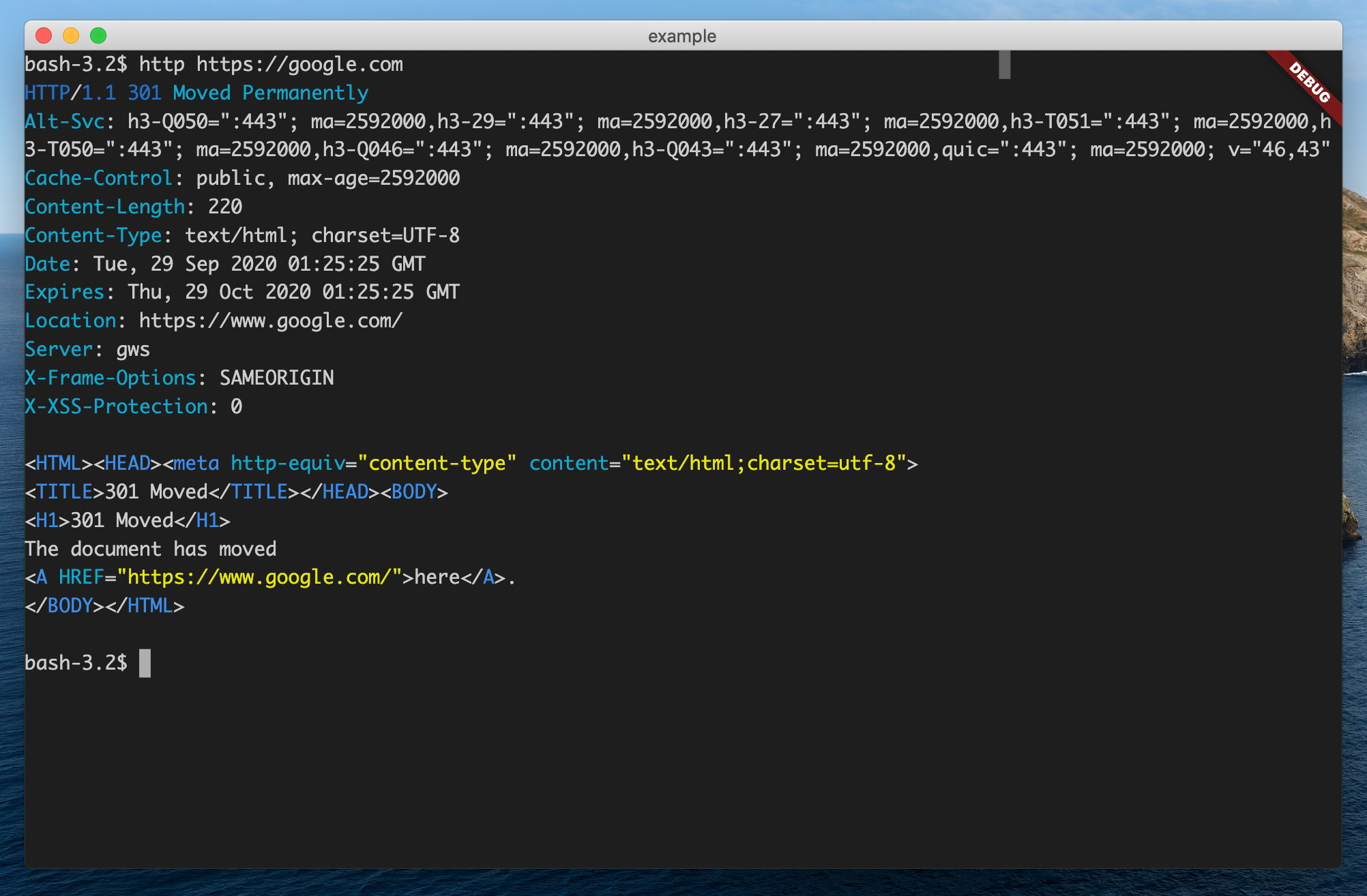
Screenshots #
|
|
|
|
Features #
- 📦 Works out of the box No special configuration required.
- 🚀 Fast Renders at 60fps.
- 😀 Wide character support Supports CJK and emojis.
- ✂️ Customizable
- ✔ Frontend independent: The terminal core can work without flutter frontend.
- 🖼️ Kitty Graphics Protocol: Support for inline images (PNG, JPEG, RGBA)
- ⌨️ Kitty Keyboard Protocol: Full support for modern key combinations
Key Features #
- 🖥️ Modern Key Support: Full Kitty Keyboard Protocol implementation.
- 📚 Progressive Enhancement: Supports CSI > n u stack (push/pop) for nested terminal modes.
- 🔍 Zero Ambiguity: No more Tab vs Ctrl+I confusion in Neovim/Helix — modifier keys are always distinguishable.
- 🔎 Search: Built-in search with regex, case sensitivity, and whole word matching support.
What's new in 3.0.0:
- 📱 Enhanced support for mobile platforms.
- ⌨️ Integrates with Flutter's shortcut system.
- 🎨 Allows changing theme at runtime.
- 💪 Better performance. No tree rebuilds anymore.
- 🈂️ Works with IMEs.
Getting Started #
1. Add this to your package's pubspec.yaml file:
dependencies:
  ...
  kterm: ^1.0.0
2. Create the terminal:
import 'package:kterm/kterm.dart';
...
terminal = Terminal();
Listen to user interaction with the terminal by simply adding a onOutput callback:
terminal = Terminal();

terminal.onOutput = (output) {
  print('output: $output');
}
3. Create the view, attach the terminal to the view:
import 'package:kterm/flutter.dart';
...
child: TerminalView(terminal),
4. Write something to the terminal:
terminal.write('Hello, world!');
Done!
Usage #
Basic Usage #
import 'package:kterm/kterm.dart';
import 'package:kterm/flutter.dart';

final terminal = Terminal();
final controller = TerminalController();

TerminalView(
  terminal,
  controller: controller,
);
With GraphicsManager (Kitty Graphics Protocol) #
import 'package:kterm/kterm.dart';
import 'package:kterm/flutter.dart';

final terminal = Terminal(
  graphicsManager: GraphicsManager(),
);
final controller = TerminalController();

TerminalView(
  terminal,
  controller: controller,
);
Enable Kitty Keyboard Protocol #
terminal.setKittyMode(true);
Search Functionality #
kterm includes built-in search functionality with support for:
- Case sensitive search
- Regular expression patterns
- Whole word matching
Option 1: Enable via TerminalView (with keyboard shortcuts)
The simplest way to enable search - automatically sets up callbacks and keyboard shortcuts.
import 'package:kterm/kterm.dart';
import 'package:kterm/flutter.dart';

final terminal = Terminal();
final controller = TerminalController();

TerminalView(
  terminal,
  controller: controller,
  showSearchBar: true,  // Enables search bar and keyboard shortcuts
);
Keyboard shortcuts:
| Shortcut | Action |
|---|---|
Ctrl+F / Cmd+F |
Open search |
F3 / Cmd+G |
Next match |
Shift+F3 / Cmd+Shift+G |
Previous match |
Escape |
Close search |
Option 2: Manual search bar implementation
import 'package:kterm/kterm.dart';
import 'package:kterm/flutter.dart';

final terminal = Terminal();
final controller = TerminalController();

// Setup search text provider
controller.onGetText = () => terminal.buffer.getText();

Column(
  children: [
    TerminalSearchBar(
      controller: controller,
      onClose: () => controller.closeSearch(),
    ),
    Expanded(
      child: TerminalView(terminal, controller: controller),
    ),
  ],
);
Programmatic search control
// Open search mode
controller.openSearch();

// Perform a search
controller.search('pattern');

// Navigate results
controller.searchNext();
controller.searchPrevious();

// Set search options
controller.setSearchOptions({
  SearchOption.caseSensitive,
  SearchOption.regex,
  SearchOption.wholeWord,
});

// Toggle individual options
controller.toggleSearchOption(SearchOption.caseSensitive);

// Close search
controller.closeSearch();
Search-related properties
| Property | Type | Description |
|---|---|---|
isSearching |
bool |
Whether search mode is active |
searchPattern |
String? |
Current search pattern |
searchResults |
List<BufferRange> |
All matching results |
currentSearchIndex |
int |
Index of current result (-1 if none) |
searchResultCount |
int |
Total number of matches |
hasSearchResults |
bool |
Whether any matches found |
More examples #
-
Write a simple terminal in ~100 lines of code: https://github.com/lbp0200/kterm.dart/blob/master/example/lib/main.dart
-
Write a SSH client in ~100 lines of code with dartssh2: https://github.com/lbp0200/kterm.dart/blob/master/example/lib/ssh.dart
For a complete project built with kterm, check out TerminalStudio.
Features and bugs #
Please file feature requests and bugs at the issue tracker.
Contributions are always welcome!
License #
This project is licensed under an MIT license.
Metadata
Publisher
unverified uploader
Weekly Downloads
Metadata
kterm is a fast and fully-featured terminal emulator for Flutter applications, with support for mobile and desktop platforms.
Repository (GitHub)
View/report issues
License
 unknown (license)
Dependencies
convert, equatable, flutter, image, kitty_protocol, meta, quiver, zmodem

