
flutter_reactions 1.0.0  flutter_reactions: ^1.0.0 copied to clipboard
A cross-platform Flutter package for reaction buttons and overlays.
Flutter Reactions
A Flutter package that provides a fully handled reaction system with cross-platform gesture support and configurable reaction overlays.


| Android | iOS | macOS | Web | Linux | Windows |
|---|---|---|---|---|---|
| ✅ | ✅ | ✅ | ✅ | ✅ | ✅ |
Requirements
- sdk: >= 3.0 < 4.0
📸 Screenshots #
| 📱 Mobile & Safe Area | |
|---|---|
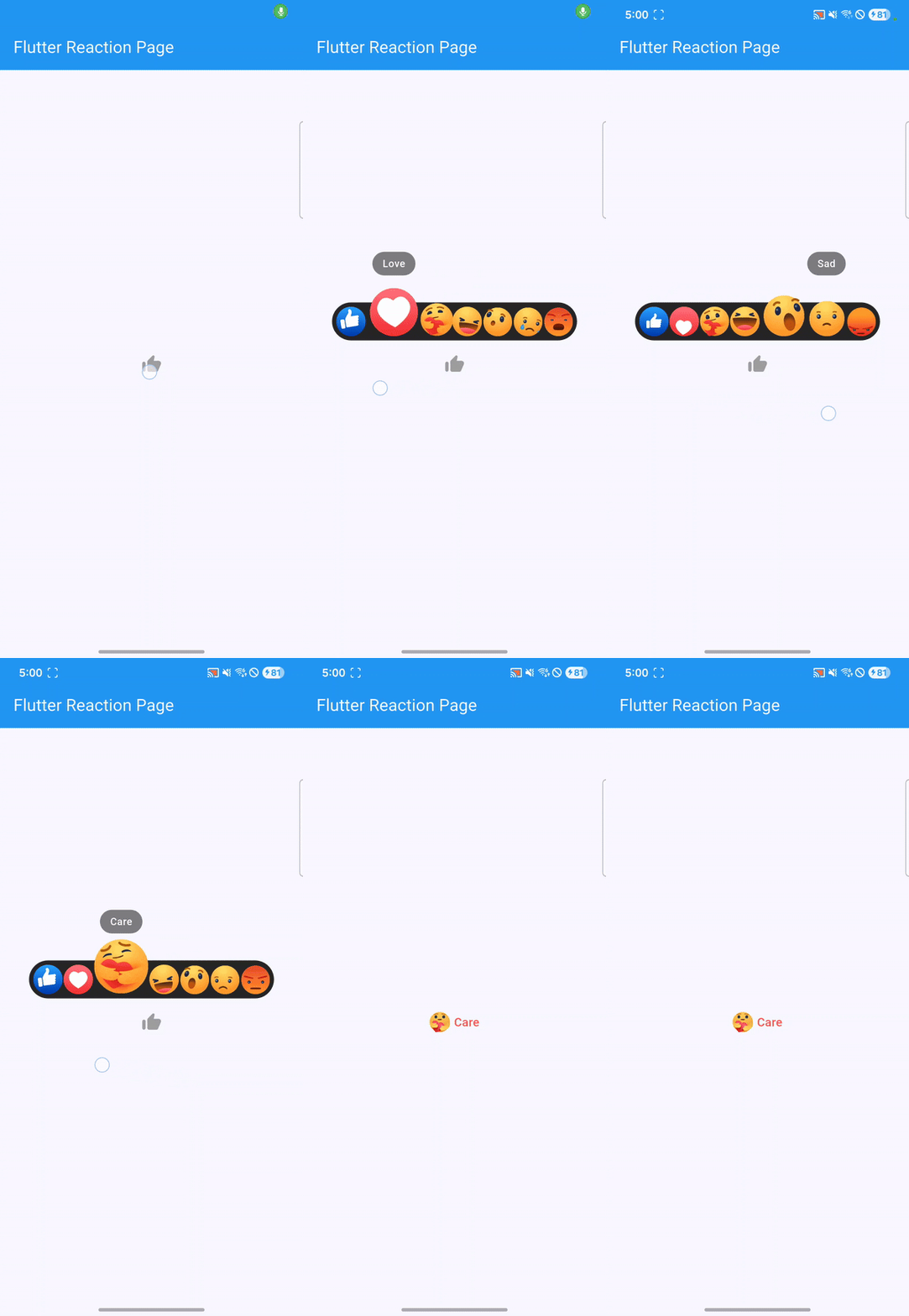
|
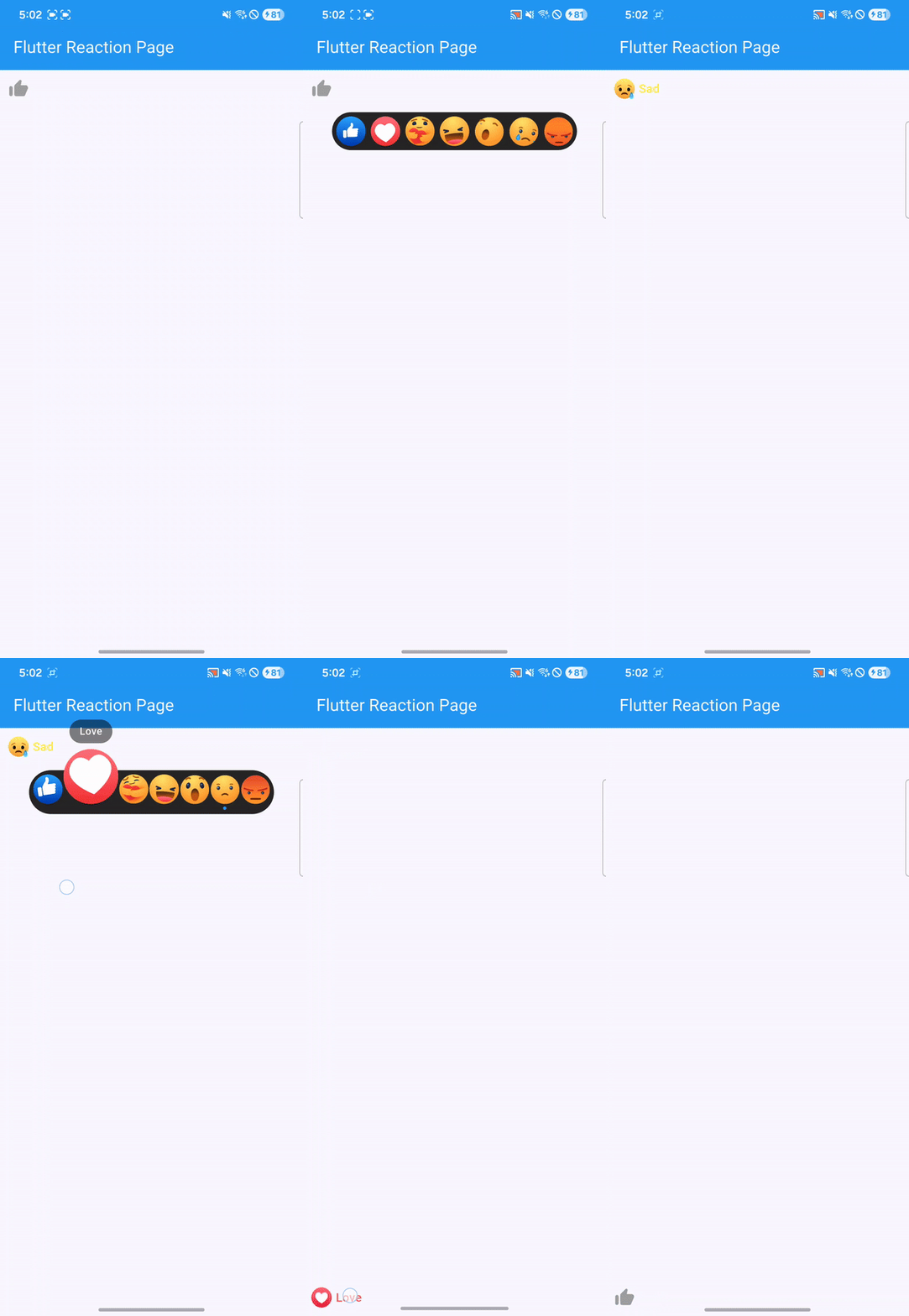
|
| Debug |
|---|
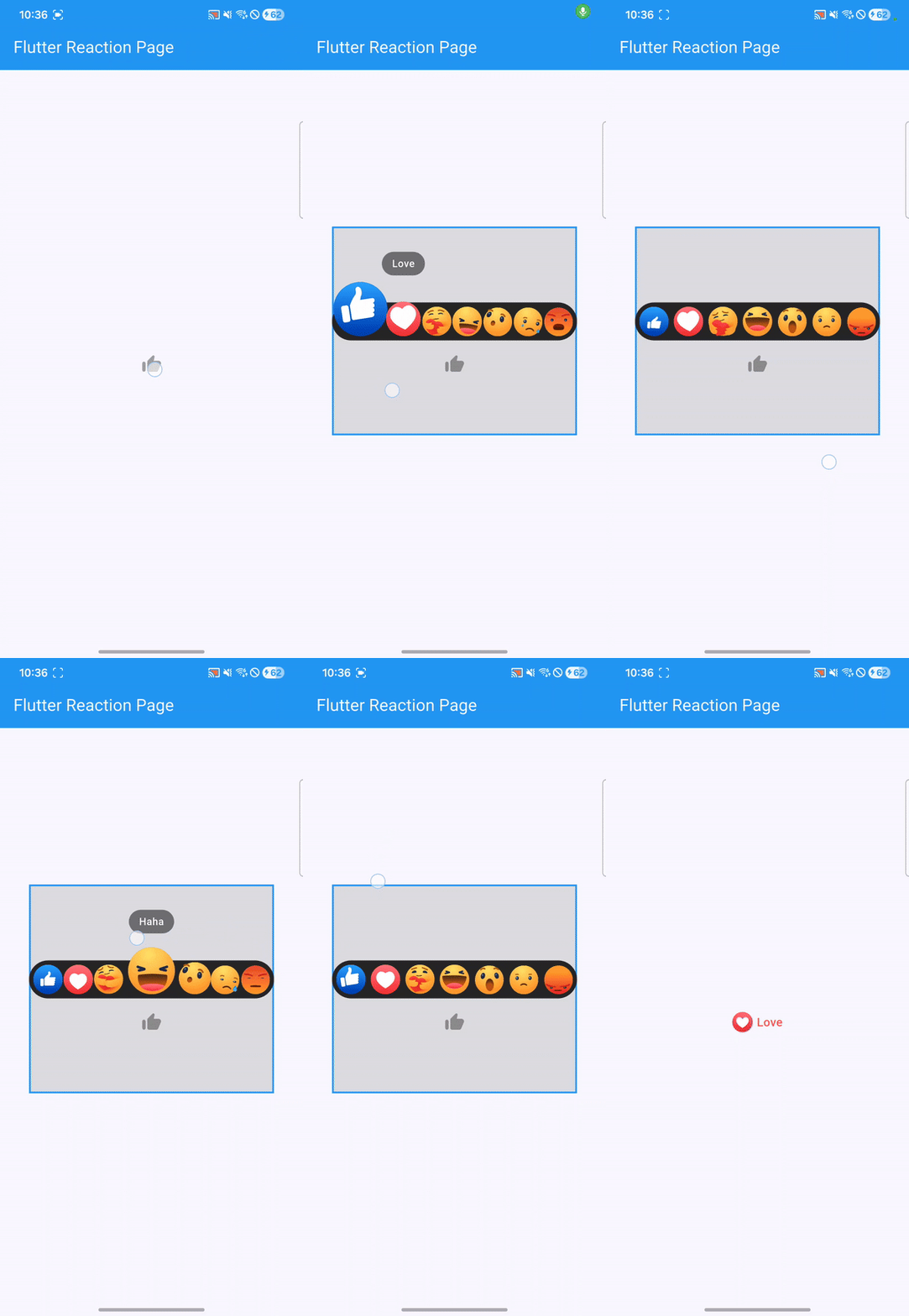
|
✨ Features #
- Fully handled reaction interactions with built-in gesture & pointer support
- Reaction overlay with automatic positioning
- Works consistently across mobile, web, and desktop
- Audio feedback support
- Localization support (en, vi, fr, ja, zh, ko)
- Smooth, customizable animations
🚀 Quick start #
Add flutter_reactions to your pubspec.yaml:
dependencies:
  flutter_reactions: ^1.0.0
Then run:
flutter pub get
Import the package:
import 'package:flutter_reactions/flutter_reactions.dart';
Basic
FlutterReactionButton(
  value: flutterReactionType,
  onChanged: (value) {
    setState(() {
      flutterReactionType = value;
    });
    if (value == null) {
      debugPrint('No Reaction');
    } else {
      debugPrint(value.toString());
    }
  },
);
Parameters: #
| Name | Description | Required | Default value |
|---|---|---|---|
value |
Current selected reaction type. Use null to indicate no reaction. |
✅ | - |
onChanged |
Callback triggered when the reaction value changes. | ✅ | - |
config |
Configuration for the reactions ovelay. | ❌ | FlutterReactionConfig() |
hasLabel |
Whether to display the reaction label next to the icon. | ❌ | true |
child |
Custom widget to wrap with reaction interactions. | ❌ | - |
📄 License #
MIT License - see LICENSE for details.
🤝 Contributing #
Contributions are welcome! Please read our contributing guidelines before submitting a PR.
📬 Support #
- 🐛 Report bugs
- 💡 Request features
- ⭐ Star the repo if you find it useful!
Made with ❤️ by Buzzlp
Metadata
6
likes
160
points
135
downloads


Publisher
unverified uploader
Weekly Downloads
Metadata
A cross-platform Flutter package for reaction buttons and overlays.
Homepage
Repository (GitHub)
View/report issues
Topics
#reaction #social #animation #overlay #gesture
Documentation
License
 MIT (license)

