
flutter_readium
Build EPUB, PDF, audiobook, comic, and WebPub readers in Flutter with one unified Dart API—powered by Readium toolkits on iOS, Android, and Web.


Get started · Example app · API docs
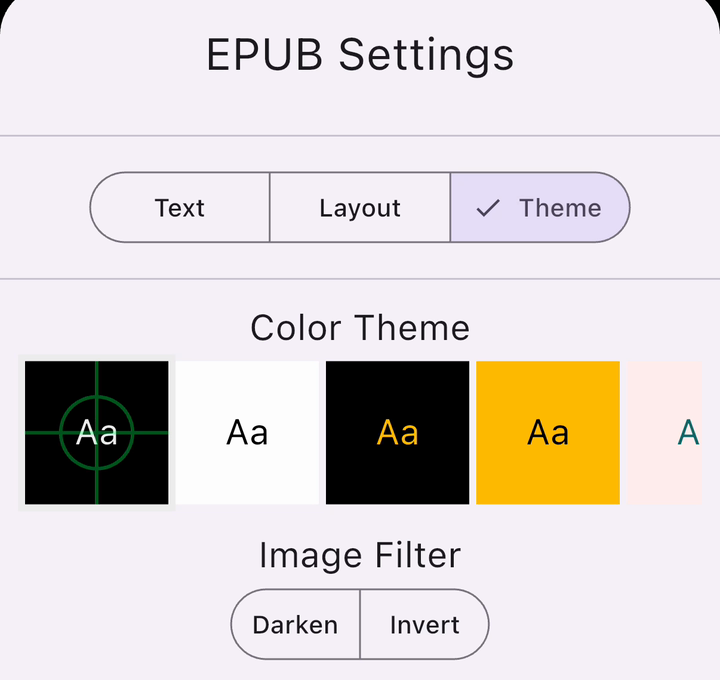
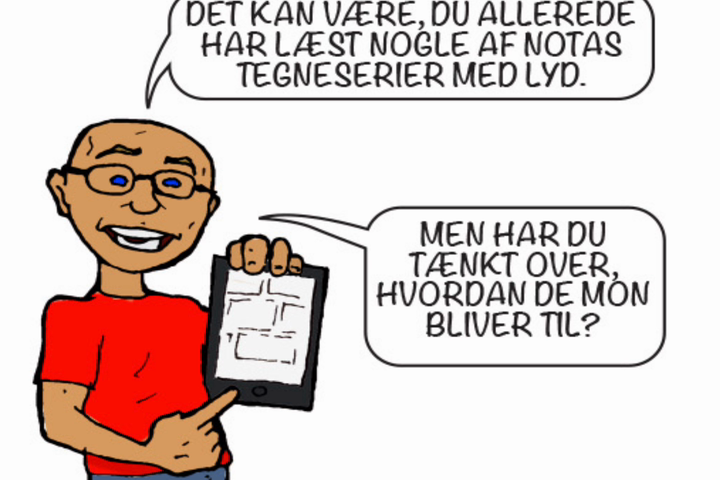
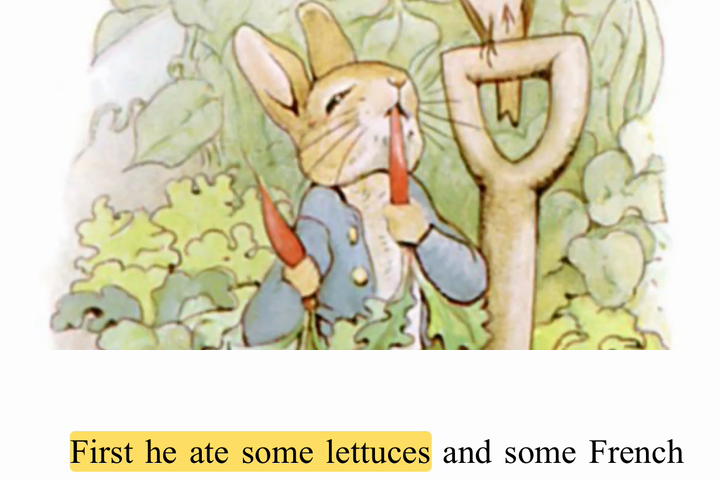
 Captured on iOS: EPUB styling, read-along, then narrated comic panels. |
Features
|
Select an iOS Simulator capture to see it full size.
| EPUB themes | Read-along | Narrated comics |
|---|---|---|
 |
 |
 |
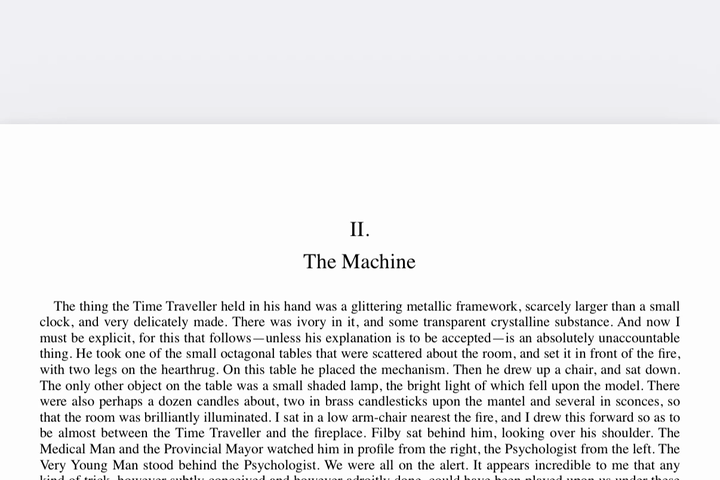
| EPUB highlights | PDF pages |
|---|---|
 |
 |
Quick start
Add the package:
flutter pub add flutter_readium
Pass a publication URL (for example, a file or HTTPS URL) to this reader screen:
import 'dart:async';

import 'package:flutter/material.dart';
import 'package:flutter_readium/flutter_readium.dart';

class ReaderScreen extends StatefulWidget {
  const ReaderScreen({super.key, required this.publicationUrl});

  final String publicationUrl;

  @override
  State<ReaderScreen> createState() => _ReaderScreenState();
}

class _ReaderScreenState extends State<ReaderScreen> {
  final _readium = FlutterReadium();
  Publication? _publication;
  String? _error;

  @override
  void initState() {
    super.initState();
    _open();
  }

  Future<void> _open() async {
    try {
      final publication = await _readium.openPublication(widget.publicationUrl);
      if (!mounted) {
        await _readium.closePublication();
        return;
      }
      setState(() => _publication = publication);
    } catch (error) {
      if (mounted) setState(() => _error = error.toString());
    }
  }

  @override
  void dispose() {
    if (_publication != null) unawaited(_readium.closePublication());
    super.dispose();
  }

  @override
  Widget build(BuildContext context) {
    if (_error != null) return Center(child: Text(_error!));
    if (_publication == null) return const Center(child: CircularProgressIndicator());
    return ReadiumReaderWidget(publication: _publication!);
  }
}
See the five-minute walkthrough for navigation, preferences, and position restoration. Complete the platform setup below before running.
Supported formats
| Format | Visual | TTS | Audio | Media Overlays |
|---|---|---|---|---|
| EPUB 2 | ✓ | ✓ | — | - |
| EPUB 3 | ✓ | ✓ | ✓ | - |
| WebPub | ✓ | ✓ | ✓ | ✓ (EPUB profile) |
| Audiobook | — | — | ✓ | - |
| ✓ | — | — | - | |
| CBZ | ✓ | — | — | - |
| DiViNa | ✓ | — | ✓¹ | ✓¹ (Guided Navigation) |
¹ DiViNa audio narration is driven by a Guided Navigation document and synchronizes at the page
level on all platforms (on Web, ts-toolkit has no DiViNa navigator, so images are rendered by a
plugin-side navigator). Panel-level zoom (the segments' xywh regions) is not yet implemented on
any platform.
LCP-protected publications are not currently supported. The underlying toolkits include an LCP adapter; it may be enabled in a future release.
Platform support
| Feature | Android | iOS | Web |
|---|---|---|---|
| EPUB visual reading | ✓ | ✓ | ✓ |
| Comics (CBZ / DiViNa) | ✓ | ✓ | ✓ |
| PDF reading | ✓ | ✓ | — |
| Audiobook playback | ✓ | ✓ | ✓ |
| Media Overlays | ✓ | ✓ | ✓ |
| Text-to-Speech | ✓ | ✓ | Limited¹ |
| Highlights / decorations | ✓ | ✓ | ✓ |
| Reader preferences | ✓ | ✓ | ✓ |
| PDF preferences | ✓ | ✓ | — |
| Progress saving | ✓ | ✓ | ✓ |
| Content search | ✓ | ✓ | — |
| Background audio | ✓ | ✓ | — |
¹ Web TTS uses the browser's Web Speech API — voice availability and quality vary by browser.
macOS note: Native macOS desktop (
flutter run -d macos) is not supported — a no-op stub is registered so the Flutter macOS target still compiles, but every reader call returnsMethodNotImplemented. The upstreamswift-toolkitis iOS-only and has marked native macOSnot_planned. The iOS build runs fine on Apple Silicon Macs via "Designed for iPad".
Minimum requirements
| Requirement | Version |
|---|---|
| Flutter | 3.44.8+ |
| Dart SDK | 3.8.0+ |
| Android | minSdkVersion 24 |
| iOS | 15.0+ |
Platform setup
Complete the per-platform setup below before running the reader. See the full installation guide for details.
Android
-
Set
minSdkVersionto 24 or higher inandroid/app/build.gradle. -
Enable core library desugaring in your app's Gradle build file. The Readium Android artifacts require it:
android {
    compileOptions {
        isCoreLibraryDesugaringEnabled = true
    }
}

dependencies {
    coreLibraryDesugaring("com.android.tools:desugar_jdk_libs:2.1.5")
}
For Groovy Gradle files, see the installation guide.
-
Change your
MainActivityto extendFlutterFragmentActivity(notFlutterActivity) — otherwise the reader view will crash at runtime. -
If using TTS or background audio, add to
android/app/src/main/AndroidManifest.xml:<uses-permission android:name="android.permission.WAKE_LOCK" /> <uses-permission android:name="android.permission.FOREGROUND_SERVICE" /> <uses-permission android:name="android.permission.FOREGROUND_SERVICE_MEDIA_PLAYBACK" />
iOS
Add the Readium pods to your ios/Podfile. The versions must match the ones pinned in
ios/flutter_readium.podspec. The example/ios/Podfile is the source-of-truth for app
integration — copy these lines into your own Podfile:
source 'https://github.com/readium/podspecs'
source 'https://cdn.cocoapods.org/'

target 'Runner' do
  use_frameworks!
  use_modular_headers!

  pod 'ReadiumShared', '~> 3.11.0'
  pod 'ReadiumInternal', '~> 3.11.0'
  pod 'ReadiumStreamer', '~> 3.11.0'
  pod 'ReadiumNavigator', '~> 3.11.0'
  pod 'ReadiumOPDS', '~> 3.11.0'
end
Keep these pod versions aligned with the plugin's pin; do not override them independently.
Web
-
Copy the plugin's JavaScript bundle into your web app:
dart run flutter_readium:copy_js_file <destination_directory>The destination should live inside your
web/directory. -
Reference the script from
web/index.html:<script src="flutter.js" defer></script> <script src="readiumReader.js" defer></script>
Documentation
For more detail, see the installation guide, reader walkthrough, feature guides, and API reference. For implementation details and toolkit versions, see the project README.
Example app
A complete example app is available in the repository at flutter_readium/example/, demonstrating EPUB and audiobook reading, TTS, preferences, and highlighting.
License
BSD 3-Clause — see LICENSE.