
Box Hinter
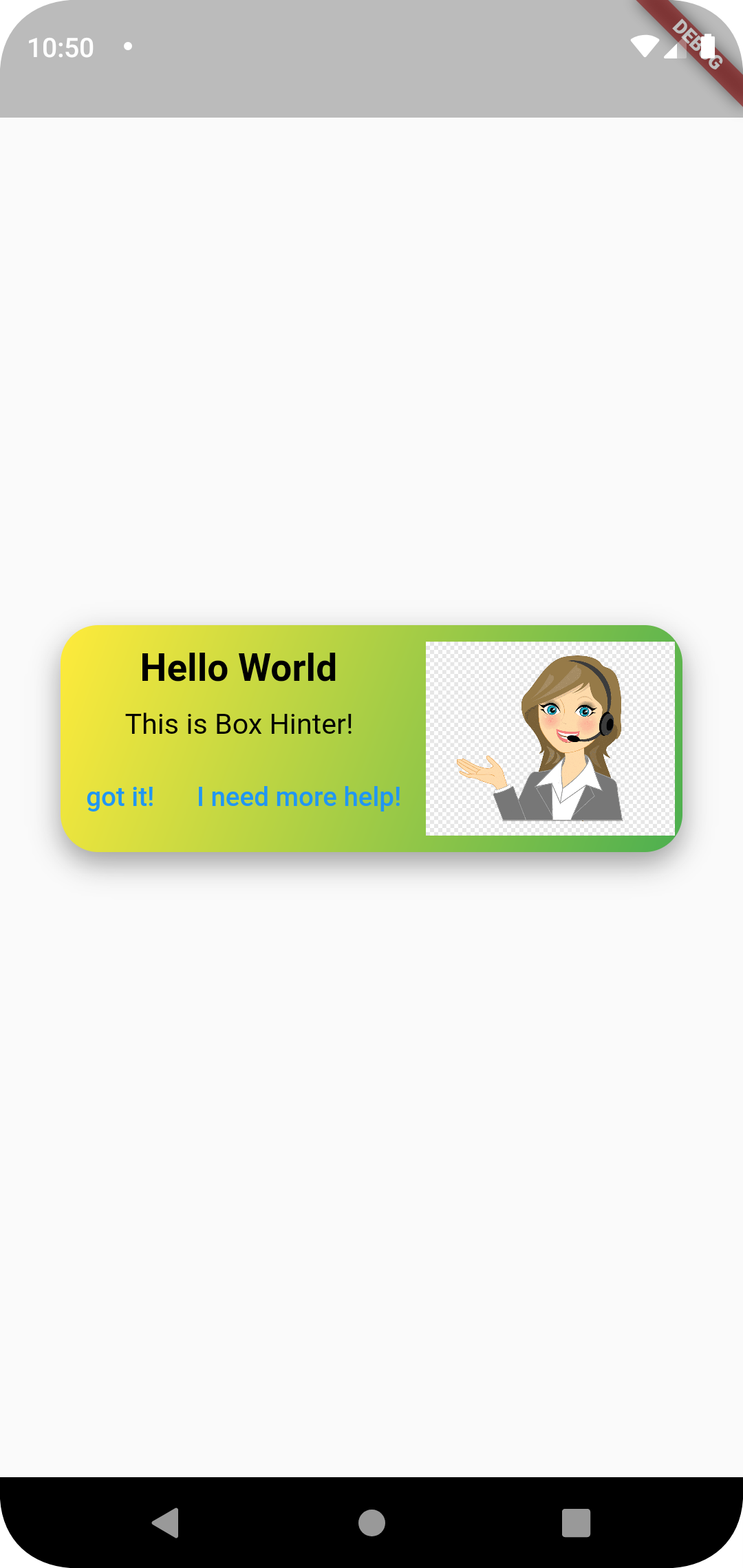
Box Hinter container package lets you add a hint or explanation box to bring feature explanations to a user. It comes with a beautiful gradient container to your Flutter app.
Installation
- Add the latest version of package to your pubspec.yaml (and run
dart pub get):
dependencies:
  box_hinter: ^0.0.3
- Import the package and use it in your Flutter App.
import 'package:box_hinter/box_hinter.dart';
Example
There are a number of properties that you can modify:
- height
- width
- title
- subtitle
- gradient (color1 and color2)
- Functions of the incorporated buttons and the widget itself.
|
Package image
Next Goals
-
xAdd onTap for functions. Now, you can specify the onTap and specify a function. -
xChange font and color style for text. Change color by specifyingtextcolorandsubtitlecolorproperties. -
-