
V3C Alert





A customizable Flutter alert dialog widget supporting success, warning, error, and info alerts.
Features
- 🎨 Different alert types: Success, Error, Warning, Info
- 🛠️ Fully customizable: titles, descriptions, button actions
- 🎞️ Smooth animation support when displaying alerts
- ✅ Callbacks for both
OKandCancelbuttons
📦 Installation
Add this to your package's pubspec.yaml file:
dependencies:
  v3c_alert:
Run flutter pub get to install the package.
Usage
Import the package in your Dart code:
import 'package:v3c_alert/v3c_alert.dart';
Example
Here's how you can use the V3CAlertDialog in your app:
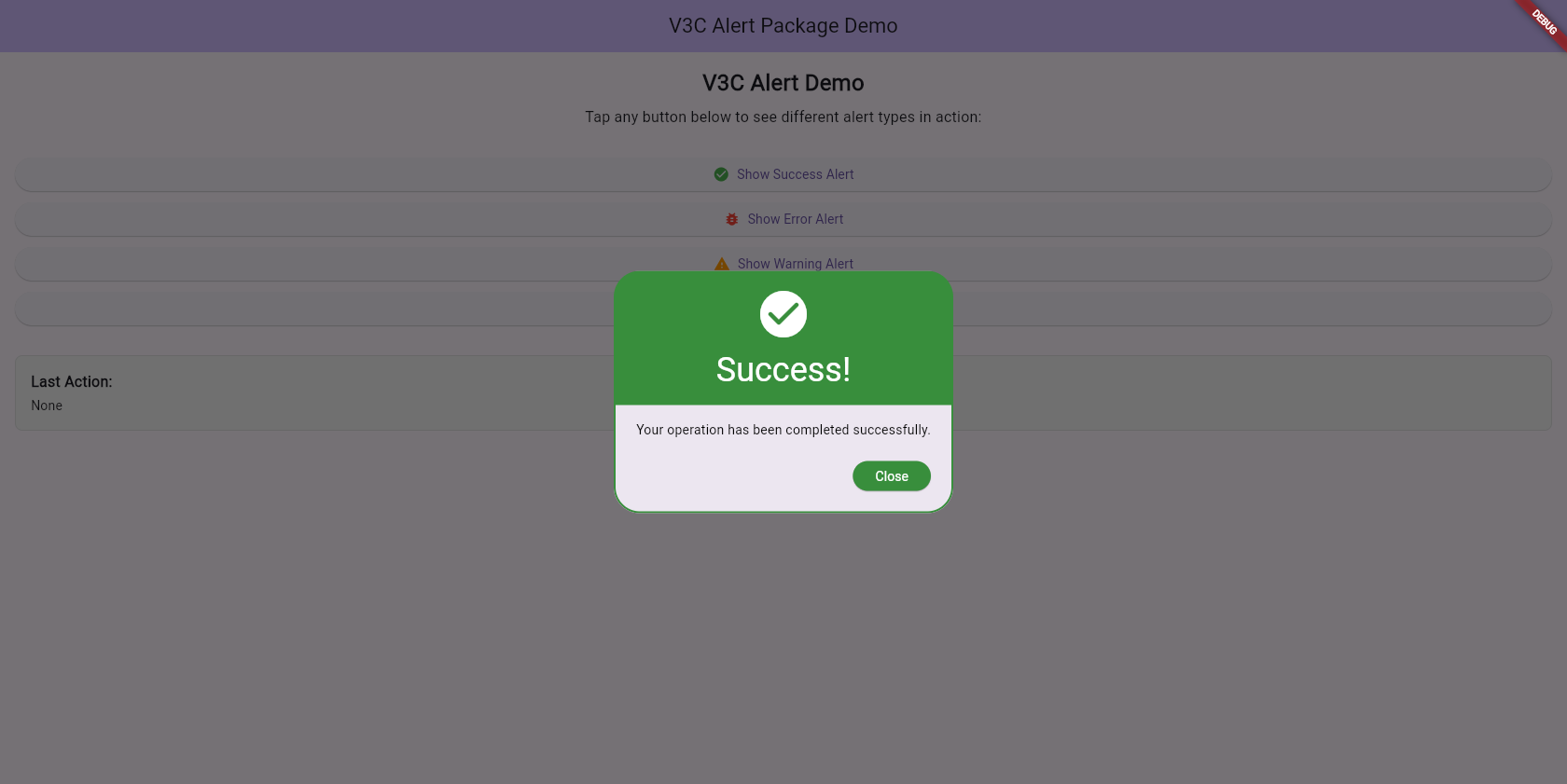
Success Alert
| Web | Mobile |
|---|---|
 |
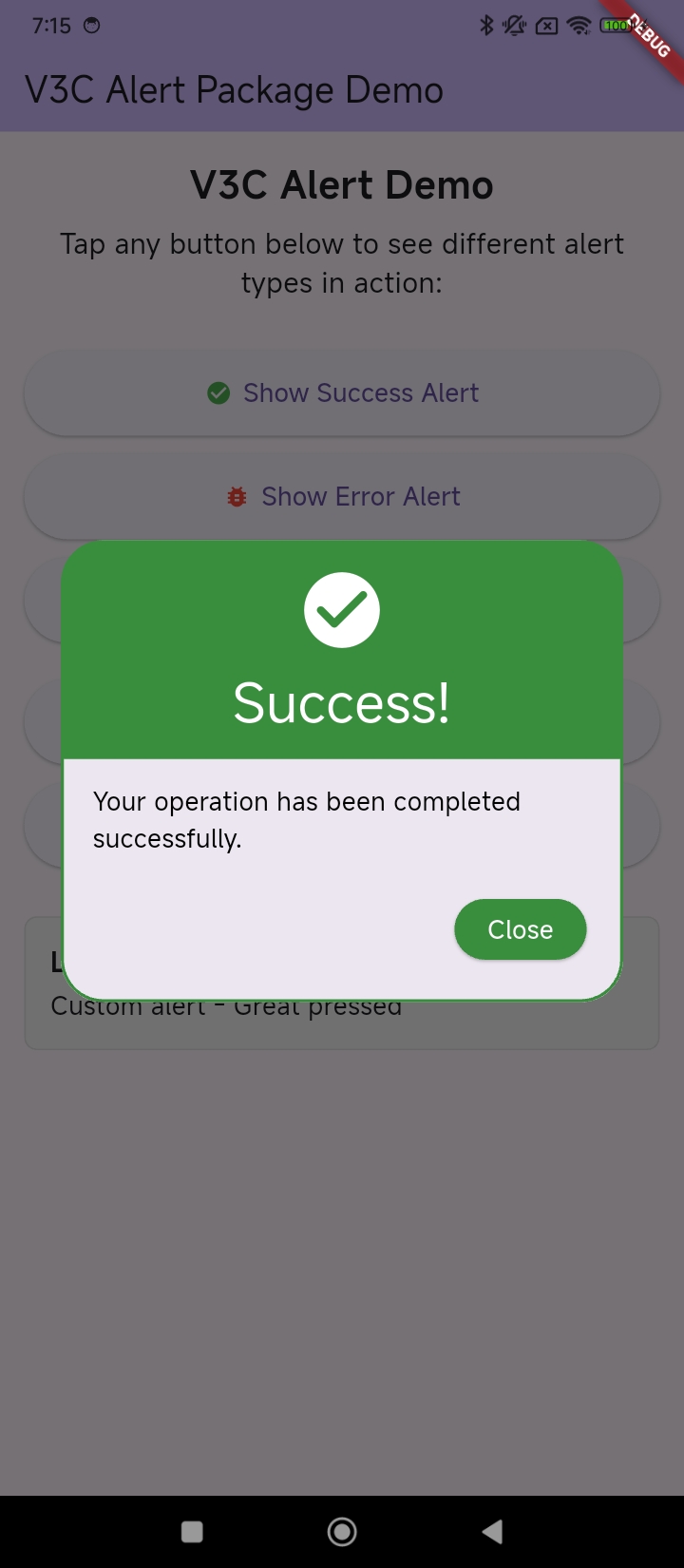 |
void _showSuccessAlert() {
  V3CAlert(
    context: context,
    title: 'Success!',
    description: 'Your operation has been completed successfully.',
    alertType: V3CAlertType.success,
    okOnPress: () {
      setState(() {
        _lastAction = 'Success alert - OK pressed';
      });
    },
    cancelOnPress: () {
      setState(() {
        _lastAction = 'Success alert - Cancelled';
      });
    },
  ).show();
}
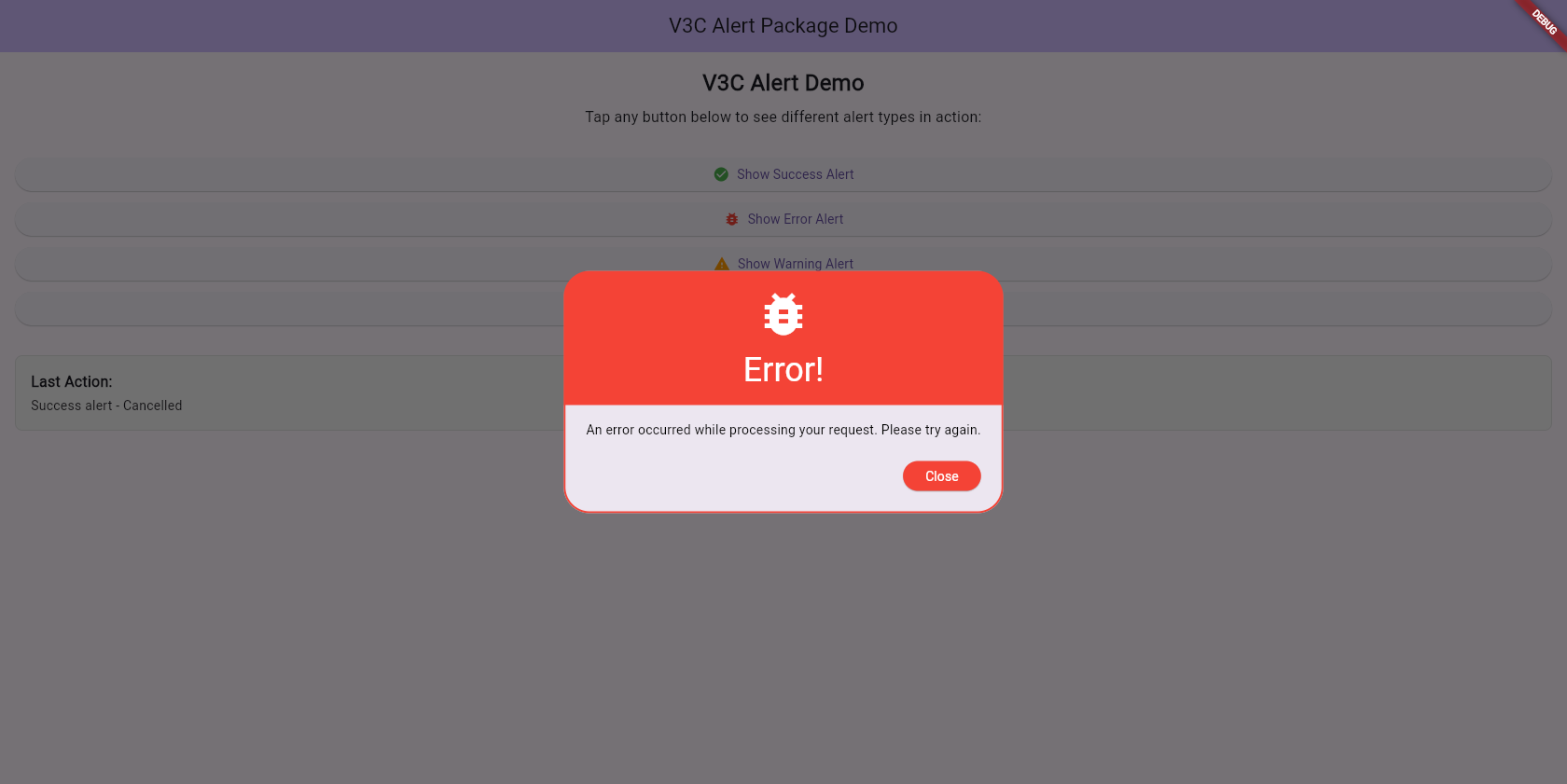
Error Alert
| Web | Mobile |
|---|---|
 |
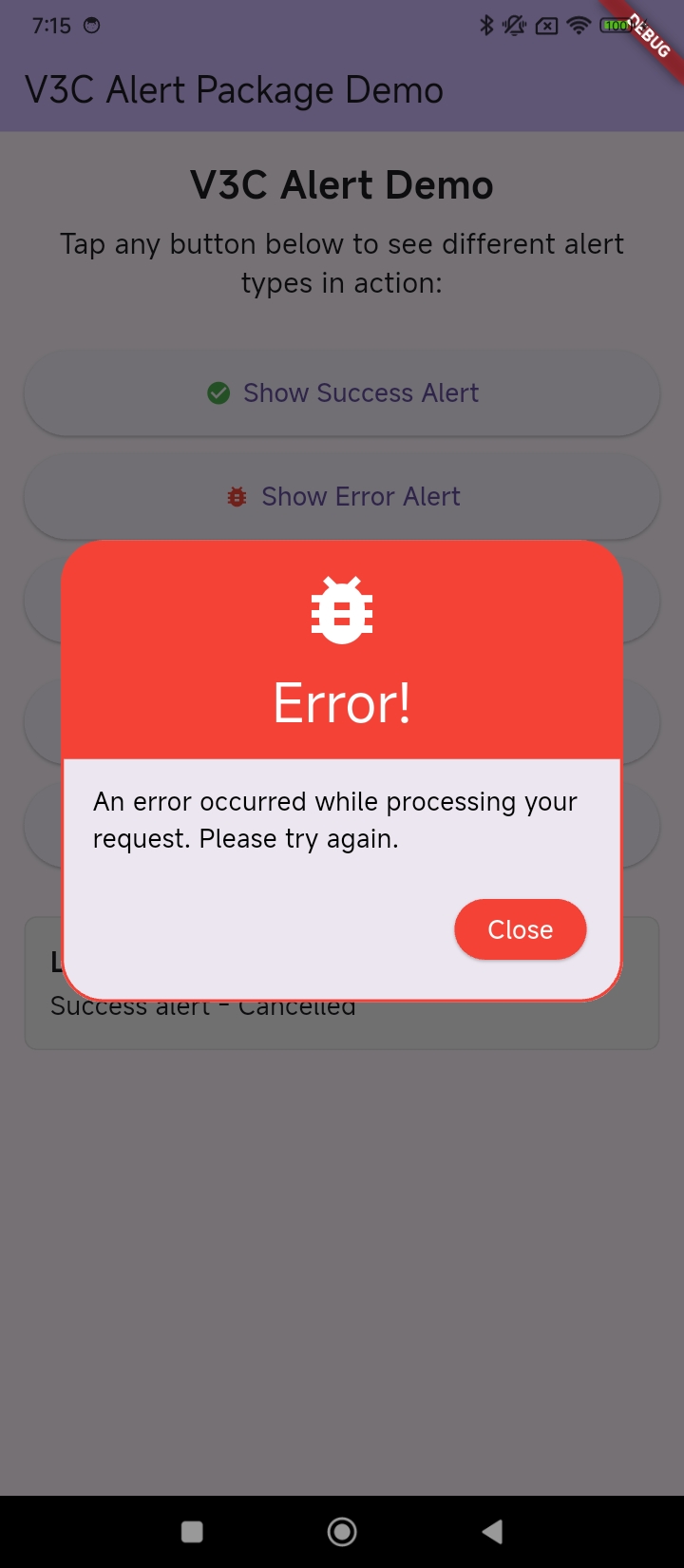 |
void _showErrorAlert() {
  V3CAlert(
    context: context,
    title: 'Error!',
    description:
        'An error occurred while processing your request. Please try again.',
    alertType: V3CAlertType.error,
    okOnPress: () {
      setState(() {
        _lastAction = 'Error alert - OK pressed';
      });
    },
    cancelOnPress: () {
      setState(() {
        _lastAction = 'Error alert - Cancelled';
      });
    },
  ).show();
}
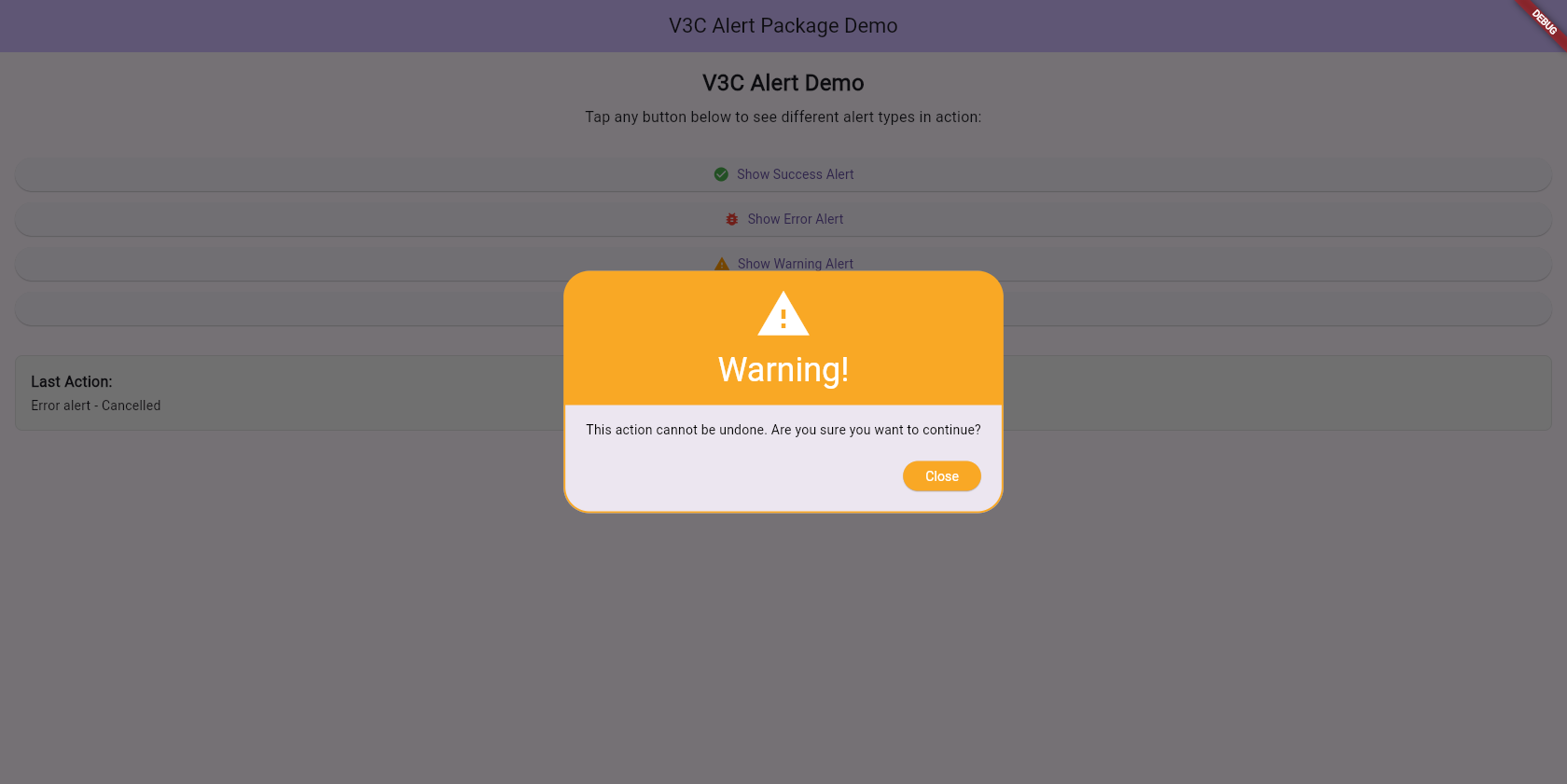
Warning Alert
| Web | Mobile |
|---|---|
 |
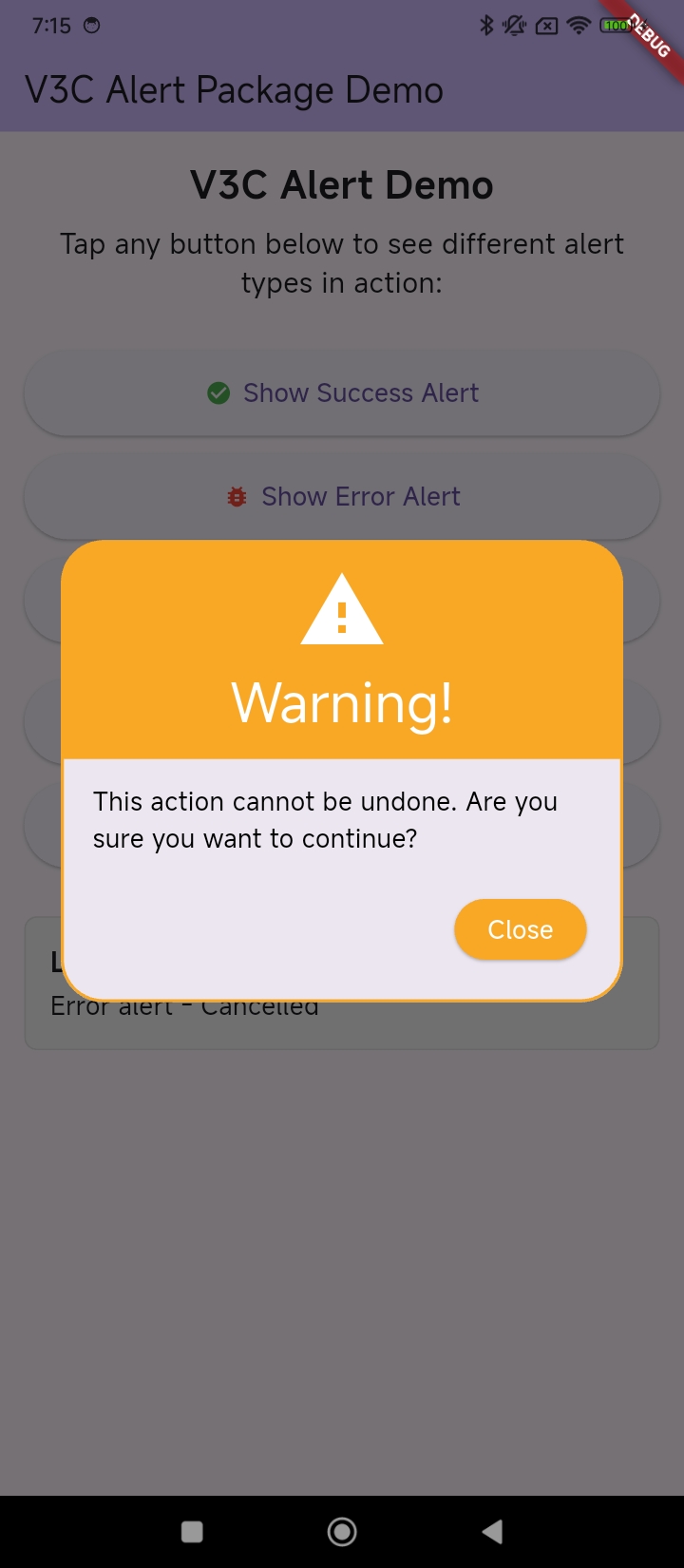 |
void _showWarningAlert() {
  V3CAlert(
    context: context,
    title: 'Warning!',
    description:
        'This action cannot be undone. Are you sure you want to continue?',
    alertType: V3CAlertType.warning,
    okOnPress: () {
      setState(() {
        _lastAction = 'Warning alert - Confirmed';
      });
    },
    cancelOnPress: () {
      setState(() {
        _lastAction = 'Warning alert - Cancelled';
      });
    },
  ).show();
}
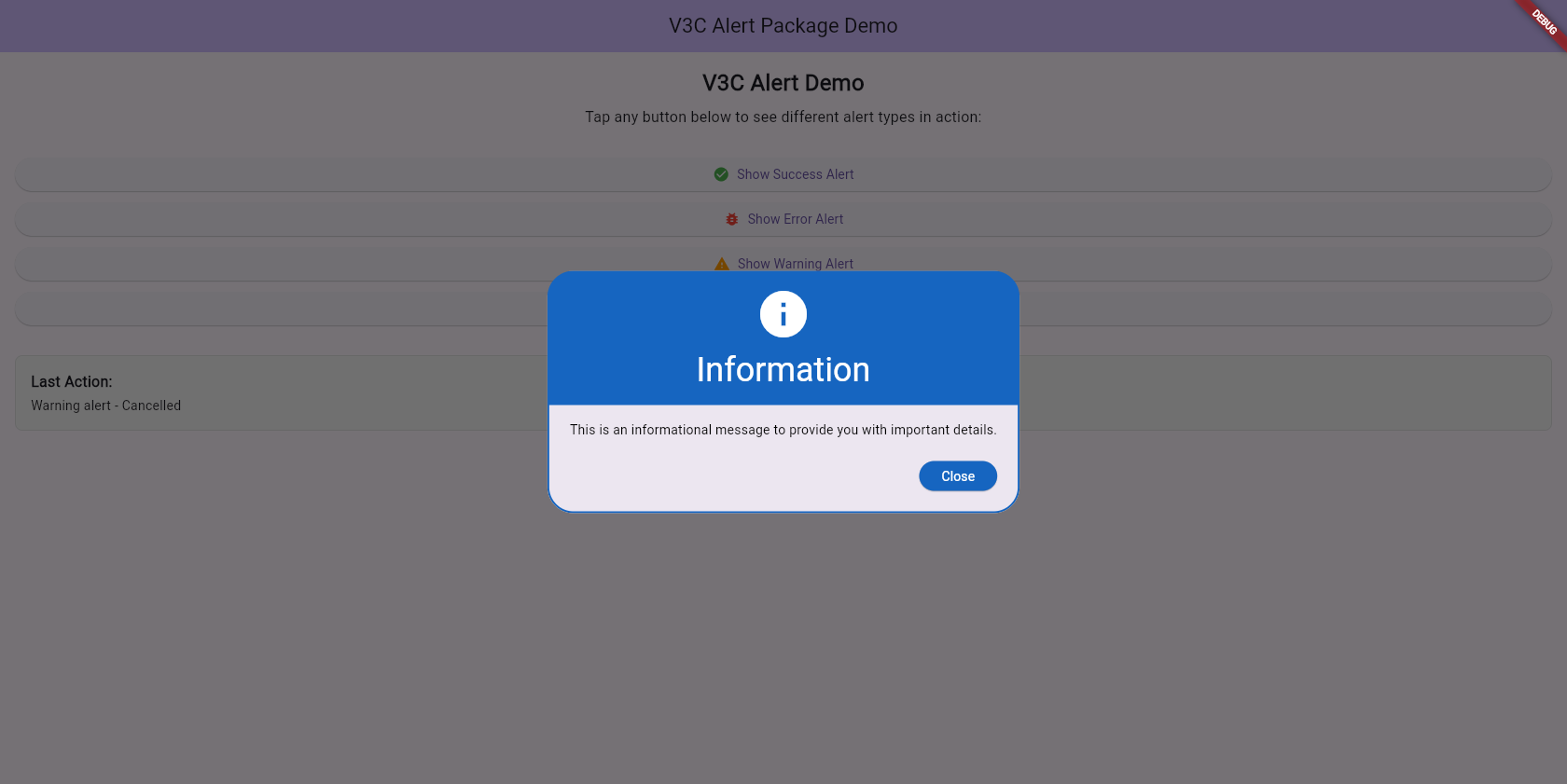
Info Alert
| Web | Mobile |
|---|---|
 |
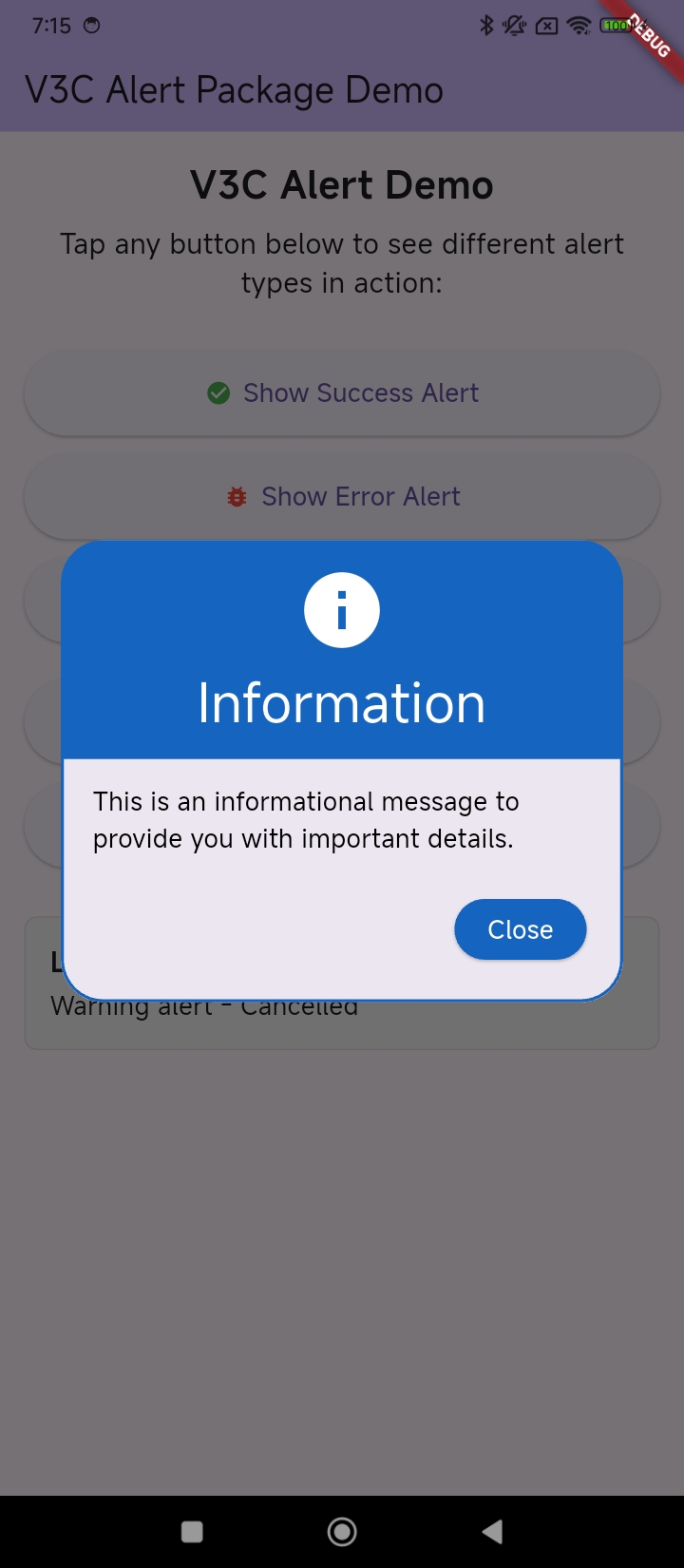 |
void _showInfoAlert() {
  V3CAlert(
    context: context,
    title: 'Information',
    description:
        'This is an informational message to provide you with important details.',
    alertType: V3CAlertType.info,
    okOnPress: () {
      setState(() {
        _lastAction = 'Info alert - Acknowledged';
      });
    },
    cancelOnPress: () {
      setState(() {
        _lastAction = 'Info alert - Dismissed';
      });
    },
  ).show();
}
Custom Text Alert
| Web | Mobile |
|---|---|
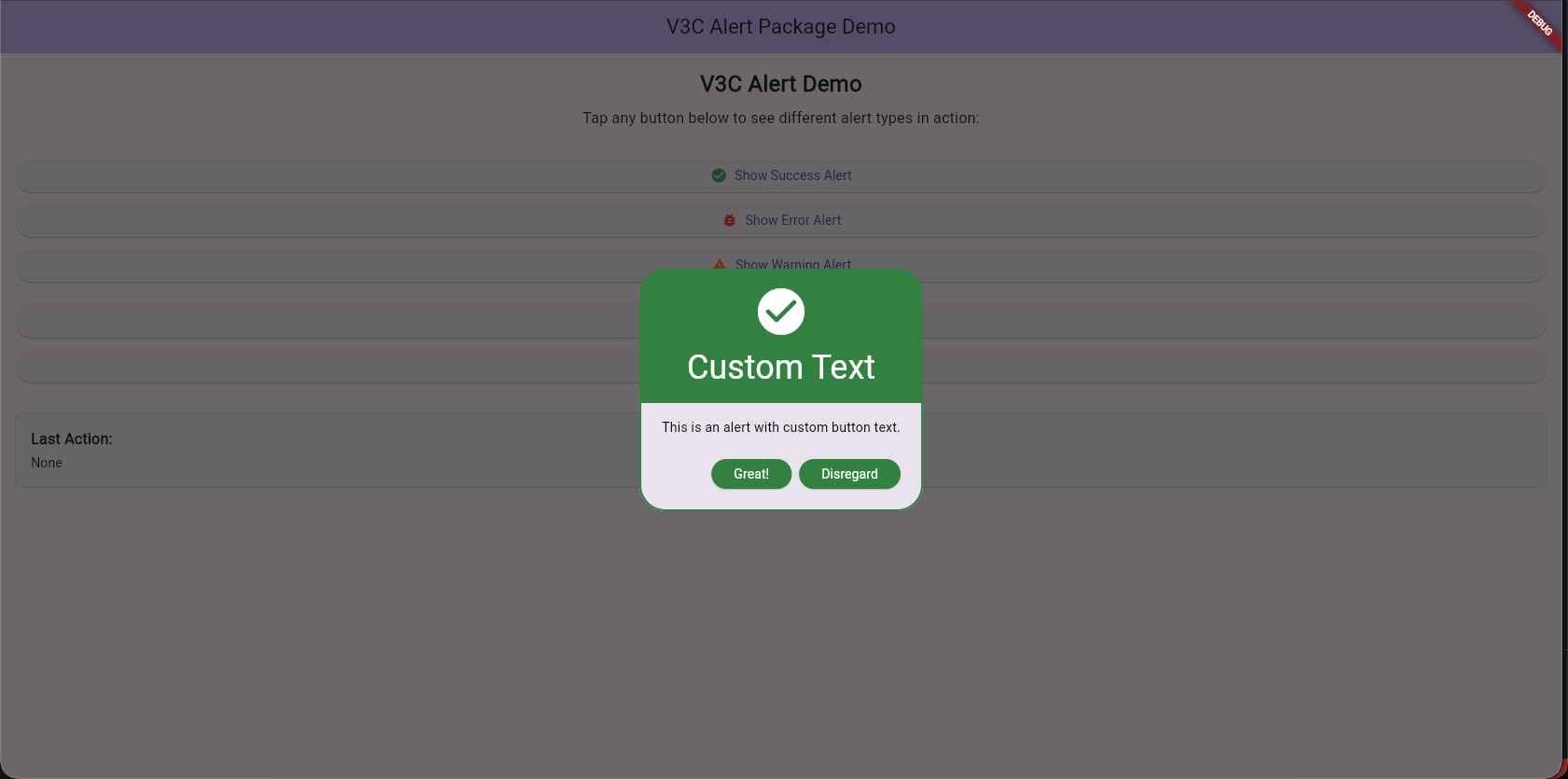 |
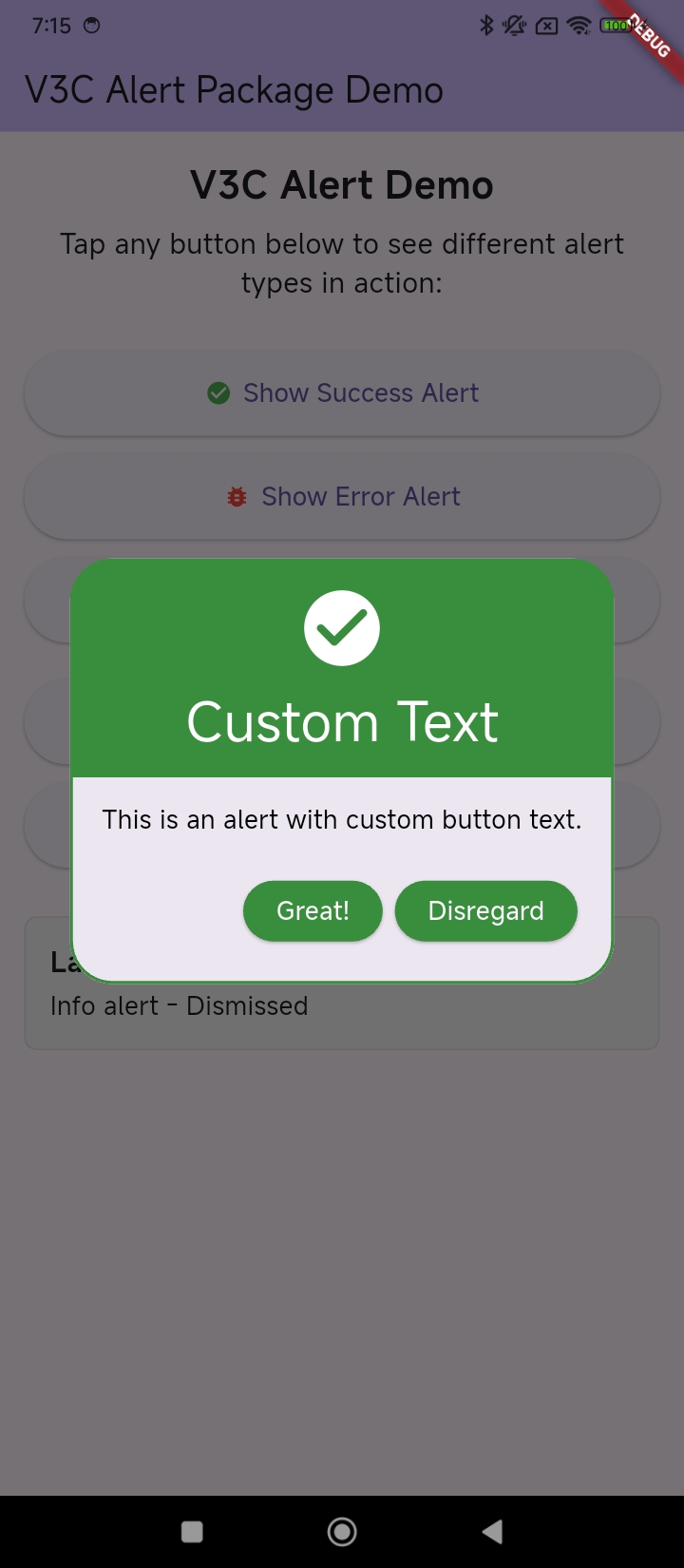 |
For a complete example, see the example project.
Roadmap
- Custom themes: Allow users to customize the look and feel of alerts completely.
- Additional animations: Provide more built-in animations options.
Contributing
Contributions are welcome! Please see CONTRIBUTING.md for details.
👥 Contributors
 |
|---|
| Vivek Vithalani |
License
Distributed under the MIT License. See LICENSE for more information.
© 2025 V3 Code Studio. All rights reserved.