
UserOrient
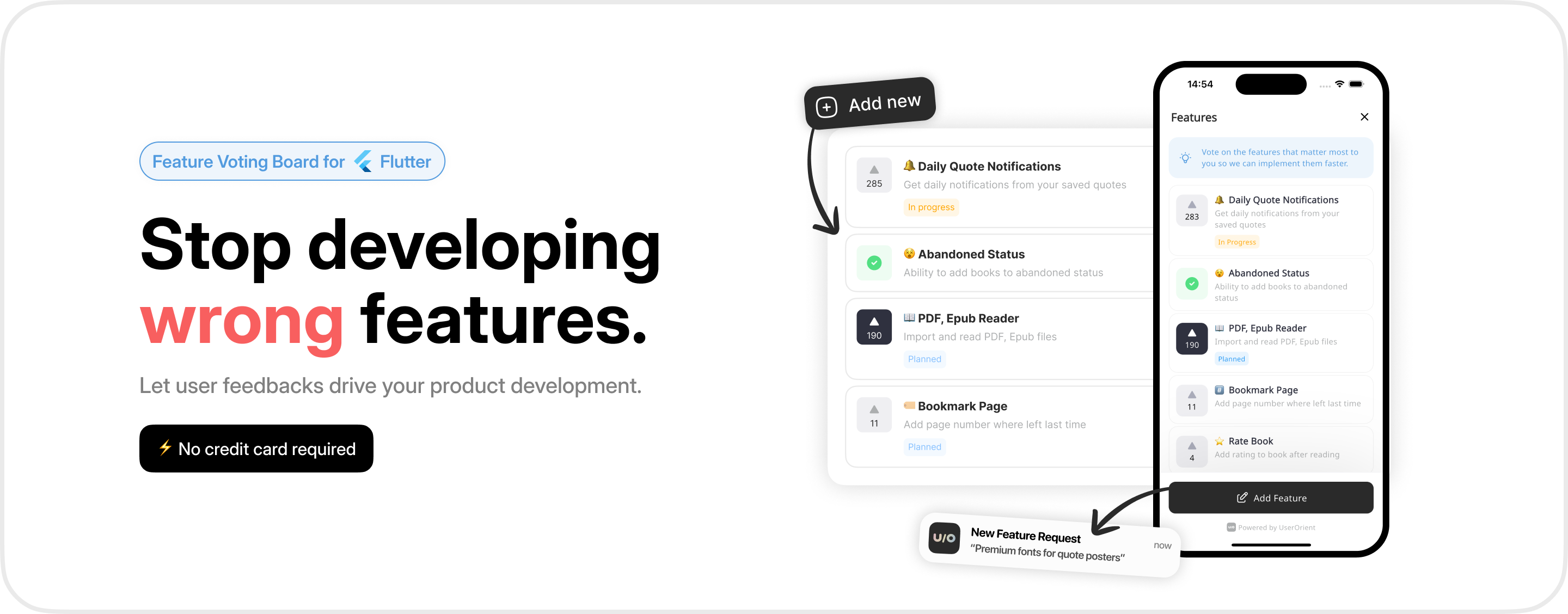
Feature voting board for Flutter apps.
Let your users vote on what to build next. Collect feedback, prioritize your roadmap, ship what matters.
Getting Started
1. Install
dependencies:
  userorient_flutter: <latest-version>
2. Configure
import 'package:userorient_flutter/userorient_flutter.dart';

void main() {
  UserOrient.configure(apiKey: 'YOUR_API_KEY');
  runApp(MyApp());
}
Get your API key from the UserOrient dashboard.
3. Open the board
UserOrient.openBoard(context);
That's it — two lines of setup, one to launch.
User
Identify the current user so votes persist across sessions. Call setUser before opening the board.
UserOrient.setUser(
  uniqueIdentifier: '123456',
  fullName: 'Kamran Bekirov',
  email: 'kamran@userorient.com',
);
All fields are optional. Pass whatever you have:
| Field | Description |
|---|---|
uniqueIdentifier |
Your internal user ID |
fullName |
Display name |
email |
Email address |
phoneNumber |
Phone number |
isPaying |
Whether this is a paying customer (learn more) |
extra |
Any additional key-value data |
If uniqueIdentifier is omitted, UserOrient generates one automatically.
Language
UserOrient.setLanguage(Language.en);
Supported: az de en es fr it tr ru ar uk zh
You can also parse a locale string:
UserOrient.setLanguage(Language.fromCode('en-US')); // Language.en
Falls back to Language.en for unsupported codes.
Theming
UserOrient.setTheme(
  light: UserOrientColors(
    backgroundColor: Colors.white,
    accentColor: Colors.blue,
  ),
  dark: UserOrientColors(
    backgroundColor: Color(0xff1D1D1D),
    accentColor: Colors.blue,
  ),
);
| Property | Description |
|---|---|
backgroundColor |
Board background color |
accentColor |
Buttons, active tabs, voted state (text color adjusts automatically) |
Font family is inherited from your app's ThemeData.
Data Collection
Control what data the SDK collects when a user submits feedback:
UserOrient.setDataCollection(DataCollection(
  email: CollectionMode.required,
  metadata: CollectionMode.optional,
));
| Mode | Email behavior | Metadata behavior |
|---|---|---|
required |
User must enter an email before submitting | Always collected |
optional |
User can skip the email step (default) | Collected if available (default) |
notCollected |
Email step is skipped entirely | Not collected |
Metadata includes device info (model, OS version) and app info (version, build number).
Paying Users
Mark paying customers so you can filter their votes in the dashboard:
UserOrient.setUser(
  uniqueIdentifier: '123456',
  isPaying: true,
);
Logging Out
Clear cached data when a user logs out:
await UserOrient.clearCache();
Contact
- Email: kamran@userorient.com
- Twitter: @userorient
Libraries
- userorient_flutter
- Flutter SDK for UserOrient — embeddable feature voting and feedback board.