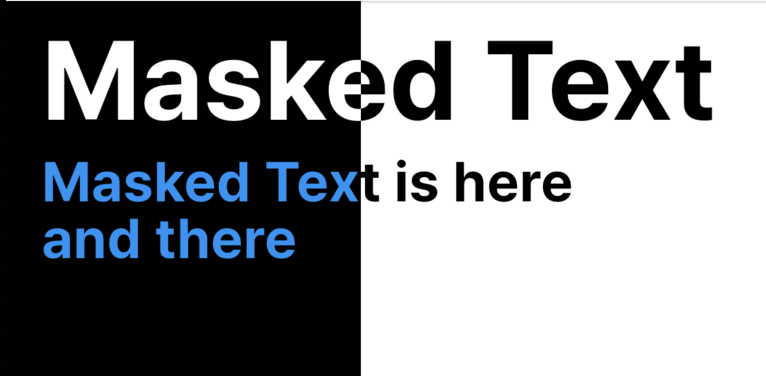
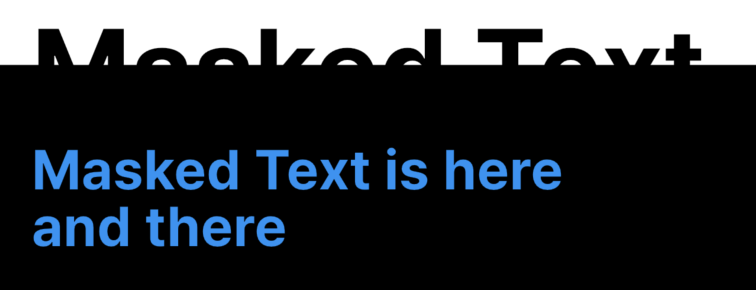
text_masker
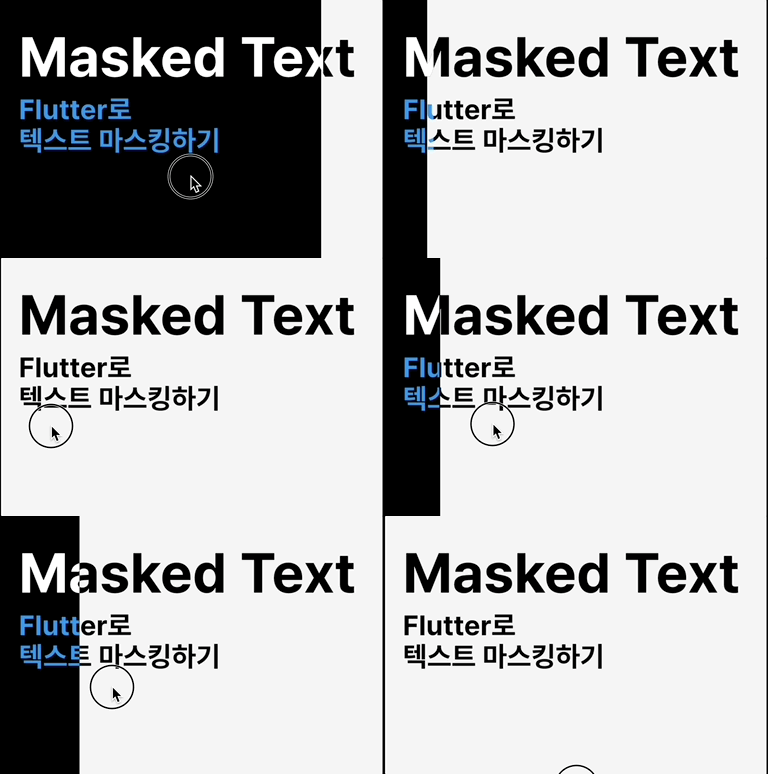
A lightweight Flutter package for masking text based on the position of other widgets. Use it to create visually compelling effects where text is only revealed within certain areas—perfect for scroll-based animations, overlays, or creative UI designs.
Features
- Mask text using one or more widget regions
- Reacts to scrolling and layout changes
- Simple, declarative API
- Supports stacked masking
Installation
Add to your pubspec.yaml:
dependencies:
  text_masker: ^0.0.1
Usage
- Wrap your app with
TextMaskingScope:
TextMaskingScope(
    child: MyApp(),
),
- Define target widgets using
MaskedTarget:
MaskedTarget(
  id: 'targetId',
  child: widget,
),
- Display masked text using
MaskedText:
MaskedText(
  idList: ['targetId'],
  text: 'Masked Text',
  textStyle: TextStyle(
    color: Colors.black,
  ),
  maskColor: Colors.white,
),
Example
class MaskedTextDemoPage extends StatelessWidget {
  const MaskedTextDemoPage({super.key});

  @override
  Widget build(BuildContext context) {
    return TextMaskingScope(
      child: Scaffold(
        body: Stack(
          children: [
            ListView(
              children: [
                const SizedBox(height: 100),
                Row(
                  children: [
                    MaskedTarget(
                      id: 'one',
                      child: Container(
                        height: 300,
                        color: Colors.black,
                        width: 200,
                      ),
                    ),
                  ],
                ),
                Container(height: 100),
                MaskedTarget(
                  id: 'two',
                  child: Container(height: 300, color: Colors.black),
                ),
                Container(height: 600),
              ],
            ),
            const Positioned(
              top: 0,
              left: 20,
              child: MaskedText(
                idList: ['one'],
                text: 'Masked Text',
                textStyle: TextStyle(
                  fontSize: 60,
                  fontWeight: FontWeight.bold,
                  color: Colors.black,
                ),
                maskColor: Colors.white,
              ),
            ),
            const Positioned(
              top: 86,
              left: 20,
              child: MaskedText(
                idList: ['one', 'two'],
                text: 'Masked Text is here\nand there',
                textStyle: TextStyle(
                  fontSize: 30,
                  fontWeight: FontWeight.bold,
                  height: 1,
                  color: Colors.black,
                ),
                maskColor: Colors.blue,
              ),
            ),
          ],
        ),
      ),
    );
  }
}