
Tarsier Websocket Server



Documentation • Issues • Example • License • Pub.dev
A simple WebSocket server package for Flutter with Pusher-like functionality and a dashboard built-in.
A working WebSocket server with authentication and basic real-time messaging. Good for prototypes, internal tools, and learning WebSocket implementations.
✨ Features
- WebSocket Server - Handles WebSocket connections on custom port
- App Key Authentication - Secure client authentication
- Client Management - Track connected clients with metadata
- Channel System - Subscribe/broadcast to channels
- Message Broadcasting - Send to all clients or specific channels
- Basic API Endpoints - REST API for server management
- Logging System - Configurable logging with different levels
- Server Statistics - Monitor connections, messages, uptime
🔧 Core Functionality
- Start/stop WebSocket server
- Validate app keys
- Handle client connections/disconnections
- Process incoming messages
- Broadcast messages to clients
- Manage channel subscriptions
- Provide server status via API
📊 API Endpoints Available
- GET
/api/status- Get current server status and statistics - GET
/api/stats- Get server statistics (same as status) - GET
/api/clients- List all connected clients - GET
/api/connections- Get connection statistics - GET
/api/channels- List all active channels and subscribers - GET
/api/app-keys- List all registered application keys - POST
/api/broadcast- Broadcast message to connected clients - POST
/api/restart- Restart the WebSocket server - POST
/api/stop- Stop the WebSocket server
Note: All API endpoints (except dashboard) require valid app key authentication.
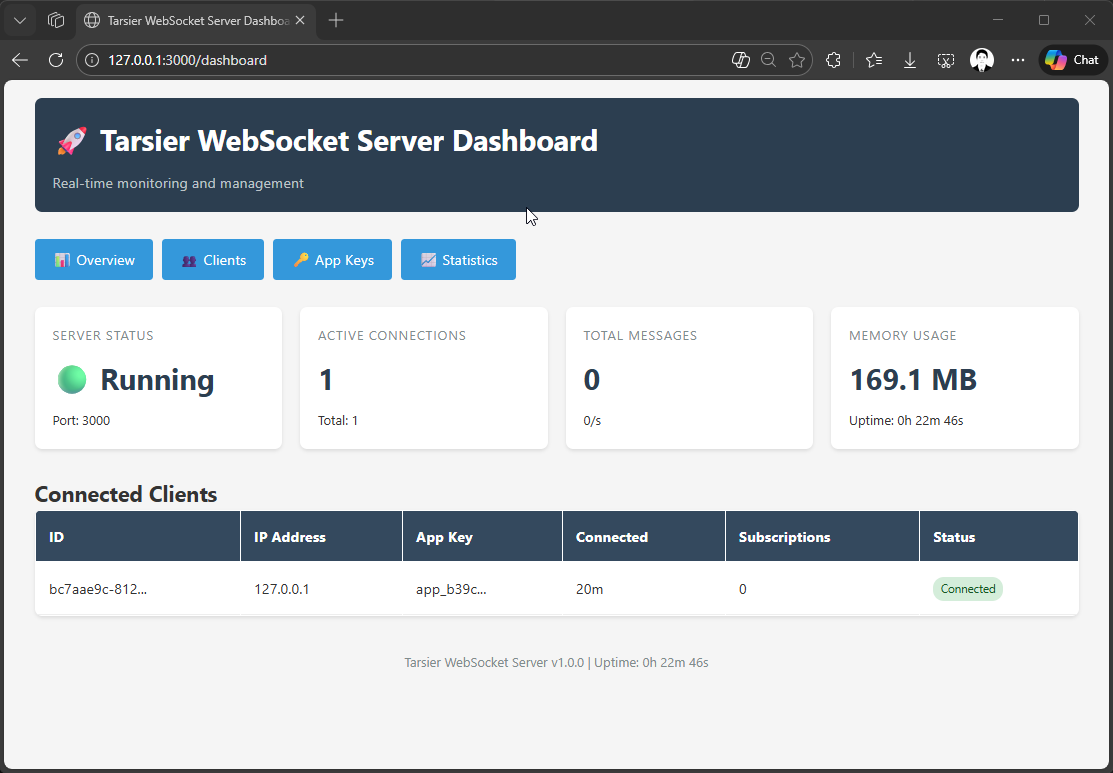
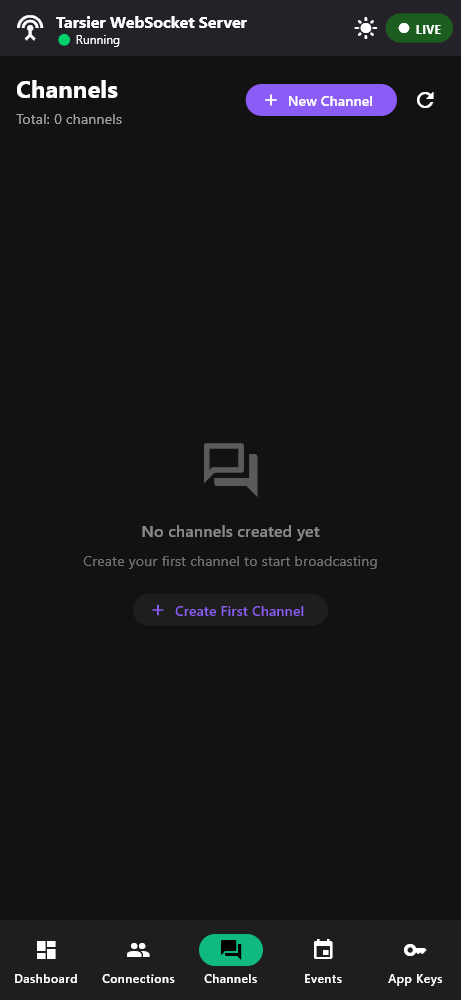
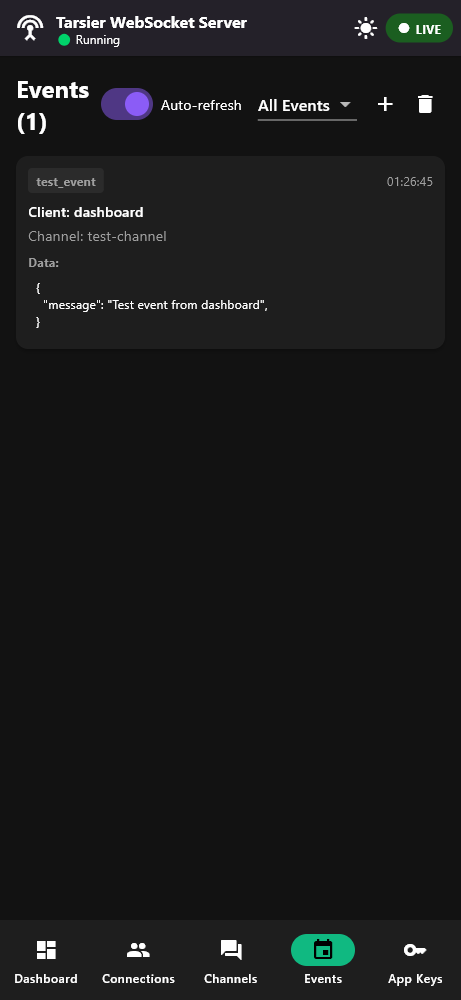
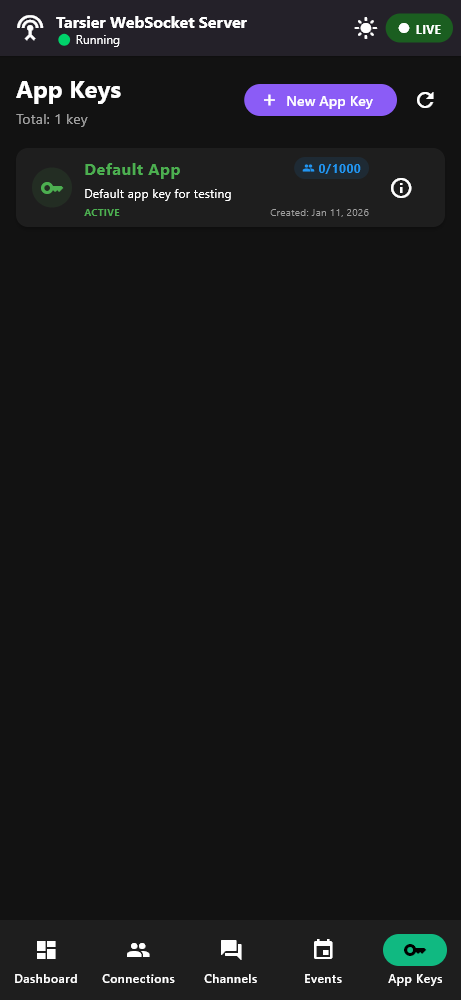
🌐 Dashboard (Basic)
- Simple web interface at
http://localhost:3000/orhttp://localhost:3000/dashboard - Shows server status and connected clients
- No authentication required (for local use)
⚠️ Limitations & TODOs
- Dashboard is basic (needs enhancement)
- Some error handling needs improvement
- Limited testing on production scale
- Web platform support is experimental
- Memory usage tracking is basic
🚀 Installation
Add to your pubspec.yaml:
dependencies:
  tarsier_websocket_server: ^0.0.2
Quick Start
import 'package:tarsier_websocket_server/tarsier_websocket_server.dart';

void main() async {
  final server = WebSocketServer();

  await server.start(
    port: 3000,
    enableDashboard: true,
  );

  // Broadcast messages to all clients
  server.broadcast('new_message', {
    'text': 'Hello World!',
    'sender': 'Server',
  });

  // Broadcast to specific channel
  server.broadcastToChannel('chat-room-1', 'message', {
    'text': 'Hello Chat Room!',
  });

  // Optional: If you want to run built-in dashboard
  runApp(
    WebSocketDashboard(
      server: server,
      title: 'My WebSocket Server',
    ),
  );
}
Clients Usage
// JavaScript client example
const socket = new WebSocket('ws://localhost:3000/app/YOUR_APP_KEY');

socket.onopen = () => {
  console.log('Connected to server');

  // Subscribe to a channel
  socket.send(JSON.stringify({
    event: 'subscribe',
    channel: 'notifications',
    data: {}
  }));
};

socket.onmessage = (event) => {
  const message = JSON.parse(event.data);
  console.log('Received:', message);
};
🔄 What's Next
- Improve dashboard interface
- Add more API endpoints
- Better error handling
- Performance optimization
- More comprehensive testing
Note: This is a work-in-progress package. Core functionality works, but expect bugs and missing features.
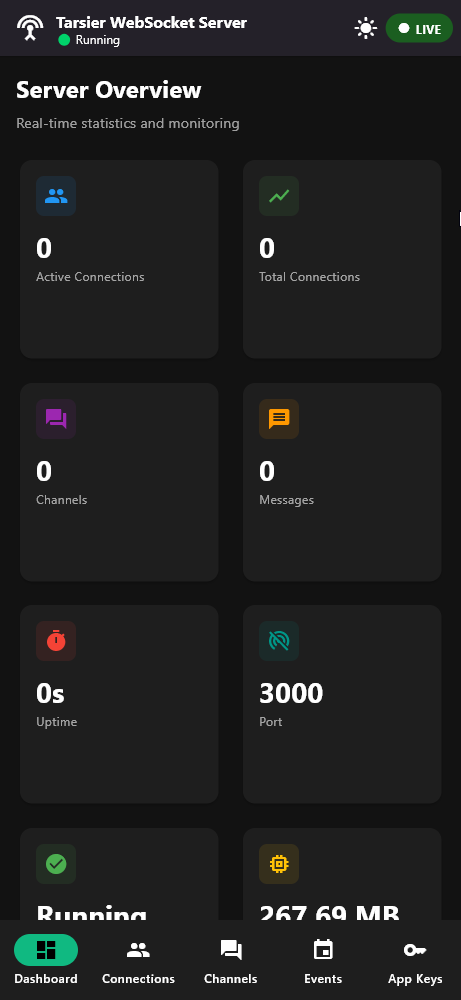
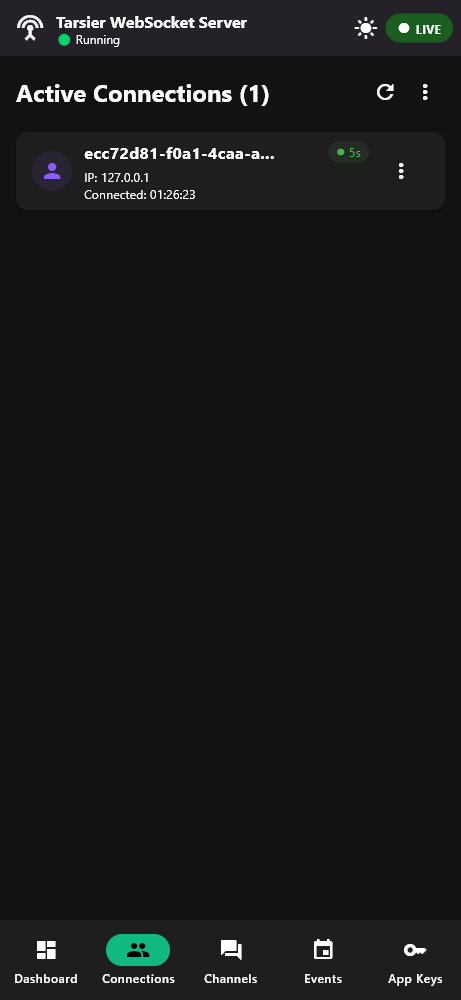
📱Screenshots
Built-in dashboard
| Dashboard | Connections | Channels | Events | App Keys |
|---|---|---|---|---|
|
|
|
|
|
🎖️ License
This project is licensed under the MIT License. See the LICENSE file for details.
🐞 Contributing
Contributions are welcome! Please submit a pull request or file an issue for any bugs or feature requests on GitHub.