
Sweet Title
Create a beautiful titles with Sweet Title, you can have a title with or without a button.
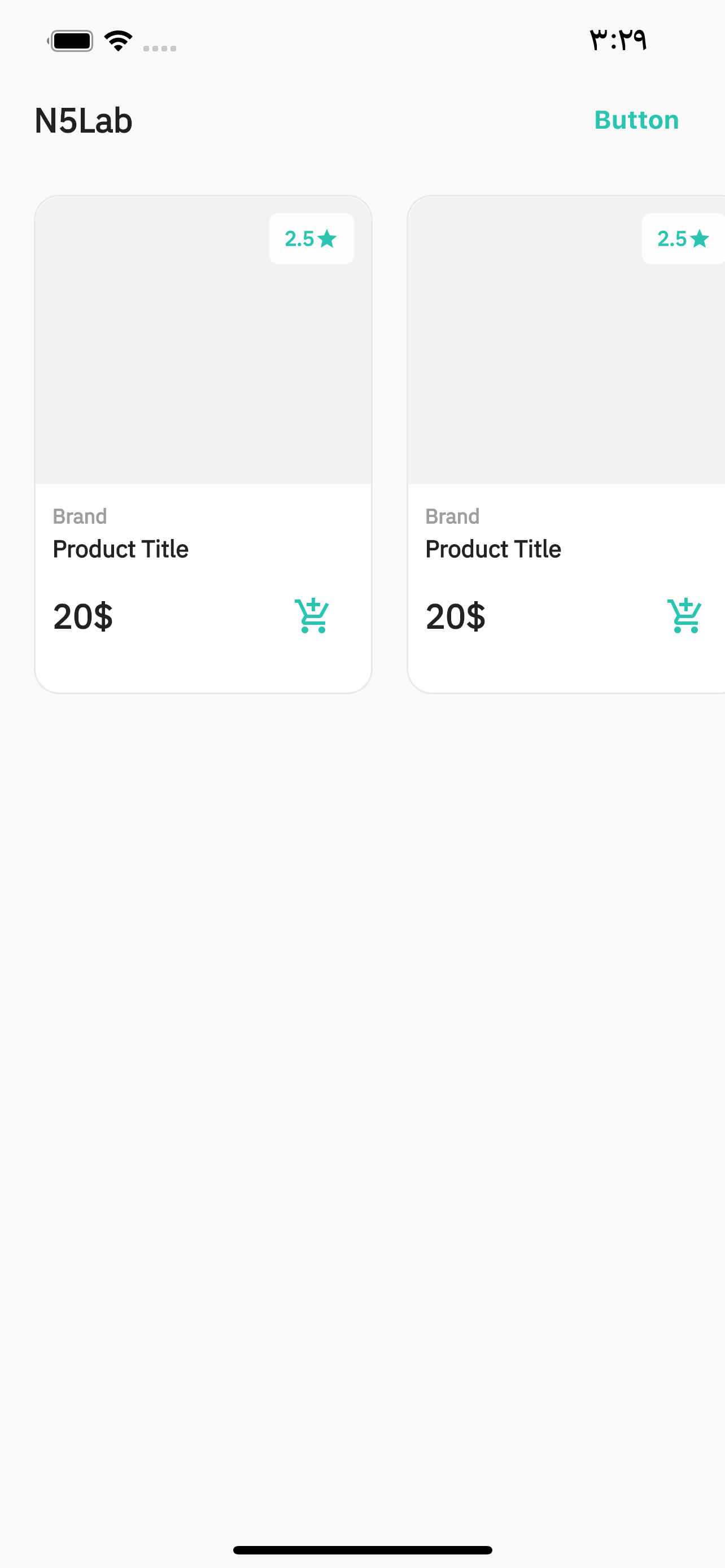
How To Use
SweetTitle()
-
title- Set title for Sweet Title. required -
horizontalPadding- set a padding horizontally around the widget. Default is: 20.0 -
titleMargin- EdgeInsets margin around the widget. Default is: EdgeInsets.only(bottom: 20.0) -
fontSize- font size of the title. Default is: 20.0
SweetTitle.button()
title- Set title for Sweet Title. requiredbuttonText- Button Text. requiredbuttonOnPressed- onPress function for the button. requiredhorizontalPadding- set a padding horizontally around the widget. Default is: 20.0titleMargin- EdgeInsets margin around the widget. Default is: EdgeInsets.only(bottom: 20.0)buttonStyle- ElevatedButton Style.buttonTextColor- color of the text inside ElevatedButton. requiredfontSize- font size of the title. Default is: 20.0
Getting Started
Add the dependency in pubspec.yaml:
dependencies:

...

sweet_title:  ^0.0.3
Basic Usage
Adding the widget with Title Only
SweetTitle.button(
	title:  'Categories',
),
Adding the widget with Button
SweetTitle.button(
	title:  'Categories',
	buttonText:  'Explore',
	buttonTextColor:  Colors.black,
	buttonOnPressed: () {
		print('Explore button pressed');
	},
	buttonStyle:  ElevatedButton.styleFrom(
	onPrimary: kPrimaryColor,
	textStyle:  TextStyle(
		fontSize:  15,
		color: kWhiteColor,
		fontWeight:  FontWeight.bold,
	),
	primary: kTransparentColor,
	shadowColor: kTransparentColor,
	),
),