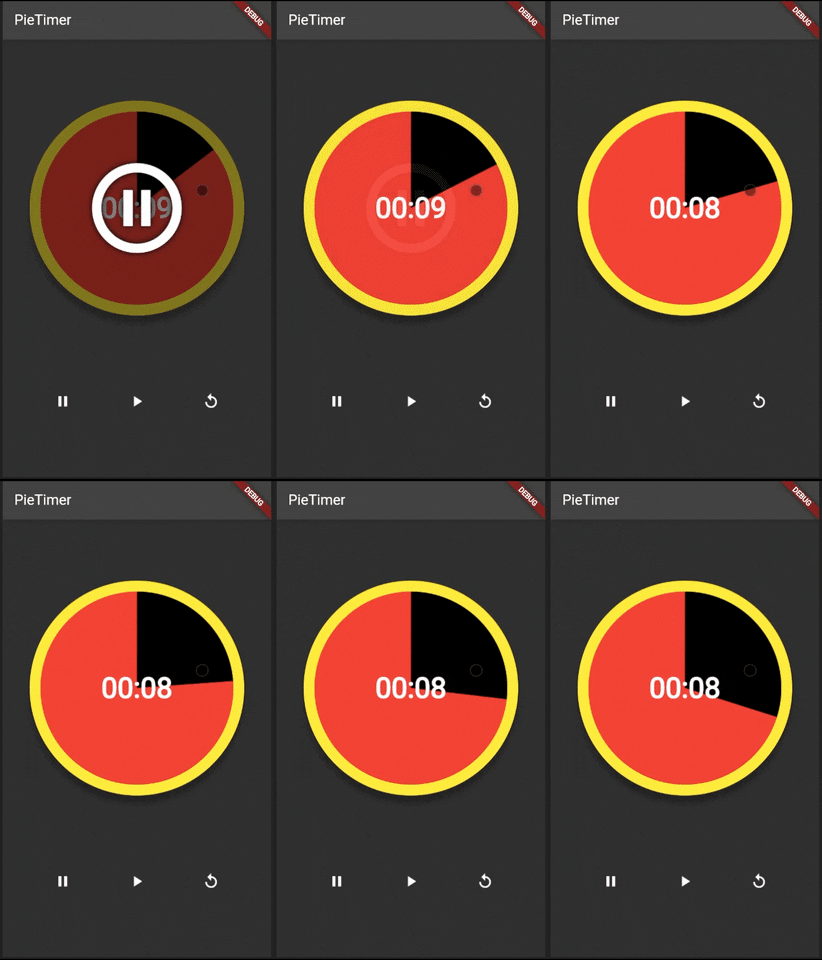
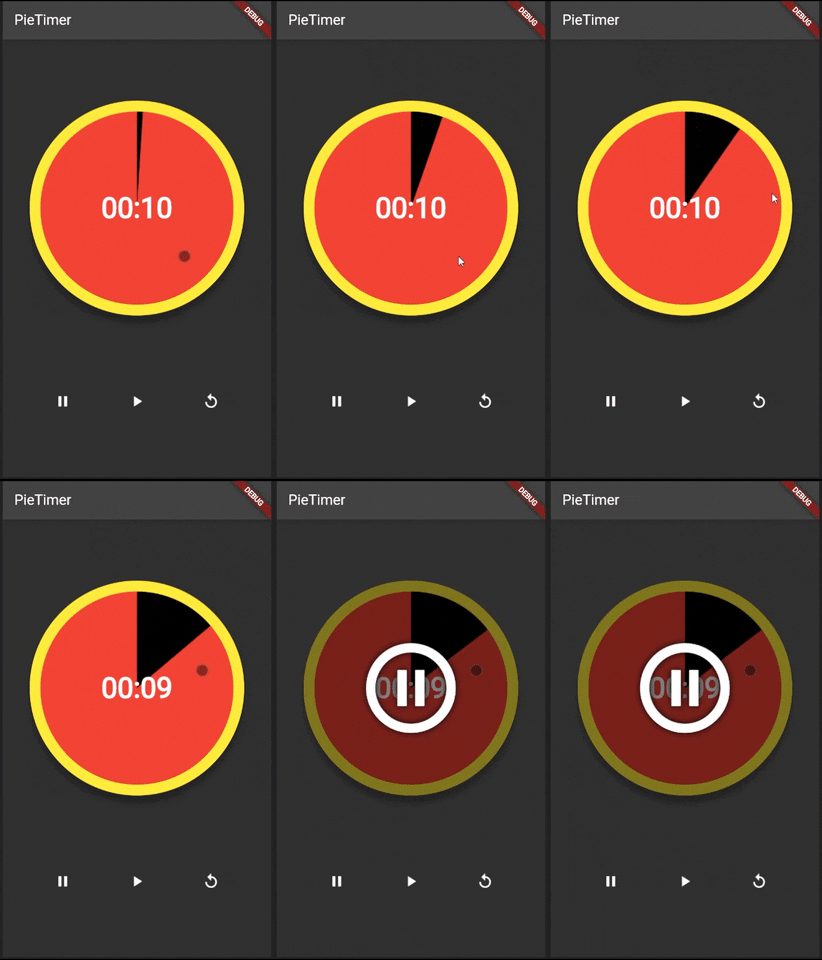
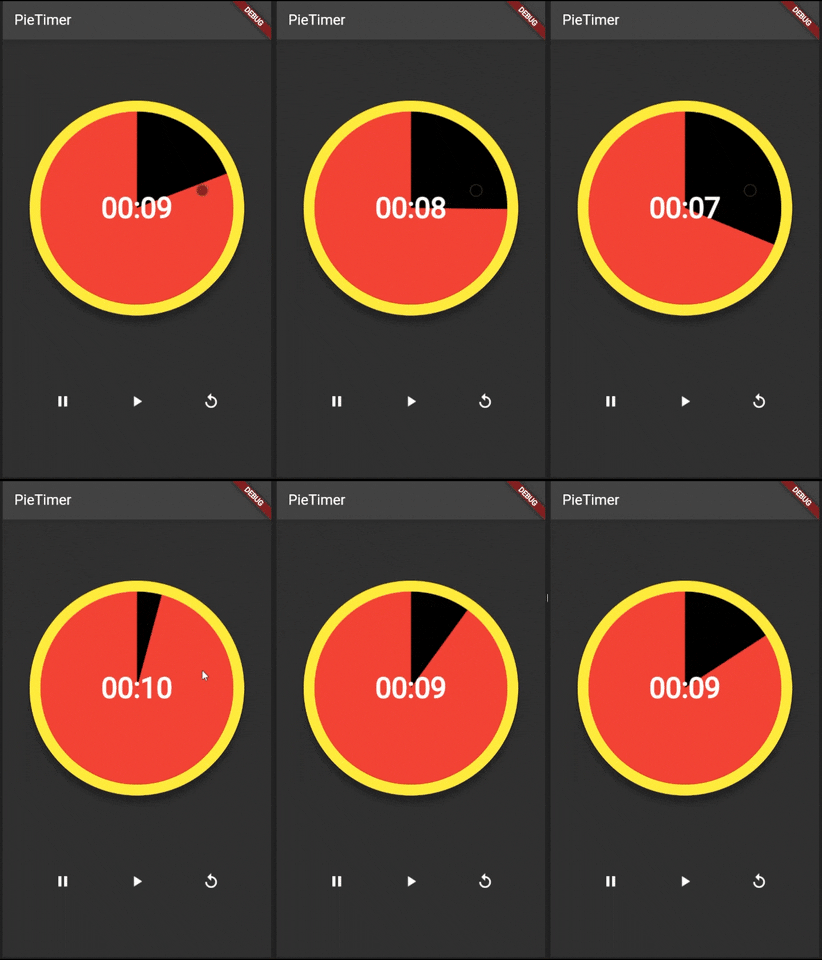
pie_timer
Customizable Timer package with a pie animation for Flutter.
This package can render a circular countdown timer with animated pie-shaped progress.
Preview
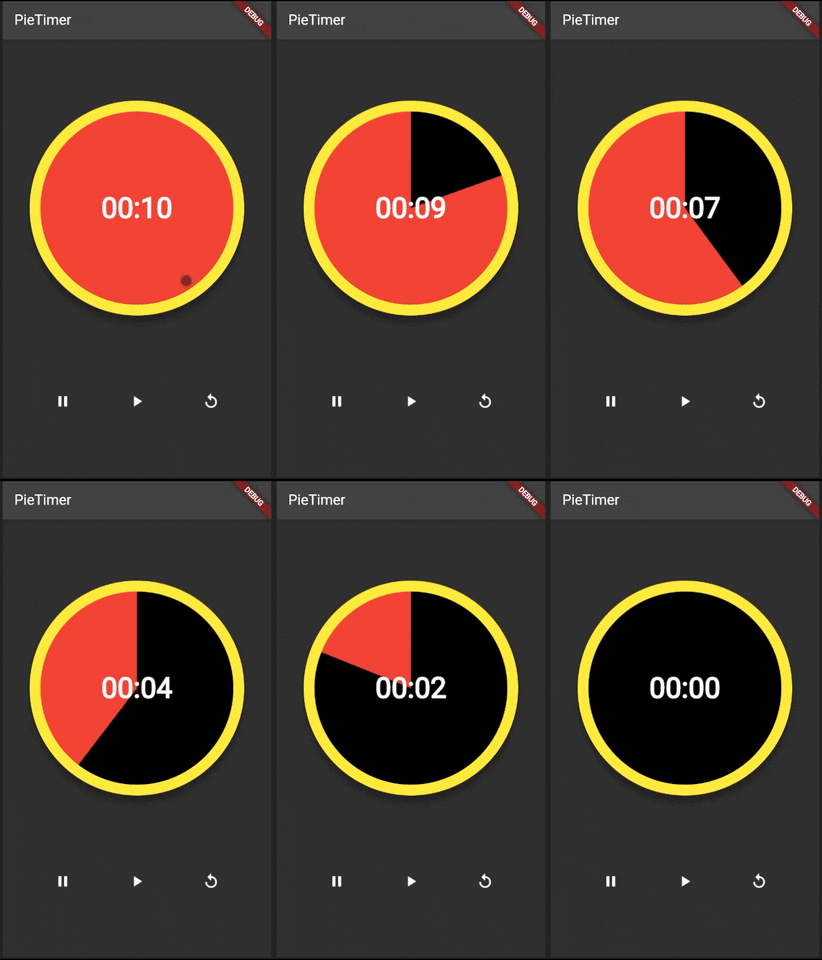
Please check below for more previews.
Features
- Countdown for any duration.
- Change progress direction, forward or reverse.
- Customizable colors, widths, radius, shadow, text style, and pause icon.
- Callback functions when animation is completed or dismissed.
- Callback functions to start, stop, and reset the animation.
- Custom AnimationController to access the controller functions.
- Built-in GestureDetector. Tap to alternate between play and pause. Long tap to reset the animation.
PieTimer Parameters
| Name | Type | Default Value | Description |
|---|---|---|---|
key |
Key |
null |
Key for PieTimer. |
pieAnimationController |
PieAnimationController? |
null |
Controls (Start, Pause, Restart) for external buttons. |
duration |
Duration |
required |
Countdown duration. |
countdownPassed |
Duration |
Duration.zero |
Countdown passed duration. |
radius |
double |
required |
To determine the size of the pie. |
pieColor |
Color |
required |
Background color of the pie. |
fillColor |
Color |
required |
Pie progress color. |
borderColor |
Color? |
null |
Sets borderColor. If null then there will be no border. |
borderWidth |
double? |
null |
Sets borderWidth. If null then there will be no border |
shadowColor |
Color |
Colors.black |
The shadow color. |
shadowElevation |
double |
0.0 |
Shadow elevation. The value is non-negative. |
isReverse |
bool |
false |
Sets the direction of pie progress. False is Clockwise, True is Anti-Clockwise. |
textStyle |
TextStyle? |
null |
TextStyle of timer text. |
enableTouchControls |
bool? |
false |
Enable start, stop and reset on touch of Pie Widget. |
onCompleted |
VoidCallback? |
null |
Function to run when animation status is completed. |
onDismissed |
VoidCallback? |
null |
Function to run when animation status is dismissed. |
pauseIcon |
IconData |
Icons.pause_circle_outline |
Icon to display when paused. |
pauseIconColor |
Color |
Colors.white |
Color of the pause icon. |
Getting started
Run this command:
flutter pub add pie_timer
Or add the latest version of pie_timer as a dependency in your pubspec.yaml file.
Then run flutter pub get
Usage
Without the PieAnimationController
PieTimer(
    duration: const Duration(seconds: 10),
    countdownPassed: const Duration(seconds: 6),
    radius: 150,
    fillColor: Colors.red,
    pieColor: Colors.black,
    borderColor: Colors.yellow,
    borderWidth: 15,
    shadowColor: Colors.black,
    shadowElevation: 10.0,
    textStyle: const TextStyle(
        color: Colors.white,
        fontSize: 40,
        fontWeight: FontWeight.bold,
    ),
    isReverse: false,
    onCompleted: () => {},
    onDismissed: () => {},
    enableTouchControls: true,
    pauseIcon: Icons.pause,
    pauseIconColor: Colors.blue,
),
With PieAnimationController
Please refer to the /example/lib/main.dart file to see how to use.
Additional information
Please feel free to contribute.
Controls Preview