
picker_country
Getting Started
A Flutter package for picking country code having the option to view like Full screen, Dialog, Bottom sheet. By default Full screen is enable you can change it acccording to your requirement. This package also have the phone length according to the country.
Usage
1. Add dependency
Please check the latest version before installation. If there is any problem with the new version, please use the previous version
dependencies:
flutter:
sdk: flutter

# add picker_country

picker_country: ^{latest version}
2. Add the following imports to your Dart code
import 'package:picker_country/picker_country.dart';
3. Usage Code
///Use this code for the picker country


PickerCountry.picker(
  context,
  isDialog: true,  /// Set to true to display a dialog
  isBottomSheet: true,  /// Set to true to display a bottom sheet
  isFullScreen: true,  /// Set to true for full-screen mode (enabled by default)
  onComplete: (country) {
    /// Here, you'll receive the selected country.
  },
);
Code Usage for PickerInnerFields
PickerInnerFields(
  isDialog: true,  /// Set to true to display a dialog
  isBottomSheet: true,  /// Set to true to display a bottom sheet
  isFullScreen: true,   /// Set to true for full-screen mode (enabled by default)
),
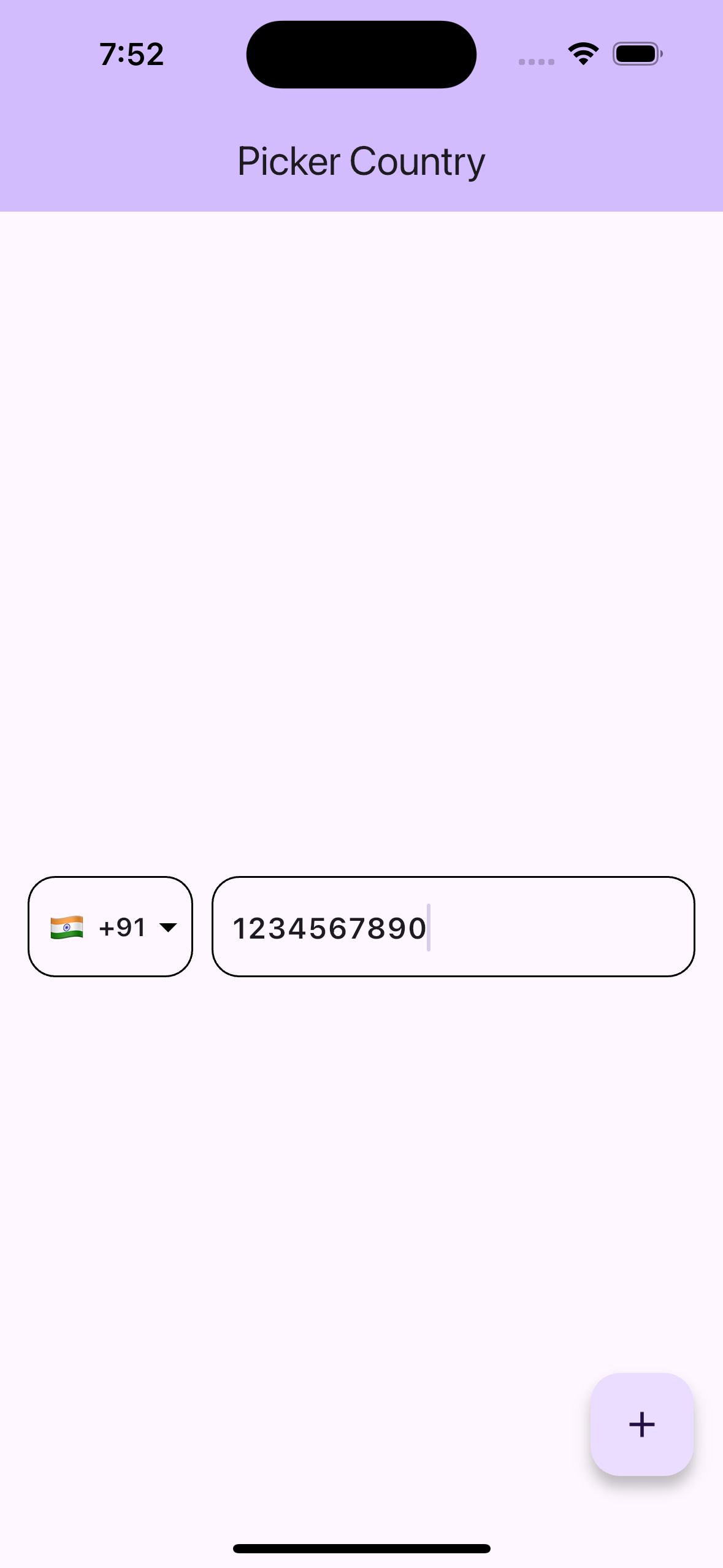
Screenshot

Code Usage for PickerOutterFields
PickerOutterFields(
  isDialog: true,  /// Set to true to display a dialog
  isBottomSheet: true,  /// Set to true to display a bottom sheet
  isFullScreen: true,   /// Set to true for full-screen mode (enabled by default)
),
Screenshot
Libraries
- constants/asset_constant/asset_constants
- constants/package_constant/package_constant
- controller/picker_contry_provider
- modal/picker_model
- picker_country
- picker_country_list
- view/picker_country_view
- view/text_form_fields/inner_fields
- view/text_form_fields/outer_text_form_field
- view/widgets/common_search_and_list_view
- view/widgets/common_textform_field
- view/widgets/debouncing
- view/widgets/full_screen_view