
Orient UI
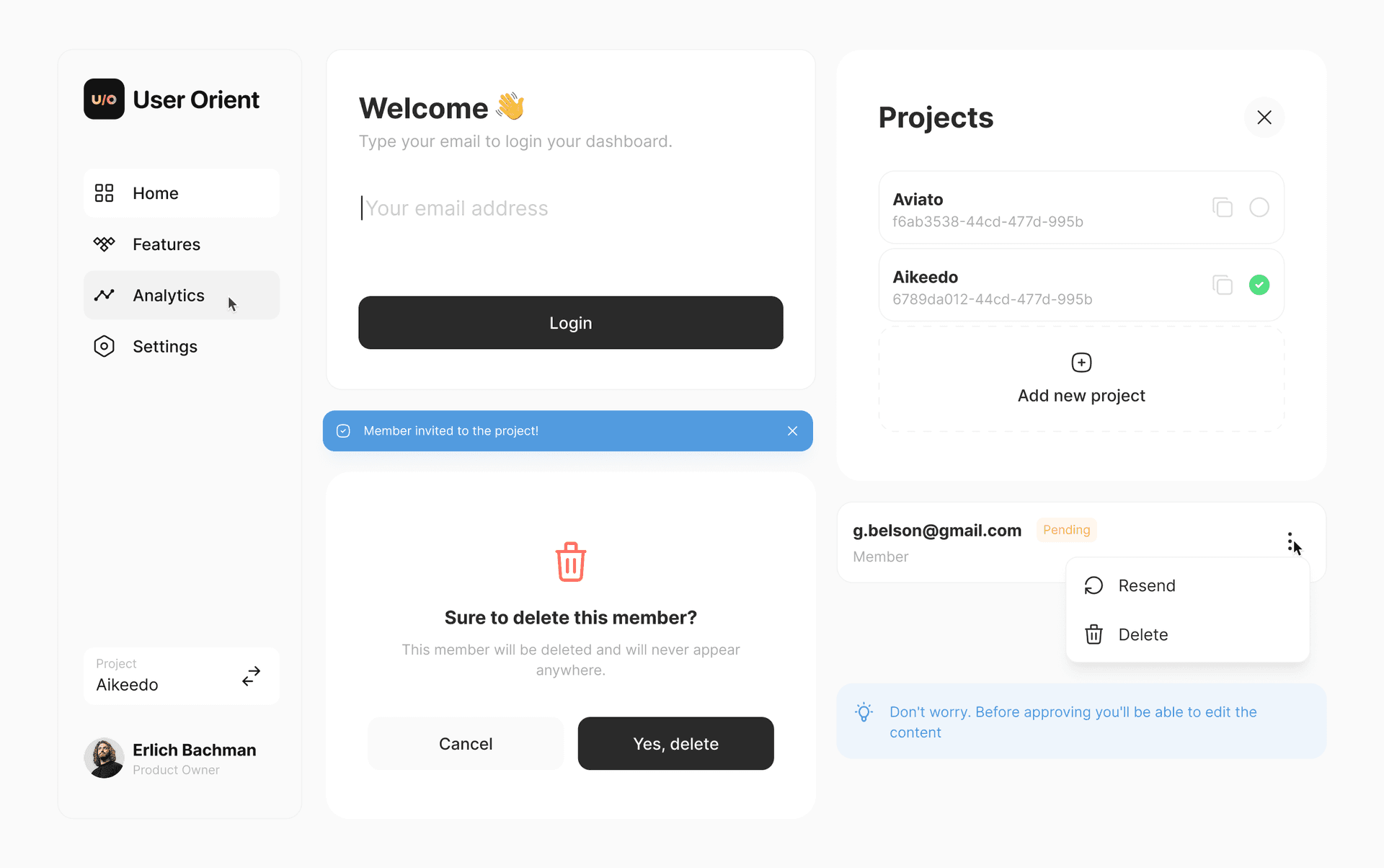
A design system for Flutter by UserOrient without any dependencies! 😍
Cross-platform components that work perfectly on iOS, Android, Web, macOS, Windows, and Linux.
Warning
Early development. API may change.
Note
Building in public on X. Your feedback and contributions are welcomed!
🚀 Getting Started
1. Install the CLI
dart pub global activate orient_ui
2. Initialize Styling
Navigate to your Flutter project and run:
orient_ui init
This creates lib/styling.dart in your project. You own this file — move it wherever you want (e.g., lib/core/styling.dart).
3. Wrap Your App
Wrap your MaterialApp with the Styling widget:
import 'package:your_app/styling.dart'; // adjust path if you moved it

void main() {
  runApp(
    Styling(
      brightness: Brightness.light, // or Brightness.dark
      child: MaterialApp(
        home: MyHomePage(),
      ),
    ),
  );
}
4. Add Components
orient_ui add button
This creates lib/button.dart. Move it wherever you want (e.g., lib/widgets/button.dart).
Important: Update the import inside the component file to match where you placed styling.dart:
// In button.dart, update this line:
import 'package:your_app/styling.dart'; // adjust to your path
5. Use Components
import 'package:your_app/button.dart'; // your path

Button(
  label: 'Click me',
  onPressed: () {},
)
📦 Available Commands
orient_ui init          # Initialize styling system
orient_ui add           # List available components
orient_ui add <widget>  # Add a specific widget
🎨 Components
Available Now
xButton (6 variants)xSpinner
Coming Soon
✨ Customizing Colors
The styling.dart file contains AppColors with light and dark theme defaults. Edit them to match your brand:
static const light = AppColors(
  primary: Color(0xFF18181B),       // your primary color
  primaryForeground: Color(0xFFFAFAFA),
  // ... customize all colors
);
📄 License
Built by the team at UserOrient