
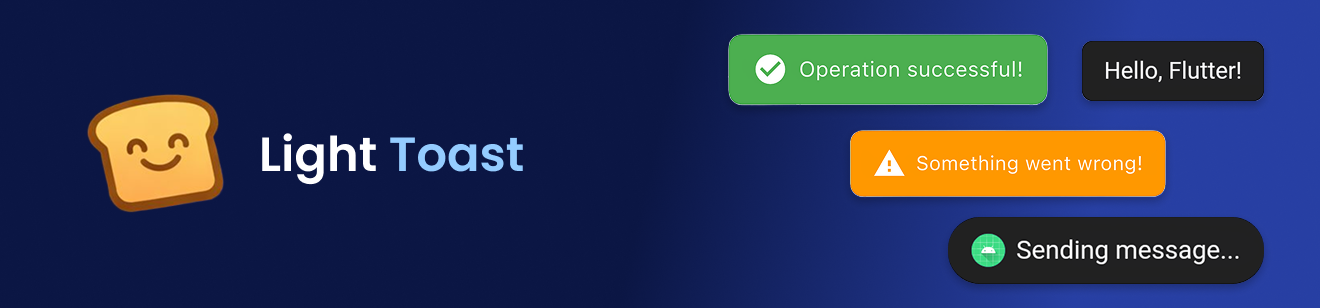
Lightweight, customizable Flutter toast messages — no BuildContext required.
✨ Features
- No context needed – works from anywhere via a navigator key
- 9 screen positions – top/center/bottom × left/center/right
- RTL & LTR support – mirrors layout for Arabic, Hebrew, Persian, Urdu, etc.
- Custom colors, icons & images – asset and network images
- Manual dismiss – call
Toast.hide()at any time - Timing control – configure display duration
🚀 Getting started
1. Add the dependency:
dependencies:
  light_toast: ^1.1.0
2. Import:
import 'package:light_toast/light_toast.dart';
3. Attach the navigator key to MaterialApp:
MaterialApp(
  navigatorKey: Toast.navigatorKey,
  home: MyHomePage(),
);
📦 Usage
Simple Toast
Toast.show('Hello, Flutter!');
Custom Colors & Icon
Toast.show(
  'Saved successfully!',
  backgroundColor: Colors.green,
  textColor: Colors.white,
  icon: Icons.check_circle,
  iconColor: Colors.white,
  showLeading: true,
  duration: const Duration(seconds: 3),
);
Toast Position
// Available positions:
// topLeft | topCenter | topRight
// centerLeft | center | centerRight
// bottomLeft | bottomCenter | bottomRight

Toast.show(
  'Top right corner!',
  position: ToastPosition.topRight,
);
RTL Direction
// Explicit RTL – for Arabic, Hebrew, Persian, Urdu, etc.
Toast.show(
  'مرحبا بالعالم',
  direction: ToastDirection.rtl,
  showLeading: true,
  icon: Icons.language,
);

// Explicit LTR (default)
Toast.show(
  'Hello World',
  direction: ToastDirection.ltr,
);
Toast with Image
// Asset image
Toast.show(
  'Profile updated',
  image: 'assets/images/avatar.png',
  showLeading: true,
);

// Network image
Toast.show(
  'New message received',
  image: 'https://example.com/icon.png',
  showLeading: true,
);
Hide Manually
Toast.hide();
🗂 API Reference
| Parameter | Type | Default | Description |
|---|---|---|---|
message |
String |
required | Text to display |
backgroundColor |
Color |
Colors.black87 |
Toast background |
textColor |
Color |
Colors.white |
Message text color |
fontSize |
double |
16.0 |
Message font size |
borderRadius |
double |
10.0 |
Corner radius |
icon |
IconData? |
null |
Leading icon |
iconColor |
Color? |
null |
Icon color |
image |
String? |
null |
Asset or network image URL |
showLeading |
bool |
false |
Show icon/image |
duration |
Duration |
2 seconds |
How long to show |
position |
ToastPosition |
bottomCenter |
Screen position |
direction |
ToastDirection |
ltr |
Text direction |