images_box
Flutter Image Popup with Multiple Features
Features
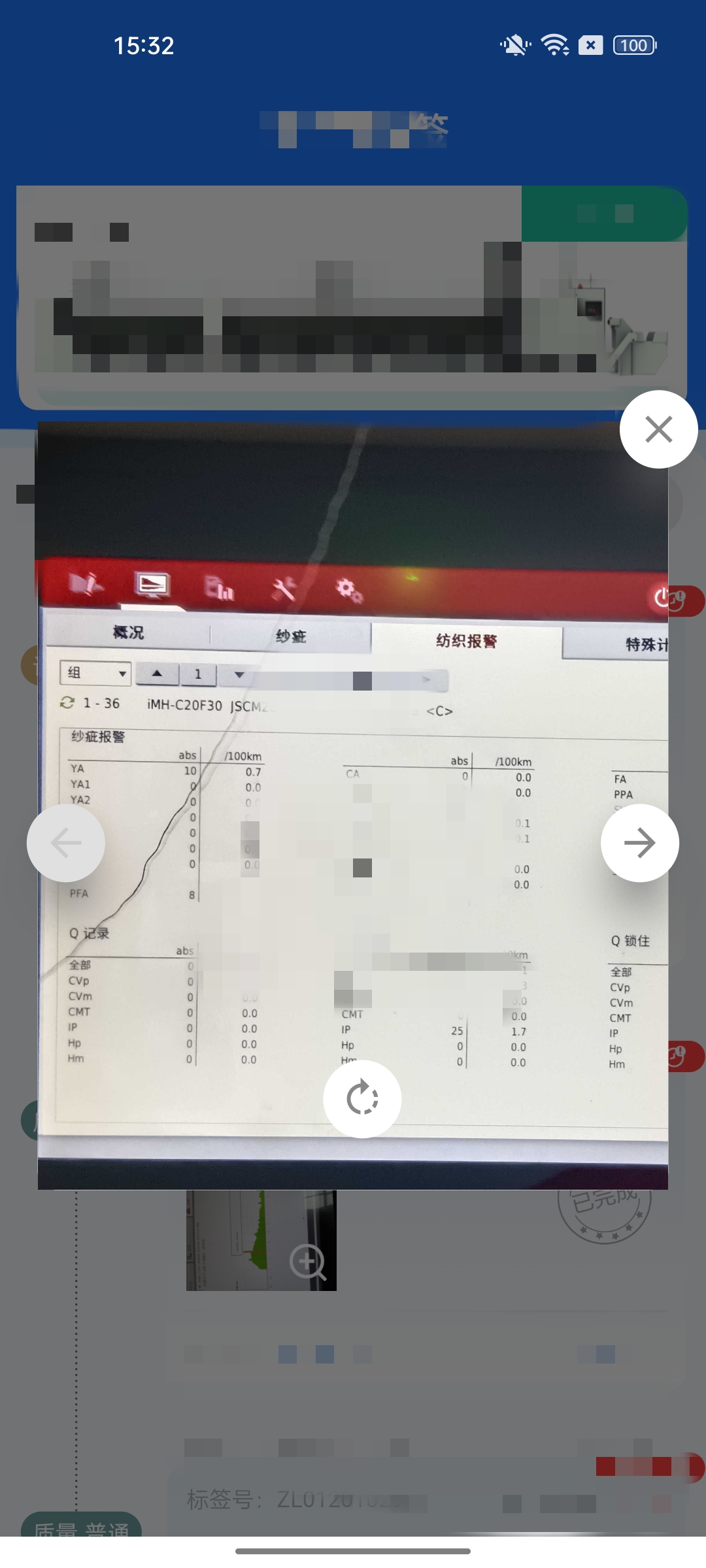
- Image Popup Dialog
- When an image is tapped, a dialog or overlay pops up to display the image in a larger view.
- Swipe to Switch Between Images:
- Users can swipe left or right to navigate through multiple images in the popup.
- Image Rotation:
- Users can rotate the image by a specific angle (e.g., 90 degrees) using a rotation button or gesture.
- Image Zoom/Pinch-to-Zoom:
- Users can zoom in and out of the image using pinch gestures.
Steps use
Add dependency in pubspec.yaml file as
images_box: 0.1.0
Forward Geocoding
# bgColor (Color) : background color
# imageIndex (int) :Current image index value
# imageList (List<String>) : List of online image addresses
showDialog(
    context: context,
    builder: (context) {
    const size = MediaQuery.of(context).size;
    return SizedBox(
        width: size.width - 20,
        child: ImageBox(
        bgColor: Colors.white,
        imageIndex: e.key,
        imageList: photoList,
        ),
    );
    })
Preview