
Flutter Marquee Plus 🚀




A lightweight Flutter marquee that auto-scrolls on overflow, with optional force scrolling and fine-grained animation control.
✨ Features
- 🌊 Smooth Sailing: Silky smooth scrolling animation.
- 📐 Flexible Directions: Supports both Horizontal and Vertical scrolling.
- 🎯 Precise Control: Customize velocity, acceleration, and deceleration.
- ⏸️ Smart Pausing: Option to pause after each round.
- ⚡ Auto-Start: Automatically scrolls only when text overflows (optional).
- 🌪️ Force Scroll: Scroll text continuously even if it fits within the container.
- 🎨 Styling: Full control over text style, alignment, and gaps.
- 📏 Cross-Axis Alignment: Align text to Start, Center, or End.
🎥 Examples
Horizontal (Short)

Horizontal (Long)

Vertical (Short)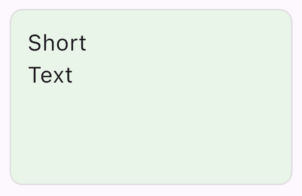
|
Vertical (Long)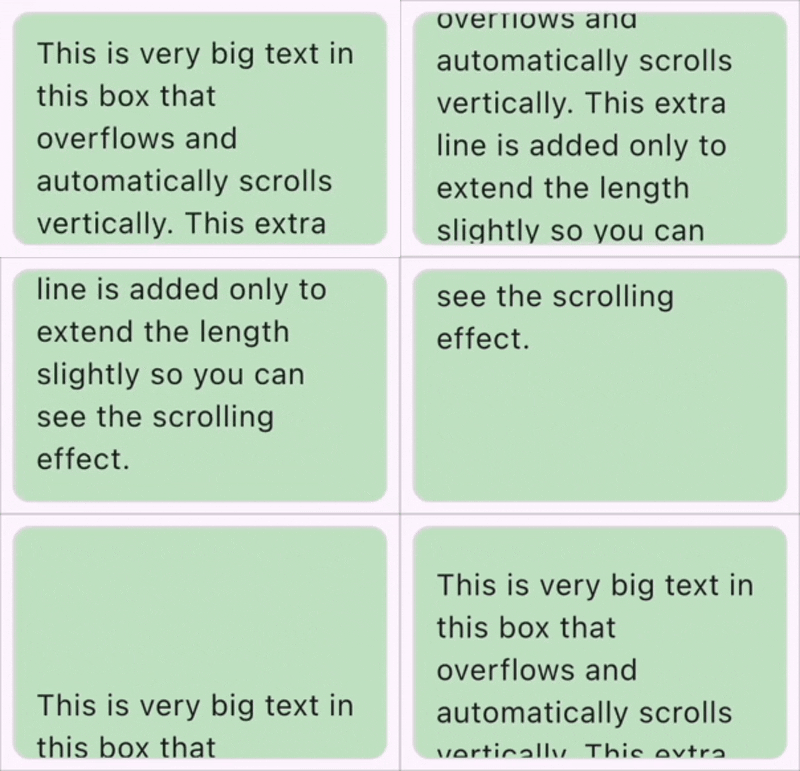
|
Force Scroll (Horizontal)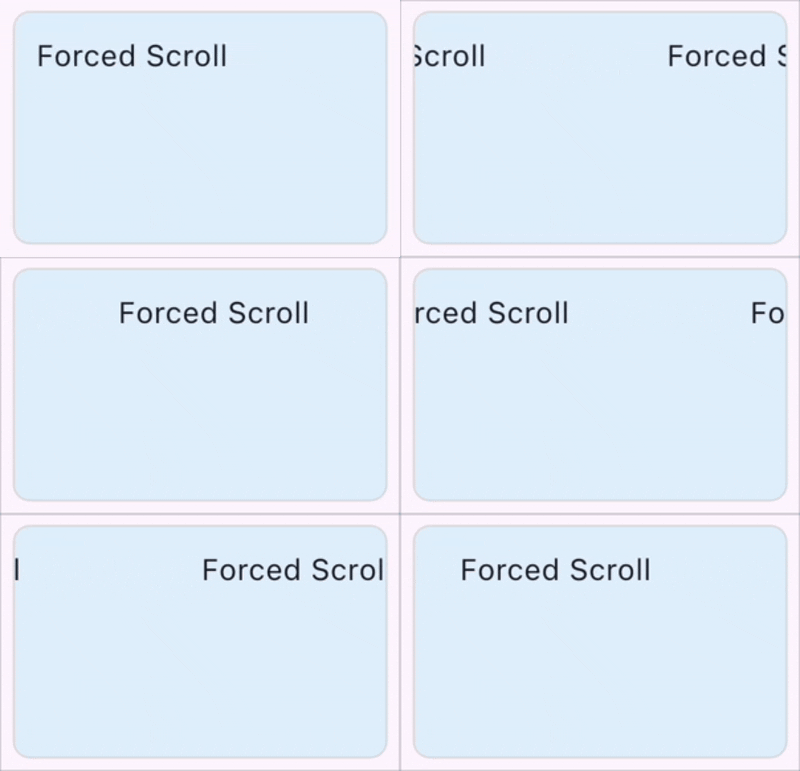
|
Force Scroll (Vertical)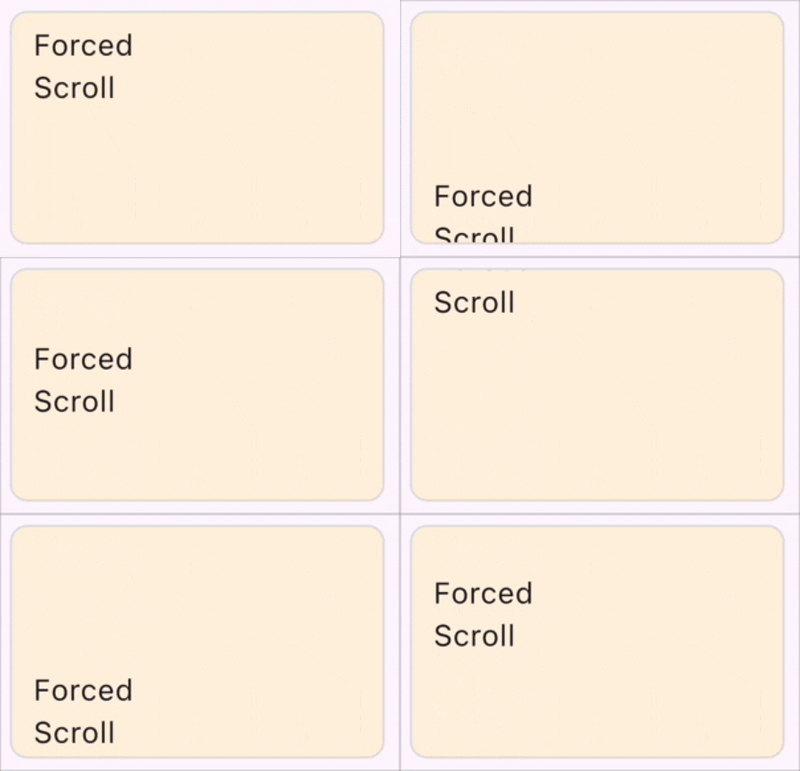
|
📦 Installation
Add this to your package's pubspec.yaml file:
dependencies:
  flutter_marquee_plus: ^latest_version
🚀 Usage
Simple Example
import 'package:flutter_marquee_plus/flutter_marquee_plus.dart';

MarqueePlus(
  text: 'Simple smooth scrolling text...',
  velocity: 50.0,
)
Advanced Example
MarqueePlus(
  text: 'Forced Scroll with Acceleration & Deceleration',
  forceScroll: true,
  velocity: 50.0,
  gap: 20.0,
  scrollAxis: Axis.horizontal,
  crossAxisAlignment: CrossAxisAlignment.start,
  padding: EdgeInsets.all(8.0),
  pauseAfterRound: Duration(seconds: 1),
  accelerationDuration: Duration(seconds: 1),
  decelerationDuration: Duration(milliseconds: 500),
  style: TextStyle(fontSize: 24, fontWeight: FontWeight.bold),
)
🔧 Attributes
| Attribute | Type | Default | Description |
|---|---|---|---|
text |
String |
Required | The text to be displayed. |
style |
TextStyle? |
null |
Style for the text. |
velocity |
double |
50.0 |
Scroll speed in pixels per second. |
gap |
double |
65.0 |
Space between text instances. |
scrollAxis |
Axis |
Axis.horizontal |
Direction to scroll (horizontal/vertical). |
crossAxisAlignment |
CrossAxisAlignment? |
start |
Alignment along the cross axis (e.g. Top for horizontal). |
textAlign |
TextAlign |
start |
Text alignment within the item. |
forceScroll |
bool |
false |
Scroll even if text fits content. |
pauseAfterRound |
Duration |
Duration.zero |
Wait time after each scroll cycle. |
accelerationDuration |
Duration |
Duration.zero |
Duration to reach full speed. |
decelerationDuration |
Duration |
Duration.zero |
Duration to slow down before stopping. |
padding |
EdgeInsetsGeometry |
EdgeInsets.zero |
Padding around the text. |
curve |
Curve? |
null |
Custom animation curve. |
🔄 Migration Guide (v1.x → v2.0.0)
Version 2.0.0 introduces a small breaking change due to a property rename.
Property Rename
The alwaysScroll property has been renamed to forceScroll.
| Old (v1.x) | New (v2.0.0) |
|---|---|
alwaysScroll |
forceScroll |
The behavior and functionality remain exactly the same — only the property name has changed.
Before (v1.x)
MarqueePlus(
  text: 'Scrolling text',
  alwaysScroll: true,
)
After (v2.0.0)
MarqueePlus(
  text: 'Scrolling text',
  forceScroll: true,
)