
eNROLL
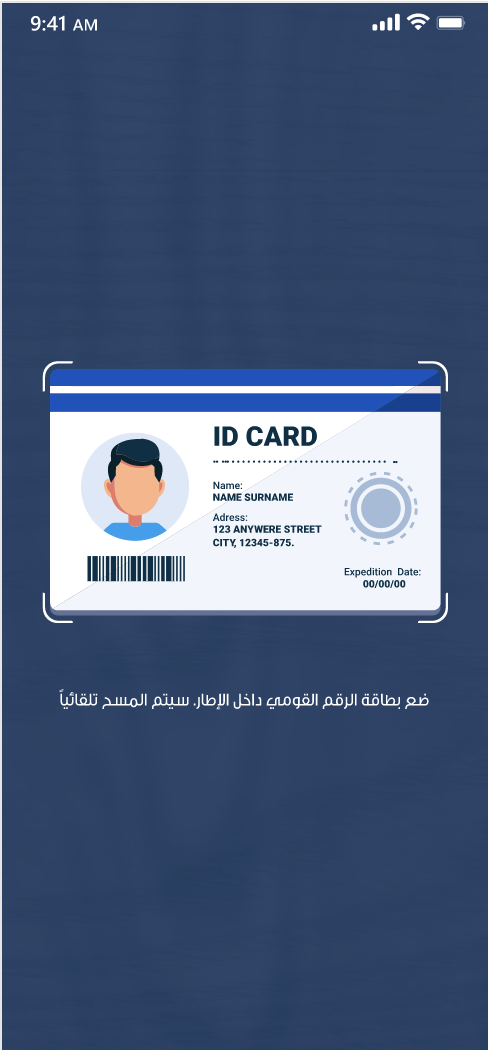
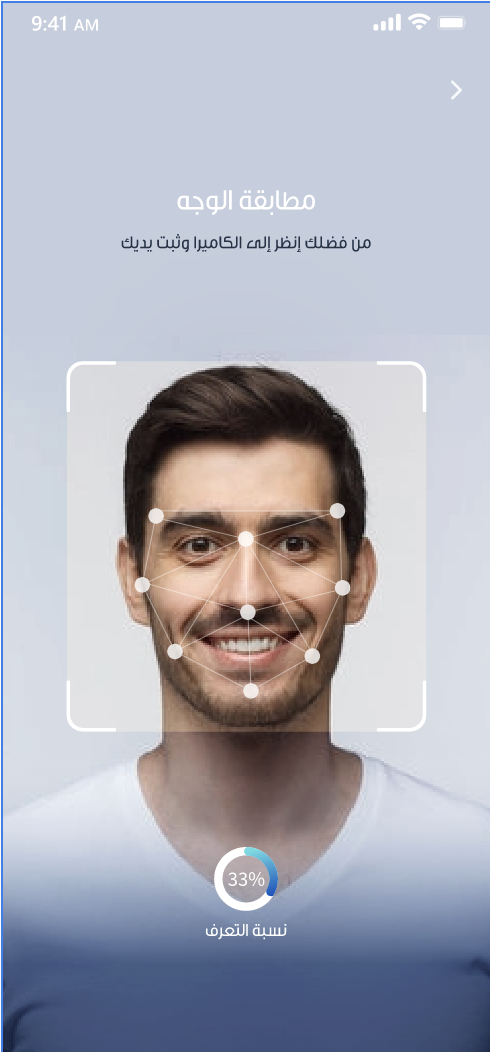
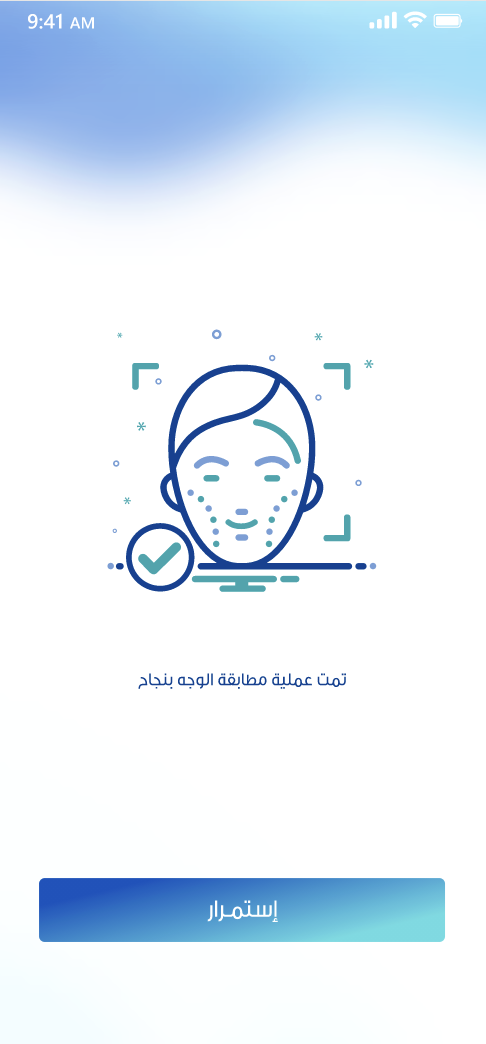
Our in-house eNROLL platform is a technological compliance solution used in high-population markets where identity falsification, forged signatures, and phishing are common.
The software leverages AI technologies such as OCR (Optical Character Recognition) to reduce human error and speed up identity verification.
Requirements
- Flutter >= 3.3.4
- Android minSdkVersion 24
- Kotlin 2.1.0
Installation
Add the package:
flutter pub add enroll_plugin_custom
This adds to your pubspec.yaml:
dependencies:
  enroll_plugin_custom: ^latest_version
Find the latest version on pub.dev: enroll_plugin_custom
Android setup
Add these repositories (if you don’t already have them):
// settings.gradle or top-level build.gradle (repositories block)
maven { url 'https://jitpack.io' }
maven { url = uri("https://maven.innovatrics.com/releases") }
- Set
minSdkVersionto 24 inandroid/app/build.gradle. - If you use a pinned R8, add to
settings.gradle:
buildscript {
    repositories {
        mavenCentral()
        maven { url = uri("https://storage.googleapis.com/r8-releases/raw") }
    }
    dependencies {
        classpath("com.android.tools:r8:8.2.24")
    }
}
iOS setup
Add the following to your app’s Info.plist:
    <key>NSCameraUsageDescription</key>
    <string>Your message to the users</string>
    <key>NSLocationWhenInUseUsageDescription</key>
    <string>Your message to the users</string>
    <key>NSAppTransportSecurity</key>
    <dict>
      <key>NSAllowsArbitraryLoads</key>
      <true/>
    </dict>
Add these Pod sources to your ios/Podfile:
source 'https://github.com/innovatrics/innovatrics-podspecs'
source 'https://github.com/CocoaPods/Specs.git'
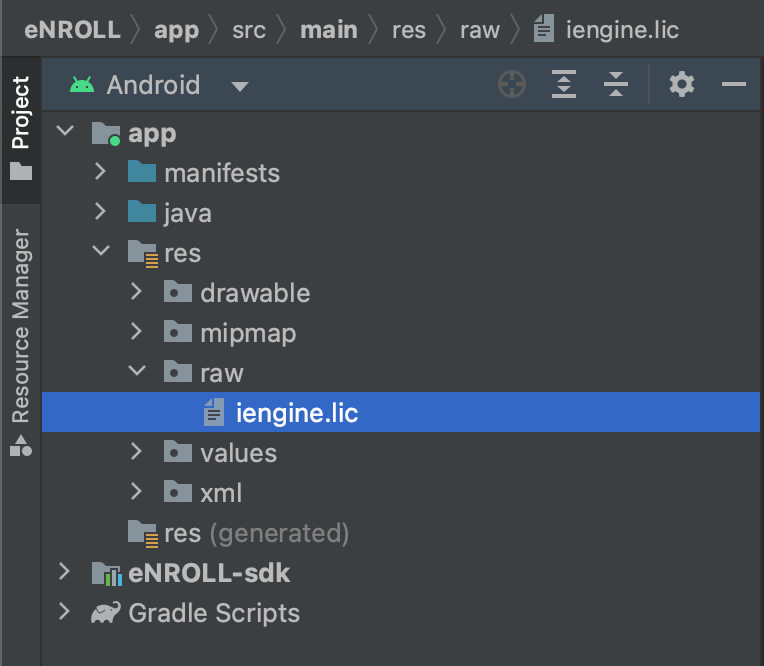
License file (required)
Android and iOS require a license file.
- Android example:
- iOS example:
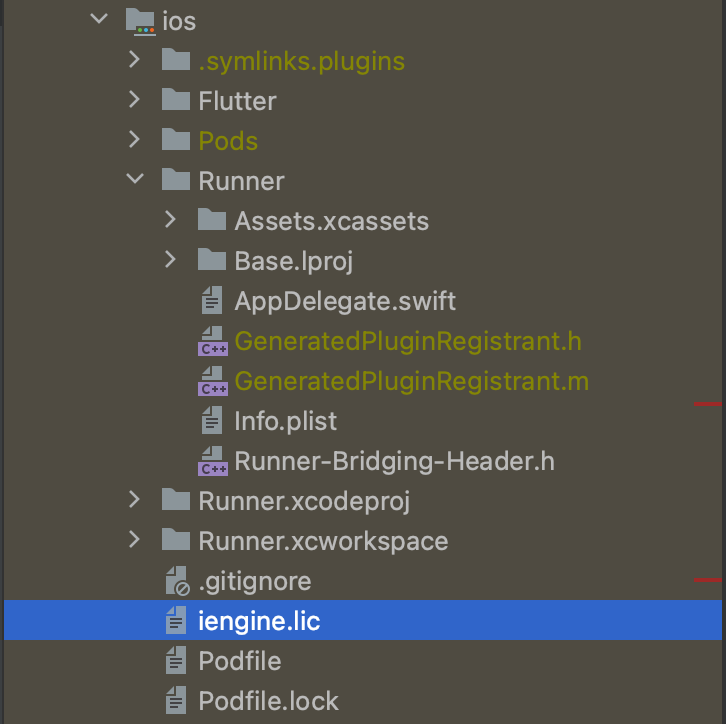
On iOS, make sure the license file is added to the Xcode project (drag & drop to the project root, Copy items if needed checked).
Fetch dependencies
flutter pub get
Import
import 'package:enroll_plugin_custom/enroll_plugin.dart';
Usage
Create a widget and return EnrollPlugin in build:
return EnrollPlugin(
  mainScreenContext: context,
  tenantId: 'TENANT_ID',
  tenantSecret: 'TENANT_SECRET',
  enrollMode: EnrollMode.auth,
  enrollEnvironment: EnrollEnvironment.staging,
  localizationCode: EnrollLocalizations.en,

  onSuccess: (applicantId) {
    WidgetsBinding.instance.addPostFrameCallback((_) {
      debugPrint("success: $applicantId");
    });
  },
  onError: (error) {
    WidgetsBinding.instance.addPostFrameCallback((_) {
      debugPrint("Error: ${error.toString()}");
    });
  },
  onGettingRequestId: (requestId) {
    WidgetsBinding.instance.addPostFrameCallback((_) {
      debugPrint("requestId:: $requestId");
    });
  },

  applicationId: 'APPLICATION_ID',
  skipTutorial: false,
  levelOfTrust: 'LEVEL_OF_TRUST_TOKEN',
  googleApiKey: 'GOOGLE_API_KEY',
  correlationId: 'correlationId',
  requestId: 'requestId',

  // Optional extras
  // enrollColors: EnrollColors(...),
  // enrollForcedDocumentType: EnrollForcedDocumentType.nationalId,
);
⚠️ Security note: Do not commit real API keys or secrets. Load them from environment/config at runtime.
Parameters
| Key | Description |
|---|---|
tenantId |
Required. Your organization tenant id. |
tenantSecret |
Required. Your organization tenant secret. |
enrollMode |
Required. Mode of the SDK. |
enrollEnvironment |
Required. Select the environment (EnrollEnvironment.staging or EnrollEnvironment.production). |
localizationCode |
Required. EnrollLocalizations.en (English) or EnrollLocalizations.ar (Arabic). Default is English. |
onSuccess |
Required. Callback when enrollment/auth succeeds. |
onError |
Required. Callback when an error occurs. |
onGettingRequestId |
Required. Callback providing a request id. |
googleApiKey |
Optional. Google Maps API key to show current location on the map. |
applicationId |
Optional. Your application id. |
levelOfTrust |
Optional. Organization “level of trust” token. |
skipTutorial |
Optional. Skip the tutorial screens. |
enrollColors |
Optional. App color overrides: primary, secondary, appBackgroundColor, successColor, warningColor, errorColor, textColor. |
correlationId |
Optional. Correlate your user id with the plugin request id. |
enrollForcedDocumentType |
Optional. Force a document type (e.g., national id or passport) if supported. |
requestId |
Optional. Continue a previously initiated (runaway) request instead of starting new. |
Libraries
- constants/colors/dynamic_color
- constants/enroll_colors
- constants/enroll_environment
- constants/enroll_forced_document_type
- constants/enroll_init_model
- constants/enroll_localizations
- constants/enroll_mode
- constants/enroll_state
- constants/event_models
- constants/native_event_model
- constants/native_event_types
- enroll_plugin