
Date Snap 📅


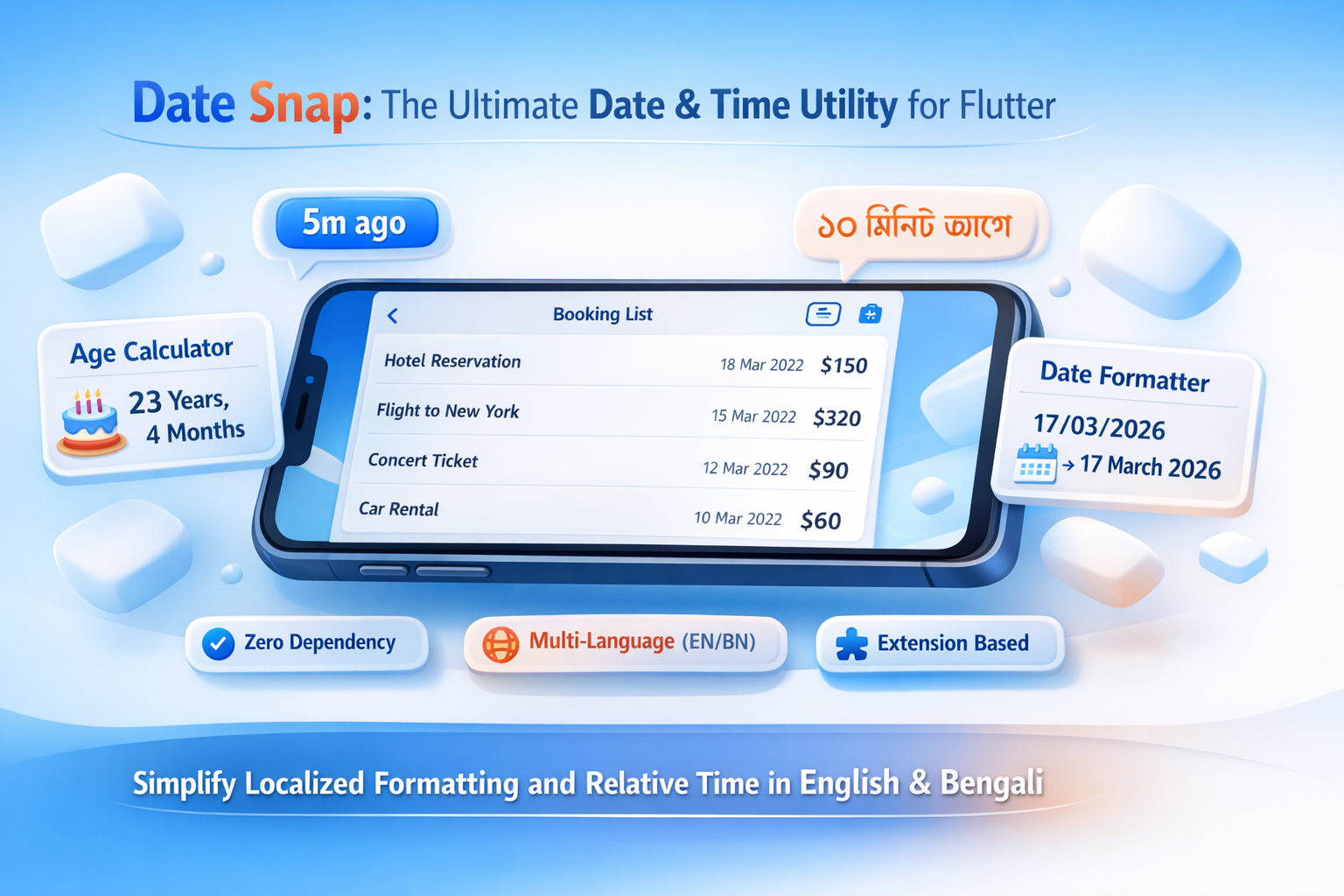
Date Snap is a lightweight, zero-dependency Flutter package designed to make date formatting, relative time, and age calculations incredibly simple. It supports localization out of the box for English, and Bengali.
🚀 Features
- Zero Dependency: No external bloat, just pure Dart.
- Multi-Language: Native support for English (EN), and Bengali (BN).
- Flexible Formatting: Supports both
01/02/2026and01 Feb 2026styles. - Time Ago & Time Left: Human-readable relative time (e.g., "5m ago", "3d left").
- Age Calculator: Get precise age in years, months, and days.
- Developer Friendly: Intuitive extension methods directly on the
DateTimeclass.
Preview
📦 Installation
Add date_snap to your pubspec.yaml:
dependencies:
  date_snap: ^1.0.1
📖 Usage Guide
1. Date Formatting
Easily format dates with localized digits and month names.
import 'package:date_snap/date_snap.dart';

DateTime now = DateTime.now();

// Standard Format (dd/mm/yyyy)
print(now.toFormattedDate(lang: 'en')); // 17/03/2026
print(now.toFormattedDate(lang: 'bn')); // ১৭/০৩/২০২৬

// Full Format (dd Month yyyy)
print(now.toFormattedDate(lang: 'en', isFull: true)); // 17 Mar 2026
print(now.toFormattedDate(lang: 'bn', isFull: true)); // ১৭ মার্চ ২০২৬
2. Relative Time (Ago & Left)
Perfect for social media feeds or countdown timers.
DateTime past = DateTime.now().subtract(Duration(minutes: 10));
DateTime future = DateTime.now().add(Duration(days: 5));

// How long ago?
print(past.toTimeAgo(lang: 'en')); // 10m ago
print(past.toTimeAgo(lang: 'bn')); // ১০ মিনিট আগে

// How much time left?
print(future.timeLeft(lang: 'en')); // 5d left
print(future.timeLeft(lang: 'bn')); // ৫ দিন বাকি
3. Age Calculation
Calculate age precisely without manual logic.
DateTime dob = DateTime(2002, 10, 20);
var age = dob.age;

print("${age['years']}y ${age['months']}m ${age['days']}d"); // 23y 4m 25d
🎢 Helpers
Commonly used date logic made simple.
| Method | Description |
|---|---|
.isWeekend |
Returns true for Friday & Saturday (BD Standard). |
.isSameDay(other) |
Compares two dates ignoring the time. |
.isBetween(start, end) |
Checks if a date falls within a range. |
.startOfMonth |
Returns the first day of the month. |
.endOfMonth |
Returns the last day of the month. |
Example:
DateTime date = DateTime.now();
if (date.isWeekend) {
  print("It's a holiday!");
}
📧 Contact & Support
If you have any questions, feedback, or run into issues while using date_snap, feel free to reach out:
- Email: loomixdev@gmail.com
- GitHub: https://github.com/oxfaysal
I'm happy to help you with any improvements or fixes!