
Blinker
A sleek, customizable Flutter widget for fade transitions and color cycling animations, perfect for highlighting UI elements, creating dynamic loading placeholders, or adding subtle animated effects to your app.
✨ Features
- Fade Mode (
Blinker.fade) — Smoothly animates between two colors. - Cycle Mode (
Blinker.cycle) — Loops through a sequence of colors. - Customizable animation speed and easing curve.
- Loop control: Run infinitely or a set number of times.
- Lightweight & Pure Dart: No native dependencies.
📸 Demo
| Loading List | Rating | TImer |
|---|---|---|
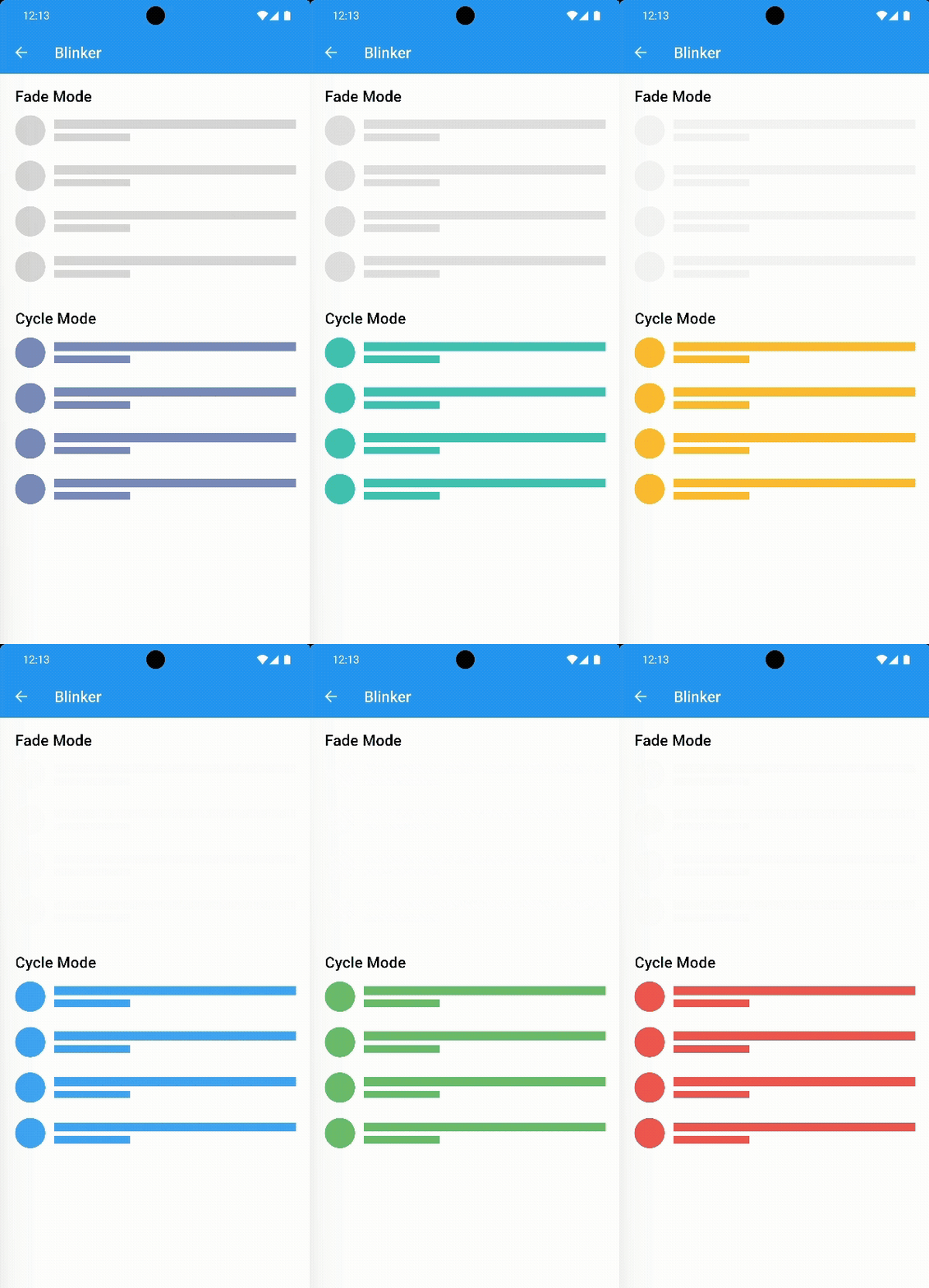 |
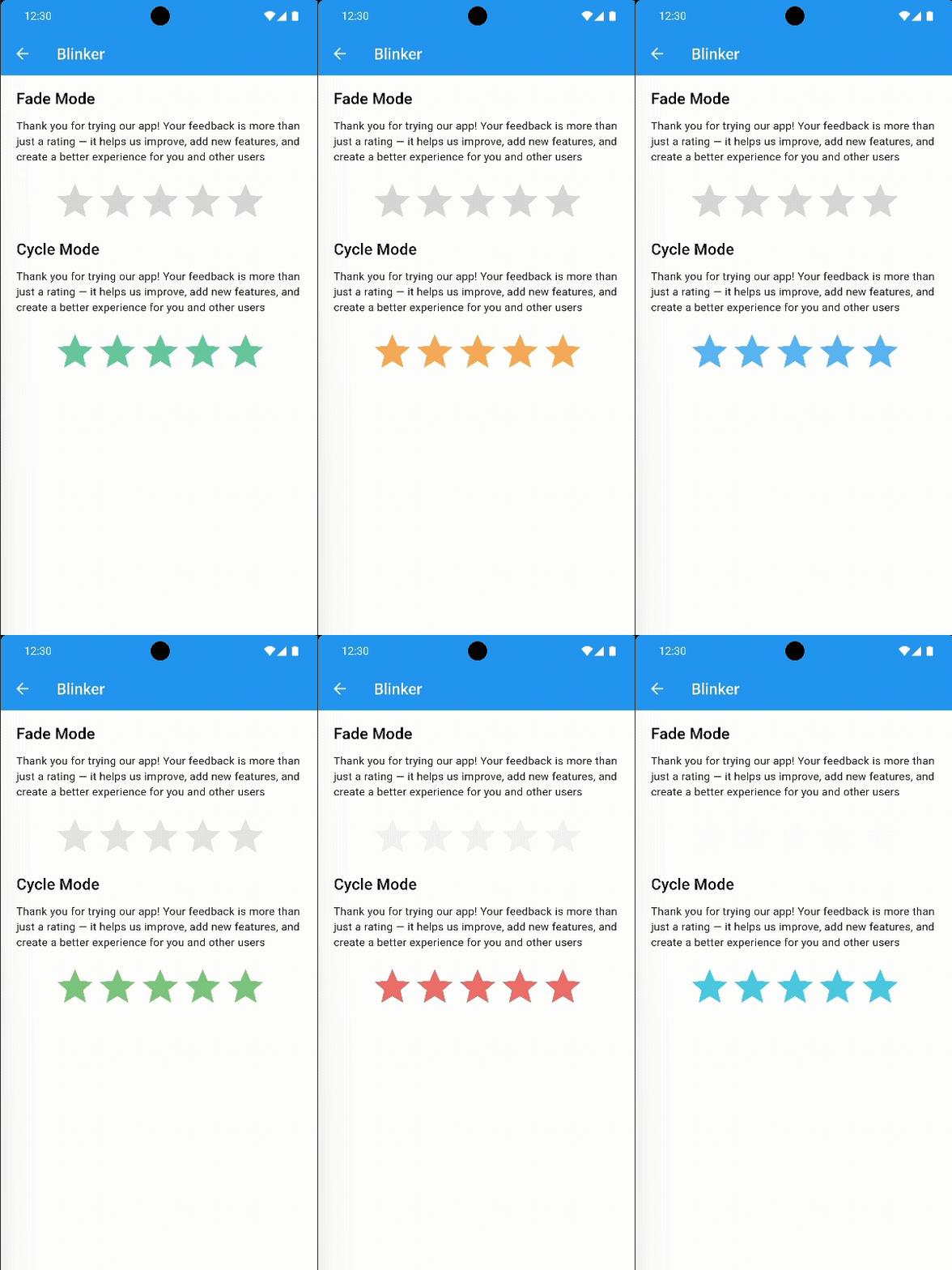 |
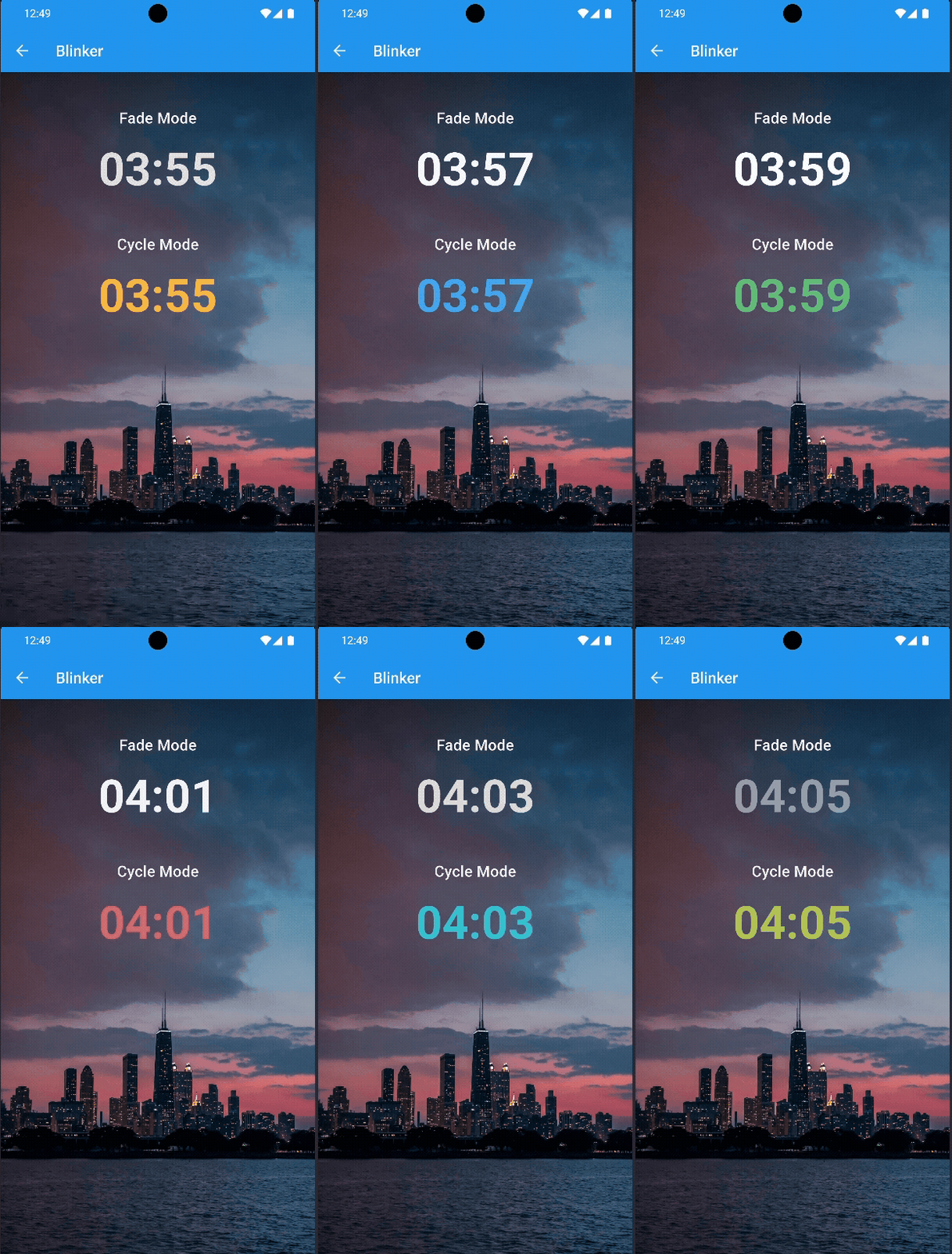 |
💡 Usage
Fade Mode
Blinker.fade(
  startColor: Colors.grey.shade300,
  endColor: Colors.grey.shade100,
  duration: const Duration(milliseconds: 800),
  curve: Curves.easeInOut,
  times: null, // Infinite loop
  child: Container(
    width: 150,
    height: 40,
    color: Colors.grey.shade300,
  ),
)
Cycle Mode
Blinker.cycle(
  colors: [
    Colors.red,
    Colors.green,
    Colors.blue,
    Colors.yellow,
  ],
  duration: const Duration(milliseconds: 800),
  curve: Curves.easeInOut,
  times: null, // Infinite loop
  child: Container(
    width: 150,
    height: 40,
    color: Colors.grey.shade300,
  ),
)
🚀 Getting Started
Add blinker to your project:
dependencies:
  blinker: ^1.0.0