
Ball Transition Animation Package
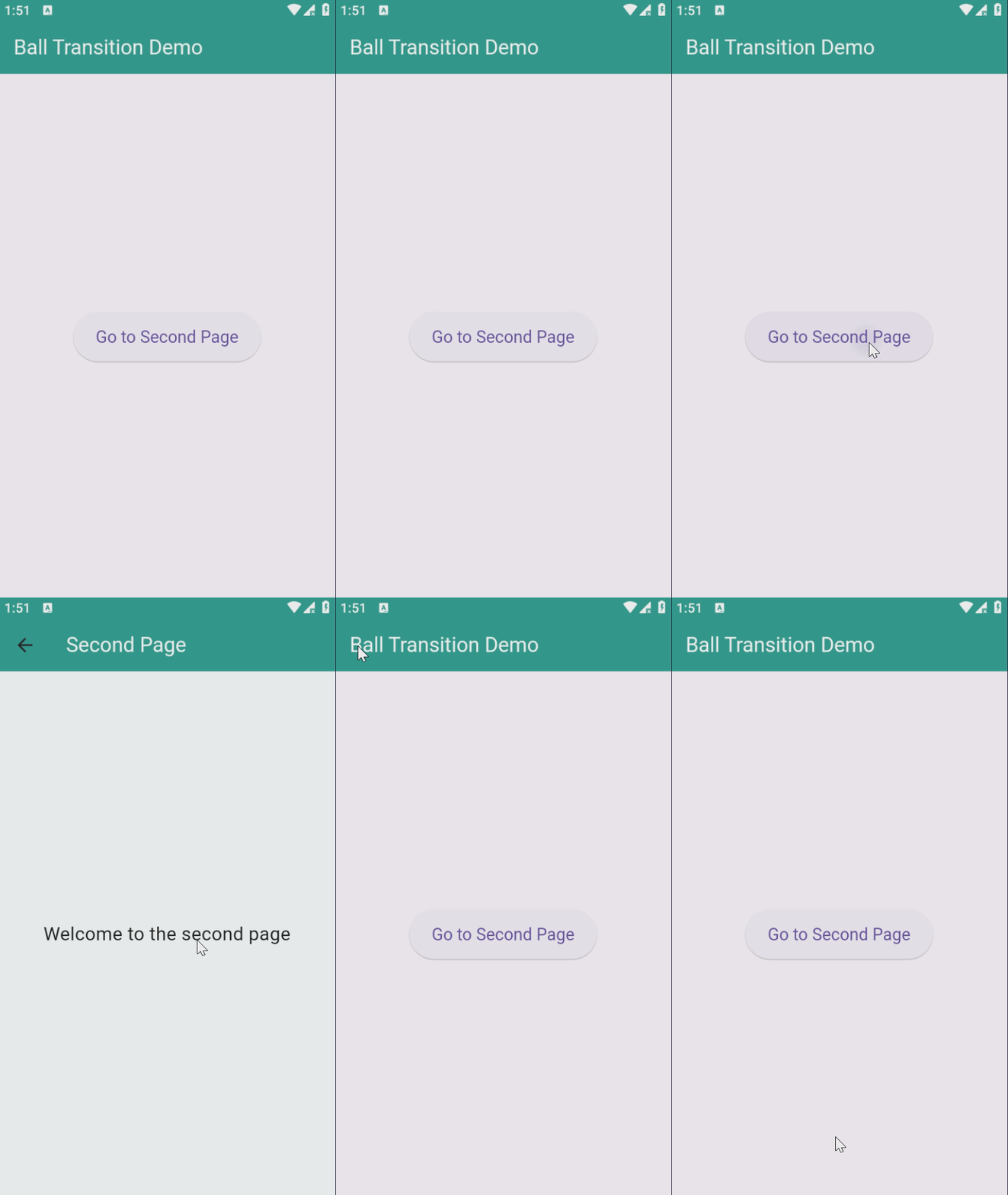
A Flutter package that provides a custom page transition with an animated ball effect. This package allows developers to create a unique transition experience when navigating between pages by animating a ball that grows, shrinks, and changes colors during the transition.
Features
- Customizable ball animation transition between pages.
- Gradient ball color with customizable start and end colors.
- Adjustable ball size during the animation.
- Flexible transition duration to control animation speed.
- Customizable background color during the transition.
Demo Video
Getting Started
To start using the package, simply follow these steps:
-
Add the dependency to your
pubspec.yaml:dependencies: ball_transition: latest_version -
Run
flutter pub getto install the package. -
Import the package in your Dart file:
import 'package:ball_transition/ball_transition.dart';
Usage
Here’s an example of how to implement the ball transition:
import 'package:flutter/material.dart';
import 'package:ball_transition/ball_transition.dart';

class FirstPage extends StatelessWidget {
  @override
  Widget build(BuildContext context) {
    return Scaffold(
      appBar: AppBar(title: Text('First Page')),
      body: Center(
        child: ElevatedButton(
          onPressed: () {
            Navigator.of(context).push(createBallTransitionRoute(
              secondPage: SecondPage(),
              ballColorGradient: [Colors.blue, Colors.purple],
              backgroundColor: Colors.white,
              transitionDuration: Duration(seconds: 2),
            ));
          },
          child: Text('Go to Second Page'),
        ),
      ),
    );
  }
}

class SecondPage extends StatelessWidget {
  @override
  Widget build(BuildContext context) {
    return Scaffold(
      appBar: AppBar(title: Text('Second Page')),
      body: Center(child: Text('Welcome to the second page!')),
    );
  }
}
Additional Information
For more details, please visit the package repository or open an issue if you encounter any problems. Contributions are welcome!
For any inquiries or support, feel free to contact me via Telegram: Moelshafey