
Features
Modern and highly customizable alerts for Flutter.
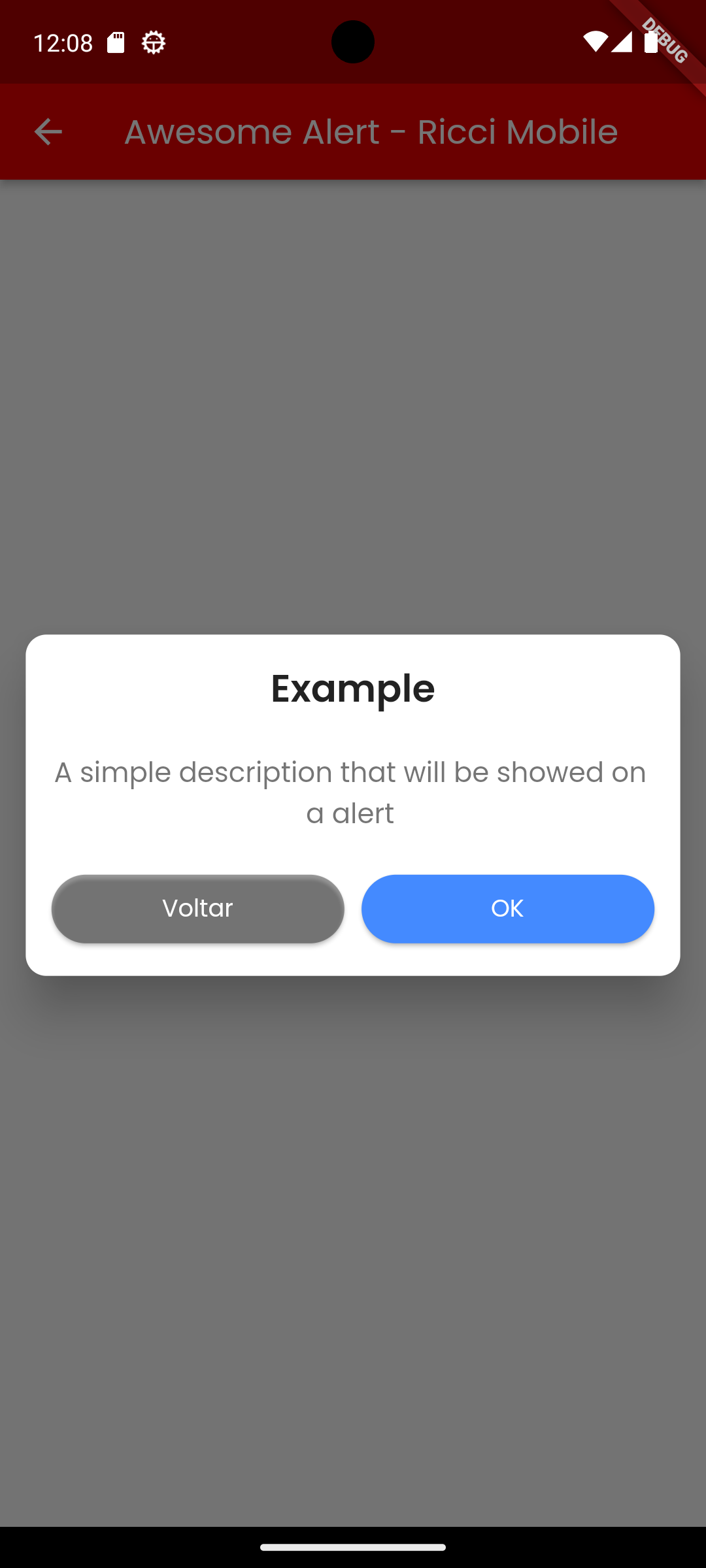
- Standard Alerts (Success, Info, Error, etc.)
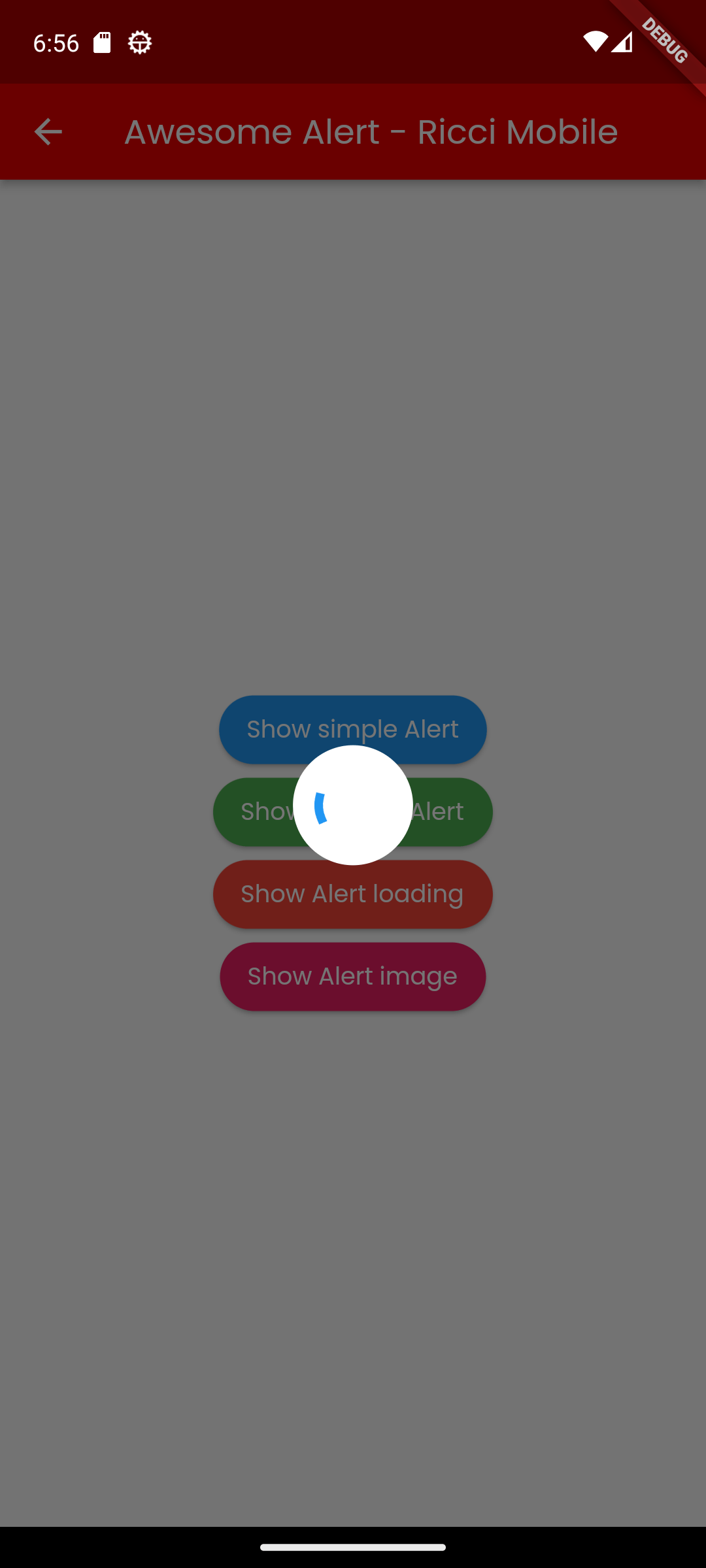
- Loading Indicators
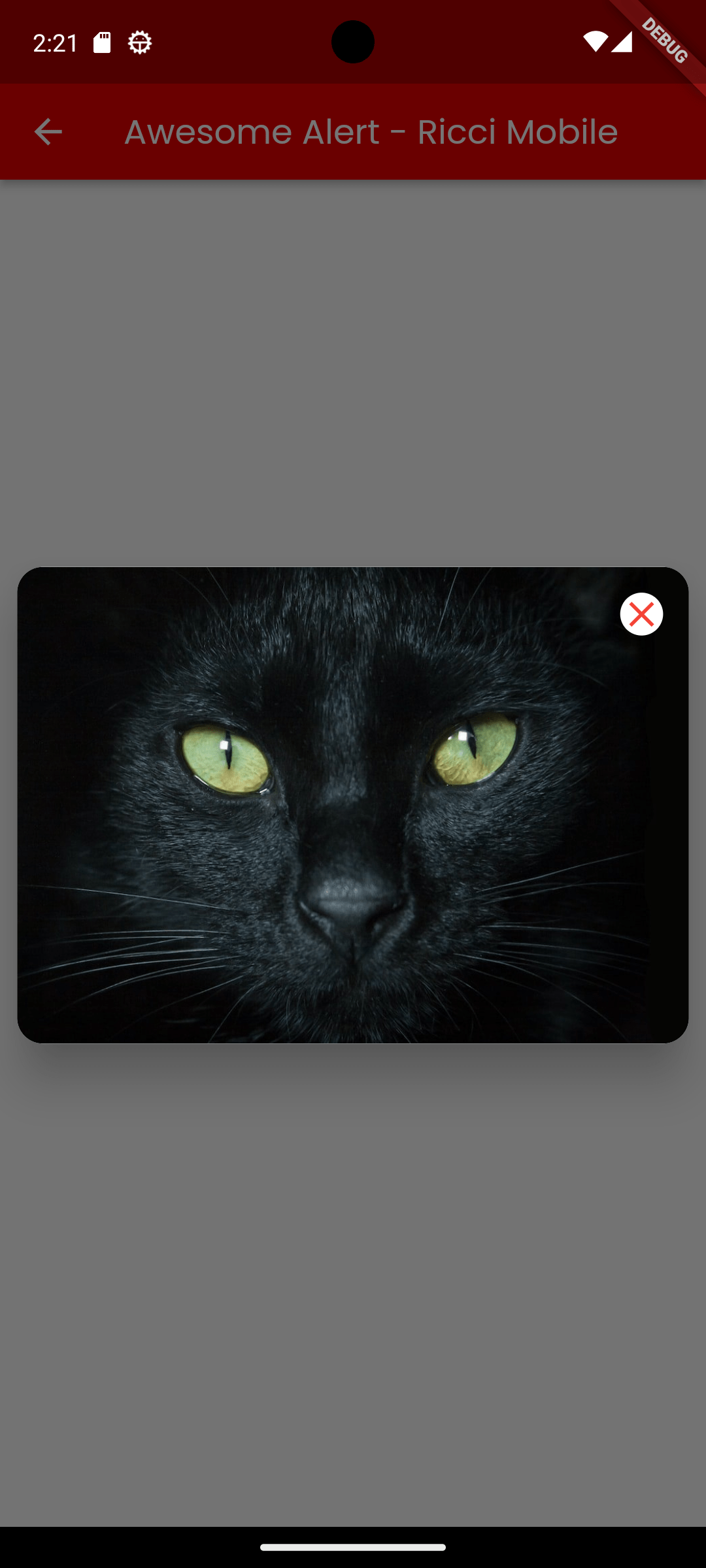
- Image Dialogues
- List/Bulleted Alerts
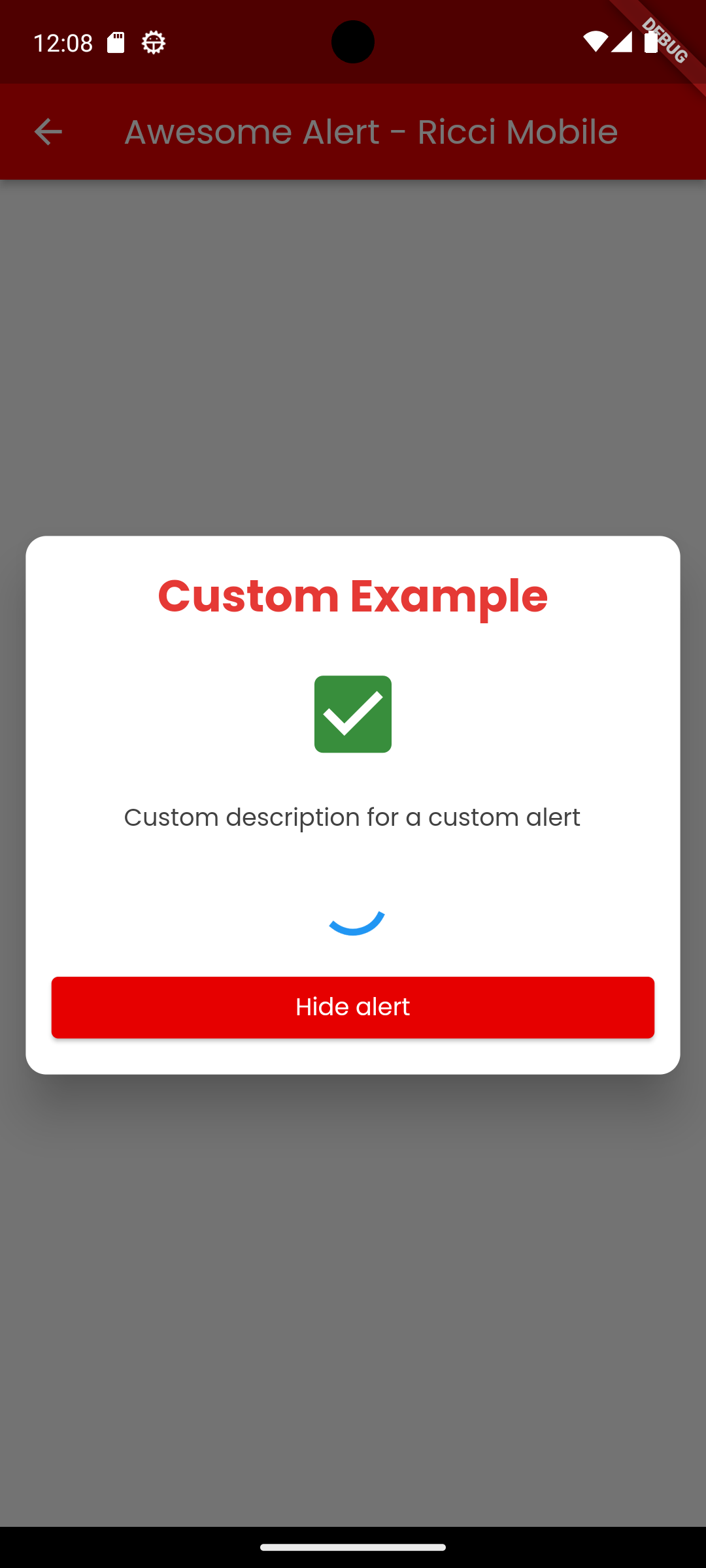
- Completely Custom Body support
- Singleton Theme management
Images
Getting started
Add the dependency to your pubspec.yaml:
dependencies:
  awesome_alert: ^1.1.6
Import the package:
import 'package:awesome_alert/awesome_alert.dart';
Usage
Simple Alert
The modern way to show an alert is using the static show method.
AwesomeAlert.show(
  context,
  title: "Modern Alert",
  description: "This is using the new static API!",
  confirmText: "Cool!",
  confirmAction: () => Navigator.of(context).pop(),
);
Loading Alert
AwesomeAlert.showLoading(context);
Image Alert
AwesomeAlert.showImage(
  context,
  type: ImageType.imageFromWeb,
  path: "https://example.com/image.png",
);
Custom Alert
AwesomeAlert.showCustom(
  context,
  body: MyCustomWidget(),
);
Examples
Check the full example in the example/ folder.
Credits
- Created by Ricci Mobile