
apple_tipkit
Flutter plugin (iOS 17+) - wrapper over Apple TipKit.
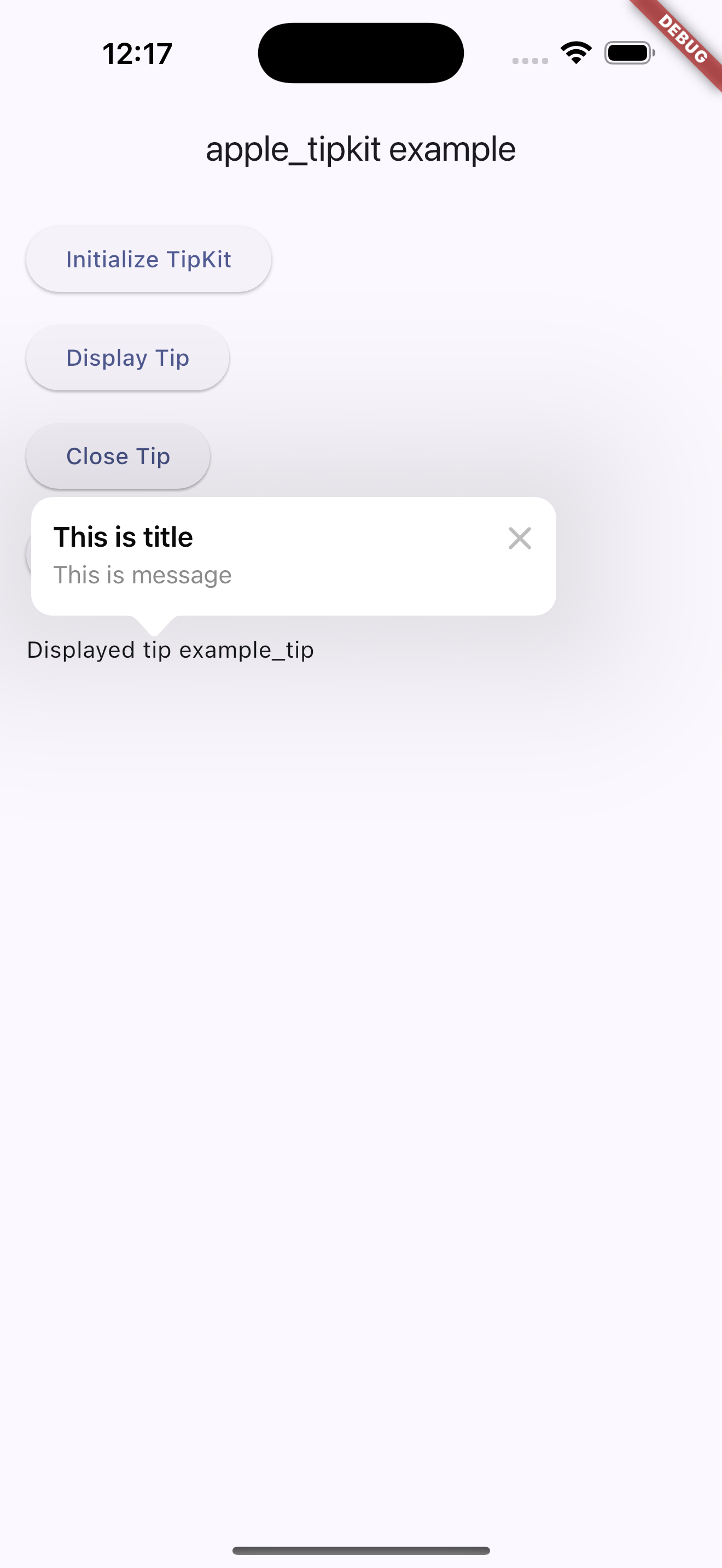
- iOS Core: Swift +
import TipKit - Method Channel:
apple_tipkit - Methods:
initializeTips()displayTip(String tipId, {String? title, String? message})displayTipAt(String tipId, {double? x, double? y, String arrow = 'any', String? title, String? message})displayTipAtRect(String tipId, {required double left, required double top, required double width, required double height, String arrow = 'any', String? title, String? message})markTipAsShown(String tipId)resetAllTips()closeTip()
Installation
Add to your app's pubspec.yaml:
dependencies:
  apple_tipkit: ^0.1.0
Minimum iOS: 17.0.
Usage
import 'package:apple_tipkit/apple_tipkit.dart';

await AppleTipkit.initializeTips();
// Default placement with custom title/message
await AppleTipkit.displayTip('welcome_tip', title: 'Welcome', message: 'Tap to continue');

// Anchored placement (normalized coords inside safe area)
await AppleTipkit.displayTipAt('welcome_tip', x: 0.9, y: 0.15, arrow: 'down', title: 'Menu', message: 'Open options');

// Absolute rect (points in main window space)
await AppleTipkit.displayTipAtRect('welcome_tip', left: 24, top: 88, width: 32, height: 32, arrow: 'right');
await AppleTipkit.markTipAsShown('welcome_tip');
await AppleTipkit.resetAllTips();
await AppleTipkit.closeTip();
- On non-iOS platforms methods throw
UnimplementedError. displayTipshows system TipKit popover with basic content.
Limitations
TipKit doesn't provide global registry by string id. Plugin creates simple Tip by tipId for datastore management and test display. For production, recommend custom Tip model and view placement via SwiftUI/TipKit.
License
MIT