
API Lens 🔍
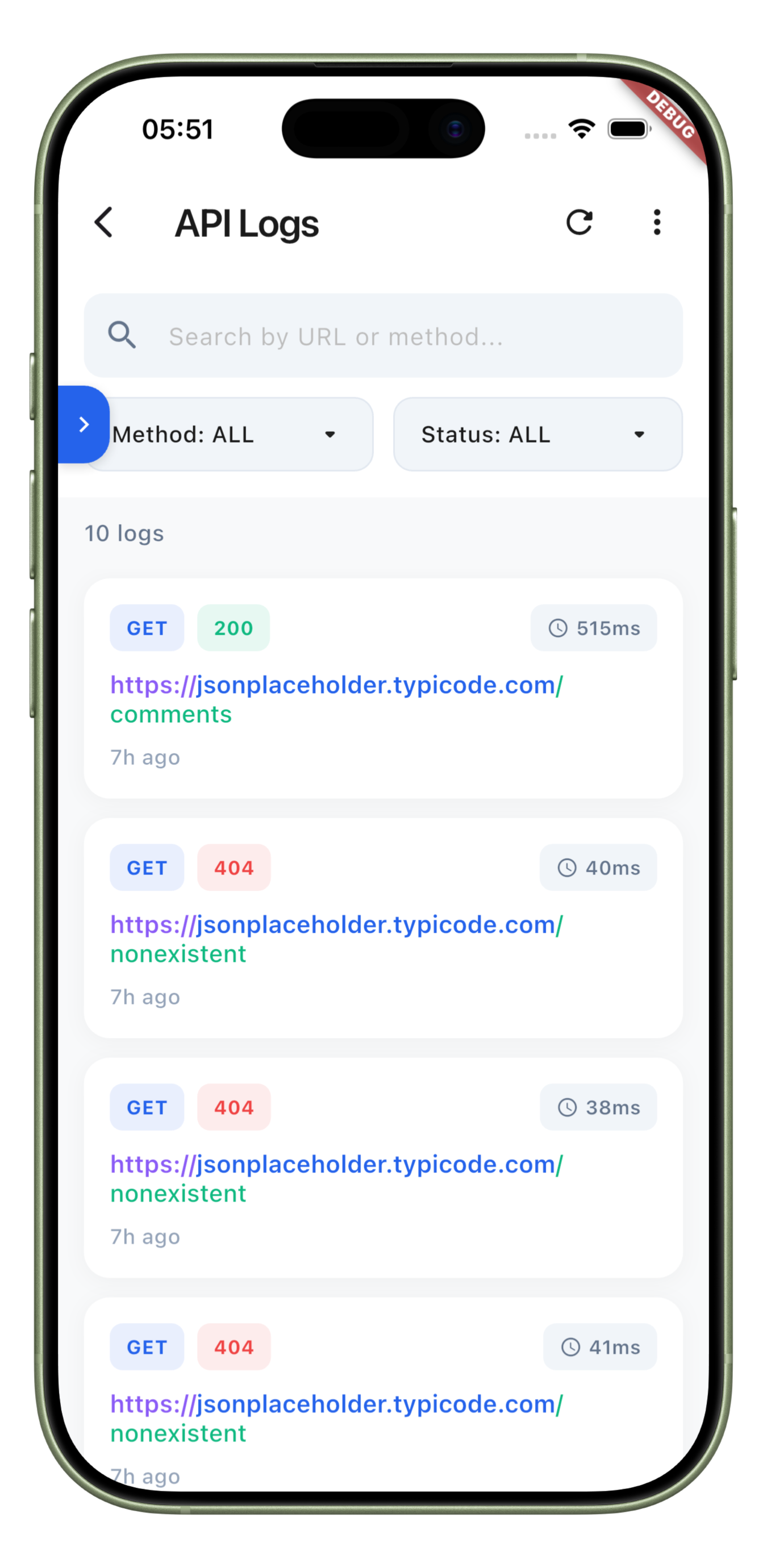
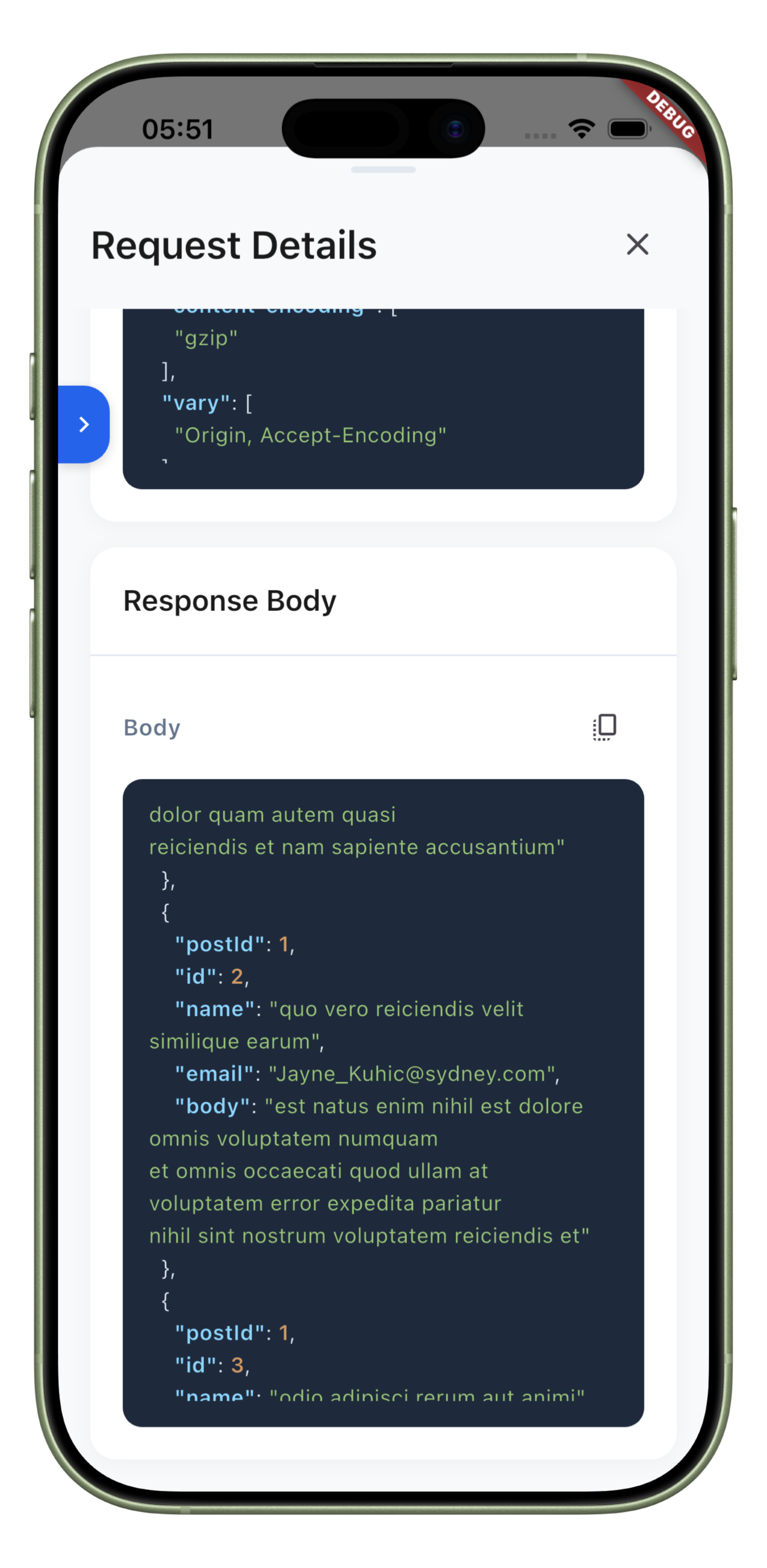
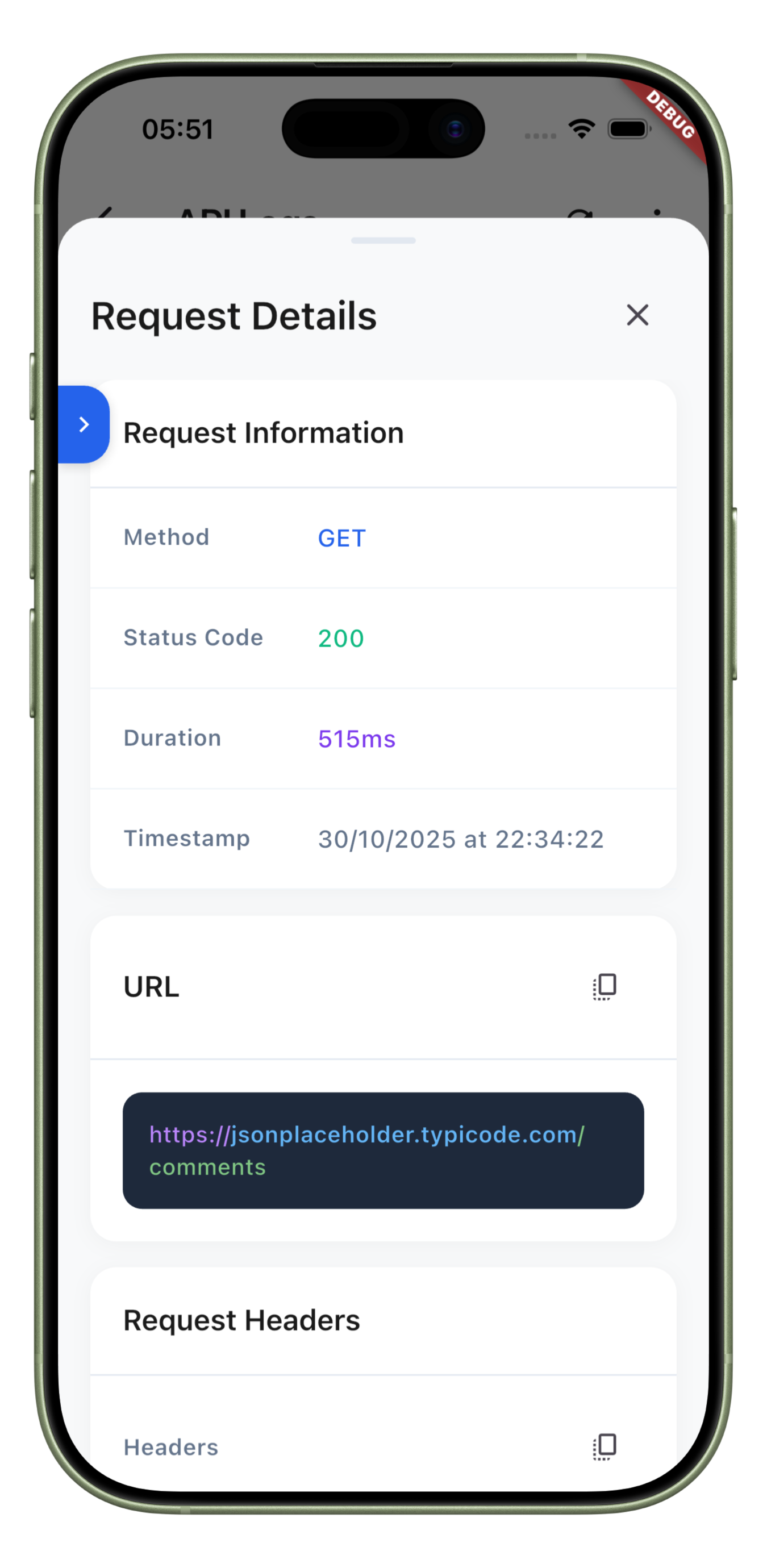
A beautiful, developer-friendly API logger for Flutter with draggable overlay button, JSON syntax highlighting, and comprehensive request/response inspection.


✨ Features
- 🎯 Draggable Overlay Button - Minimal, edge-snapping debug button
- 🎨 Beautiful UI - Syntax-highlighted JSON, color-coded URLs
- 📊 Statistics Dashboard - Success rates, response times, distributions
- 🔍 Advanced Filtering - Filter by method, status, search queries
- 💾 SQLite Storage - Persistent logs with auto-cleanup
- 🚀 Easy Integration - 3 lines of code to get started
- 📦 Dio & HTTP Support - Works with both popular clients
🚀 Getting Started
Installation
dependencies:
  api_lens: ^1.0.0
Usage
import 'package:flutter/material.dart';
import 'package:api_lens/api_lens.dart';
import 'package:dio/dio.dart';

void main() {
  // 1. Initialize
  ApiLens.init(config: ApiLoggerConfig.debug);
  runApp(MyApp());
}

class MyApp extends StatelessWidget {
  @override
  Widget build(BuildContext context) {
    // 2. Wrap MaterialApp
    return ApiLensOverlay(
      child: MaterialApp(
        home: HomePage(),
      ),
    );
  }
}

class HomePage extends StatelessWidget {
  @override
  Widget build(BuildContext context) {
    // 3. Add interceptor to Dio
    final dio = Dio()..interceptors.add(ApiLensDioInterceptor());

    return Scaffold(
      body: Center(
        child: ElevatedButton(
          onPressed: () => dio.get('https://api.example.com/users'),
          child: Text('Make Request'),
        ),
      ),
    );
    // That's it! Button appears automatically 🎉
  }
}
🤝 Contributing
Contributions are welcome! Please read our contributing guidelines.
📄 License
MIT License - see LICENSE file for details
💬 Support
Libraries
- api_lens
- A beautiful, modern API logger and inspector for Flutter.