
🎇 Advanced Particle Effects


Beautiful, customizable, and performant particle network effects for Flutter.
Create mesmerizing backgrounds, interactive hero sections, and dynamic UI elements with just a few lines of code. Now featuring Dynamic Coloring and Split Screen effects!
✨ Features
- 🚀 Plug & Play: Works with a single widget.
- 🎨 Fully Customizable: Control colors, size, speed, density, and more.
- 🌈 Dynamic Coloring: Color particles based on their position (e.g., split screen).
- ⚡ High Performance: Optimized custom painter implementation.
- 🧩 Rich Presets: Includes Bubbles, Rain, Snow, Fire, Smoke, and more.
- 🖱️ Interactive: Particles respond to touch and mouse movement.
- 📱 Cross-Platform: Android, iOS, Web, Windows, macOS, Linux.
🚀 Quick Start
Add the package to your pubspec.yaml:
dependencies:
  advanced_particle_effects: ^1.0.0
Dynamic Split Screen Example
Create a stunning split-screen effect where particles change color as they cross the boundary!
import 'package:flutter/material.dart';
import 'package:advanced_particle_effects/advanced_particle_effects.dart';

void main() {
  runApp(const DynamicColoringExample());
}

class DynamicColoringExample extends StatelessWidget {
  const DynamicColoringExample({super.key});

  @override
  Widget build(BuildContext context) {
    return const MaterialApp(
      debugShowCheckedModeBanner: false,
      home: Scaffold(
        body: SplitScreenParticleSystem(
          splitPosition: 0.5,
          splitAngle: 0.2, // Diagonal split
          leftBackgroundColor: Colors.white,
          rightBackgroundColor: Colors.black,
          leftParticleColor: Colors.black,
          rightParticleColor: Colors.white,
          particleCount: 150,
          speedMultiplier: 0.005,
        ),
      ),
    );
  }
}
📸 Preview
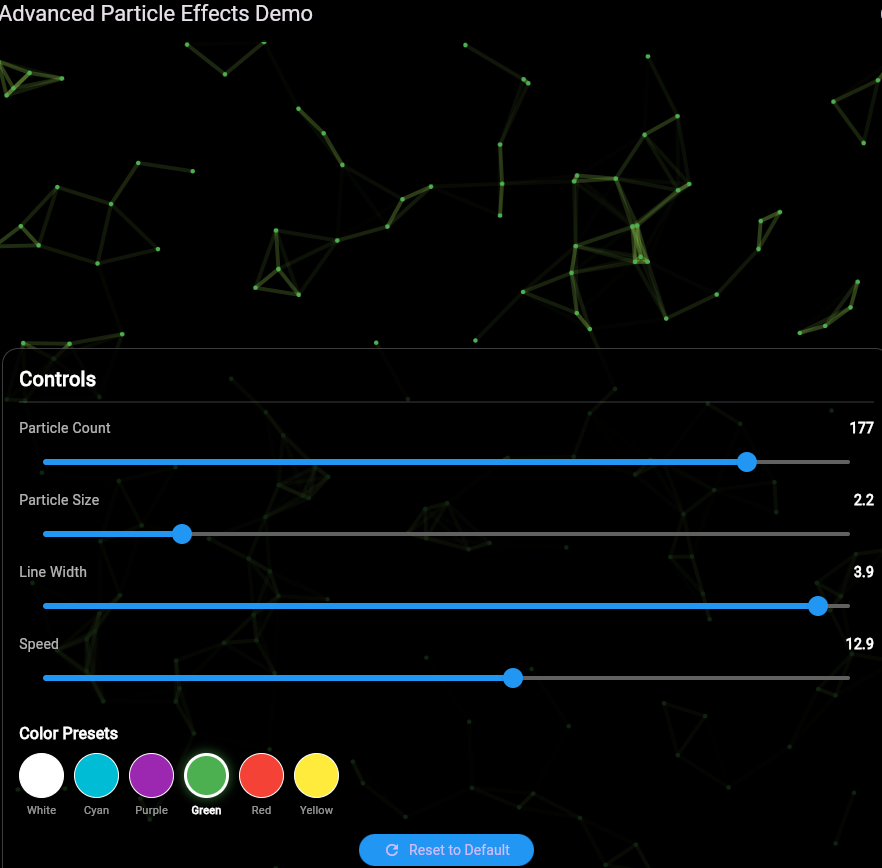
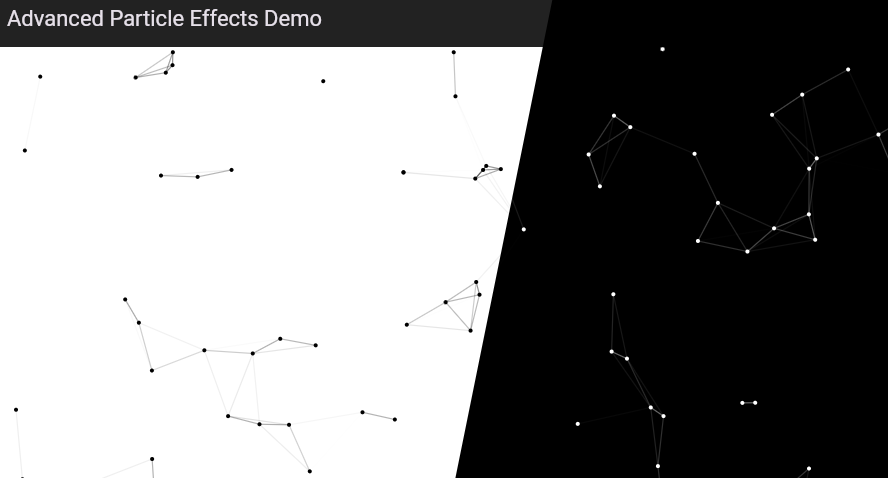
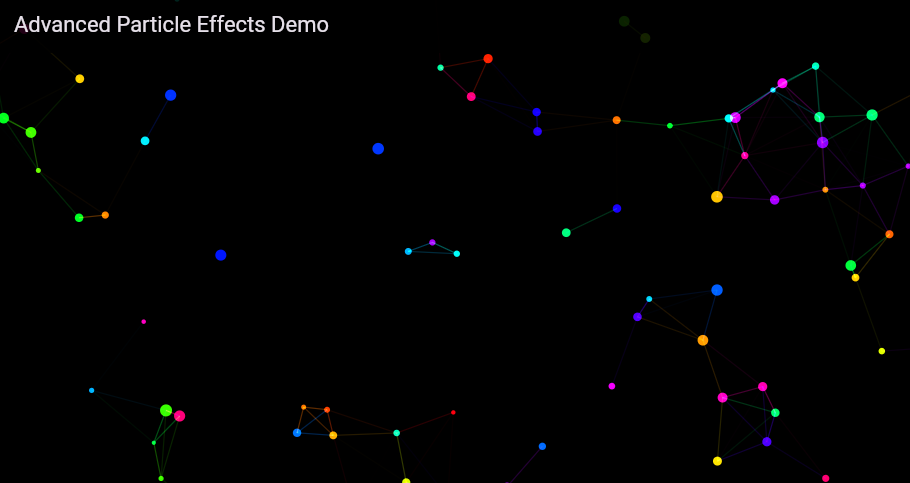
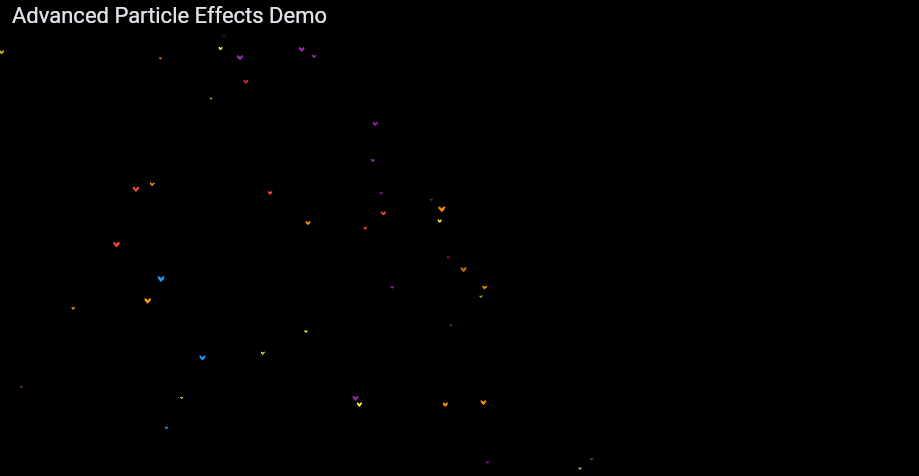
🛠️ Customization
Basic Network Effect
NetworkedParticleSystem(
  particleCount: 100,
  particleSize: 2.0,
  particleColor: Colors.white,
  lineColor: Colors.white,
  speedMultiplier: 0.008,
)
Using Presets
The package comes with several beautiful presets that are now fully customizable:
// Custom Colored Bubbles
ParticleSystem(
  config: ParticleConfig.bubbles(
    colors: [Colors.pink, Colors.purple],
  ),
)

// Golden Rain
ParticleSystem(
  config: ParticleConfig.rain(
    color: Colors.amber,
    maxParticles: 2000,
  ),
)
Available Presets:
Network Particles(Default)BubblesRainSnowFireworksSmokeConfettiMagic GlowEnergy Field
⚙️ API Reference
NetworkedParticleSystem
| Property | Type | Default | Description |
|---|---|---|---|
particleCount |
int |
100 |
Number of particles |
particleSize |
double |
2.0 |
Size of particles |
particleColor |
Color |
Colors.white |
Base particle color |
lineColor |
Color? |
particleColor |
Color of connecting lines |
lineWidth |
double |
1.2 |
Thickness of lines |
connectionDistance |
double |
80 |
Max distance for connecting lines |
speedMultiplier |
double |
0.008 |
Movement speed |
particleColorBuilder |
Function |
null |
Dynamic color based on position |
SplitScreenParticleSystem
| Property | Type | Default | Description |
|---|---|---|---|
splitPosition |
double |
0.5 |
Horizontal split position (0.0 - 1.0) |
splitAngle |
double |
0.0 |
Angle of the split in radians |
leftBackgroundColor |
Color |
Colors.black |
Background color of left side |
rightBackgroundColor |
Color |
Colors.white |
Background color of right side |
leftParticleColor |
Color |
Colors.white |
Particle color on left side |
rightParticleColor |
Color |
Colors.black |
Particle color on right side |
🤝 Contributing
Contributions are welcome! Feel free to open a PR or file an issue.
⭐ Support
If you find this package useful, please give it a ⭐ on pub.dev and GitHub!